USB Flash Drive Buying Guide 2026: From USB Specs to Best Value
August 29, 2026 · 13 min read
Choosing a USB flash drive gets confusing quickly. You may see USB-A, USB-C, USB 2.0, USB 3.2 Gen 1, FAT32, exFAT, NTFS, and many capacities. Your files, devices, and workflow determine the best choice.
This USB flash drive buying guide explains those decisions clearly. You'll learn what a fast USB drive means, how flash drive sizes compare, which file system fits, and what makes a reliable flash drive. Business buyers will also see how branded USB storage can support campaigns, events, and employee kits.
Need custom USB flash storage for a campaign? Explore RELYmedia custom USB flash drives.
What Is a USB Flash Drive?
A USB flash drive is a portable storage device using nonvolatile flash memory. It stores data without continuous power and connects through a USB interface. A controller manages data between the host device and USB flash memory.
People use several names for the same product. USB drive, thumb drive, memory stick, USB stick, pen drive, jump drive, USB key, flash disk, and USB thumb drive usually mean portable flash storage with a USB connector. That clears up common questions about USB drive vs. flash drive, thumb drive vs. jump drive, and pen drive vs. flash drive.
USB is broader than flash storage. Printers, keyboards, cameras, and external drives also use it. So, “Is a USB a flash drive?” has a precise answer: no. A universal serial bus (USB) flash drive is a device that uses USB technology.
Typical USB flash drive usage includes:
- Moving documents, images, photos, videos, and audio files
- Carrying work files, class notes, and study materials
- Creating a portable backup or secondary storage copy
- Sharing large folders without cloud access
- Preloading catalogs, presentations, or event materials
- Distributing branded content on a useful promotional item
Types of USB Drives and Connectors
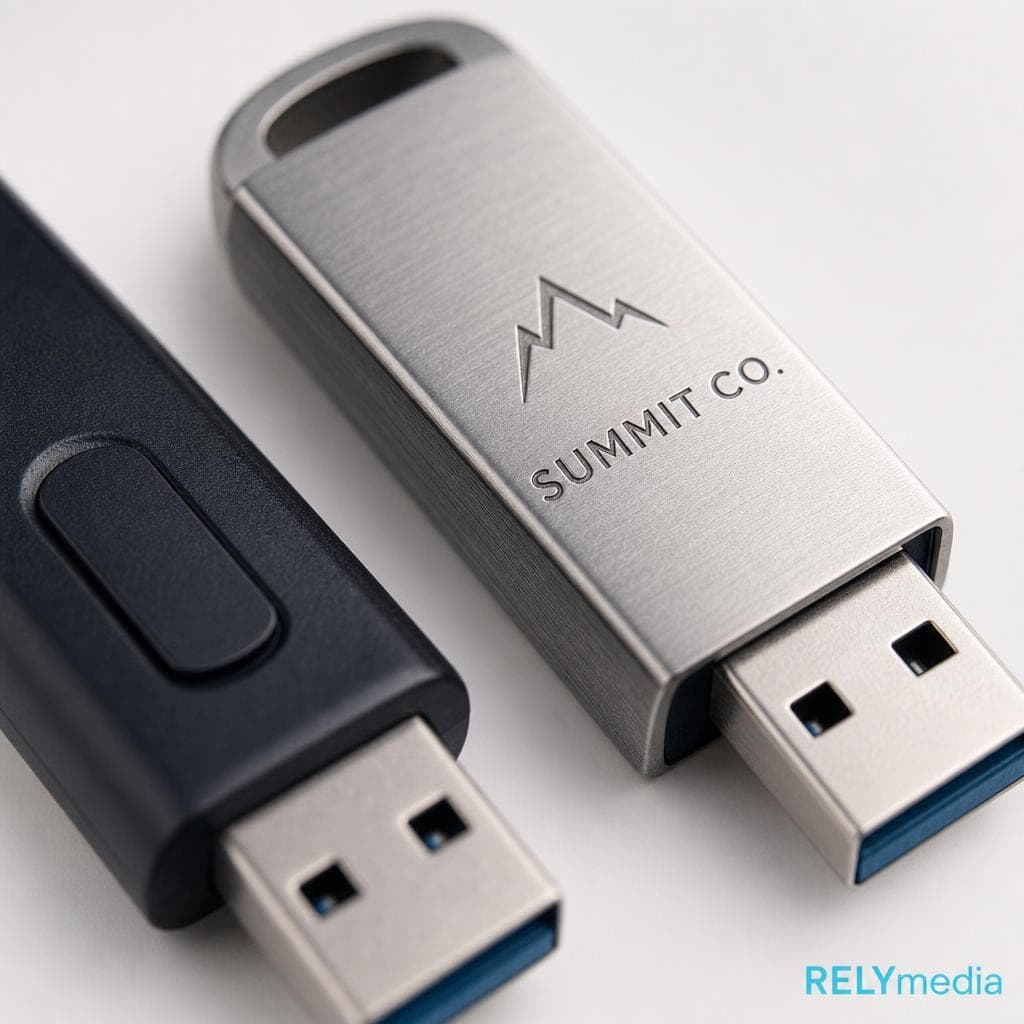
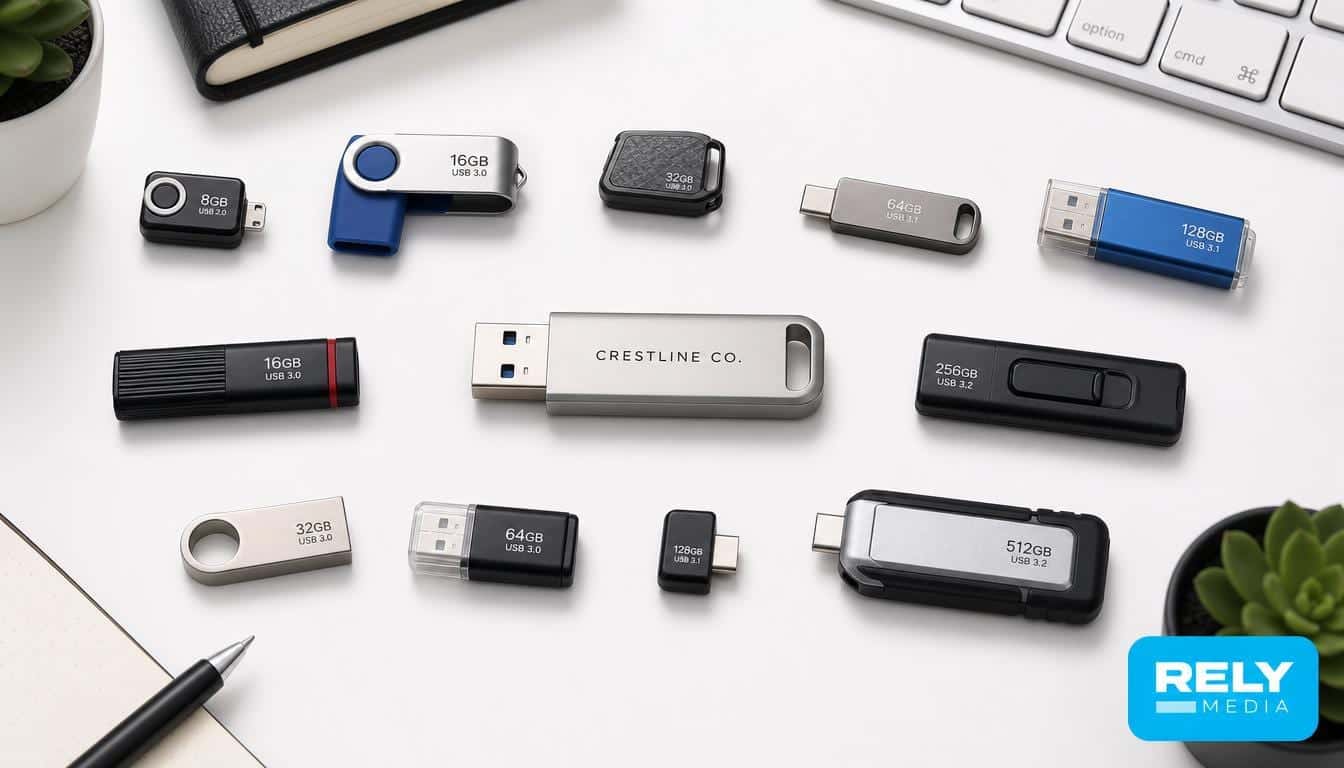
Types of USB flash drives vary by connector, design, capacity, and use.
USB-A Flash Drives
A USB-A flash drive uses the familiar rectangular Type-A connector. It remains common on desktops, laptops, TVs, and car systems. It suits older hardware.
USB-C Flash Drives
A USB-C flash drive uses the smaller reversible Type-C connector on many newer laptops, smartphones, and tablets. A USB-C pendrive can simplify file transfer.
USB-C does not automatically mean faster performance. The connector shape and the supported USB data specification are separate. USB-IF guidance distinguishes USB Type-C from the data rate a product supports.
Dual and OTG Flash Drives
Dual drives combine USB-A and USB-C. USB OTG can also give compatible mobile devices direct storage access.
Physical types include swivel, retractable, card-style, metal, wood, wristband, pen, and custom-molded designs. Dimensions matter for crowded ports, packaging, and branding space.
Serving users with different devices? Compare RELYmedia Technology & Flash Drives.
How to Choose the Right USB Flash Drive
A good buying decision starts with use, not capacity.
Match the Drive to the Job
Documents and presentations need modest storage. Photo backup, multimedia transfer, video storage, and large-file transfer require more capacity and faster write performance.
For promotions, consider actual recipient use. A trade-show handout may need less capacity than a video media kit.
Check the USB Standard
USB 2.0 supports a signaling rate up to 480 Mbps. USB 3.2 includes 5 Gbps, 10 Gbps, and 20 Gbps modes, depending on the implementation. USB 3.2 Gen 1 corresponds to 5 Gbps under USB-IF terminology.
Those numbers describe interface capability, not guaranteed transfer performance. NAND flash, controller quality, host hardware, file size, and workload affect real throughput.
Compare Read and Write Speed
Read speed affects how quickly data is read from the drive. Flash drive write speed affects how quickly files are saved to it.
This distinction matters. A small PDF may hide weak performance. A 20GB video folder exposes it. When asking “what is a fast USB flash drive,” check read and write speeds rather than relying solely on “USB 3.x” branding.
Flash Drive Sizes and USB Storage Capacity
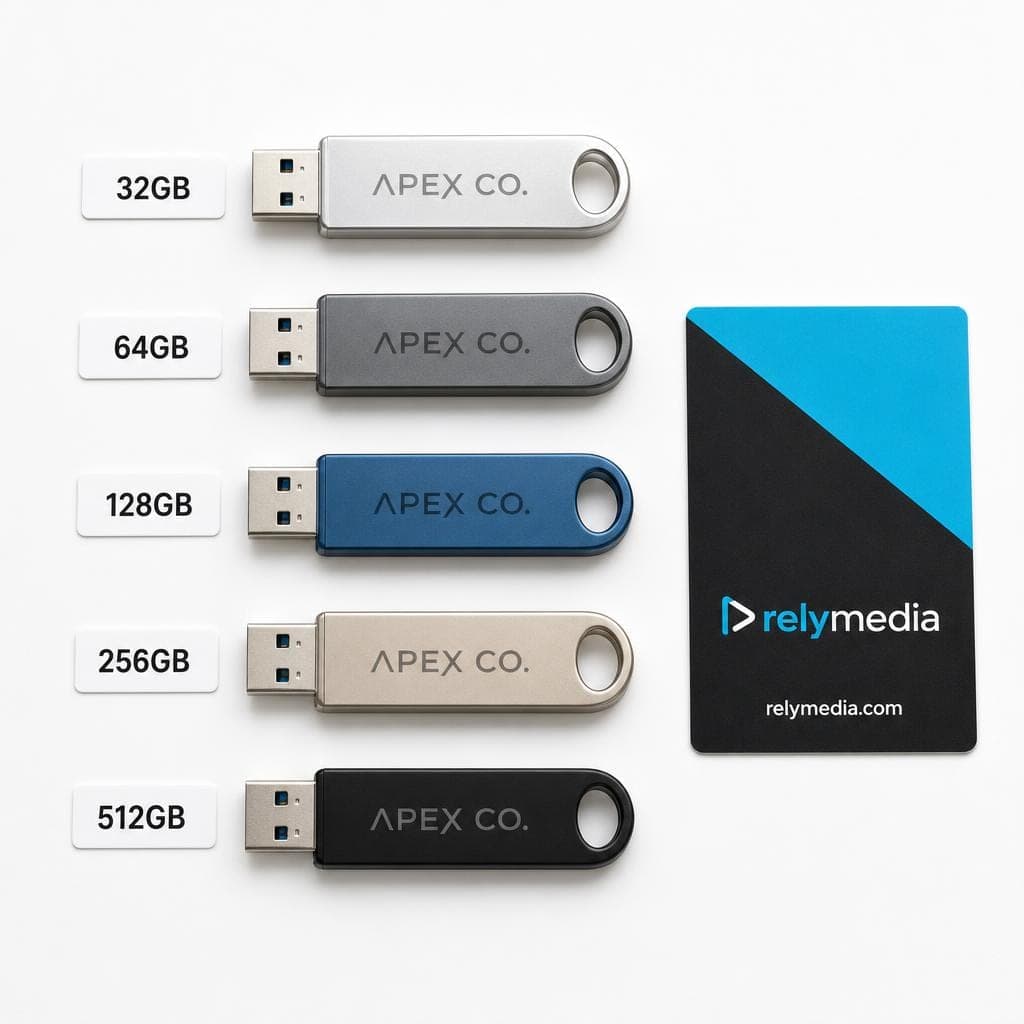
The size of a USB flash drive can refer to its dimensions or its storage capacity. Most buyers mean capacity when comparing USB drives, USB sticks, thumb drives, or USB memory sizes.
Here is a practical thumb drive capacity chart:
| Capacity | Best Fit | Common Content |
|---|---|---|
| 32GB | Everyday storage | Documents, presentations, photos |
| 64GB | General business use | Larger file sets and media |
| 128GB | Frequent portable storage | Photos, video, backups |
| 256GB | Heavy storage needs | Large media and project folders |
| 512GB+ | High-capacity use | Large libraries and working files |
What Size USB Flash Drive Do I Need?
Start with expected data, then leave room to grow. A 32GB or 64GB drive handles many office workflows. A 128GB or 256GB drive is suitable for larger photo collections, videos, and backups.
“How much can a USB flash drive hold?” depends on file size. Thousands of text documents can occupy less space than a few high-resolution videos. The same principle applies when comparing the capacity of pen drives, thumb drives, or USB memory sticks.
Large flash drive sizes are useful, but bigger is not always better value. At high capacities, compare an external SSD when sustained speed matters more than pocket-sized convenience.
For branded giveaways, avoid paying for unused capacity. Estimate your preload first, then add useful free space for the recipient.
Unsure which capacity makes financial sense? Request USB recommendations from RELYmedia.
USB 2.0 vs USB 3.2 Gen 1
USB 2.0 and USB 3.2 Gen 1 differ sharply in potential interface bandwidth. USB-IF identifies USB 3.2 Gen 1 with a 5 Gbps data rate.
| Feature | USB 2.0 | USB 3.2 Gen 1 |
|---|---|---|
| Maximum signaling rate | 480 Mbps | 5 Gbps |
| Best fit | Basic files | Larger files and faster transfers |
| Backward compatibility | Broad | Works with older USB where supported |
| Buyer focus | Low-cost basic use | Better performance potential |
Backward compatibility does not create extra speed. A faster host and a slower drive communicate at the slower drive's capability. A USB-C connector can still carry USB 2.0 data.
USB 3.2 Gen 1 offers useful headroom, but memory and controller performance still matter.
FAT32 vs exFAT vs NTFS
The file system controls how a USB storage device organizes data. The wrong USB format can cause compatibility problems even when the connector fits.
| Format | Best For | Main Advantage | Main Limitation |
|---|---|---|---|
| FAT32 | Older and varied devices | Broad compatibility | 4GB maximum single file |
| exFAT | Windows and macOS sharing | Large-file support | Some legacy devices lack support |
| NTFS | Windows-focused workflows | Permissions and advanced features | macOS write support is limited natively |
Choose FAT32 When Compatibility Comes First
FAT32 remains useful for older devices, cameras, and multimedia systems. Its major drawback is the 4GB single-file limit. Microsoft documents that FAT32 cannot handle an individual file larger than 4GB.
Choose exFAT for Large Cross-Platform Files
exFAT supports large files and modern Windows and macOS exchange. It often suits users moving video or other large files between platforms. Apple lists exFAT as one of its Windows-compatible disk formats.
Choose NTFS for Windows-Centered Work
NTFS supports permissions and other Windows-focused features. A Mac can often read an NTFS volume, but native write support is limited.
Need preloaded files, secure partitions, serialization, or encryption? Explore RELYmedia USB data services.
What Makes the Most Reliable USB Flash Drive?
The most reliable flash drive is not simply the most expensive brand of pendrive. Reliability comes from flash quality, controller quality, consistent performance, connector protection, durable casing, and a trustworthy supplier.
Look for:
- Clear capacity and speed specifications
- Durable metal or protective housing when appropriate
- A design that protects the connector
- Consistent manufacturing quality
- Useful warranty or supplier support
- Reputable sourcing rather than suspicious marketplace listings
Never keep your only copy of important data on a thumb drive. Flash memory is excellent portable storage, but critical files deserve another backup.
Counterfeit high-capacity drives are another risk. A device may report more storage than it contains. Once data exceeds real capacity, files can corrupt or disappear.
RELYmedia says its bulk USB flash drives use Grade A flash chips across more than 600 models, including swivel, card, pen, wristband, wood, and leather designs.
Want a dependable branded drive rather than an unknown generic? Browse RELYmedia custom flash drives.
Best USB Flash Drive by Use Case
There is no single “best USB flash drive 2026” choice for everyone. Match the drive to the task.
- Office documents: Prioritize compatibility, practical capacity, and value.
- Photos: Choose more storage and dependable write speed.
- Video: Favor higher capacity and stronger sustained transfer performance.
- Windows and Mac: Consider exFAT for cross-platform large-file sharing.
- Phones and tablets: Confirm USB-C or OTG support before buying.
- Events: Balance useful capacity, branding space, and unit cost.
- Employee kits: Choose durable designs people can use repeatedly.
- Sales campaigns: Consider preloaded presentations, catalogs, demos, or contact information.
A useful procurement rule is simple: buy capacity for the content and audience. If an event preload uses 700MB, a huge drive can add cost without adding campaign value.
Buying Custom USB Flash Drives for Business
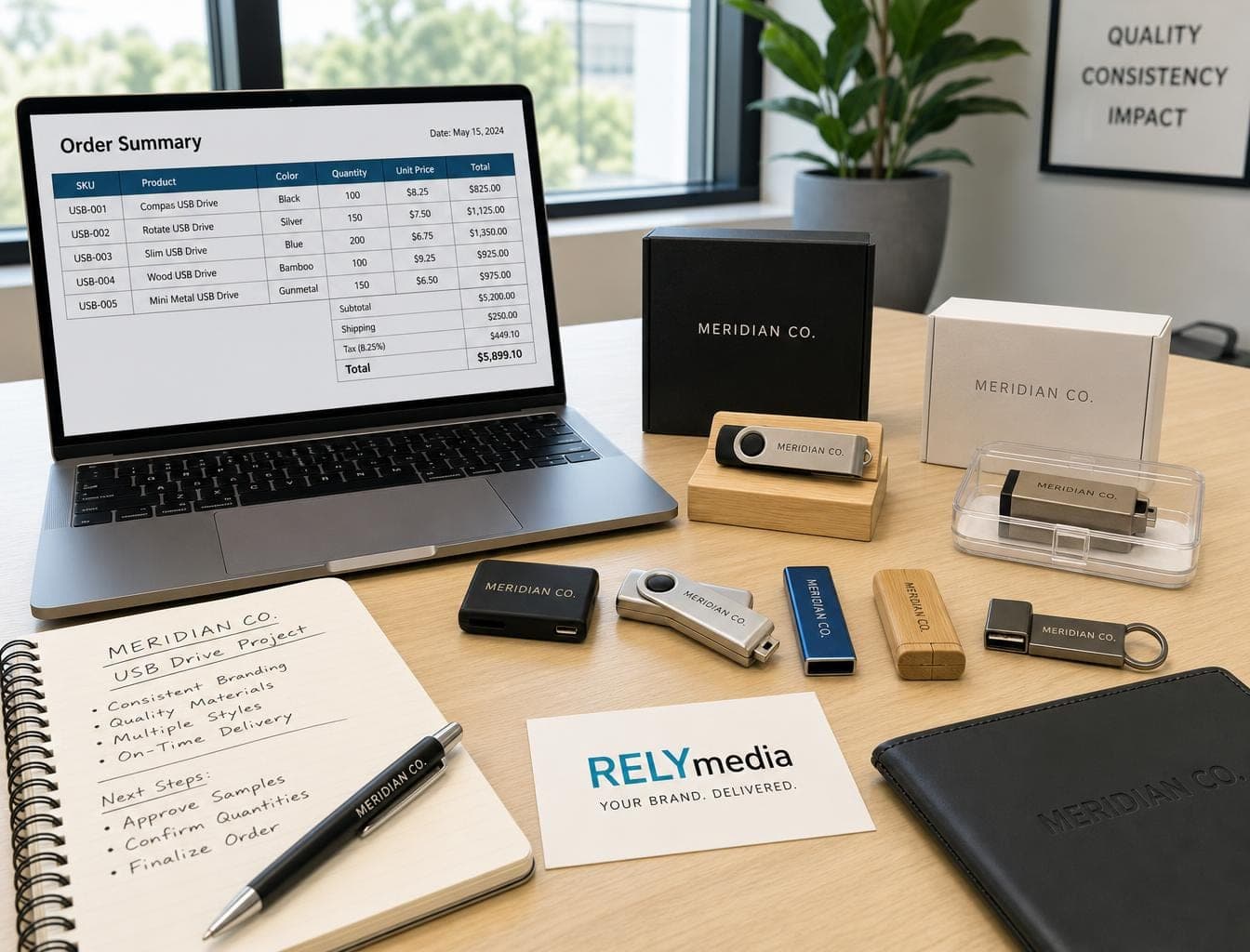
Businesses should evaluate the drive as both a storage device and a branded touchpoint.
Before ordering, ask:
- Which devices will recipients use?
- How much data needs preloading?
- Do recipients need USB-A, USB-C, or both?
- What flash drive storage capacity is suitable for the campaign?
- Does the physical design provide enough space for the logo?
- Do you need engraving, printing, or custom molding?
- Would custom packaging improve presentation?
- What quantity, budget, and delivery date apply?
- Do sensitive files need password protection or encryption?
RELYmedia currently lists custom flash drives ranging from 64MB to 256GB, with more than 600 models. Its data services include preloading, autorun creation, password protection, serialization, secure partitions, AES encryption, drive naming, and custom icons.
RELYmedia customer feedback highlights turnaround, communication, and product guidance. Those details matter when a campaign has a fixed launch or event date.
Working against a deadline? Review RELYmedia's rush service. RELYmedia states that many products qualify for accelerated production options.
Common USB Flash Drive Buying Mistakes
Avoid these mistakes:
- Assuming USB-C guarantees high speed
- Buying capacity without estimating file sizes
- Ignoring write speed
- Choosing a format your target device cannot read
- Forgetting older-device compatibility
- Treating theoretical interface speed as real-world speed
- Using one flash drive as your only backup
- Choosing unknown storage solely because it looks cheap
- Ordering branded drives without checking imprint area and lead time
USB Flash Drive Buying Checklist
Before you buy USB storage, confirm:
- USB-A, USB-C, or dual connector
- Required USB standard
- Read and write speed
- Needed storage capacity
- FAT32, exFAT, or NTFS
- Device compatibility
- Physical dimensions and casing
- Branding and packaging requirements
- Data preloading or security needs
- Quantity, budget, and delivery deadline
Ready to compare branded options?
Explore RELYmedia's Technology & Flash Drives collection.
Ready to print your team's name on premium apparel?
Fill in your details and a RELYmedia specialist will come back to you with a custom quote — fast turnaround, no obligation.
- ⚡Same-day response on business days
- 🎨Free design assistance included
- 🚚Rush order & fast delivery available
- 💰Price beat guarantee on every order
Shop custom USB flash drives
See all classic usb flash drives
RMC12 Swivel USB Flash Drive
Price on request
View product
RMC02 Swivel USB Flash Drive
Price on request
View product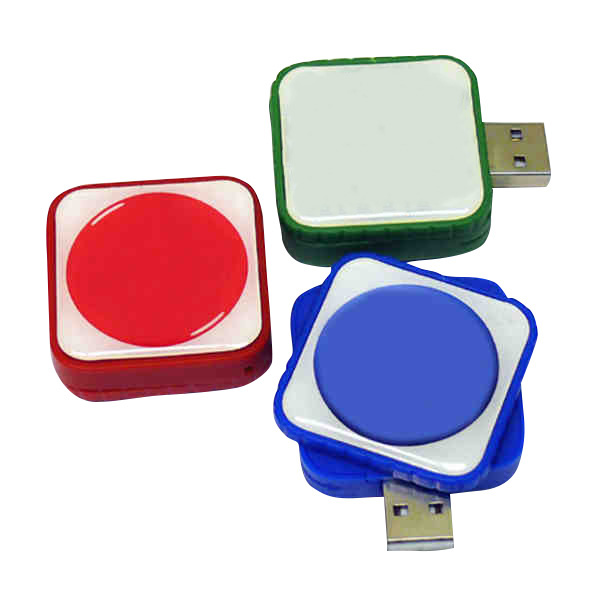
RMC169 USB Flash Drive
Price on request
View product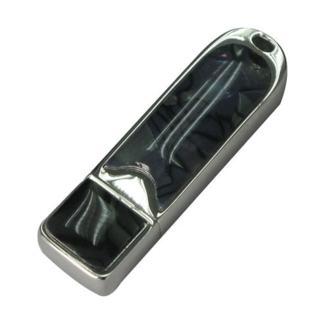
RMC167 USB Flash Drive
Price on request
View product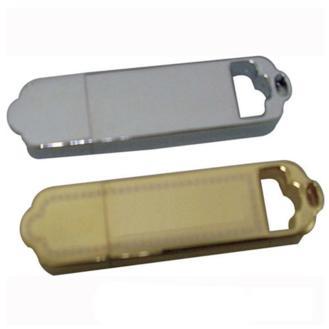
RMC166 USB Flash Drive
Price on request
View product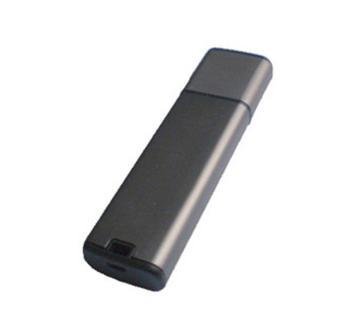
RMC165 USB Flash Drive
Price on request
View product
RMC164 USB Flash Drive
Price on request
View product
RMC163 USB Flash Drive
Price on request
View product
Frequently Asked Questions
Is a USB Drive the Same as a Flash Drive?
In everyday use, yes. USB drive, flash drive, USB stick, thumb drive, jump drive, and pen drive are commonly used to describe the same portable flash memory device.
How Much Can a USB Stick Hold?
Capacity varies by model. Choose USB storage capacity around your actual files, expected growth, and budget.
What Is a Good USB Flash Drive?
A good drive combines suitable capacity, reliable memory, practical read and write performance, compatible connectors, and durable construction.
Is USB-C Faster Than USB-A?
Not automatically. USB-A and USB-C describe connector types. The supported USB specification and hardware determine the possible data speed.
Which USB Format Works With Windows and Mac?
exFAT is usually a practical choice for moving large files between modern Windows and macOS systems. Apple identifies exFAT as a Windows-compatible file-system option on Mac.
What Size Flash Drive Do I Need for Promotional Use?
Estimate the preloaded content first. Then add enough free storage to make the item useful after the campaign. That approach usually delivers better value than buying the largest available capacity.
Conclusion
The best USB flash drive fits the job. Start with device compatibility and file requirements. Then compare capacity, connector, read and write speed, file system, design, reliability, and price.
For business buyers, add branding, data services, packaging, quantity, and turnaround to that checklist. A promotional USB memory stick should do more than display a logo. It should work smoothly, carry useful content, and remain valuable after the event or campaign ends.
RELYmedia connects those technical and promotional decisions through custom USB flash drives, branded designs, data services, rush options, and product guidance for organizations of different sizes. Its current USB catalog and service pages support custom branding, multiple physical designs, data services, and expedited production options.
Turn your research into the right order
Request a quote from RELYmedia for a USB solution matched to your audience, files, budget, and deadline.
Frequently asked questions
Which brand of flash drive is the most reliable?
Reliability is not determined by the most expensive brand name alone. The most reliable flash drives depend on flash quality, controller quality, consistent performance, connector protection, durable casing, and a trustworthy supplier. Counterfeit high-capacity drives are a known risk, since they can report more storage than they contain and corrupt data once real capacity is exceeded.
What is the difference between a flash drive and a USB drive?
A USB flash drive is portable storage that uses nonvolatile flash memory and connects through a USB interface. People often use “USB drive” and “flash drive” to mean the same portable device, but USB is broader than flash storage. Many non-storage devices also use USB, like printers, keyboards, cameras, and external drives.
What is the best USB flash drive?
The best USB flash drive is the one that fits the job. Check device compatibility, choose the right connector, and compare read and write speeds rather than relying only on “USB 3.x” labeling. Pick capacity based on your actual files, and choose a file system that matches your needs, like exFAT for large cross-platform files or FAT32 for maximum compatibility.
What file system should I use on a USB flash drive?
Pick the file system based on compatibility and file size. FAT32 works well with older devices and many media systems, but it has a 4GB single-file limit. exFAT supports large files and is commonly used for exchanging data between Windows and macOS. NTFS is best for Windows-centered workflows, but macOS native write support is limited.
How much storage do I need on a flash drive?
Start with your expected data size and leave room to grow. A 32GB or 64GB drive handles many office workflows, while 128GB or 256GB is better for larger photo collections, videos, and backups. Bigger is not always better value, especially if you will not use the extra capacity.
Shop this
Need custom USB flash drives? We print them.
Bulk pricing, three free mockups, real quotes back the same business day.