Best Encrypted USB Drives of 2026: 9 Secure Flash and External Drives Compared
August 29, 2026 · 15 min read
A lost flash drive can become a data breach in minutes. That risk matters when the device holds client records, contracts, employee files, health data, and research. The best secure drive of 2026 should protect that data even when the hardware leaves your hands.
This guide compares nine current secure and encrypted USB drives and external drives. We looked at hardware encryption, authentication, FIPS validation, tamper resistance, storage capacity, USB compatibility, durability, remote management, and everyday usability. Choose enough security without paying for controls you do not need.
Buying rule: match the drive to your data risk, workflow, and compliance needs. “Most secure” is not always “best for you.” That balance keeps security practical for real teams with tight budgets.
Need branded technology instead of regulated secure storage? Explore RELYmedia Technology & Flash Drives.
Best Secure Drives of 2026 at a Glance
| Drive | Best for | Encryption | Access method | Key strength |
|---|---|---|---|---|
| Kingston IronKey D500S | Best overall | XTS-AES 256-bit | Password | FIPS 140-3 Level 3 |
| Kingston IronKey KP200 | PIN protection | XTS-AES 256-bit | Keypad | USB-A and USB-C |
| iStorage datAshur PRO+C | USB-C users | AES-XTS 256-bit | PIN keypad | FIPS 140-3 Level 3 |
| DataLocker Sentry 5 | Enterprise teams | AES 256-bit XTS | Password or smart card | SafeConsole management |
| DataLocker Sentry K350 | Rugged use | AES 256-bit | Keypad | IP68 protection |
| DataLocker DL4 FE | High capacity | AES 256-bit XTS | Touchscreen | HDD and SSD choices |
| Apricorn Aegis Secure Key 3NXC | Cross-platform use | AES-XTS 256-bit | Keypad | Software-free USB-C |
| Kingston IronKey Vault Privacy 50 | Business value | XTS-AES 256-bit | Password | FIPS 197 |
| SecureData SecureUSB BT | Mobile authentication | XTS-AES 256-bit | Phone biometrics | Remote wipe |
Kingston's D500S is FIPS 140-3 Level 3 validated and offers capacities from 16 GB to 512 GB. The KP200 series gained the same validation in January 2026. DataLocker also offers FIPS 140-3 Level 3 products across both flash and portable hard-drive categories. (Kingston Technology Company)
Buying custom USB drives for campaigns or events? Compare RELYmedia's customizable technology options.
How We Chose the Best Secure USB Drives
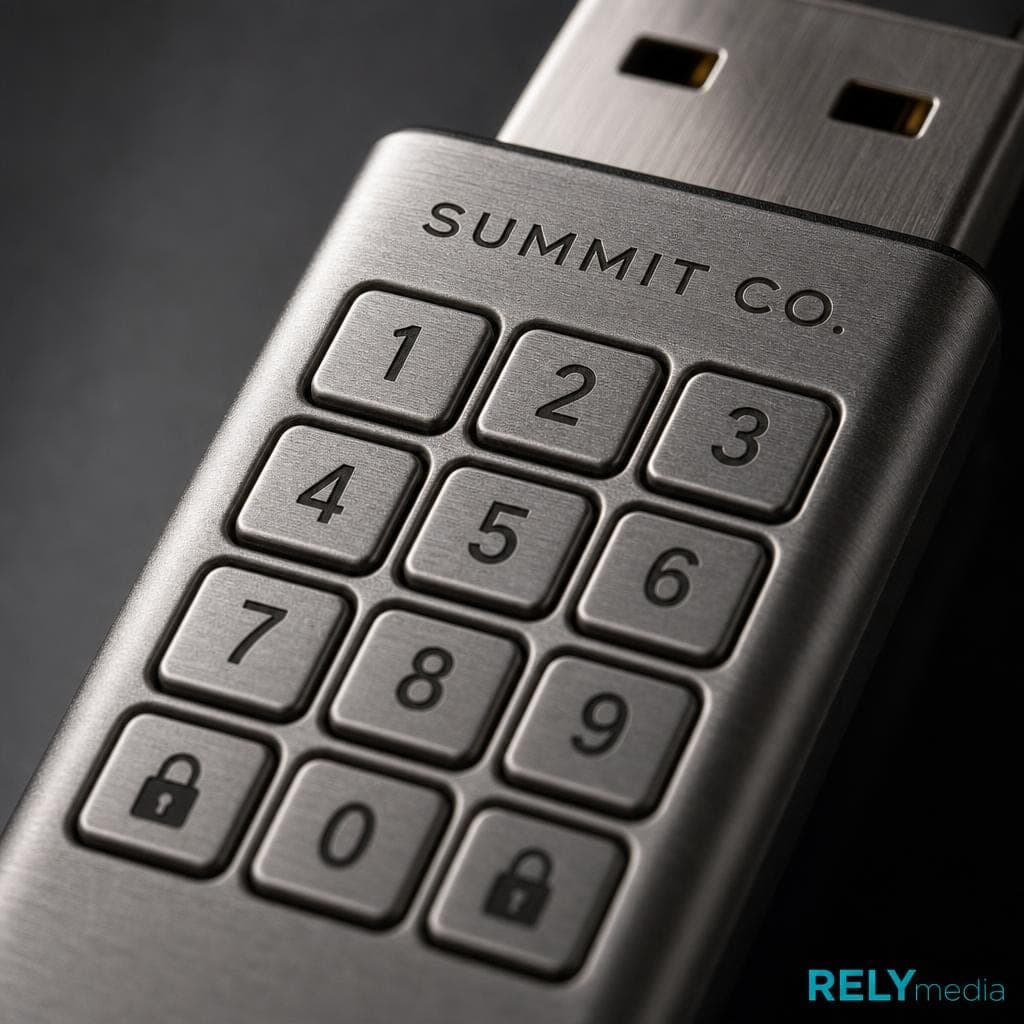
A secure USB flash drive needs more than a password.
Hardware Encryption and Data Protection
A hardware-encrypted USB drive performs encryption on the device itself. That reduces dependence on the host PC and operating system. Many leading products use AES-256 encryption in XTS mode. Some also use a secure microprocessor or hardware cryptographic module to protect keys and sensitive operations. Kingston's D500S, for example, uses XTS-AES 256-bit hardware-based encryption. (Kingston Technology Company)
FIPS 140-3 Level 3 and Security Certification
FIPS 140-3 is a NIST standard for cryptographic modules. It defines four increasing security levels and covers authentication, firmware security, physical security, sensitive security parameters, self-tests, and attack mitigation. Level 3 can matter for federal, defense, regulated, and high-risk environments. (NIST Computer Security Resource Center)
A lower-cost, secure flash drive with validated AES encryption may be sufficient for standard commercial files.
PIN, Password, Biometric, and Smart-Card Access
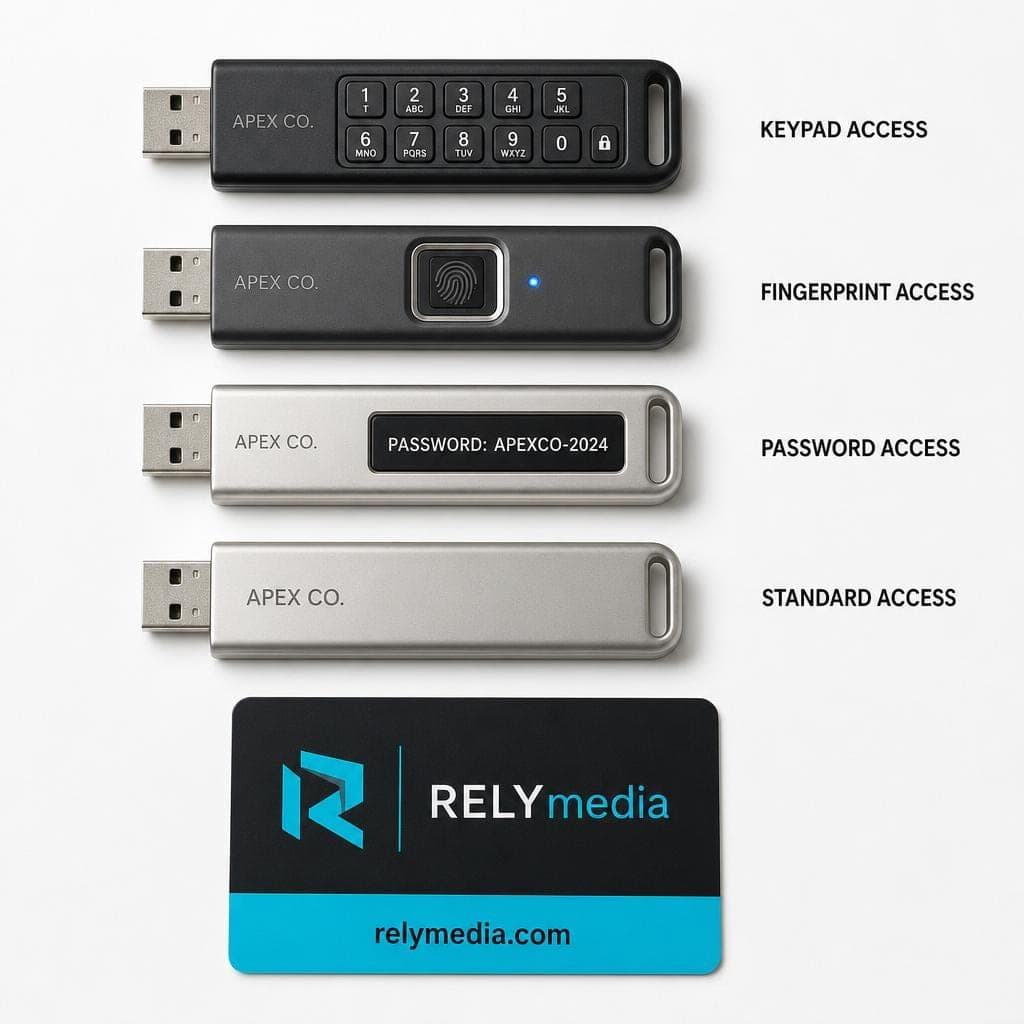
Authentication should fit the workflow. A physical keypad keeps PIN entry off the computer. Password access can feel faster. Biometrics may suit mobile users. Smart-card support helps organizations that already use CAC or PIV credentials.
If your goal is branded file delivery, training kits, or giveaways, shop RELYmedia custom technology and flash drives instead of overbuying security.
Best Secure Drive Overall: Kingston IronKey D500S
The Kingston IronKey D500S is our strongest all-around choice for high-risk portable data. It combines FIPS 140-3 Level 3 validation, XTS-AES 256-bit hardware encryption, digitally signed firmware, a secure microprocessor, and tamper-resistant design. Kingston lists capacities from 16GB to 512GB and USB 3.2 Gen 1 performance. (Kingston Technology Company)
Best for: government, defense, finance, legal teams, and enterprises handling sensitive information.
Skip it when you only need inexpensive portable storage or branded promotional media.
Best PIN-Protected Secure USB Drive: Kingston IronKey Keypad 200
The IronKey KP200 and KP200C use an alphanumeric physical keypad for PIN protection. They are OS-independent and use XTS-AES 256-bit hardware-based encryption. Kingston offers both USB-A and USB-C versions. The series received FIPS 140-3 Level 3 validation in January 2026. (Kingston Technology Company)
This lockable USB drive works well when software installation is restricted. It also reduces exposure to keyloggers because users do not type the PIN on the host system.
Best for: field staff, regulated teams, and mixed-device environments.
Best Secure USB-C Drive: iStorage datAshur PRO+C
The iStorage datAshur PRO+C combines a physical PIN pad, AES-XTS 256-bit hardware encryption, USB 3.2 Gen 1, and USB-C connectivity. iStorage states that it was the first flash drive to receive FIPS 140-3 Level 3 certification. A USB-C to USB-A adapter is included. (iStorage (UK))
Its components sit beneath tough epoxy resin, which adds tamper resistance. That makes this encrypted USB stick useful for modern laptops and tablets, as well as for security-sensitive travel.
Need branded USB-C accessories or other promotional tech? Explore RELYmedia's Technology & Flash Drives category.
Best Secure Drive for Enterprise Management: DataLocker Sentry 5
DataLocker Sentry 5 targets organizations that need centralized control. It uses AES 256-bit XTS hardware encryption and FIPS 140-3 Level 3 validation. SafeConsole can add remote locking, remote wipe, policy control, and audit logs. Smart-card authentication supports CAC, PIV, and compatible credentials. (DataLocker Inc.)
That management layer matters when security staff oversee many secure USB drives.
Best for: enterprise security, government teams, and managed removable media programs.
Best Rugged Secure USB Drive: DataLocker Sentry K350
The Sentry K350 is suited for users who need both physical durability and encryption. DataLocker lists the K350 among its FIPS 140-3 Level 3 validated products. It also carries an IP68 rating and a rugged form built for demanding environments. (DataLocker Inc.)
A rugged USB flash drive can make sense for field work, construction sites, labs, mobile healthcare teams, or frequent travel. Waterproof and dust-resistant protection does not replace cybersecurity, but it helps protect the storage device itself.
Best for: outdoor use and rough handling.
Best High-Capacity Secure External Drive: DataLocker DL4 FE
The DataLocker DL4 FE is a secure external storage option for users who need more space than a typical encrypted USB flash drive. It offers HDD and SSD configurations, AES 256-bit XTS hardware encryption, FIPS 140-3 Level 3 validation, touchscreen authentication, and SafeConsole management. (DataLocker Inc.)
This encrypted external hard drive is ideal for large backups, media files, legal archives, and research datasets. The secure external SSD versions also avoid the capacity limits of many flash drives.
Moving public marketing files rather than confidential archives? Ask RELYmedia about custom flash drives and bulk technology products.
Best Software-Free Cross-Platform Drive: Apricorn Aegis Secure Key 3NXC
The Apricorn Aegis Secure Key 3NXC uses 256-bit AES-XTS hardware encryption and an onboard keypad. Its USB-C connector works without encryption software on the host. Apricorn positions it for laptops, tablets, phones, and other USB-C systems. (Apricorn)
The drive also supports read-only modes. That can help preserve data or reduce exposure when connecting to less-trusted computers. (Apricorn)
Best for: cross-platform users who want a secure USB key without software installation.
Best Value Secure Flash Drive for Business: Kingston IronKey Vault Privacy 50
The IronKey Vault Privacy 50 sits below Kingston's top FIPS 140-3 models, yet it still offers XTS-AES 256-bit hardware encryption and business-focused password controls. It can suit companies that want encrypted flash storage without paying for the highest certification tier.
This type of password-protected USB drive is suitable for internal files, sales data, and routine business documents when policy does not require Level 3 validation.
Best for: everyday business data protection with simpler deployment.
Best Biometric Secure USB Drive: SecureData SecureUSB BT
SecureData SecureUSB BT uses XTS-AES 256-bit hardware encryption and FIPS 140-2 Level 3 validation. Users unlock the drive via a phone, and SecureData offers mobile access and remote-control features across its secure storage line. (SecureData)
This approach suits buyers searching for a fingerprint-encrypted USB drive or biometric flash drive. However, phone dependence may not be suitable for restricted environments.
Looking for useful branded tech gifts rather than biometric storage? Browse RELYmedia technology products.
How to Choose the Best Encrypted USB Drive
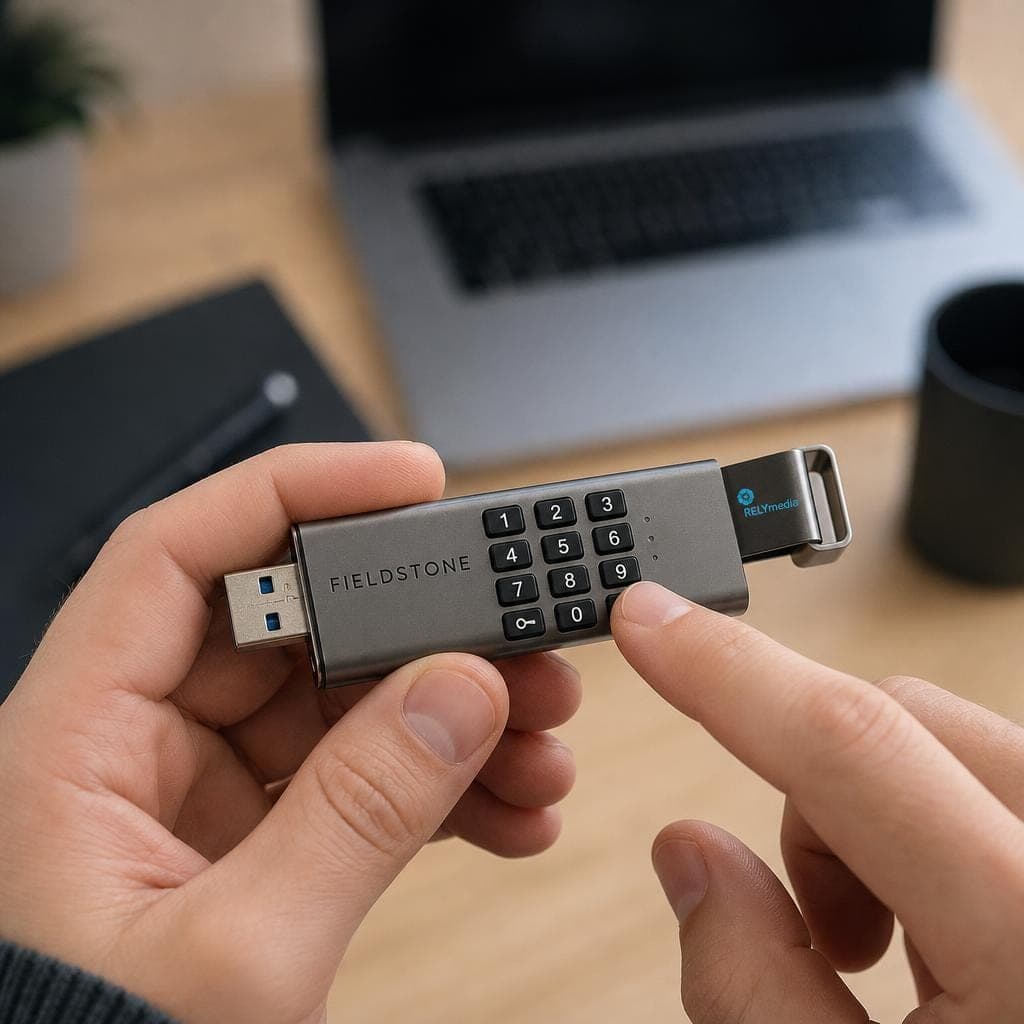
Start with the files, not the feature list. Ask what would happen if the drive disappeared tomorrow.
Use this checklist:
- Encryption: Choose hardware encryption for sensitive portable data.
- Authentication: Compare a password, PIN pad, fingerprint reader, biometrics, or smart card.
- Certification: Verify FIPS claims when regulations or contracts require them.
- Capacity: Match storage size to actual file volume and growth.
- Connector: Check USB-A, USB-C, and USB 3.0, 3.1, or 3.2 support.
- Durability: Consider a waterproof USB flash drive, a rugged enclosure, or dust protection.
- Management: Large teams may require remote administration and remote wipe capabilities.
- Write protection: Read-only modes can reduce accidental changes and exposure to malware.
- Speed: Large encrypted files make read speeds and write speeds more important.
A practical buying test has four questions: Can an unauthorized person open the drive? Can someone alter its firmware? Can IT disable or wipe it remotely? Can the legitimate user safely regain access? Those answers reveal more than a “military-grade” label.
Hardware Encryption vs Software Encryption
Software can encrypt a thumb drive, secure a USB stick, or password-protect a flash drive. Tools such as full-disk encryption can be useful when policy and device support align.
Hardware encryption moves cryptographic work into the storage device itself. That can reduce reliance on host software and simplify cross-platform use. NIST validation adds independent assurance when a specific cryptographic module has completed the required testing. (NIST Computer Security Resource Center)
For high-risk removable media, hardware encryption usually creates a cleaner security boundary. For lower-risk files, software encryption may be enough.
Secure Drive vs Regular USB Flash Drive
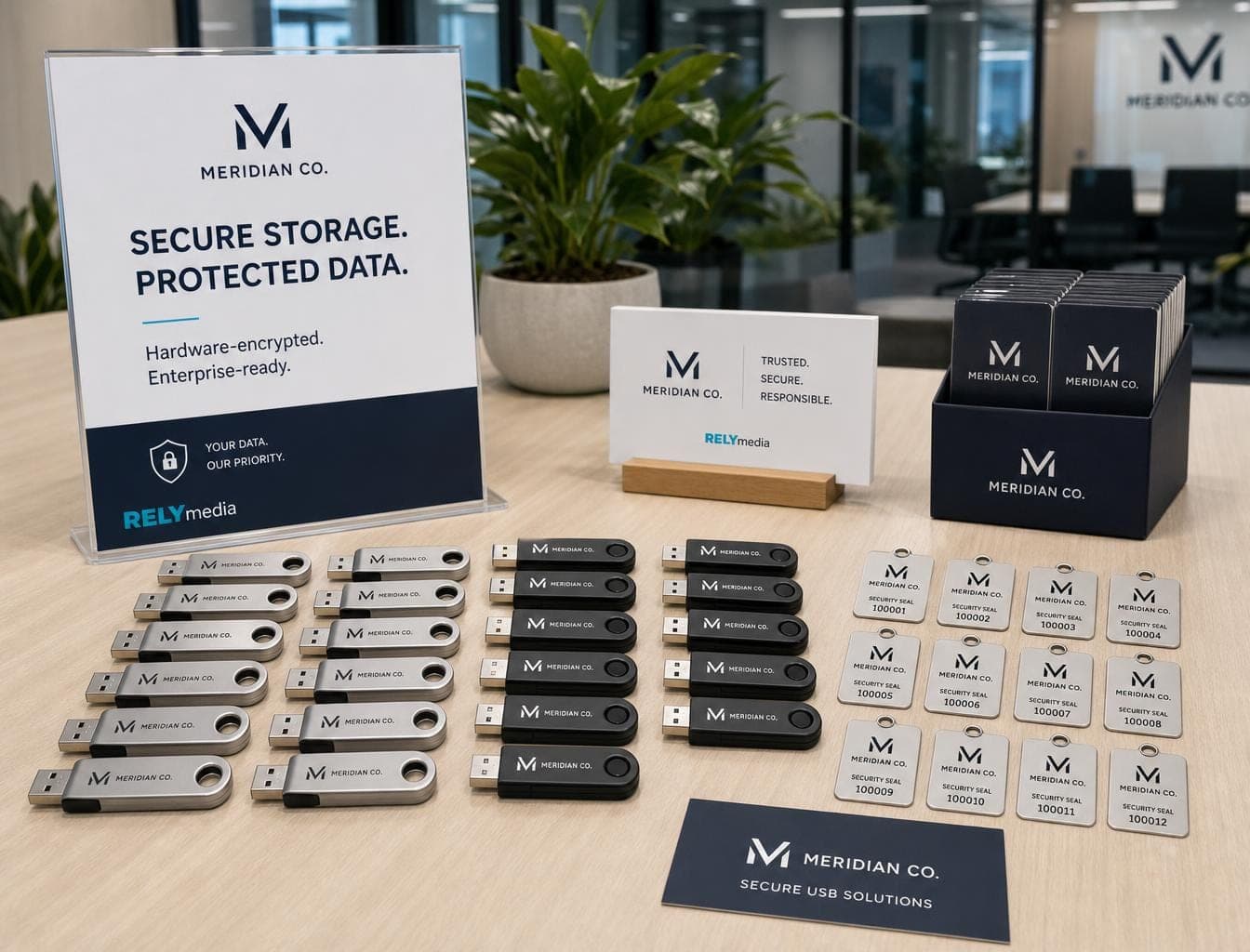
Not every buyer needs the most secure USB flash drive. Secure drives focus on encrypted data, authentication, tamper resistance, and access control. Standard flash drives focus more on price, storage, portability, customization, and easy distribution.
That difference matters for marketing teams. A company handing out catalogs, presentations, training files, or event materials usually needs a reliable custom USB drive, not a FIPS-certified device.
RELYmedia offers custom Technology & Flash Drives with branded, personalized, and wholesale options, plus bulk pricing and fast-turnaround choices. (Relymedia)
Planning an event, onboarding kit, or customer campaign?
Compare RELYmedia custom flash-drive options.
Ready to print your team's name on premium apparel?
Fill in your details and a RELYmedia specialist will come back to you with a custom quote — fast turnaround, no obligation.
- ⚡Same-day response on business days
- 🎨Free design assistance included
- 🚚Rush order & fast delivery available
- 💰Price beat guarantee on every order
Shop premium custom flash drives
See all leather, metal & wood drives
Mini Rotating Metal Flash Drive
$1.98 - $3.34
View product
Metal Flash Drive 32GB USB
$1.94 - $3.82
View product
Mini Metal Flash Drive
$2.78 - $3.50
View product
Avro Mini Metal Flash Drive / USB - 1 GB
$3.94 - $5.22
View product
Baltimore Metal Flash Drive / USB - 8 GB
$3.74 - $5.04
View product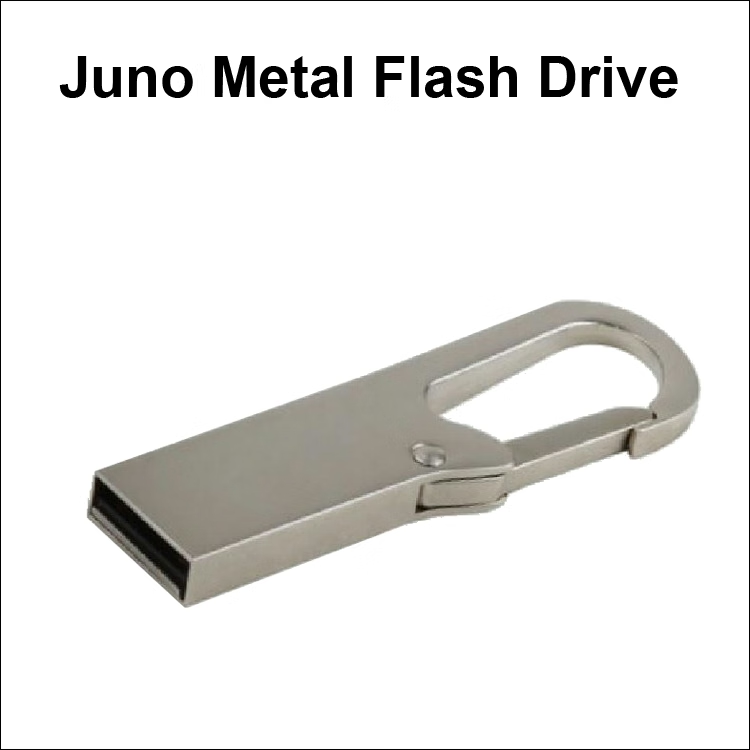
Juno Metal Flash Drive / USB - 8 GB
$3.74 - $5.04
View product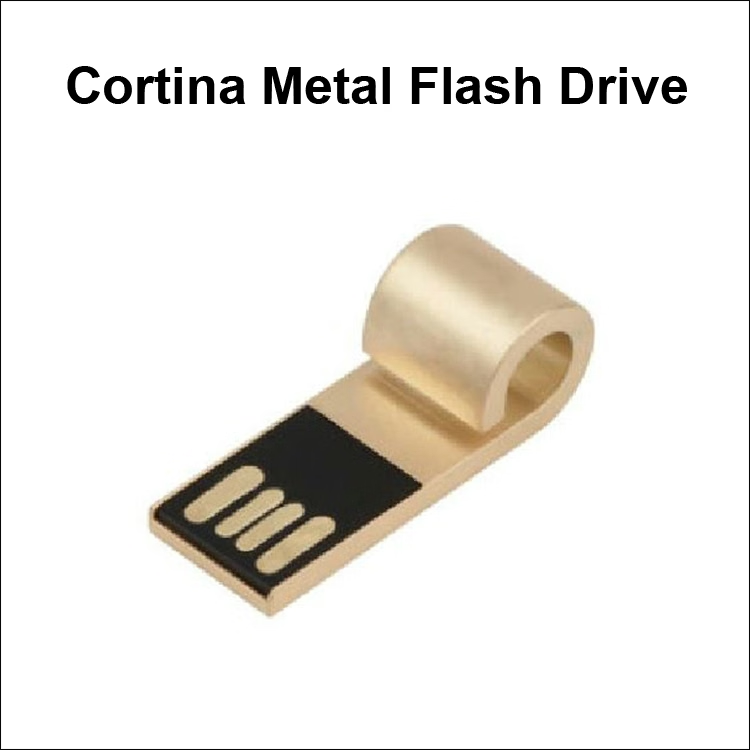
Cortina Mini Metal Flash Drive / USB - 256MB
$3.10 - $4.40
View product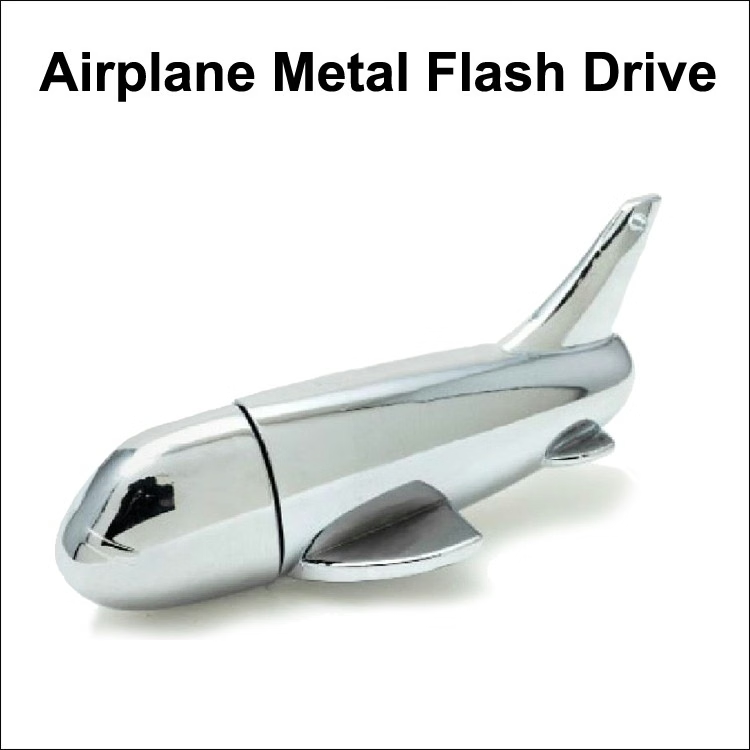
Airplane Metal Flash Drive - 1 GB Memory
$4.10 - $5.42
View product
Frequently Asked Questions About Secure USB Storage
Can you password-protect a USB Flash Drive?
Yes. You can password-protect a USB drive with software or buy a password-protected flash drive with hardware-based authentication. A keypad model stores the password or PIN on the device itself.
How Do You Encrypt a USB Drive?
You can encrypt a USB flash drive with operating-system software or use a pre-encrypted flash drive with onboard hardware encryption. The better choice depends on risk, compatibility, and management needs.
What Is the Most Secure USB Drive?
There is no universal winner. For 2026, FIPS 140-3 Level 3 hardware-encrypted USB drives offer strong independent validation. The D500S, KP200 series, DataShur PRO+C, and several DataLocker products fit that high-security class. (Kingston Technology Company)
What Is BadUSB?
BadUSB attacks target USB firmware behavior rather than normal stored files. Digitally signed firmware can help prevent unauthorized firmware changes. Kingston lists BadUSB protection on its high-security IronKey products. (Kingston Technology Company)
Is a HIPAA-Compliant Flash Drive Enough?
No storage device makes an organization HIPAA compliant by itself. The HIPAA Security Rule requires administrative, physical, and technical safeguards for electronic protected health information. It also addresses controls for electronic media. (HHS.gov)
Conclusion: Which Secure Drive Is Best in 2026?
The Kingston IronKey D500S is the best secure drive overall for buyers who need strong validation, hardware encryption, and attack protection. The KP200 stands out for PIN access. datAshur PRO+C is excellent for USB-C. Sentry 5 works well for centrally managed fleets. K350 adds rugged protection, while DL4 FE handles larger encrypted storage.
Choose based on risk. Sensitive or regulated files may justify FIPS-validated secure hardware. Public marketing files usually do not.
That is where RELYmedia fits naturally. Businesses that need custom USB flash drives, branded technology, training media, event giveaways, or promotional products can focus on capacity, branding, quantity, and turnaround instead of paying for enterprise security they will never use.
Ready to turn useful technology into a branded customer touchpoint?
Explore RELYmedia Technology & Flash Drives and choose the option that fits your campaign.
Frequently asked questions
Can any USB drive be encrypted?
Software can encrypt a thumb drive or password-protect a flash drive, and full-disk encryption tools can work when policy and device support align. For higher-risk removable media, a hardware-encrypted USB drive performs encryption on the device itself, reducing reliance on the host PC and operating system and often simplifying cross-platform use.
Can you un-encrypt a USB drive?
What matters operationally is whether the legitimate user can safely regain access. Secure drives rely on authentication such as a password, physical PIN pad, biometrics, or smart-card credentials. A practical evaluation includes asking whether an unauthorized person can open the drive and whether the legitimate user can regain access without weakening security controls.
What does it mean when a USB flash drive is encrypted?
An encrypted USB flash drive is designed to protect stored data using encryption, ideally hardware encryption performed on the device itself. Many leading secure drives use AES-256 encryption in XTS mode, and some add a secure microprocessor or hardware cryptographic module to protect keys and sensitive operations, along with user authentication methods.
How can you tell if a USB is encrypted?
Start by checking whether the device supports hardware encryption and an authentication method such as a password, onboard PIN pad, biometrics, or smart-card access. If you need compliance-grade assurance, verify any FIPS claims, such as FIPS 140-3 validation and the stated level, because validation provides independent confirmation of the cryptographic module.
Is hardware encryption better than software encryption for an encrypted USB drive?
Hardware encryption moves cryptographic work into the storage device itself, which reduces dependence on the host PC and operating system. That can create a cleaner security boundary for high-risk removable media and can simplify cross-platform use. Software encryption can still be useful for lower-risk files when device support and policy requirements align.
Shop this
Need branded USB flash drives? We print them.
Bulk pricing, three free mockups, real quotes back the same business day.