How to Choose the Right Encrypted Flash Drive for Your Data: A Practical Security Guide
September 29, 2026 · 11 min read
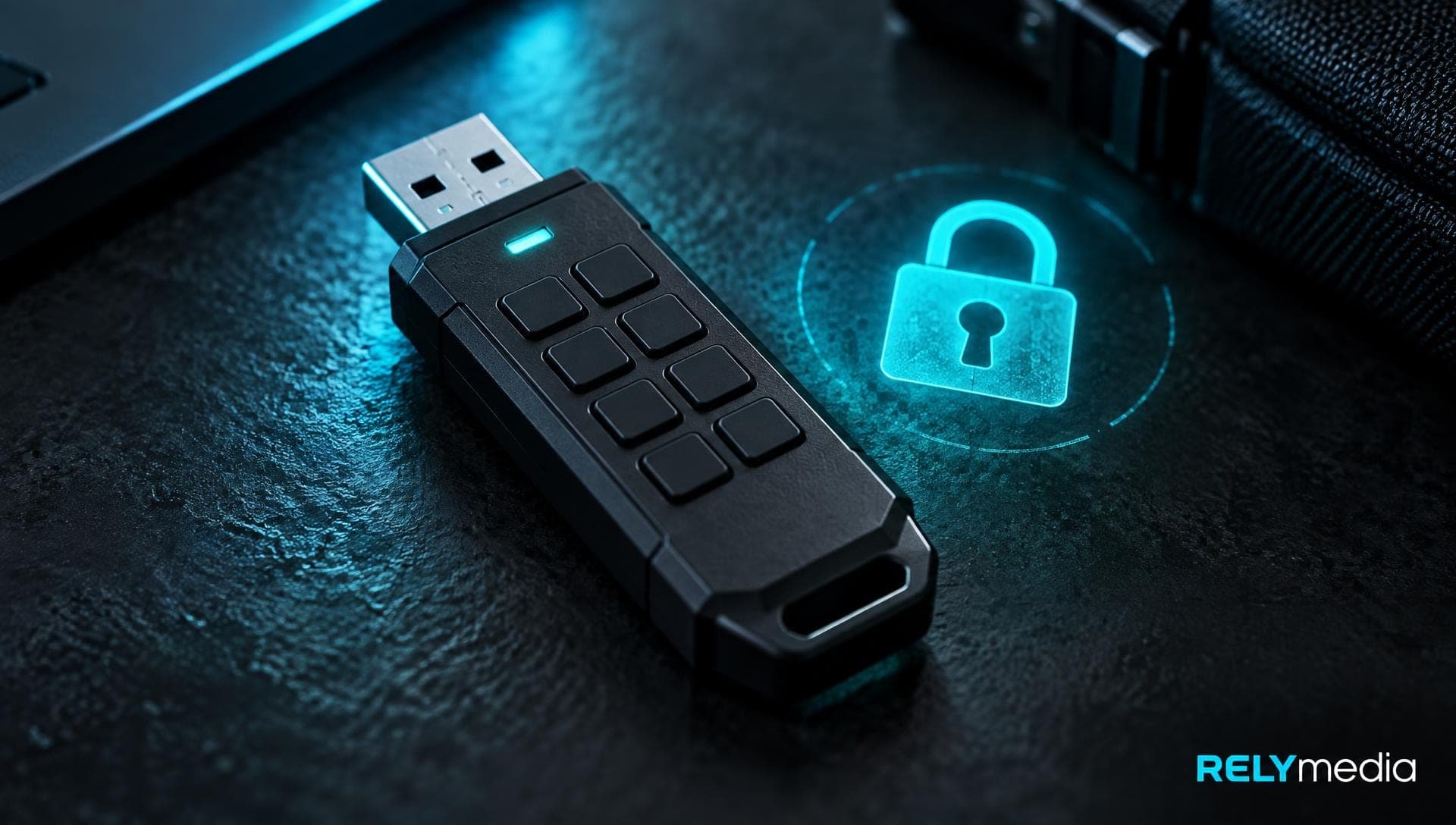
Choosing the right drive is not only about speed or storage capacity. The question is what happens if the drive gets lost, stolen, infected, damaged, or opened by the wrong person.
Personal data, confidential data, business records, and other sensitive information carry different risks. A family photo archive does not need the same data protection architecture as healthcare records, financial files, or classified data. Data sensitivity should guide your choice of storage device.
A sound data protection solution balances data security, data privacy, capacity, form factor, ease of access, and recovery. For businesses, it should also support data governance, risk management, security compliance, and business continuity.
Make secure data storage part of your cybersecurity strategy from day one.
Start With the Data You Need to Protect
Before comparing USB drives or external SSDs, classify the data. Ask who owns it, who may access it, how long it must remain available, and what damage a data breach could cause.
Personal information may include names, addresses, account details, or employee records. Confidential information can include contracts, designs, pricing, customer lists, or internal plans. Valuable data may include intellectual property or critical backups.
This review supports data loss prevention. It also shows whether basic portable storage is enough or whether a hardware-encrypted drive is the better choice.
Ask four questions:
- How sensitive is the data?
- Will the drive travel between locations?
- Do regulatory requirements or industry regulations apply?
- How quickly must the data be recovered?
Mobile data deserves attention. Removable storage can leave an office in seconds. Strong mobile data security, removable media security, portable device security, and security hygiene reduce that risk.
Data breaches can trigger downtime, legal ramifications, regulatory penalties, and lost trust.
Choose the Right Storage Device for the Job
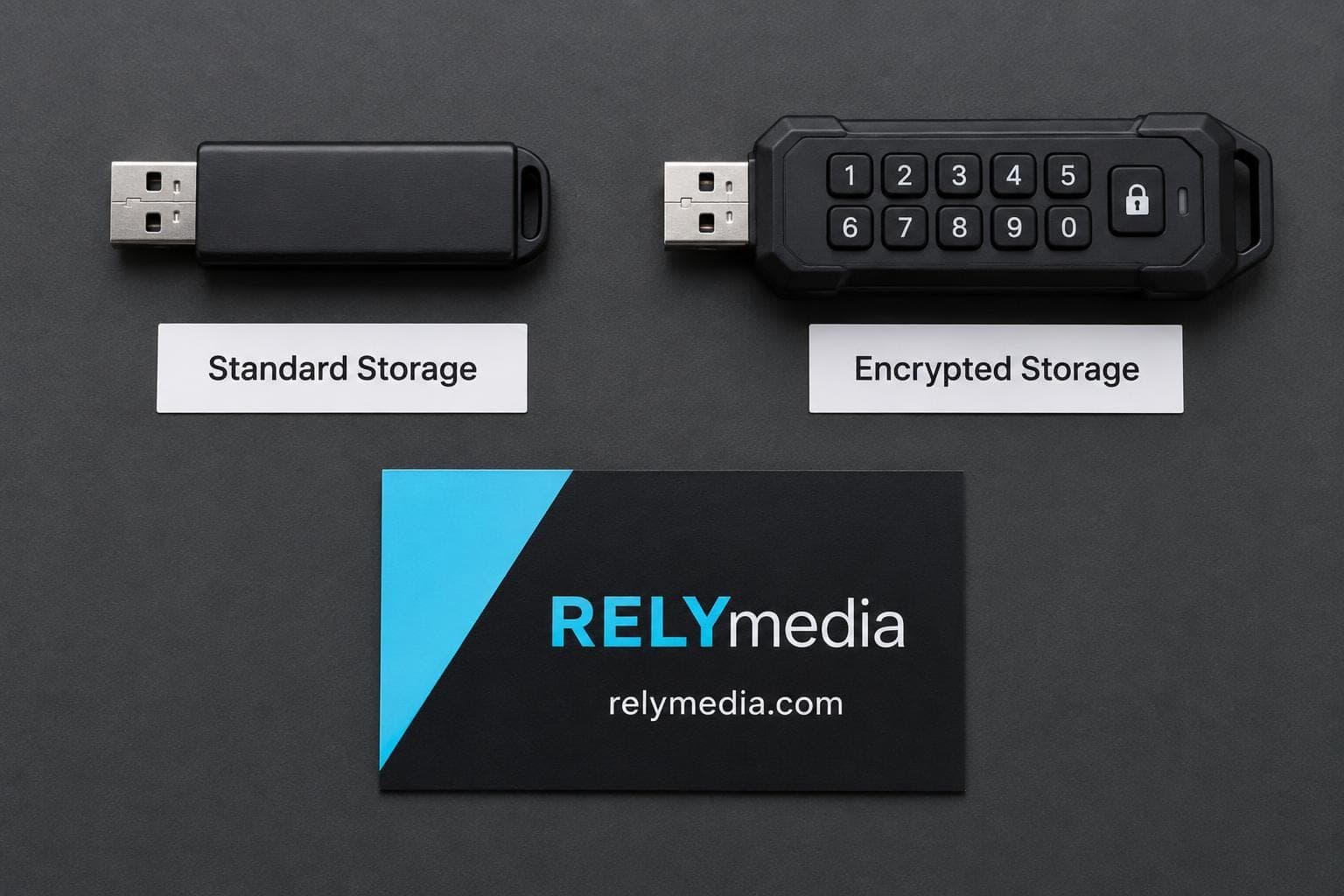
A storage solution should match the workload. A USB flash drive offers convenient USB storage for portable data and routine transfers. An external SSD, or solid-state drive, is usually better suited for larger files, frequent transfers, and higher storage capacity.
| Storage option | Best fit | Main consideration |
|---|---|---|
| USB drive | Everyday file transfer | Easy to misplace |
| External SSD | Large datasets and frequent use | Higher cost |
| Encrypted USB drive | Sensitive mobile data | Authentication and certification |
| Encrypted external SSD | Large amounts of sensitive data | Performance, protection, and capacity |
Portable storage should fit the user. A portable drive that is difficult to unlock may encourage unsafe workarounds or lead to unnecessary data exposure.
Planning branded technology for an employee kit, event, or customer campaign?
Talk with RELYmedia about a solution that fits your audience and timeline.
Make Hardware-Based Encryption a Priority
Encryption converts readable information into protected ciphertext. However, the encryption method matters.
With software encryption, the connected computer performs much of the cryptographic work. Security can depend on endpoint health, configuration, authentication software, and key handling. Hardware-based encryption performs cryptographic operations inside the storage device through a secure controller or secure microprocessor.
A well-designed hardware encryption system can keep encryption keys isolated from the host computer, reducing exposure.
Understand AES 256-bit and XTS-AES 256-bit Encryption
The Advanced Encryption Standard (AES) is a NIST-approved encryption standard for electronic data. FIPS 197 specifies AES-128, AES-192, and AES-256. AES-256 uses 256-bit cryptographic keys.
Secure storage products may use XTS-AES or XTS-AES 256-bit encryption for data at rest. Still, do not judge a product by AES encryption alone. Review its security architecture, authentication controls, secure firmware, and validation claims.
Cryptographic security depends on the whole system. Strong encryption cannot compensate for weak user authentication or careless deployment.
💡Compare the security architecture behind the label, not only the encryption badge.
Require Always-On Encryption and Secure Authentication
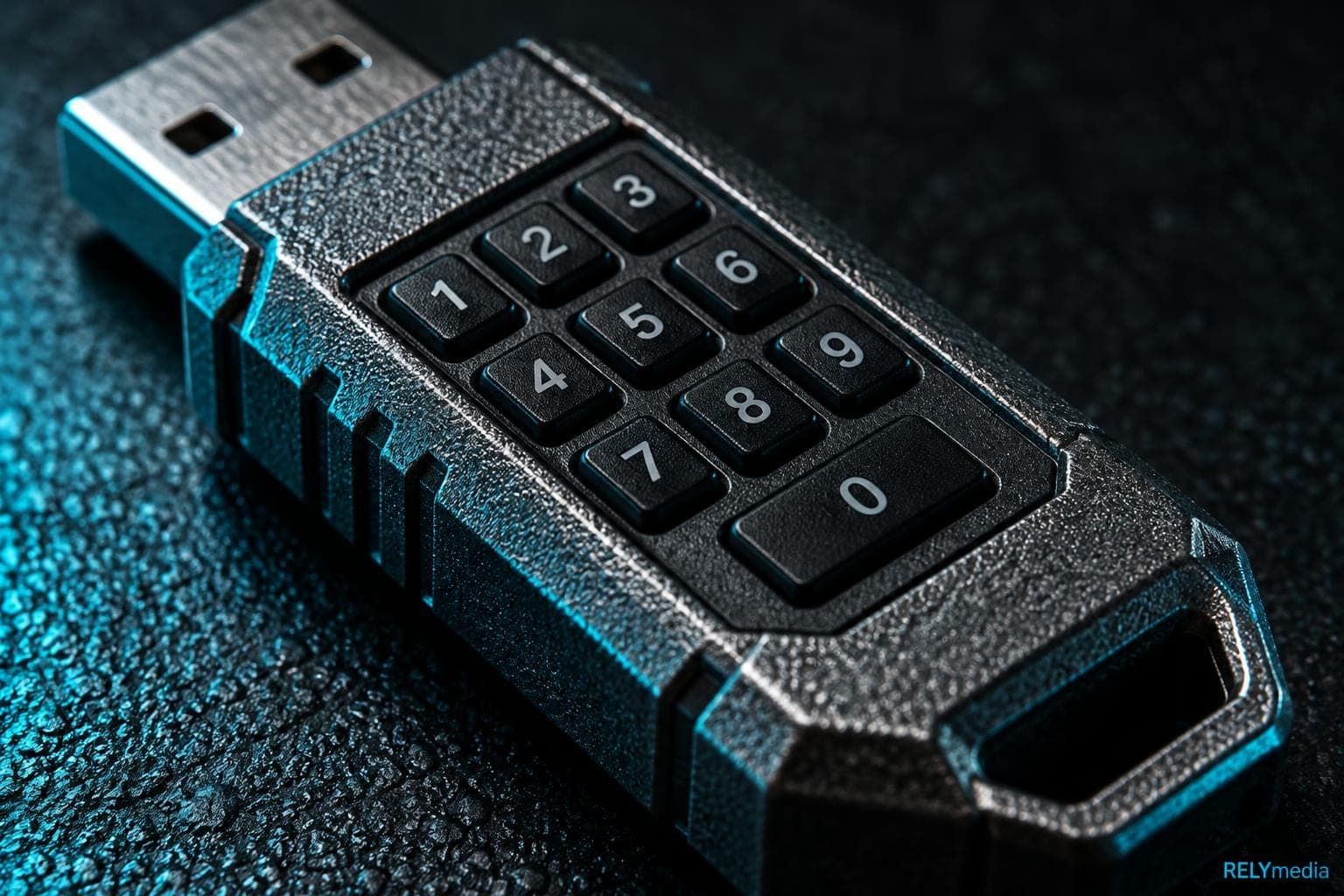
Always-on encryption removes a risky choice from daily use. Users should not need to enable data encryption every time they connect a drive. Human error is common, so good security features reduce mistakes.
Look for password protection, password authentication, secure authentication, and limits on password-guessing attempts. Strong passwords or long passphrases can make brute-force attacks harder.
Useful controls include:
- Multi-password support for administrators and users
- Brute force protection after repeated incorrect password attempts
- Crypto-erase after a defined failure threshold
- Keypad authentication or keypad security
- Touchscreen authentication or touchscreen security
- Biometric authentication where policies allow it
- Clear access control for enterprise deployment
Fingerprint authentication can be convenient. Yet password-based systems may offer predictable recovery and administrative control. Evaluate controller capabilities, security errors, and fallback procedures.
A secure drive should block unauthorized access without frustrating legitimate users.
Check Firmware and BadUSB Protection
Encryption does not solve every USB security problem. USB firmware can become an attack surface.
BadUSB attacks exploit firmware behavior. Secure, digitally signed, or encrypted firmware can support firmware authentication and verification. A trusted firmware signature helps the drive controller decide whether to run the code.
Ask whether the manufacturer documents BadUSB protection, firmware updates, attack prevention, security vulnerabilities, and remediation practices.
Malware can target endpoints, while compromised removable storage can facilitate the spread of threats between systems. Malware protection remains essential. The drive should complement endpoint security rather than replace it.
Organizations should document approved devices, owners, uses, and disposal procedures.
Look Beyond Encryption to Physical Security
A storage drive faces digital and physical threats. Drive loss, drive theft, data theft, hacking, and hardware tampering can expose sensitive data.
Tamper protection may include hardened enclosures, secure microprocessors, circuitry tamper protection, circuitry protection, and controls protecting cryptographic material. These measures add physical security when an attacker possesses the device.
Terms such as “military-grade security” sound reassuring, but they are not security certifications. Government security, military security, enterprise security, and the protection of classified data may require documented controls.
💡Choose measurable security protections over vague claims.
Verify Security Standards, Certifications, and Testing
Security standards let buyers compare products against defined requirements. NIST standards provide important reference points.
FIPS 197 defines the Advanced Encryption Standard. FIPS 140-3 covers cryptographic modules and provides four increasing security levels. It addresses authentication, software and firmware security, physical security, sensitive parameter management, self-tests, lifecycle assurance, and threat mitigation.
If policy requires FIPS 140-3 Level 3, verify the specific cryptographic module. Do not assume “FIPS compliant,” “FIPS certification,” or a reference to a NIST-certified laboratory means the product has the validation you need. FIPS 197 and FIPS 140-3 serve different purposes.
A serious security assessment should examine:
- Independent penetration testing
- Independent security testing
- Rigorous testing by qualified laboratories
- Security evaluation results
- Published vulnerability practices
- Relevant NIST recommendations
- Current security certification status
⚠️Before procurement, verify security certifications and testing claims through authoritative records.
Match Compliance to Your Business Environment
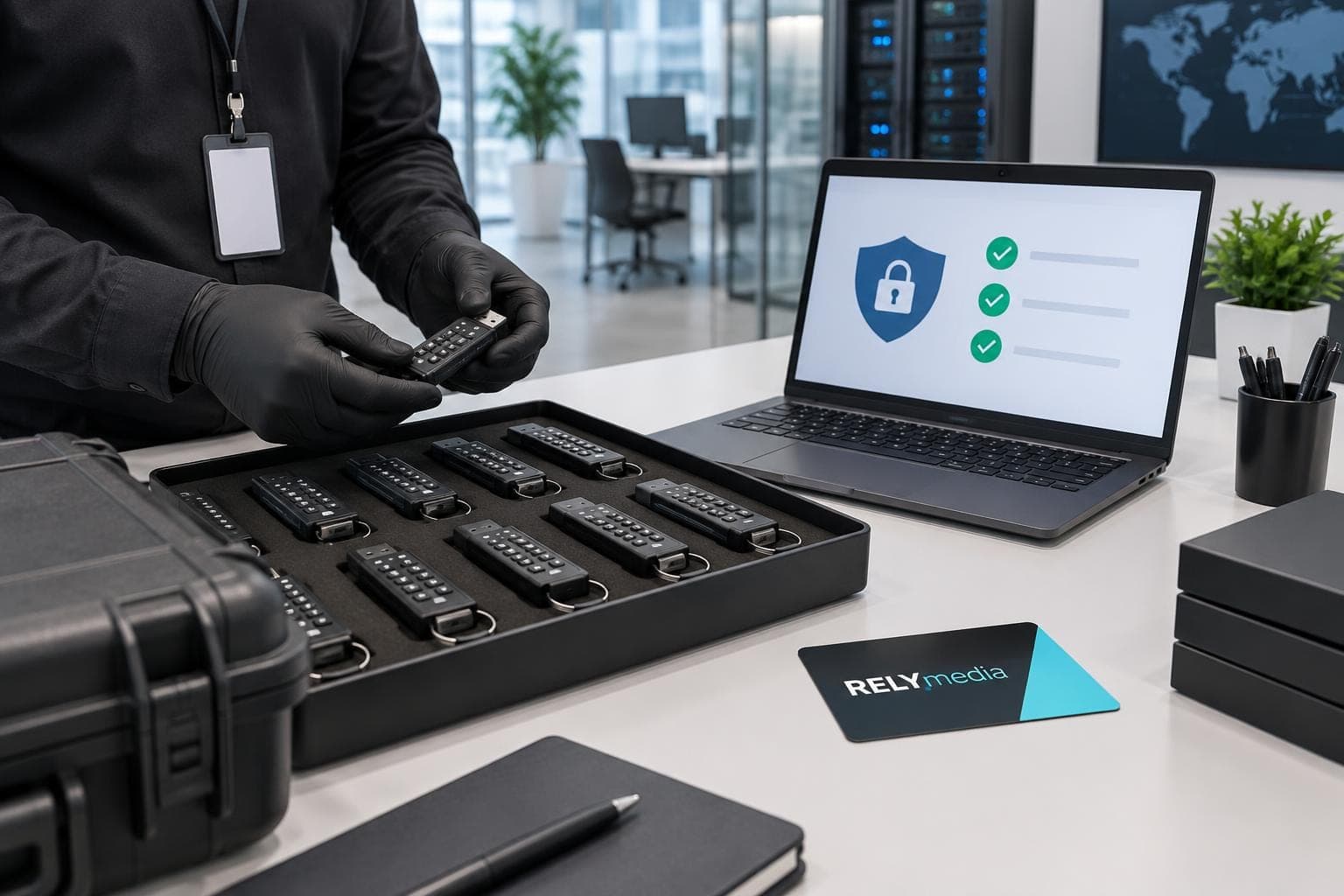
Regulatory compliance depends on the organization, data, location, and use case. Data protection regulations may affect storage, retention, access, encryption, reporting, and disposal. Compliance requirements can differ across healthcare, finance, government, education, and other sectors.
Government agencies may require specific security standards. Small and medium-sized businesses still need business data security. Enterprise data protection must work across many users and devices.
A practical security solution should fit:
- Data governance
- Risk management
- Access control
- Endpoint security
- Data protection architecture
- Secure deployment
- Data recovery procedures
- Cybersecurity strategy
IT administrators should also consider inventory, provisioning, policy enforcement, and enterprise deployment. Enterprise security works best when controls remain consistent at scale.
RELYmedia serves businesses with tailored promotional products and branding solutions. When branded technology supports an employee program, event kit, or customer campaign, planning for usability, quality, and security helps ensure a smoother rollout.
Make Usability Part of Data Security
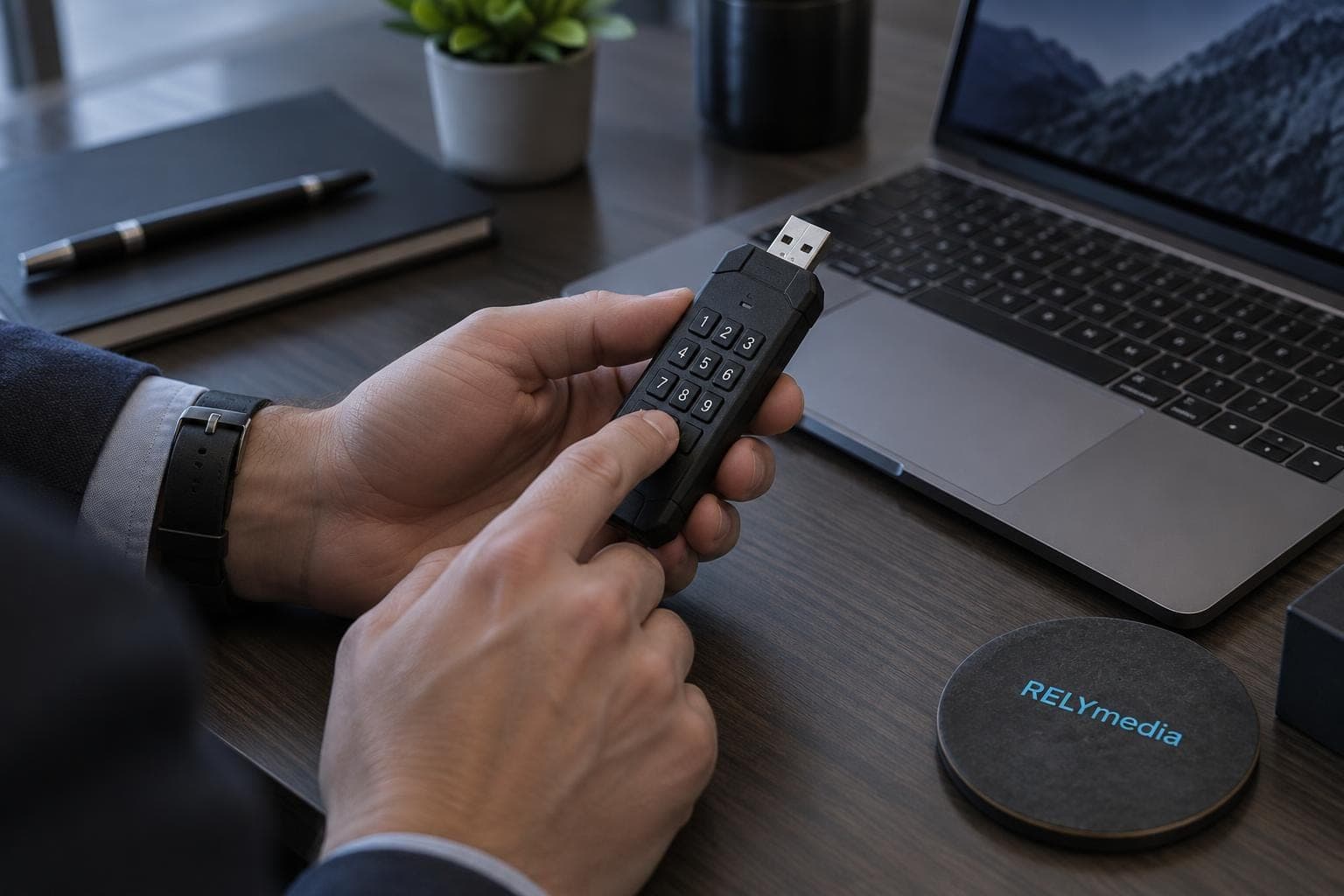
Security that people bypass is not effective security. Check how users unlock, carry, connect, and manage the device during normal work.
Some products use a graphical user interface, or GUI. Others rely on keypads or touchscreens. OS-independent storage can help mixed-device teams. Software-free authentication may reduce dependence on host applications.
If a product uses software authentication, learn where that software resides and whether installation is required. A locked partition may hold access tools while keeping protected data separate. No software installation can simplify deployment, but it does not automatically make a drive secure.
Ease of access should never mean unrestricted access.
💡Choose security your team can use correctly every day.
Build Data Backup and Ransomware Recovery Into the Plan
Secure storage and data backup solve different problems. Encryption protects access. Backups preserve recoverability.
Ransomware can encrypt production files and reachable backups. The U.S. Cybersecurity and Infrastructure Security Agency recommends maintaining offline, encrypted backups of critical data and regularly testing their availability and integrity.
Air-gapped backups or air-gapped storage reduce exposure because they are not continuously accessible via the Internet or the production network. Offline backups also support disaster recovery when primary systems fail.
The 3-2-1 backup method remains useful: keep three copies of data, use two types of media, and store one copy off-site. A 3-2-1 backup strategy supports backup protection, ransomware recovery, data recovery, and business continuity.
Consider a small company storing files on its network. Ransomware encrypts the network and a connected backup. An offline backup remains isolated, turning recovery into a planned process.
Test restoration regularly. An untested backup is only a theory.
Add offline recovery copies to your ransomware plan before an incident tests your preparation.
Evaluate the Manufacturer, Not Just the Drive
A trusted manufacturer should show a proven track record in drive protection and data security solutions. A reputable manufacturer or vendor should publish specifications, lifecycle information, support guidance, and evidence of security testing.
A trusted vendor should explain how its data protection devices handle encryption, authentication, firmware updates, and vulnerabilities. Independent penetration testing adds assurance because buyers cannot judge cryptographic protection by appearance.
Ask practical questions. How long has the company served the marketplace? Does it provide secure deployment guidance? Can administrators find documentation? Does it explain its secure controller and drive controller design?
💡Trust should come from evidence, not adjectives.
Right Drive Selection Checklist
Before purchasing, review the full picture:
- Data: Identify personal, confidential, sensitive, and valuable data.
- Threats: Consider cyberattacks, hacking tools, malware, ransomware attacks, drive theft, and drive loss.
- Encryption: Review hardware-encrypted drives, AES 256-bit, XTS-AES, and encryption key handling.
- Authentication: Check for passphrases, multi-password support, fingerprint authentication, and brute-force protection.
- Firmware: Look for firmware security, BadUSB defenses, and updates.
- Compliance: Confirm regulatory requirements, security compliance, and industry regulations.
- Testing: Prefer transparent security testing, penetration testing, and security evaluation.
- Recovery: Maintain secure, offline backups and tested restoration procedures.
- Usability: Check capacity, form factor, GUI requirements, compatibility, and portability.
This checklist keeps the decision tied to risk instead of marketing.
Common Mistakes When Choosing Secure Storage
Avoid buying on price and capacity alone. Do not assume software encryption provides the same protection as well-designed hardware encryption. Never treat a basic consumer USB drive as enterprise data protection simply because it supports a password.
Other mistakes include ignoring USB firmware, skipping backup tests, trusting vague certification language, and selecting biometric authentication without a recovery plan.
Do not confuse attack protection with disaster recovery. Cryptographic protection helps limit data exposure. Secure backups help restore information after deletion, failure, ransomware, or disaster.
⚠️Weak processes can undermine strong technology.
Ready to print your team's name on premium apparel?
Fill in your details and a RELYmedia specialist will come back to you with a custom quote — fast turnaround, no obligation.
- ⚡Same-day response on business days
- 🎨Free design assistance included
- 🚚Rush order & fast delivery available
- 💰Price beat guarantee on every order
Shop premium custom flash drives
See all leather, metal & wood drives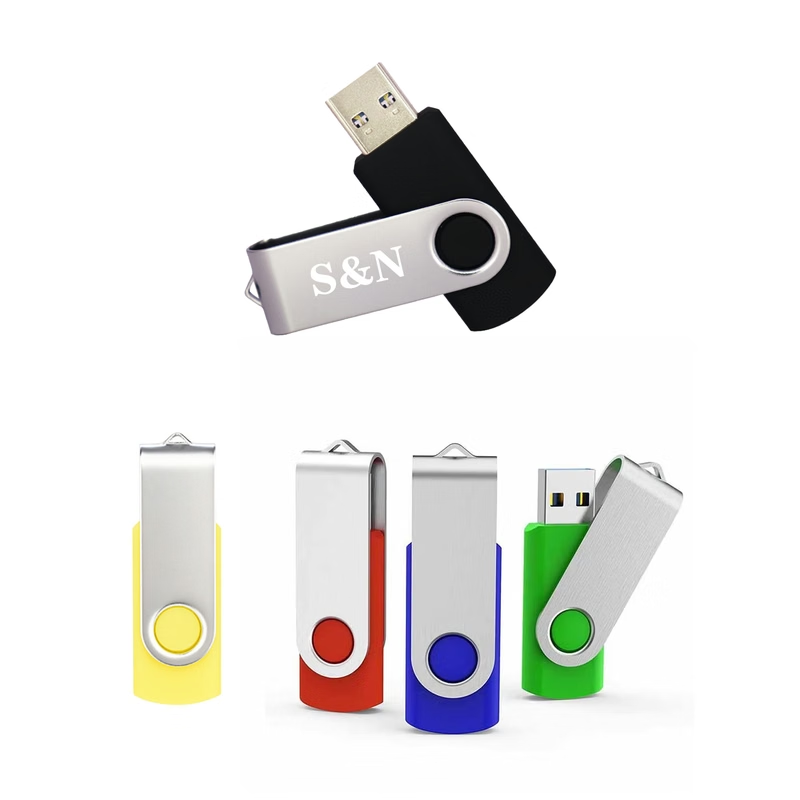
Mini Rotating Metal Flash Drive
$1.98 - $3.34
View product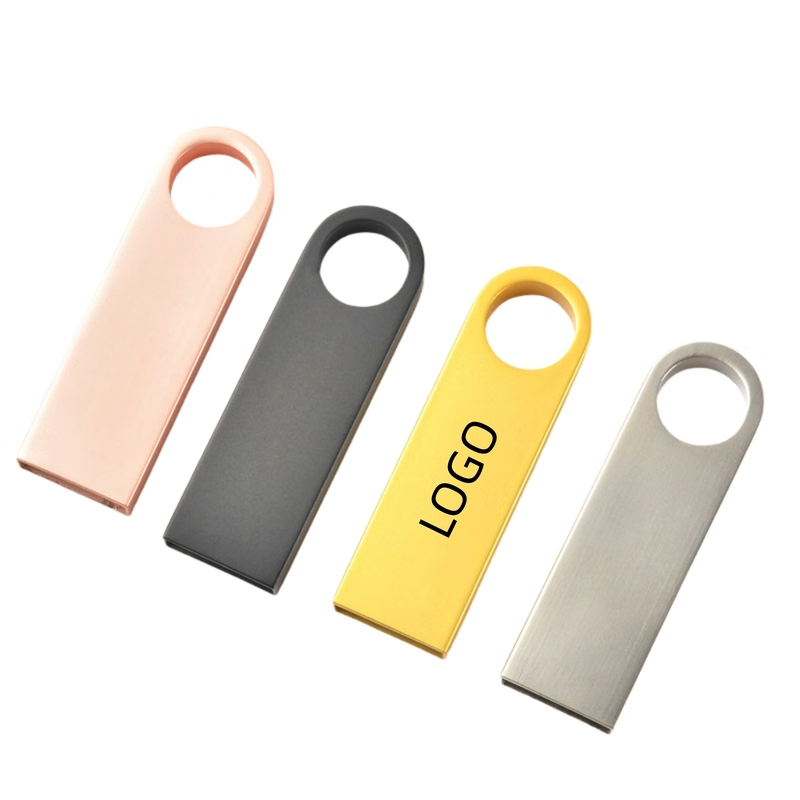
Metal Flash Drive 32GB USB
$1.94 - $3.82
View product
Mini Metal Flash Drive
$2.78 - $3.50
View product
Avro Mini Metal Flash Drive / USB - 1 GB
$3.94 - $5.22
View product
Baltimore Metal Flash Drive / USB - 8 GB
$3.74 - $5.04
View product
Juno Metal Flash Drive / USB - 8 GB
$3.74 - $5.04
View product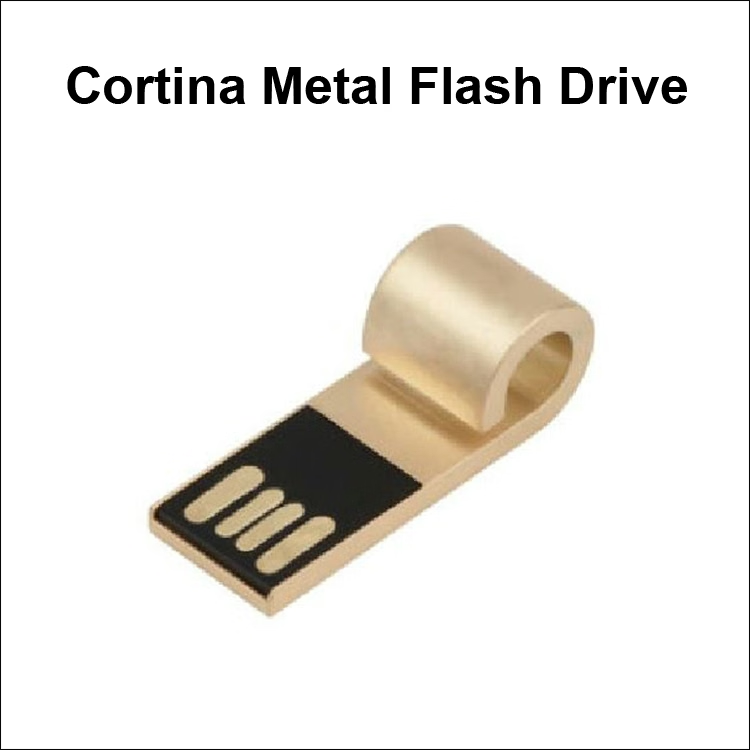
Cortina Mini Metal Flash Drive / USB - 256MB
$3.10 - $4.40
View product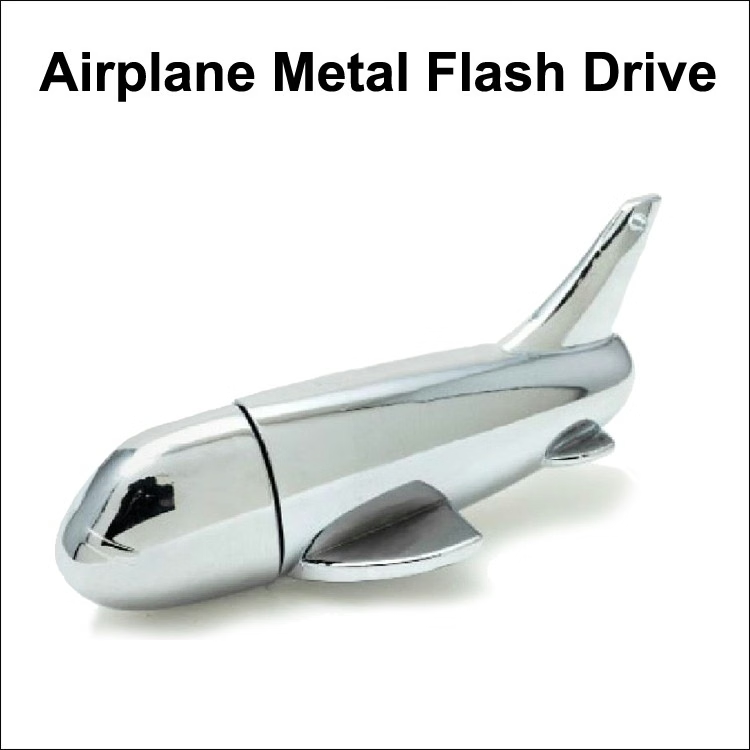
Airplane Metal Flash Drive - 1 GB Memory
$4.10 - $5.42
View product
Conclusion: Choose the Right Drive Around Risk
The right drive protects more than files. It supports secure storage, data privacy, regulatory compliance, threat protection, data loss prevention, and business continuity.
Start with data sensitivity. Then compare the storage device, capacity, form factor, hardware encryption, user authentication, firmware security, physical protection, security standards, security certifications, and recovery plan. For higher-risk environments, verify FIPS certification claims with authoritative sources and incorporate air-gapped backups into the broader information security program.
RELYmedia helps organizations communicate through tailored promotional products and branding solutions. When branded technology supports an employee program, campaign, event, or customer experience, thoughtful planning helps quality, usability, and security work together.
Ready to create a polished branded program?
Contact RELYmedia to discuss a solution built around your audience, message, quality standards, and deadline.
Frequently asked questions
Can flash drives be encrypted?
Yes. Encryption converts readable information into protected ciphertext. Some drives rely on software encryption where the connected computer performs much of the cryptographic work, while hardware-encrypted drives perform cryptographic operations inside the device using a secure controller or microprocessor, helping keep encryption keys isolated from the host computer.
What is the best encrypted USB drive?
The best choice depends on your data sensitivity and risk. For higher-risk data, prioritize a hardware-encrypted drive with always-on encryption, strong password or passphrase authentication, limits on guessing attempts, and clear recovery procedures. Also review firmware security and BadUSB protections, physical tamper protections, and verify any security certification claims through authoritative records.
What does it mean when a USB flash drive is encrypted?
It means the drive protects stored data by converting it into ciphertext so unauthorized users cannot read it without correct authentication. The method matters: with software encryption, security can depend on the connected computer’s health, configuration, and key handling, while hardware-based encryption keeps cryptographic operations and keys inside the device.
How can I encrypt a USB flash drive?
A practical approach is to select a drive designed for always-on encryption so users do not need to enable encryption each time they connect it. For stronger protection, choose hardware-based encryption where cryptographic operations run inside the drive. Then use secure authentication such as a strong password or long passphrase and ensure there are limits on password-guessing attempts.
What should you look for in a hardware-encrypted USB flash drive besides AES-256?
Do not judge a drive by AES claims alone. Review the security architecture, how authentication is implemented, and how encryption keys are handled. Check firmware security details, including whether the manufacturer documents BadUSB protections and update practices. Also look for physical tamper protections and verify any FIPS 140-3 validation requirements for your environment.
Shop this
Need custom USB flash drives? We print them.
Bulk pricing, three free mockups, real quotes back the same business day.
Keep reading

Shop by category
Our Customer Feedback


Mike Larson
 (5)
(5)Unbelievable Turn-around
We are stunned with how quickly we received our order. It turned out perfect, and all of our interactions with staff have been fantastic. Thank you so much!
Jana
(5)Great customer service and on-time delivery with product as advertised!
The product arrived exactly as advertised and on time. This company was very easy to work with, and the price was great!
Sarah
(5)Quick Turn-Around and Immediate Communisaton
I've ordered a couple times from RELY. My initial order was not time sensitive so we had time to get it correct. We went back and forth with proofs until I felt comfortable. When I had a question, the sales team was very responsive. When it came to my re-order, I needed it fast. They responded and got it to me right on time.
Rob
(5)Fabulous experience, great suggestions from the staff!
The sales staff had great suggestions and were very helpful in the process to, in the end, get exactly what was necessary for our use!
Emily
(5)Great service!
Everything went well as anticipated, and as planned. Service was superb & shipment was expedited in a speedy fashion! Thank you for your service!
Freddy
(5)Thumbdrives
2nd time I have ordered from these guys and they have a good product for the price. The delivery time was as said with no troubles. Would recommend and will be reordering again.
Patty
(5)This is a top notch company. Awesome as what they do. Highly recommend.
If you are looking for a company that says what they do and then do what they say - RELYmedia is for you!!! We have done a couple critical orders with RELYmedia and they were ahead of schedule and the items were perfect. We will be utilizing their talents again!!!
Blanca
(5)Very responsive,
All my inquiries were handled in a very timely fashion. My contact was courteous and helpful. Items ordered were received very quickly. Thanks for the superior service!
Andrew
(5)Overall great experience.
They are friendly and knowledgeable. They are well priced, and ship fast.
Trusted By