How to Choose the Right Flash Drive: A Practical Buying Guide
September 29, 2026 · 11 min read
Choosing the right flash drive sounds easy until you compare capacity, USB type, speed, security, and design. A cheap drive may handle documents but struggle with large video files.
Start with your files and devices. Then compare storage capacity, connector type, transfer speed, reliability, and price. This guide explains how to choose a USB flash drive that fits real use.
What Is a Flash Drive?
A flash drive is a small, portable storage device that saves digital files in non-volatile flash memory. It connects through a USB port and keeps data even when power is off. Because it has no moving parts, it is compact, lightweight, rewritable, and easy to carry.
People use many names for the same general device. A thumb drive, pen drive, jump drive, USB stick, USB memory stick, USB drive, flash disk, and USB flash drive usually refer to the same type of removable storage.
So, is a USB stick the same as a flash drive? In everyday use, yes. The difference between a flash drive and a thumb drive is mostly in the naming. The same applies when comparing a pen drive vs. a flash drive, a jump drive vs. a thumb drive, or a USB drive vs. a flash drive.
A flash drive is not a computer. It needs a host device, such as a laptop, smartphone, tablet, or other USB-enabled device.
How Does a USB Flash Drive Work?
Flash drives store digital data inside NAND flash memory cells. A controller manages how the drive writes, reads, and retrieves that data. Since flash memory is non-volatile, stored files remain available after you unplug the device.
That design supports file storage, data backup, photo storage, video storage, archiving, and computer-to-computer transfer. Flash memory is the storage technology; a flash drive is the finished USB-based storage device.
Explore RELYmedia custom USB flash drives if you need portable storage that also carries your brand.
Start With How You Plan to Use the Flash Drive
The best USB drive depends on the job. Before comparing flash drive sizes, decide what you will store and how often you will move it.
For light use, small capacities work well. Documents and presentations rarely need huge storage. Photos, videos, design files, and software need more room.
Common flash drive usage includes:
- Moving files between computers
- Carrying work documents
- Backing up selected files
- Sharing photos or videos
- Creating Windows installation media
- Distributing school or training material
- Preloading catalogs or sales presentations
- Giving customers branded digital content
For promotional programs, RELYmedia can match capacity, connector style, branding area, and delivery needs to the audience.
What Size Flash Drive Do I Need?
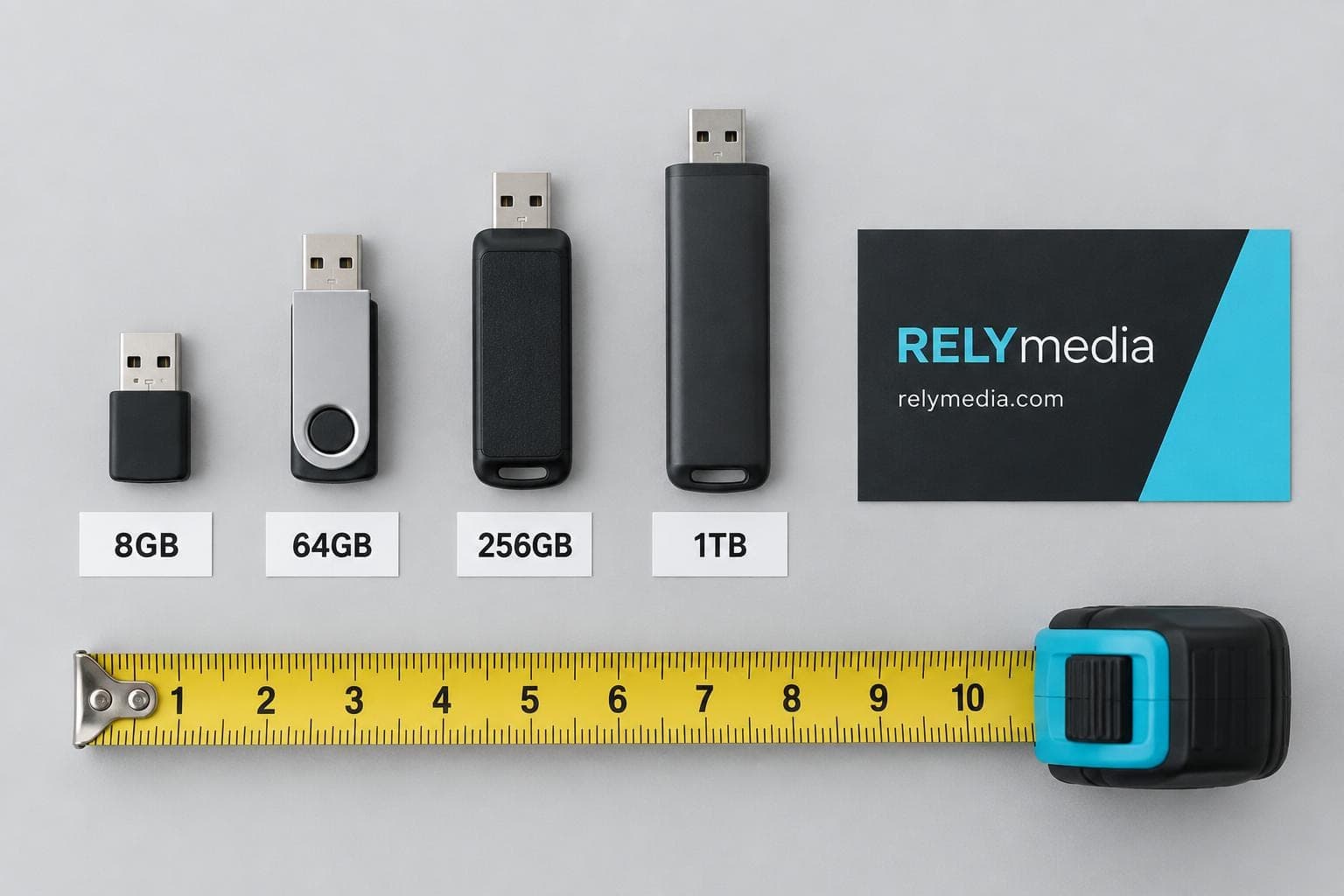
When people ask what size flash drive I need, they usually mean storage capacity, not physical dimensions. Flash drive capacity is measured in MB, GB, and TB (megabytes, gigabytes, and terabytes).
If you are comparing thumb drives, USB sticks, pendrives, or USB drives, focus on storage capacity first. Physical dimensions matter for portability, crowded ports, and branding.
Today, common USB storage sizes include 8 GB, 16 GB, 32 GB, 64 GB, 128 GB, 256 GB, 512 GB, 1 TB, and 2 TB.
Flash Drive Capacity Chart
| Capacity | Best fit |
|---|---|
| 8 GB | Documents, basic transfers, Windows media |
| 16 GB | School files and presentations |
| 32 GB | General office and personal storage |
| 64 GB | Photos, videos, and business files |
| 128 GB | Larger media and project libraries |
| 256 GB | High-capacity portable storage |
| 512 GB | Large photo and video collections |
| 1 TB–2 TB | Specialized high-volume storage |
Microsoft currently requires a blank USB flash drive with at least 8 GB for Windows installation media. That makes 8 GB the practical minimum for this task, although larger drives can also work.
How Much Can a USB Flash Drive Hold?
Storage depends on file size. A drive does not hold a fixed number of photos, songs, or documents.
If an average JPEG photo is 5 MB, a 64 GB flash drive could theoretically hold about 12,800 photos before accounting for formatting overhead and other files that reduce usable space. If each RAW photo uses 30 MB, the number drops to roughly 2,100.
That is why questions such as how many pictures a flash drive can hold or which USB is best for pictures need context. File type matters.
💡A USB flash drive capacity chart is useful, but always leave spare room. Buying a drive that is already nearly full creates little space for future files.
Choose the Right USB Port and Connector
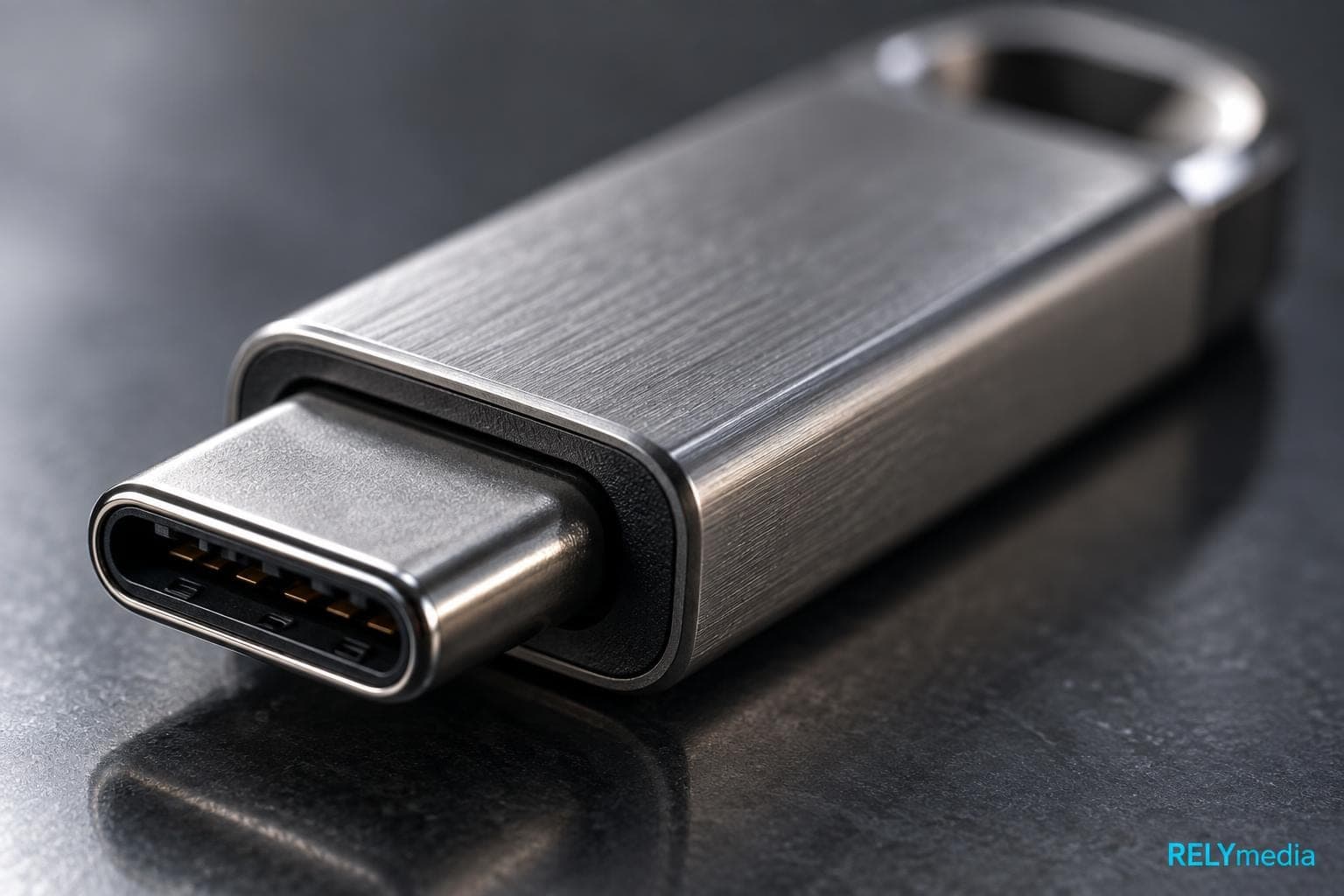
A drive is useless if it cannot connect to the devices your audience uses.
USB-A is the familiar rectangular connector found on many desktops, laptops, TVs, and older electronics. USB-C is smaller, reversible, and common on newer laptops, MacBooks, Android phones, iPhones, iPads, tablets, and mobile devices.
Dual-port storage combines both connector types. It is useful when users move data between older computers and newer USB-C devices.
USB-A vs USB-C Flash Drives
Connector shape does not guarantee speed. USB-A and USB-C describe physical connector types, while USB standards describe data capability. A USB-C flash drive can still be slower than a well-made USB-A model.
If you want to know which USB version your thumb drive uses, check the product specifications, packaging, or manufacturer documentation. Do not rely only on connector shape or color.
For business orders, consider the devices recipients actually own. Dual-port storage works across more environments.
How Fast Should a Flash Drive Be?
Flash drive speeds matter when you often transfer large files. A fast drive matters far more for large photo folders or videos than for tiny documents.
USB 3.2 includes data-rate tiers of 5 Gbps, 10 Gbps, and 20 Gbps. Those numbers describe the USB interface, not guaranteed real-world flash drive performance. USB-IF also notes that compatible products operate at the lowest common speed capability in the connection.
Actual transfer speed depends on the memory, controller, port, host device, file size, and workload. The connection runs at the lowest common capability.
Read Speed vs Flash Drive Write Speed
Read speed measures how quickly data is read from the drive. Write speed measures how quickly new data is saved to it.
For presentations and document access, moderate speed is often enough. For video transfer, photography, or frequent backups, flash drive write speed deserves closer attention.
When asking what makes a USB flash drive fast, compare real read and write speeds. Do not assume USB 3.0, USB-C, or a high theoretical data transfer rate automatically means fast storage.
Check Compatibility Before Buying USB Sticks

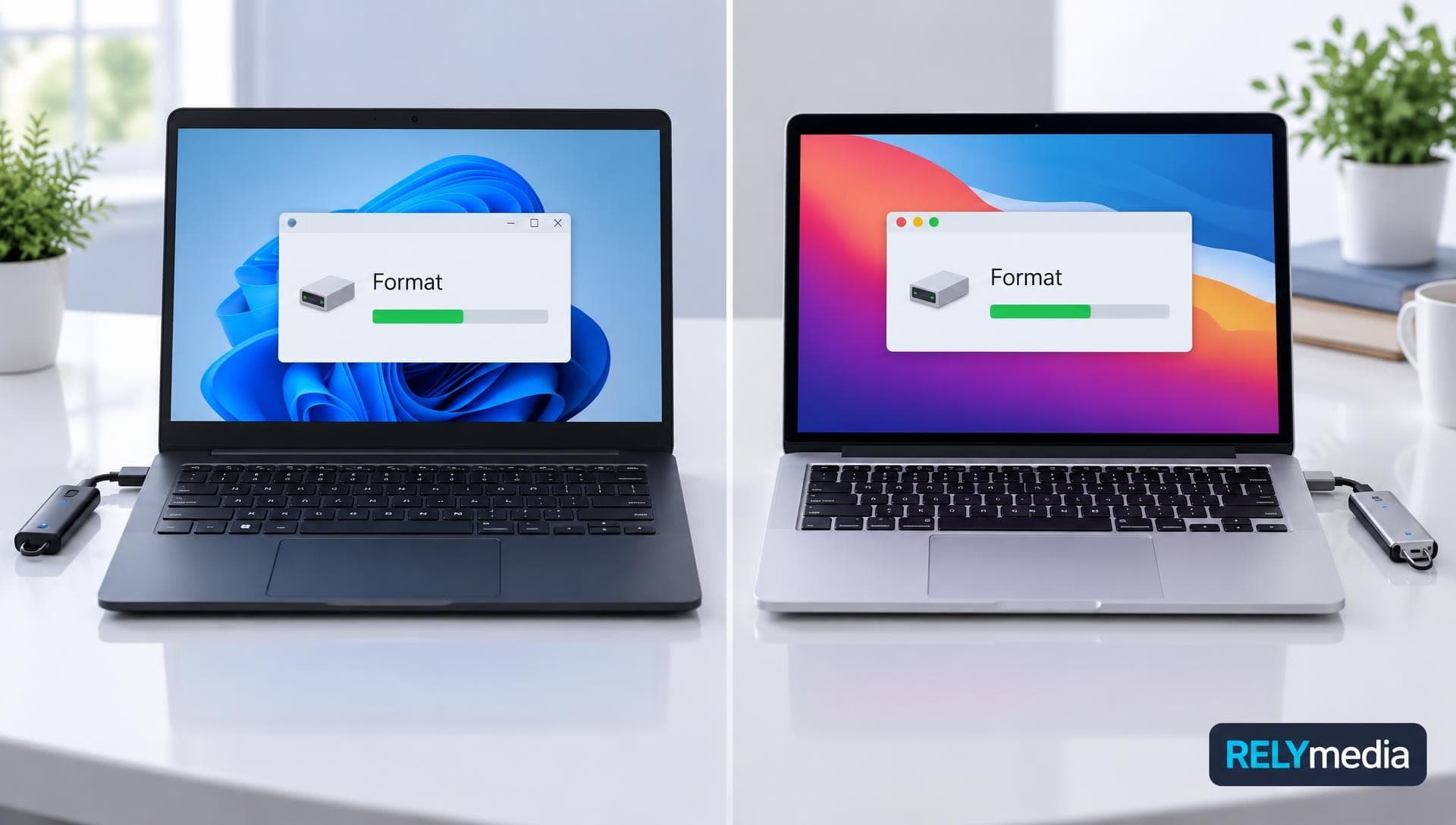
Physical fit is only part of device compatibility. The operating system, file system, and host device can affect file access.
Windows, macOS, Android, iPhone, and iPad environments may handle storage differently. Specialized electronics may impose their own limits.
Common storage formats include:
- FAT32: broad compatibility, but individual files cannot exceed 4 GiB.
- exFAT: useful for large files and many modern devices.
- NTFS: strong Windows support, but compatibility varies elsewhere.
Plug-and-play makes most USB storage devices easy to use. You connect the flash drive, wait for it to be recognized, browse the files, then copy or transfer data.
If you are buying a USB stick for a specific device, check its manual first. Searches such as Jensen CD-660SB maximum USB size are device-specific and cannot be answered safely with a general capacity rule.
Are Flash Drives Reliable?
Flash drives use solid-state storage and have no mechanical moving parts. That makes them resistant to some problems that affect traditional hard drives. Still, flash drives can fail.
Thumb drive reliability depends on NAND quality, controller quality, write cycles, heat, connector wear, physical damage, and manufacturing standards.
Look for:
- Reliable memory components
- Clear capacity specifications
- Solid construction
- Connector protection
- A useful warranty
- A reputable supplier
- Security options when needed
RELYmedia says its bulk custom USB drives use Grade A flash chips and offers many models with different materials, capacities, and USB interfaces.
⚠️Never keep your only copy of important files on one USB drive. A reliable flash drive is useful storage, not a complete backup strategy.
What Flash Drive Security Features Matter?
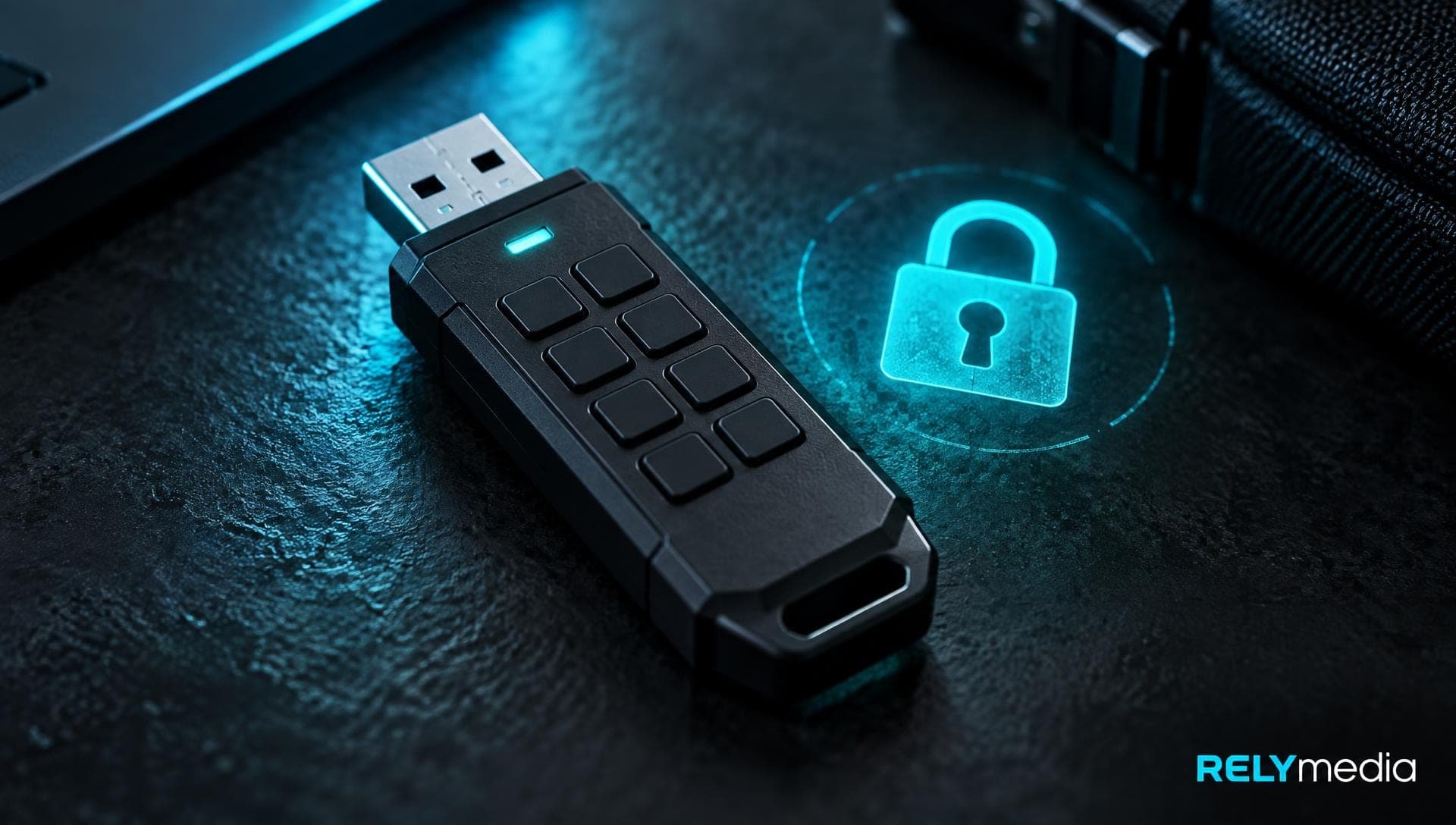
A thumb drive is easy to lose. That creates risk when it carries confidential data.
For public marketing files, ordinary storage may be enough. Sensitive business information can justify stronger controls.
Useful security features may include:
- Password protection
- Software encryption
- Hardware encryption
- Secure partitions
- Serialization
- Access policies
Encryption protects data from unauthorized access, but it does not prevent physical failure. Keep separate backups of valuable files.
RELYmedia offers data services for wholesale USB drives, including password protection, serialization, and secure partitions.
Ask RELYmedia about available security and data-loading services for custom business flash drives.
Compare Physical Designs and Types of Flash Drives
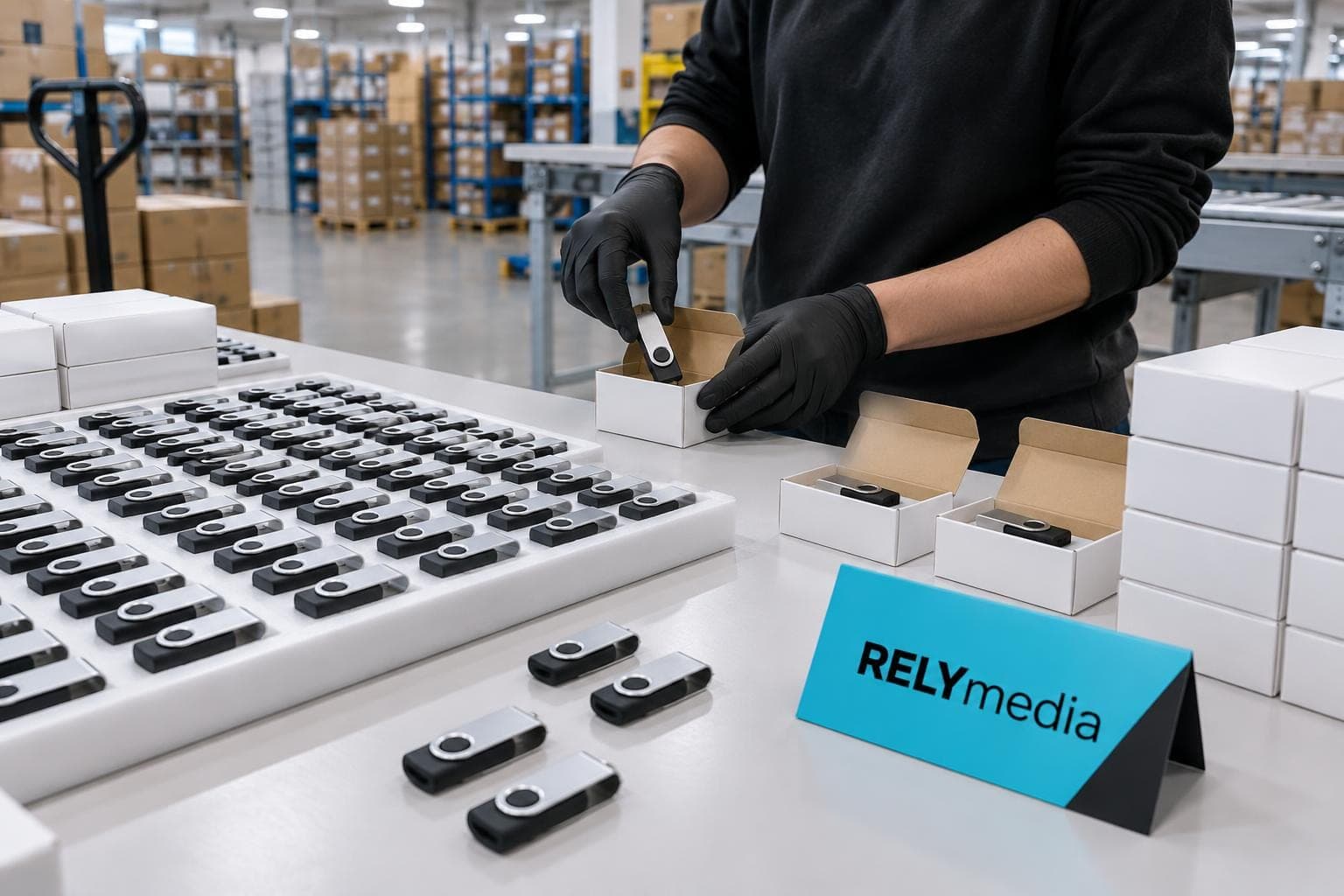
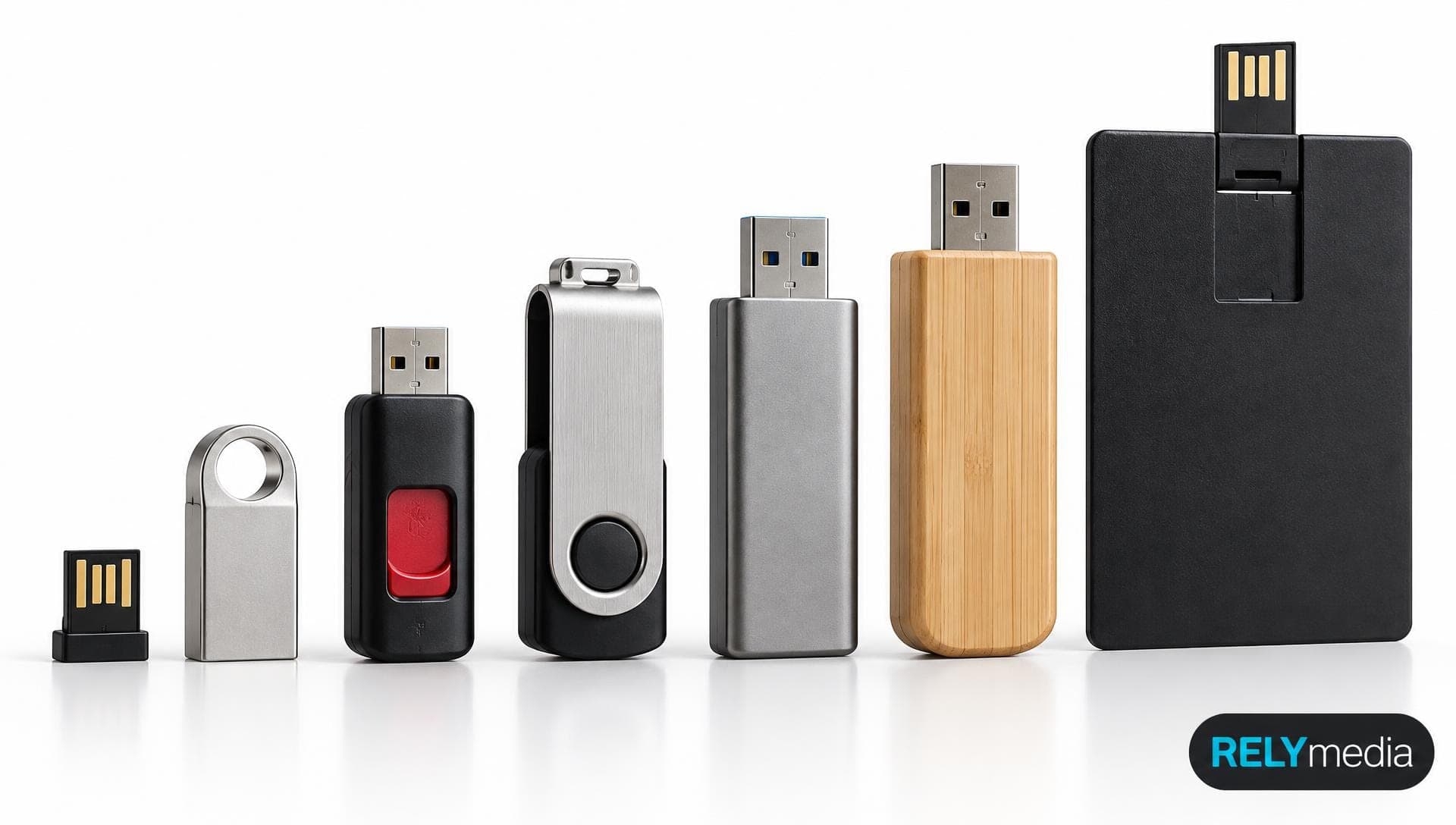
Different types of flash drives serve different needs. Common designs include swivel, capless, retractable, card-shaped, metal, wood, pen-style, wristband, and low-profile models.
Physical size matters too. USB flash drive dimensions influence portability, connector protection, and branding space. A tiny device is easy to carry but offers less room for a logo. A card-style drive creates a larger visual surface.
For promotional use, choose usefulness before novelty. Repeated use creates more brand impressions.
RELYmedia lists hundreds of USB flash drive models, including swivel, business-card, pen, wristband, wood, and leather styles.
Find the flash drive style that fits your brand
Browse RELYmedia flash drive styles to match material, shape, imprint area, and capacity to your campaign.
Flash Drive vs Hard Drive, SSD, and Other Storage
The right storage medium depends on your workload.
| Storage type | Main advantage | Main drawback |
|---|---|---|
| Flash drive | Portable and simple | Easy to lose |
| External hard drive | Large capacity for cost | Mechanical parts |
| External SSD | Fast solid-state storage | Higher price |
| Optical disc | Offline distribution | Limited modern support |
Hard disk drives use mechanical storage, while flash drives use semiconductor memory.
A flash drive versus external hard drive comparison usually favors flash drives for portability and hard drives for inexpensive bulk capacity. An SSD suits heavier workloads that need sustained speed.
A PhotoStick focuses on automatic photo copying, while a normal USB memory stick offers general storage. Zip drives, floppy disks, CDs, DVDs, and Blu-ray Discs now serve narrower or legacy needs.
Common Flash Drive Buying Mistakes
Avoid these mistakes:
- Buying more capacity than you need
- Assuming USB-C always means faster
- Ignoring write speed
- Choosing the wrong connector
- Forgetting file-system limits
- Using OneDrive as your only backup
- Buying suspicious high-capacity drives from unknown sellers
- Ignoring warranty and build quality
- Picking a promotional shape before considering usefulness
A practical rule is files, fit, speed, safety, then price.
Quick Flash Drive Buying Checklist
Before ordering, confirm:
- What files will you store?
- What size USB flash drive do you need?
- Do users need USB-A, USB-C, or both?
- Is the read and write performance sufficient?
- Will the drive work with the required devices?
- Do you need encryption?
- Is the physical design durable?
- Does the warranty make sense?
- Is the branding area suitable?
- Can the supplier meet your deadline?
Ready to print your team's name on premium apparel?
Fill in your details and a RELYmedia specialist will come back to you with a custom quote — fast turnaround, no obligation.
- ⚡Same-day response on business days
- 🎨Free design assistance included
- 🚚Rush order & fast delivery available
- 💰Price beat guarantee on every order
Shop custom USB flash drives
See all classic usb flash drives
RMC12 Swivel USB Flash Drive
Price on request
View product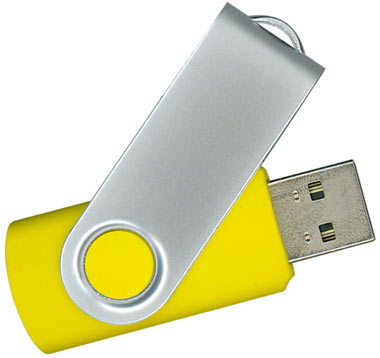
RMC02 Swivel USB Flash Drive
Price on request
View product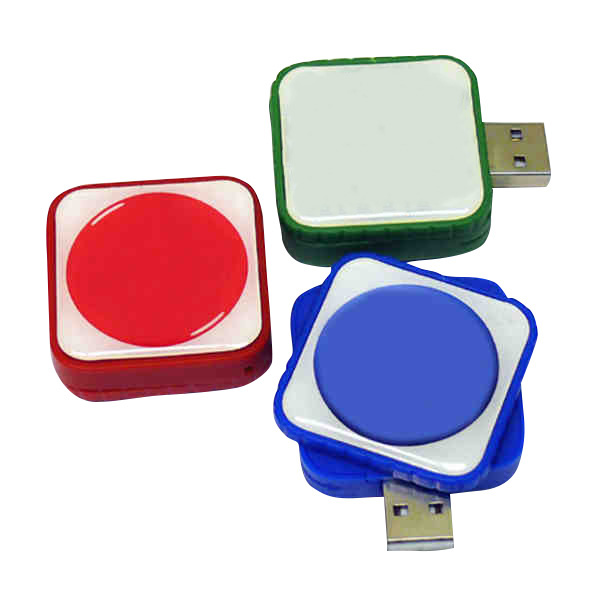
RMC169 USB Flash Drive
Price on request
View product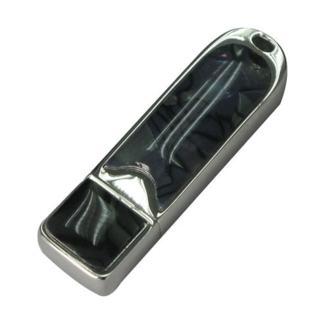
RMC167 USB Flash Drive
Price on request
View product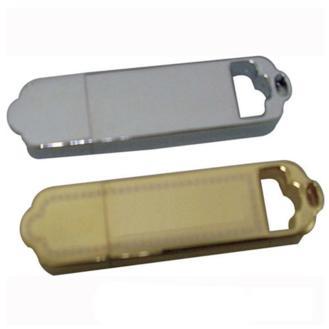
RMC166 USB Flash Drive
Price on request
View product
RMC165 USB Flash Drive
Price on request
View product
RMC164 USB Flash Drive
Price on request
View product
RMC163 USB Flash Drive
Price on request
View product
Conclusion: How to Choose the Right Flash Drive
The best USB flash drive is not automatically the largest, fastest, or cheapest. The right choice matches your files, devices, workflow, security needs, and budget.
Start with what you need to store. Choose enough capacity for today and some room for tomorrow. Then confirm the USB connector, real transfer performance, device compatibility, build quality, and security features.
For businesses, schools, agencies, event planners, marketing teams, HR departments, and procurement teams, the same logic applies at scale. RELYmedia can help connect those buying decisions with custom USB flash drives, branding options, preloaded data services, and order support.
That turns USB memory into useful portable storage that keeps your organization visible.
Ready to put your brand on a flash drive?
Explore RELYmedia custom USB flash drives, or request a quote for a solution tailored to your audience, files, branding, and timeline.
Frequently asked questions
How do I transfer things to a flash drive?
Most USB flash drives work as plug-and-play storage. Connect the drive, wait for the device to recognize it, browse the drive’s folders, then copy or transfer files over. Transfer time depends on the host device, port, file sizes, and the flash drive’s real write speed, not just the connector type.
Is there a difference between a flash drive and a USB stick?
In everyday use, a flash drive and a USB stick refer to the same kind of removable storage device. Names like thumb drive, pen drive, jump drive, USB memory stick, and USB flash drive usually describe the same general product. The differences are mostly naming rather than how the device works.
Does it matter what flash drive I use?
Yes, because your files and devices determine what works well. Capacity matters for photos, videos, and software, while connector type (USB-A, USB-C, or dual-port) affects whether it can plug in. Real read/write speeds matter for large transfers, and reliability depends on flash memory quality, controller quality, heat, and physical wear.
What size flash drive do I need?
Pick capacity based on what you plan to store and leave room for future files. Common sizes include 8 GB through 2 TB, and Microsoft currently requires at least 8 GB for Windows installation media. Photos and video typically need more space than documents, and usable capacity is reduced by formatting overhead.
What security features matter on a flash drive?
Security matters most when a drive carries confidential information because it is easy to lose. Useful options can include encryption, password protection, secure partitions, serialization, and controlled data loading. Security protects against unauthorized access but not physical failure, so keep separate backups of valuable data.
Shop this
Need custom USB flash drives? We print them.
Bulk pricing, three free mockups, real quotes back the same business day.
Keep reading
Shop by category
Our Customer Feedback


Mike Larson
 (5)
(5)Unbelievable Turn-around
We are stunned with how quickly we received our order. It turned out perfect, and all of our interactions with staff have been fantastic. Thank you so much!
Jana
(5)Great customer service and on-time delivery with product as advertised!
The product arrived exactly as advertised and on time. This company was very easy to work with, and the price was great!
Sarah
(5)Quick Turn-Around and Immediate Communisaton
I've ordered a couple times from RELY. My initial order was not time sensitive so we had time to get it correct. We went back and forth with proofs until I felt comfortable. When I had a question, the sales team was very responsive. When it came to my re-order, I needed it fast. They responded and got it to me right on time.
Rob
(5)Fabulous experience, great suggestions from the staff!
The sales staff had great suggestions and were very helpful in the process to, in the end, get exactly what was necessary for our use!
Emily
(5)Great service!
Everything went well as anticipated, and as planned. Service was superb & shipment was expedited in a speedy fashion! Thank you for your service!
Freddy
(5)Thumbdrives
2nd time I have ordered from these guys and they have a good product for the price. The delivery time was as said with no troubles. Would recommend and will be reordering again.
Patty
(5)This is a top notch company. Awesome as what they do. Highly recommend.
If you are looking for a company that says what they do and then do what they say - RELYmedia is for you!!! We have done a couple critical orders with RELYmedia and they were ahead of schedule and the items were perfect. We will be utilizing their talents again!!!
Blanca
(5)Very responsive,
All my inquiries were handled in a very timely fashion. My contact was courteous and helpful. Items ordered were received very quickly. Thanks for the superior service!
Andrew
(5)Overall great experience.
They are friendly and knowledgeable. They are well priced, and ship fast.
Trusted By