Best USB Flash Drives of 2026: Top Picks for Speed, Storage, Security, and Everyday Use
August 29, 2026 · 14 min read
Buying a USB flash drive in 2026 seems simple until you compare it to real options. Capacity, connector type, transfer speed, durability, security, and compatibility can quickly change the experience.
The best USB flash drive is not always the fastest. A photographer may need high-speed storage. A student may prefer a compact USB stick. A business may care more about encryption, branding, and data preloading.
This guide compares current choices and explains how to match a drive to real work.
Best USB Flash Drives of 2026 at a Glance
| Best for | USB flash drive | Connector | Interface | Capacity | Main strength |
|---|---|---|---|---|---|
| Overall | Kingston DataTraveler Max | USB-A or USB-C | USB 3.2 Gen 2 | 256GB–1TB | Very fast transfers |
| USB-C | Samsung Type-C Flash Drive | USB-C | USB 3.2 Gen 1 | Up to 512GB | Modern-device compatibility |
| Fast USB-A | SanDisk Extreme PRO | USB-A | USB 3.2 | Up to 1TB | Strong read/write speed |
| Large files | Lexar JumpDrive P30 | USB-A | USB 3.2 Gen 1 | 128GB–1TB | Balanced performance |
| Dual connector | Kingston microDuo 3C | USB-A + USB-C | USB 3.2 Gen 1 | Up to 256GB | Cross-device use |
| Security | Kingston IronKey VP50 | USB-A or USB-C | USB 3.2 Gen 1 | 16GB–512GB | Hardware encryption |
| Compact storage | SanDisk Ultra Fit | USB-A | USB 3.2 Gen 1 | Up to 2TB | Low-profile design |
Buy for your real bottleneck. A fast USB drive cannot outrun a slow port. Likewise, a terabyte USB stick is a waste of money if you only carry presentations.
Real read/write performance changes with file size, operating system, hardware, heat, and workload.
Best USB Flash Drive Overall: Kingston DataTraveler Max
The Kingston DataTraveler Max remains one of the strongest choices for buyers who want a high-performance flash drive. Kingston rates it for up to 1,000 MB/s read and 900 MB/s write via USB 3.2 Gen 2.
It comes in 256GB, 512GB, and 1 TB capacities. USB Type-A and USB Type-C versions help cover both older computers and newer devices.
This portable USB stick is ideal for large media files, photo libraries, design projects, and frequent file transfers. Its sliding mechanism protects the connector without a loose cap.
Best for: creators, professionals, large transfers, and users seeking SSD-like flash storage.
Watch for: Your USB port must support enough bandwidth to approach the rated speeds.
Choose the DataTraveler Max when transfer time matters more than bargain pricing.
Best USB-C Flash Drive: Samsung Type-C
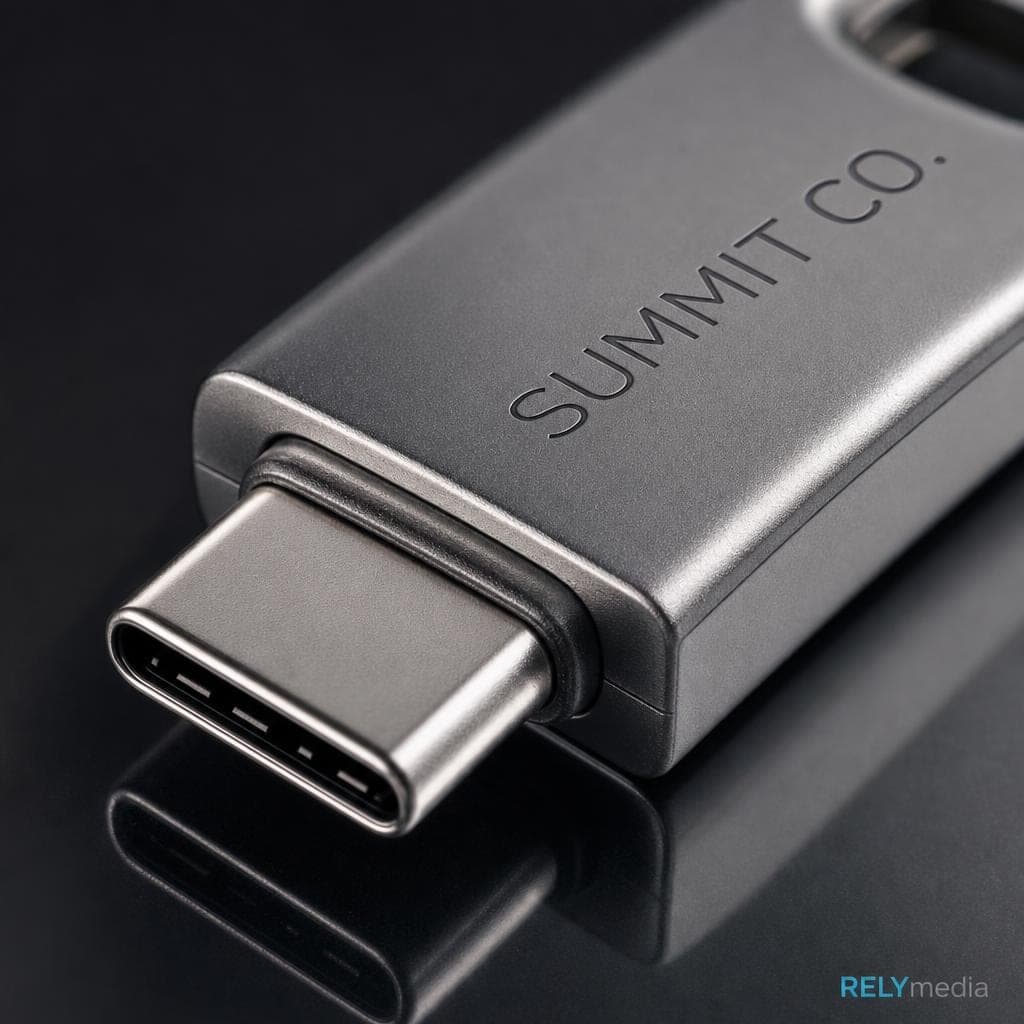
Samsung's USB Type-C Flash Drive is a smart choice for newer laptops, tablets, desktops, and compatible phones. Current versions offer high read speeds while keeping a small form factor.
The drive also emphasizes protection against water, shock, magnets, temperature, and X-rays, which helps frequent travelers.
Best for: Android smartphones, tablets, USB-C laptops, photos, videos, and mobile file transfer.
Watch for: Rated read speed does not equal write speed. Large uploads to the drive may take longer than downloads from it.
Choose a USB-C flash drive first when your everyday devices no longer use USB-A.
Best High-Speed USB-A Flash Drive: SanDisk Extreme PRO
The SanDisk Extreme PRO remains a compelling high-speed USB thumb drive for users who still rely on USB-A. It targets demanding transfers such as high-resolution photos, presentations, project archives, and 4K video.
Its metal construction also suits buyers who want a durable USB drive for work.
Best for: business files, photographers, creative teams, and older workstations with USB-A.
Watch for: Small-file transfers rarely match headline sequential benchmarks. Large continuous transfers provide a fairer picture of peak performance.
Best Flash Drive for Large File Transfers: Lexar JumpDrive P30
The Lexar JumpDrive P30 combines useful capacity with strong read/write performance. Options from 128GB to 1 TB suit large folders, media collections, and backups. Lexar also supports AES encryption tools for sensitive files.
Best for: photographers, designers, large videos, client projects, and repeated data transfers.
Watch for: If you transfer hundreds of gigabytes every day, consider an external SSD. A portable SSD usually handles prolonged high-throughput workloads better.
High-capacity storage makes sense when large files are routine, not when extra space will sit unused.
Best Dual USB-A and USB-C Flash Drive: Kingston MicroDuoo 3C
The Kingston DataTraveler microDuo 3C moves files between old and new devices. Its USB Type-A and USB Type-C connectors work with phones, tablets, laptops, and desktops. OTG support also helps compatible mobile devices.
Best for: mixed offices, Android devices, travel, and cross-platform file sharing.
Watch for: This drive prioritizes convenience over maximum speed.
Choose a dual USB drive when one memory stick must serve several device generations.
Best Secure USB Flash Drive: Kingston IronKey Vault Privacy 50
Sensitive data needs more than a rugged case. The Kingston IronKey Vault Privacy 50 uses hardware-based encryption and supports features designed for protected data storage.
Safeguards include brute-force protection, multiple passwords, read-only settings, and AES encryption. For HR, financial, legal, or client data, those features matter.
Best for: organizations, regulated teams, HR, finance, and secure file transfer.
Watch for: Software password protection and hardware encryption are not the same. Match the security level to the risk.
Choose a secure USB drive when losing the device could expose sensitive data.
Best Compact USB Flash Drive: SanDisk Ultra Fit
The SanDisk Ultra Fit is a low-profile USB flash drive designed to stay nearly flush with the host device. Its compact build suits laptops, car audio systems, TVs, gaming devices, and small workstations.
Current versions reach high capacities without a bulky exterior.
Best for: plug-and-play storage, music, media playback, travel, and limited desk space.
Watch for: Tiny USB drives are easy to lose after removal. Their small bodies may also feel warmer during sustained transfers.
How to Choose the Best USB Flash Drive
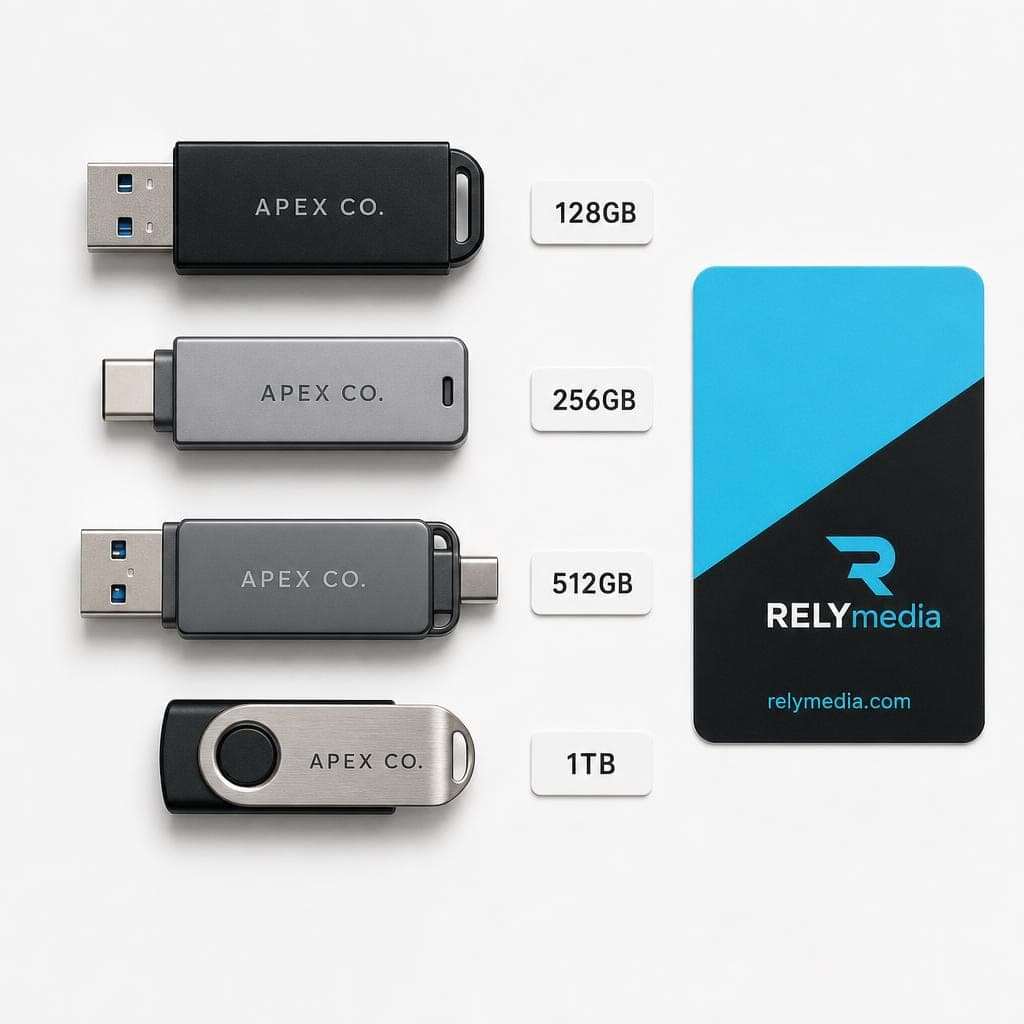
Start with storage requirements, then compare connector compatibility, transfer speed, build quality, security, warranty, and price.
Choose the Right USB Storage Capacity
| Capacity | Practical use |
|---|---|
| 64GB | Documents, slides, music |
| 128GB | Photos, office files, everyday backup |
| 256GB | Large photo collections, mixed media |
| 512GB | Video projects, larger archives |
| 1TB–2TB | High-capacity portable libraries |
A formatted drive shows less usable capacity than its advertised capacity. For most users, 128GB or 256GB balances storage space and cost. Large videos, RAW photos, and project backups may justify 512GB or more.
USB-A vs. USB-C
USB-A and USB-C describe connector shapes. They do not automatically tell you the transfer rate.
USB-C is compatible with many modern phones, tablets, and laptops. USB-A remains common on desktops, TVs, cars, and office equipment. Dual connectors offer broader compatibility.
USB 2.0, USB 3.0, USB 3.1, and USB 3.2
USB naming often confuses buyers. USB 3.2 Gen 1 supports up to 5 Gbps signaling, while Gen 2 supports up to 10 Gbps. Those limits are not promised file-transfer speeds. NAND flash quality, controller design, hardware, heat, and file system still affect data throughput.
Read Speed vs. Write Speed
Read speed controls how quickly you copy data from the drive. Write speed controls how quickly you save data onto it.
Basic performance handles documents. Large videos, photo libraries, and backups benefit from stronger write speed. CrystalDiskMark can compare sequential and random read/write performance, but benchmark results never replace real-world judgment.
The fastest thumb drive on paper is not automatically the best USB drive for your workflow.
Check Compatibility, Durability, and Security
Verify operating system compatibility and ports before buying.
For travel, consider:
- Metal or aluminum casing
- Shock resistance
- Retractable connectors
- Capless design
- Protective casing
- Keyring loops
- Ruggedness
- Waterproof protection where available
For sensitive files, compare password protection, AES encryption, secure partitions, and data recovery options.
Match durability and security to the value of the data you carry.
USB Flash Drive vs. Portable SSD
A USB stick wins on pocket-sized portability and simple file sharing. It works well for presentations, documents, photos, and light backup.
A portable SSD makes more sense for constant large-file transfers, video editing, heavy backups, and sustained high-speed storage. Buy the storage solution that fits the job, not simply the biggest USB flash drive available.
Are USB Flash Drives Reliable for Long-Term Storage?
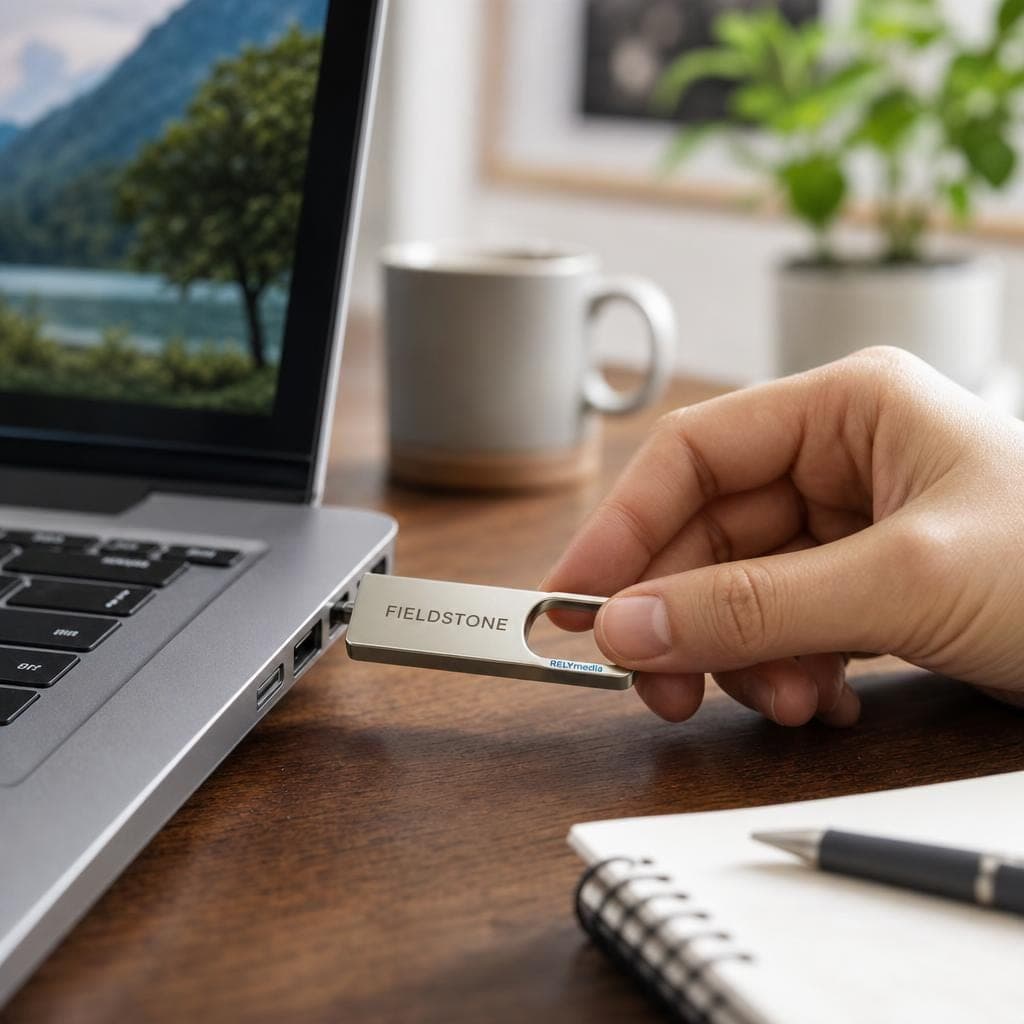
Flash memory can retain data for years, but a USB flash drive should not be your only long-term storage location.
Storage lifespan depends on NAND quality, age, temperature, read/write cycles, and storage conditions. Keep important files in multiple locations, including external storage or cloud storage. Periodically verify valuable archives and migrate data to newer devices.
Custom USB Flash Drives for Businesses
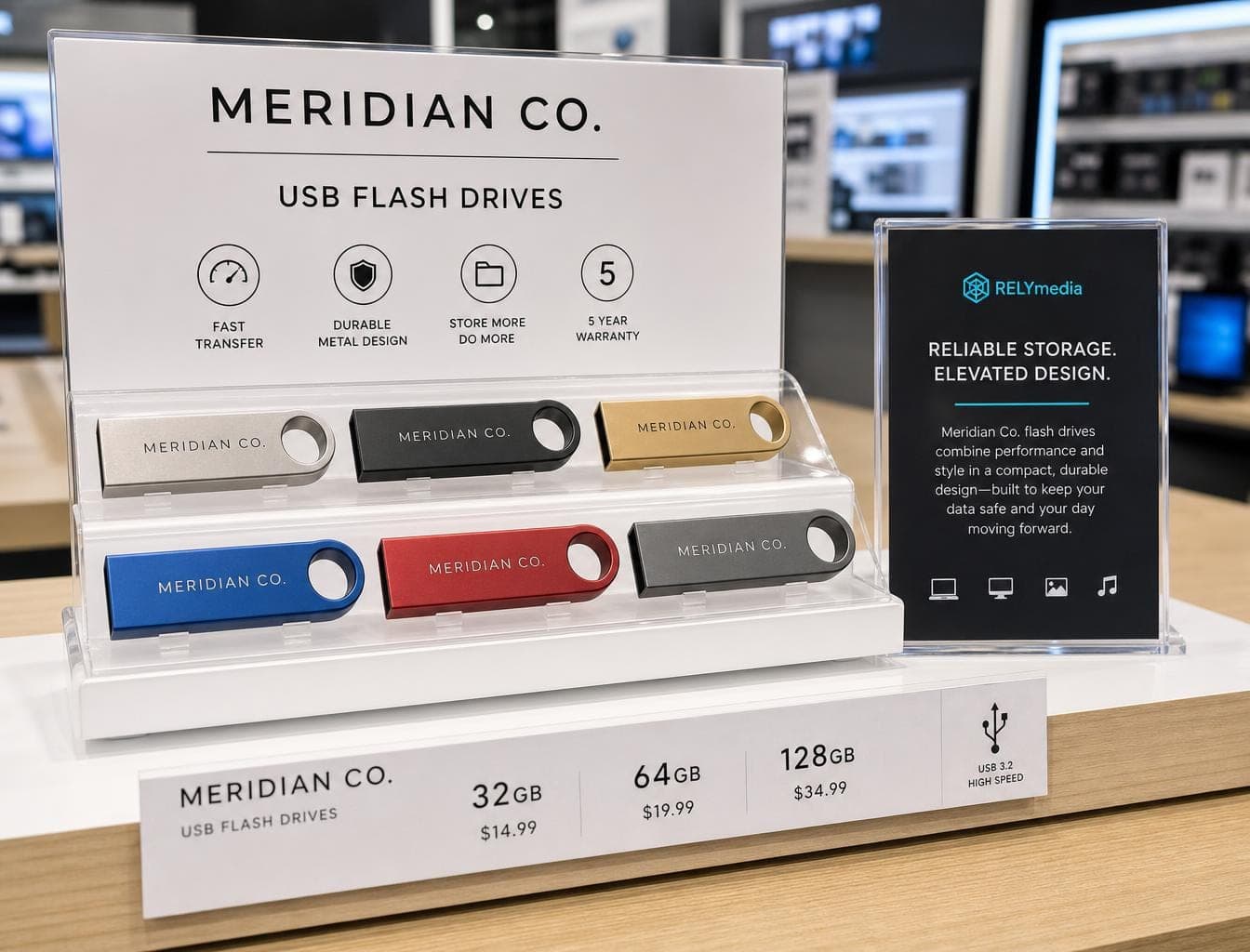
Organizations often need branded technology that stores files while reinforcing a message. That includes marketing teams, HR departments, schools, agencies, event planners, and procurement teams.
For business buyers, this approach also prevents overspending: choose the capacity, connector, security level, and customization your recipients will actually use, rather than chasing specifications that add little value.
RELYmedia custom USB flash drives include hundreds of styles, materials, colors, capacities, and branding configurations. Businesses can choose promotional thumb drives tailored to their audience, campaign, content size, and budget, instead of settling for a generic memory device.
The right capacity matters here too. A small drive may handle brochures, PDFs, and presentations. Training videos, product demonstrations, photo libraries, or digital catalogs may require more storage.
RELYmedia also offers custom data services, including file preloading, password-protected areas, drive naming, custom icons, partitions, serialization, and encryption options.
Instead of handing out an empty promotional product, a company can deliver useful files inside a branded storage device.
Explore RELYmedia custom flash drives for storage, branding, and distribution in one product.
Request a RELYmedia quote
Reach out when capacity, imprint method, packaging, quantity, or turnaround affects your project.
How These USB Flash Drives Were Evaluated
This guide evaluates current products using manufacturer specifications and practical buying criteria, without claiming laboratory testing.
The comparison considers:
- Read/write speeds
- USB interface
- Connector type
- Storage capacity
- Device compatibility
- Build quality
- Portability
- Security features
- Warranty
- Intended use
- Overall value
Rated speeds aid comparison, but formatting, workload, file size, and host hardware affect real performance.
Ready to print your team's name on premium apparel?
Fill in your details and a RELYmedia specialist will come back to you with a custom quote — fast turnaround, no obligation.
- ⚡Same-day response on business days
- 🎨Free design assistance included
- 🚚Rush order & fast delivery available
- 💰Price beat guarantee on every order
Shop custom USB flash drives
See all classic usb flash drives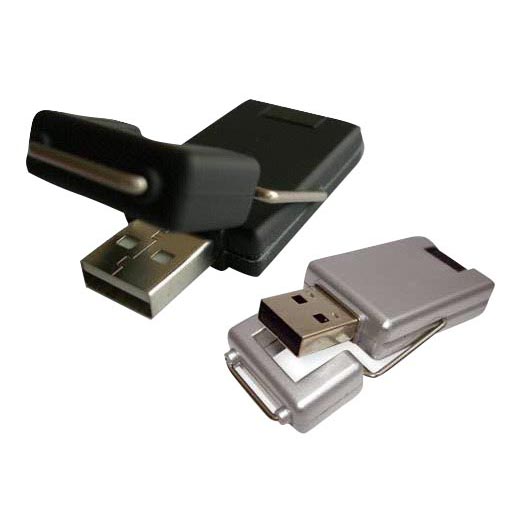
RMC12 Swivel USB Flash Drive
Price on request
View product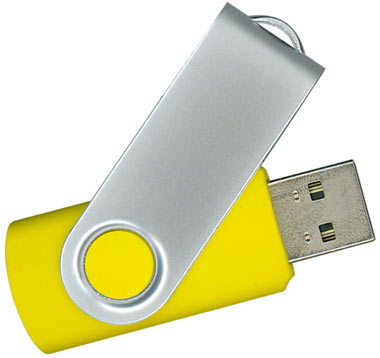
RMC02 Swivel USB Flash Drive
Price on request
View product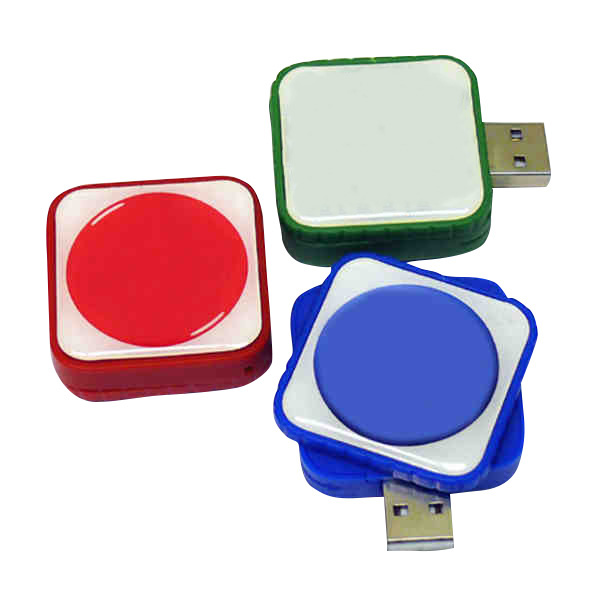
RMC169 USB Flash Drive
Price on request
View product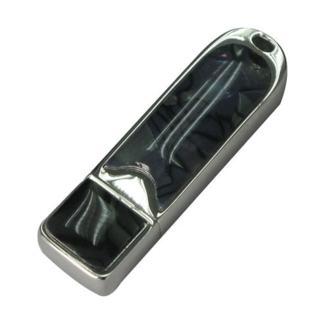
RMC167 USB Flash Drive
Price on request
View product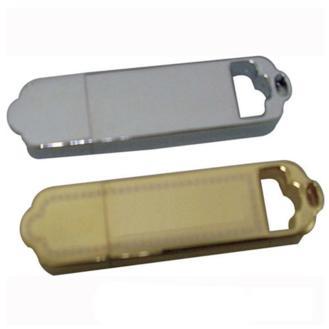
RMC166 USB Flash Drive
Price on request
View product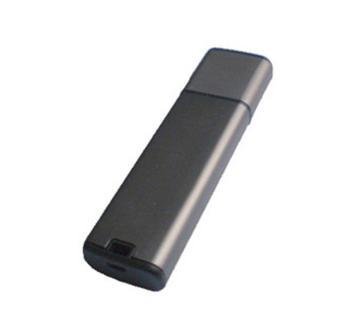
RMC165 USB Flash Drive
Price on request
View product
RMC164 USB Flash Drive
Price on request
View product
RMC163 USB Flash Drive
Price on request
View product
Best USB Flash Drives of 2026: FAQs
What is the best USB flash drive in 2026?
The Kingston DataTraveler Max is a strong overall choice for speed and capacity. Still, the best flash drive depends on your connector, budget, workload, and security needs.
What is the fastest USB flash drive?
Among these drives, the DataTraveler Max offers unusually high transfer speeds. Host hardware and workload still determine actual results.
Is USB-C faster than USB-A?
Not automatically. Connector type and USB protocol are separate. A USB-C drive can be slow, while a well-designed USB-A drive can deliver strong performance.
What size flash drive do I need?
Choose 64GB for documents, 128GB or 256GB for mixed files, and 512GB or more for large photo, video, or project libraries.
What is the best flash drive for photos and videos?
Look for a reliable USB flash drive with fast write speeds, sufficient capacity, and the right connector. Large RAW libraries may justify a portable SSD.
Can I use a USB flash drive with my phone?
Yes, when the phone supports USB OTG or compatible external storage. Choose USB-C or the connector that matches your device.
Are 1 TB and 2 TB USB flash drives real?
Yes. Reputable brands sell genuine terabyte USB flash drives. Fake capacity claims remain a risk, so buy from trusted vendors.
How long does a USB flash drive last?
There is no fixed lifespan. Flash quality, temperature, storage conditions, and write cycles all matter. Back up important data regardless of brand.
Conclusion: Which USB Flash Drive Should You Choose in 2026?
The best USB flash drives solve specific problems. Start with connector compatibility, then compare capacity, transfer speed, durability, security, warranty, and cost.
Choose high-speed storage for large transfers, compact storage when space matters, dual connectors across device generations, and encryption for sensitive data.
For organizations, branding, preloaded files, packaging, quantity, and turnaround can turn flash memory into a useful marketing asset. RELYmedia brings those needs together through customizable USB storage, data services, and promotional support.
Explore RELYmedia's custom USB flash drives
Choose a solution built around your audience, content, and campaign.
Frequently asked questions
Which brand of USB flash drive is the best?
No single brand is best for every use case, since connector type, speed, durability, and security change what works best. Kingston leads the overall pick with DataTraveler Max, and it also has a top secure option with IronKey Vault Privacy 50. SanDisk is highlighted for high-speed USB-A performance with Extreme PRO and compact storage with Ultra Fit, while Samsung stands out for USB-C convenience and protection features.
What is the fastest USB flash drive currently available?
The top speed-rated pick listed is the Kingston DataTraveler Max, rated by Kingston for up to 1,000 MB/s read and 900 MB/s write over USB 3.2 Gen 2. Real transfer speeds can be lower because your USB port, host hardware, operating system, heat, file size, and workload affect performance. A fast drive cannot outrun a slow port.
What is the difference between a flash drive and a USB drive?
A USB flash drive is a small USB stick that uses flash memory for portable storage and file sharing. It is useful for presentations, documents, photos, and light backups, especially when you want pocket-sized portability. For heavier work like constant large-file transfers, video editing, heavy backups, or sustained high-speed storage, a portable SSD is usually a better fit.
Which is better, Kingston or SanDisk flash drive?
It depends on what you need to do. Kingston is the top overall pick with DataTraveler Max for very high rated performance, and Kingston also has the best secure pick with IronKey Vault Privacy 50 for hardware-based encryption features. SanDisk is the high-speed USB-A pick with Extreme PRO and the compact pick with Ultra Fit for low-profile, nearly flush storage.
How much USB flash drive capacity do most people need?
For most users, 128GB or 256GB balances storage space and cost. Large videos, RAW photo libraries, and project backups can justify 512GB or more. Also expect a formatted drive to show less usable capacity than the advertised capacity. Buying a very large drive is less useful if you only carry small files like presentations.
Shop this
Need custom USB flash drives? We print them.
Bulk pricing, three free mockups, real quotes back the same business day.