USB4 and the Future of the USB Standard: Speed, Power, and Connectivity
September 29, 2026 · 11 min read
USB has spent three decades becoming the connection behind modern computing. What began with basic peripherals now carries file, video, power, and device traffic through a single compact interface.
The future of the USB standard centers on USB4, USB-C, faster bandwidth, smarter protocol handling, and higher power delivery. Yet a USB-C port can look identical to another while supporting very different speeds, charging levels, and display features.
That matters when you manage IT hardware, buy portable storage, or order branded flash drives. Understanding the technology helps you choose what users actually need.
Explore RELYmedia’s custom USB flash drives before choosing a connector or capacity.
What Is USB4 and Why Does It Matter?
USB4 is the current high-performance USB architecture. The USB Implementers Forum, or USB-IF, develops the USB specification and certification framework. USB4 builds on earlier USB technology while carrying multiple traffic types over a single connection.
USB4 can allocate available bandwidth dynamically. That makes a USB4 port useful for docks, monitors, external SSDs, and other peripherals.
USB4 supports:
- High-speed data transfer
- DisplayPort tunneling
- PCIe tunneling
- Host-to-host communication
- Dynamic bandwidth allocation
- USB Power Delivery alongside data
- Backward compatibility
In simple terms, the USB communication protocol has become more capable.
Think of USB4 as a traffic manager, not simply a faster road.
Interface speed matters, but bandwidth management does too.
USB Generations: From USB 1.0 to USB4 Version 2.0
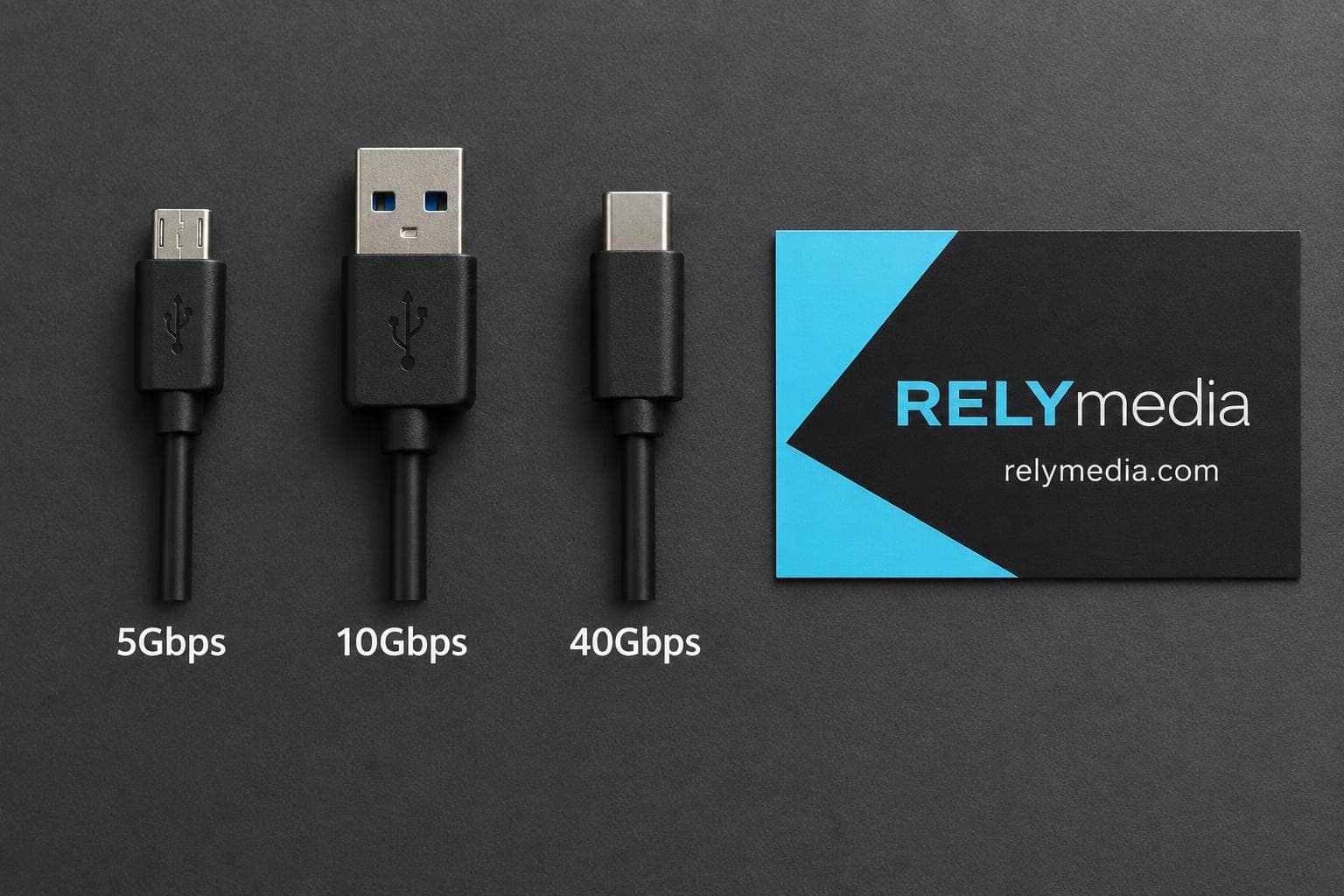
USB standards have evolved through several generations, expanding speed, compatibility, and functionality.
| USB generation | Maximum signaling rate | Main advancement |
|---|---|---|
| USB 1.0 | 12Mbps | Basic peripheral connectivity |
| USB 2.0 | 480Mbps | Faster mainstream device support |
| USB 3.2 Gen 1 | 5Gbps | SuperSpeed-era performance |
| USB 3.2 Gen 2 | 10Gbps | Faster storage and peripherals |
| USB 3.2 Gen 2x2 | 20Gbps | Dual-lane USB-C operation |
| USB4 | Up to 40Gbps | Multi-protocol architecture |
| USB4 Version 2.0 | Up to 80Gbps | Higher signaling and bandwidth |
USB4 Version 2.0 is the latest USB4 specification. You may see USB 4.0, USB4.0, or USB-4 in searches and product listings. These phrases generally refer to USB4, which is the official name.
Likewise, USB4.2 is not an official later generation. The correct term is USB4 Version 2.0.
Why USB Version Names Became Confusing
USB 3.0, USB 3.1, and USB 3.2 created confusion because similar technologies were assigned multiple labels.
Current USB branding therefore emphasizes capability labels such as:
- USB 5Gbps
- USB 10Gbps
- USB 20Gbps
- USB 40Gbps
- USB 80Gbps
For buyers, these labels are easier to compare.
A practical buying checklist helps here. When comparing USB4 specs, confirm the supported data rate, cable rating, display features, power delivery, and backward compatibility. The latest version of USB may offer impressive bandwidth, but value still depends on your devices, workload, USB protocols, and the performance your users can actually access.
USB4 Speed: 20Gbps, 40Gbps, 80Gbps, and 120Gbps Explained
Searches for USB4 speeds, USB 4 speed, USB 4.0 speed, speed of USB 4.0, or USB4 Type-C speed often seek one number. The answer needs context.
Earlier USB4 implementations commonly supported 20 Gbps or 40 Gbps. USB4 Version 2.0 enables 80Gbps bidirectional operation. An asymmetric configuration can provide up to 120 Gbps in one direction and 40 Gbps in the other for display-heavy workloads.
💡Bandwidth is a maximum capability, not a guaranteed file-copy speed.
Real performance depends on:
- Host and USB port
- Cable
- Connected device
- Storage controller and media
- Protocol in use
A USB 10Gbps flash drive connected to an 80Gbps USB4 port still runs near its own limit. USB 4 bandwidth is therefore not a promise of storage speed.
Compare real workflow needs before paying for unused bandwidth.
USB4 vs USB-C: The Connector and the Technology Are Different
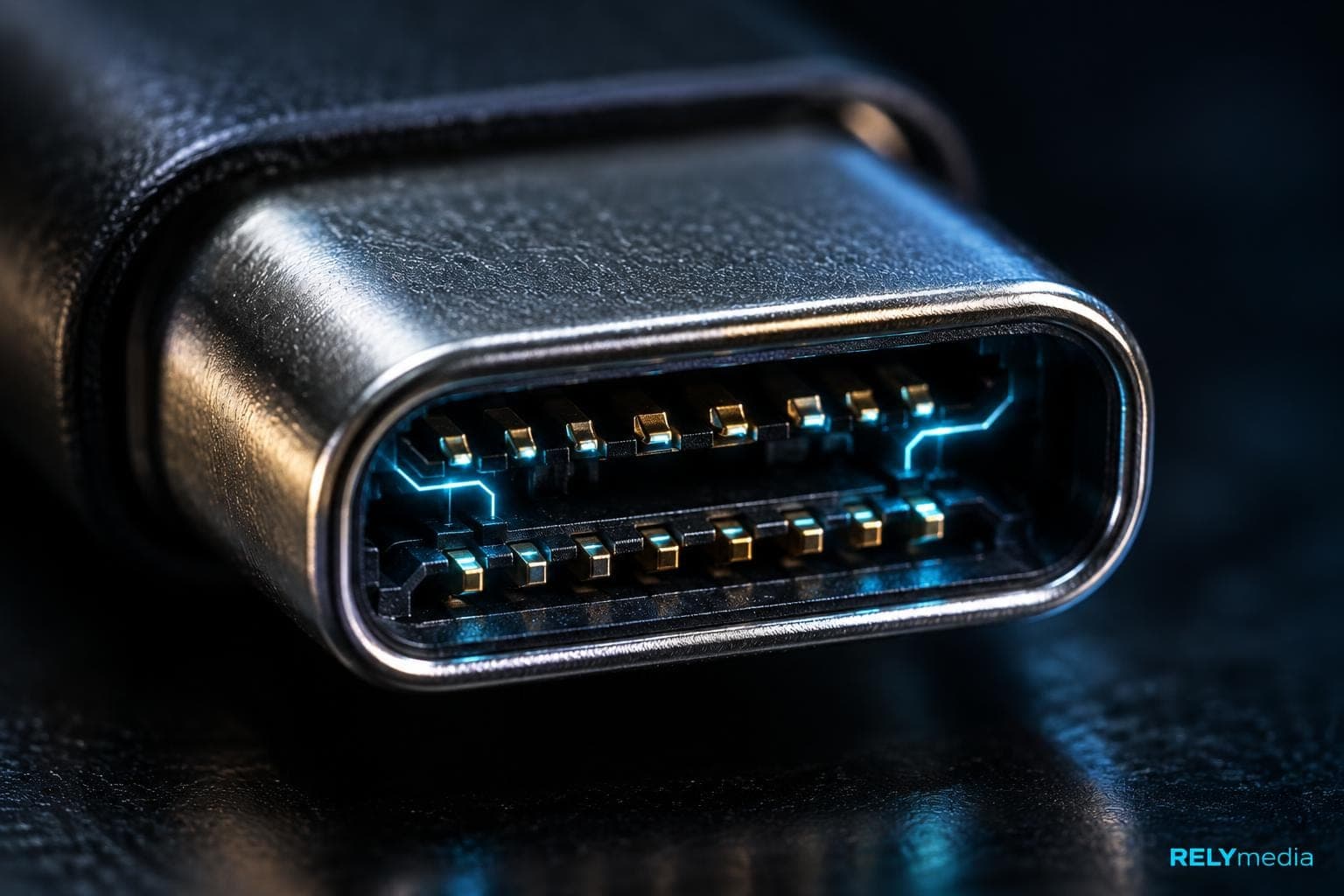
Here is the key distinction: USB-C describes the physical connector. USB4 describes the architecture and communication capabilities.
Every USB4 connection uses USB-C, but not every USB-C port supports USB4.
A USB-C port may support:
- USB 2.0
- USB 3.2
- USB4
- DisplayPort Alt Mode
- USB Power Delivery
- Thunderbolt
- Several of these features together
Identical-looking USB-C ports can therefore deliver very different performance.
What About USB-A?
USB-A, sometimes written as USB_A, remains common on desktops, office systems, chargers, and legacy equipment.
That matters for promotional storage. USB-C-only drives may frustrate recipients who rely on USB-A. A dual-interface drive can offer broader device compatibility.
RELYmedia offers custom USB-A, USB-C, and dual-interface flash drive options.
Explore RELYmedia connector options that match your audience’s hardware.
USB4 vs USB 3.2: When Does the Upgrade Matter?
USB 3.2 remains capable for everyday devices. Keyboards, mice, standard flash drives, printers, and routine transfers rarely need USB4 bandwidth.
USB4 matters more when demanding workloads share one connection.
| Capability | USB 3.2 | USB4 |
|---|---|---|
| Maximum data rate | Up to 20Gbps | Up to 80Gbps |
| USB-C required | No | Yes |
| Dynamic bandwidth sharing | Limited | Yes |
| PCIe tunneling | No | Supported |
| Display tunneling | More limited | Integrated |
| Backward compatibility | Yes | Yes |
The upgrade matters most for external SSDs, docks, high-resolution monitors, and creative workstations. For a promotional thumb drive, USB 3.x can still strike a balance among price, compatibility, and performance.
USB4 vs Thunderbolt 4 and Thunderbolt 5
USB4 and Thunderbolt share technology, but they are not identical.
Thunderbolt 4 requires 40 Gbps and defines minimum capabilities. Thunderbolt 5 raises bidirectional bandwidth to 80Gbps and can use Bandwidth Boost for up to 120Gbps transmit bandwidth during display-heavy workloads.
USB4 gives manufacturers more implementation flexibility. Thunderbolt certification sets stricter minimums for features such as PCIe performance and display support.
For office users, USB4 provides strong high-speed connectivity. Thunderbolt 5 better suits:
- Multi-monitor workstations
- High-resolution video
- Large external SSD workflows
- Professional content creation
- High-performance docks
- Demanding data throughput
Connector shape alone cannot identify support. Check the device specification.
💡For routine storage, choose compatibility over workstation-class bandwidth.
USB Power Delivery Is Expanding What One Cable Can Do
The future of USB is also about power.
USB Power Delivery, or USB PD, allows compatible USB-C devices to negotiate charging power, while the cable may also carry data or video.
USB PD can support up to 240W when the charger, cable, and device support the required profile.
Common examples include:
- Laptops
- Displays
- Docking stations
- Power banks
- Portable storage
- Charging accessories
Charging capability and data performance remain separate. A USB-C cable that charges quickly might support basic data transfer, while a fast data cable may not provide maximum charging power.
💡Check both data rate and wattage.
Backward Compatibility Keeps Older USB Devices Useful
USB4 maintains backward compatibility with previous USB generations, although different connectors may require adapters.
A useful rule is:
Host capability + cable capability + device capability = practical connection performance.
The weakest component sets the limit.
A USB 80Gbps laptop connected to a USB 10Gbps drive remains limited by the drive.
This matters in businesses where new laptops and older desktops coexist.
Ordering for a mixed device fleet?
Ask RELYmedia about dual-interface USB options that reduce compatibility headaches.
Do USB4 Flash Drives Actually Make Sense?
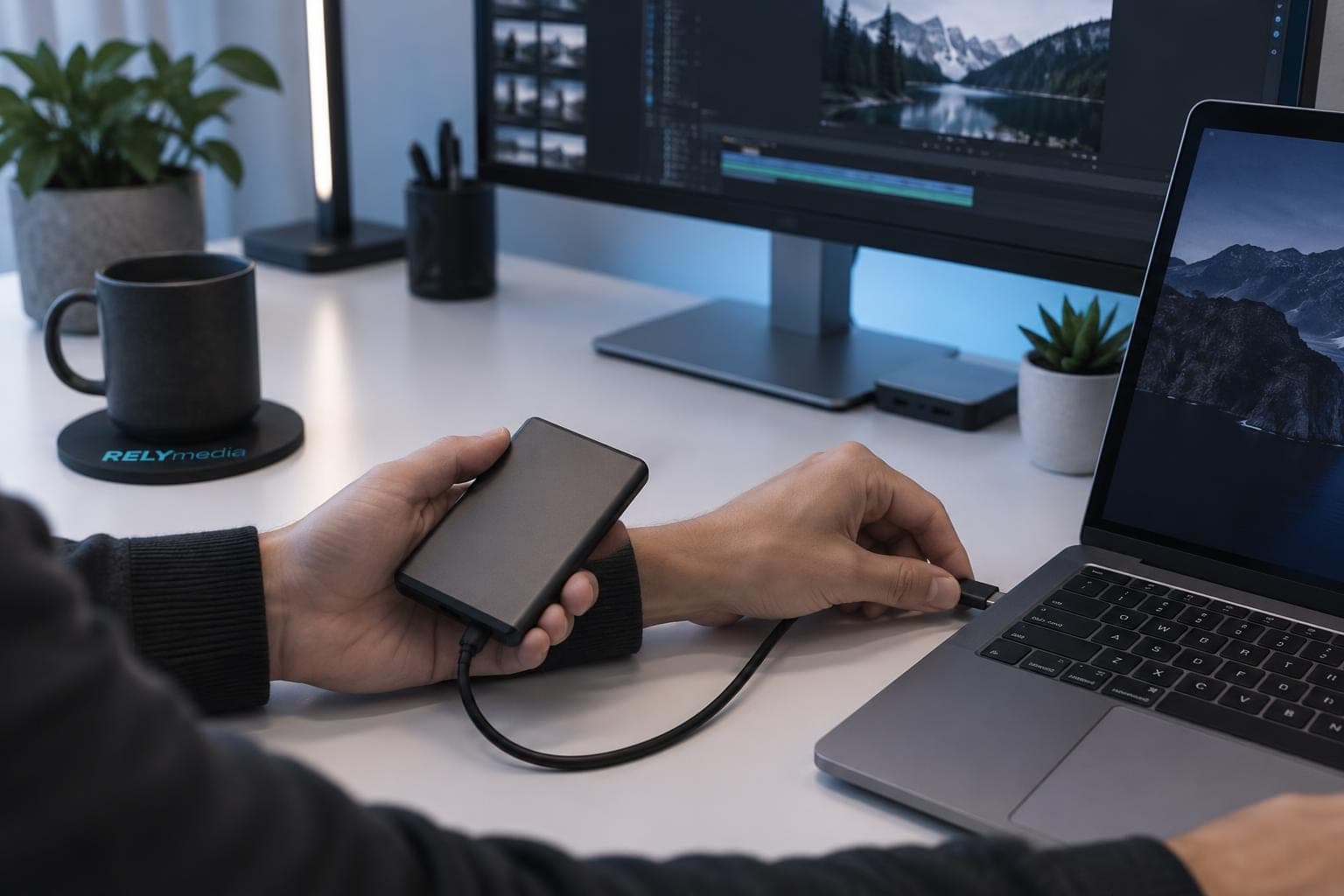
Searches for USB4 flash drive, USB 4 flash drive, USB 4.0 flash drive, or USB 4 drive reflect growing interest in faster portable storage.
Yet interface bandwidth alone does not make a flash drive dramatically faster.
For ordinary flash drives, storage performance and compatibility often matter more than the newest interface or bandwidth.
Real storage performance also depends on:
- NAND flash quality
- Controller design
- Thermal limits
- Read and write speeds
- File size
- Workload type
High-performance external SSDs benefit more because their controllers and media can sustain higher throughput. Conventional flash drives often prioritize portability, cost, capacity, and universal compatibility.
For business and promotional use, buyers should compare:
- Capacity
- USB-A or USB-C support
- Read and write performance
- Branding area
- Data services
- Security options
- Quantity
- Turnaround time
- Cost per unit
RELYmedia offers multiple capacities, styles, connectors, and customization options.
Browse RELYmedia custom USB flash drives by connector, capacity, style, and branding requirements.
What USB4 Means for Business and Promotional Technology
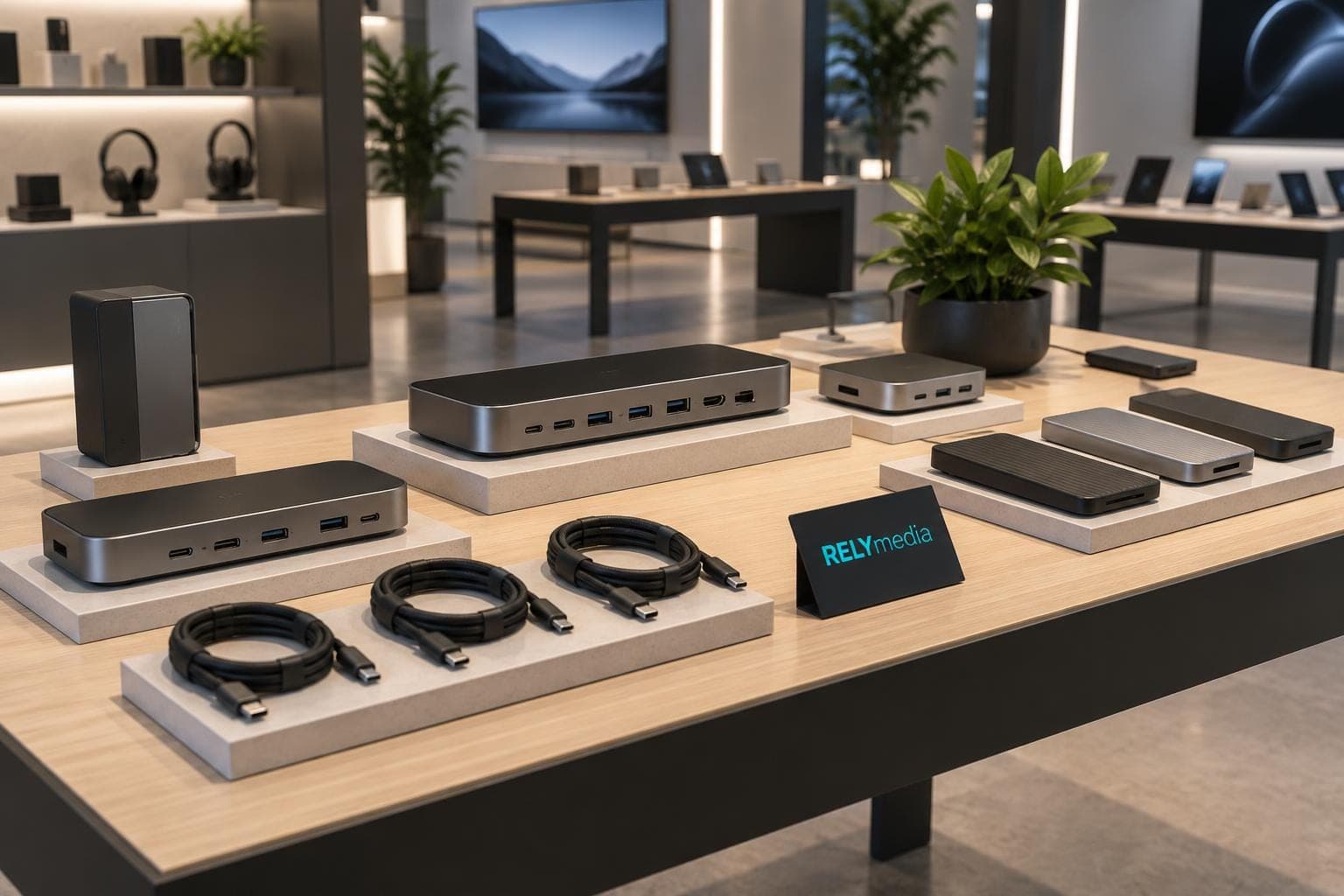
The newest USB technology is not always the smartest purchase.
Consider a university ordering 2,000 branded drives. Students may use USB-C laptops, USB-A desktops, and shared lab computers. A dual-interface drive may serve them better than a faster USB-C-only product.
A video agency moving hundreds of gigabytes between workstations has different needs. High-speed external storage and USB4 bandwidth can save meaningful transfer time.
Procurement teams, marketers, HR departments, schools, agencies, and event planners should therefore focus on audience needs rather than headline specifications.
RELYmedia can help evaluate connector type, capacity, branding, deadlines, and compatibility before a large order.
How to Choose USB Hardware Without Getting Lost in Version Names
The easiest way to evaluate USB hardware is to check specific capabilities.
Look for:
- Data speed: 5Gbps, 10Gbps, 20Gbps, 40Gbps, or 80Gbps
- Connector: USB-A or USB-C
- Power: USB PD support and maximum wattage
- Display: DisplayPort support and monitor requirements
- Storage: Actual read and write performance
- Compatibility: Devices, operating systems, and peripherals
- Certification: USB-IF or Thunderbolt certification where relevant
This works better than asking only, “What is the newest USB?” and helps avoid paying for unused features.
Request a RELYmedia quote once you know your quantity, capacity, connector, and branding needs.
What Is the Future of the USB Standard?
The direction is clear. USB-C is becoming the standard physical interface, while USB4 increases the amount of data it can carry. USB Power Delivery adds charging, while DisplayPort and PCIe tunneling support capable docks, displays, storage, and peripherals.
The broader trend is single-cable connectivity.
Not every device needs the latest USB version. A mouse gains nothing from 80Gbps, while a promotional flash drive may gain more from broad compatibility.
Clear labels also matter. USB 20Gbps, USB 40Gbps, and USB 80Gbps are faster than older USB standards.
Ready to print your team's name on premium apparel?
Fill in your details and a RELYmedia specialist will come back to you with a custom quote — fast turnaround, no obligation.
- ⚡Same-day response on business days
- 🎨Free design assistance included
- 🚚Rush order & fast delivery available
- 💰Price beat guarantee on every order
Shop custom USB-C flash drives
See all usb-c, card & slim drives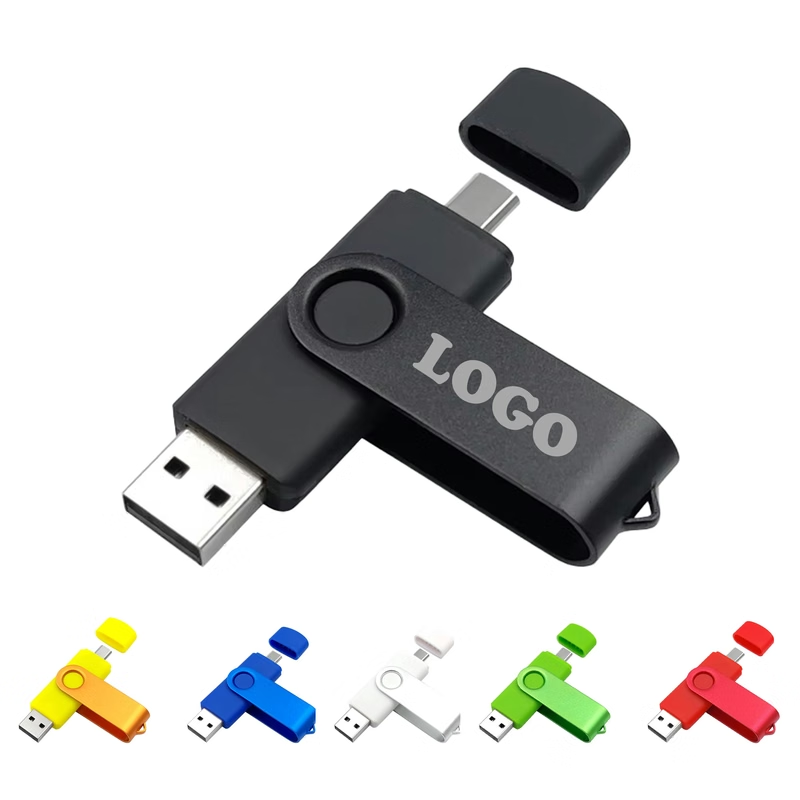
MOQ 30 pcs 32GB Rotating USB-C Flash Drive
$2.69 - $4.50
View product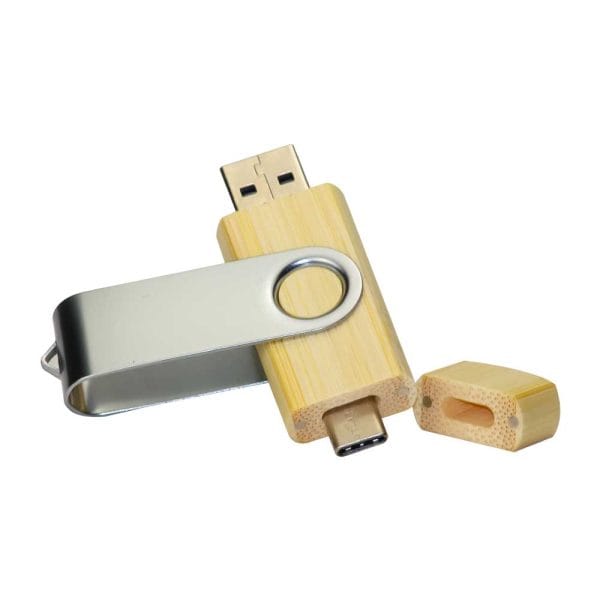
RMCC02 USB-C Flash Drive
Price on request
View product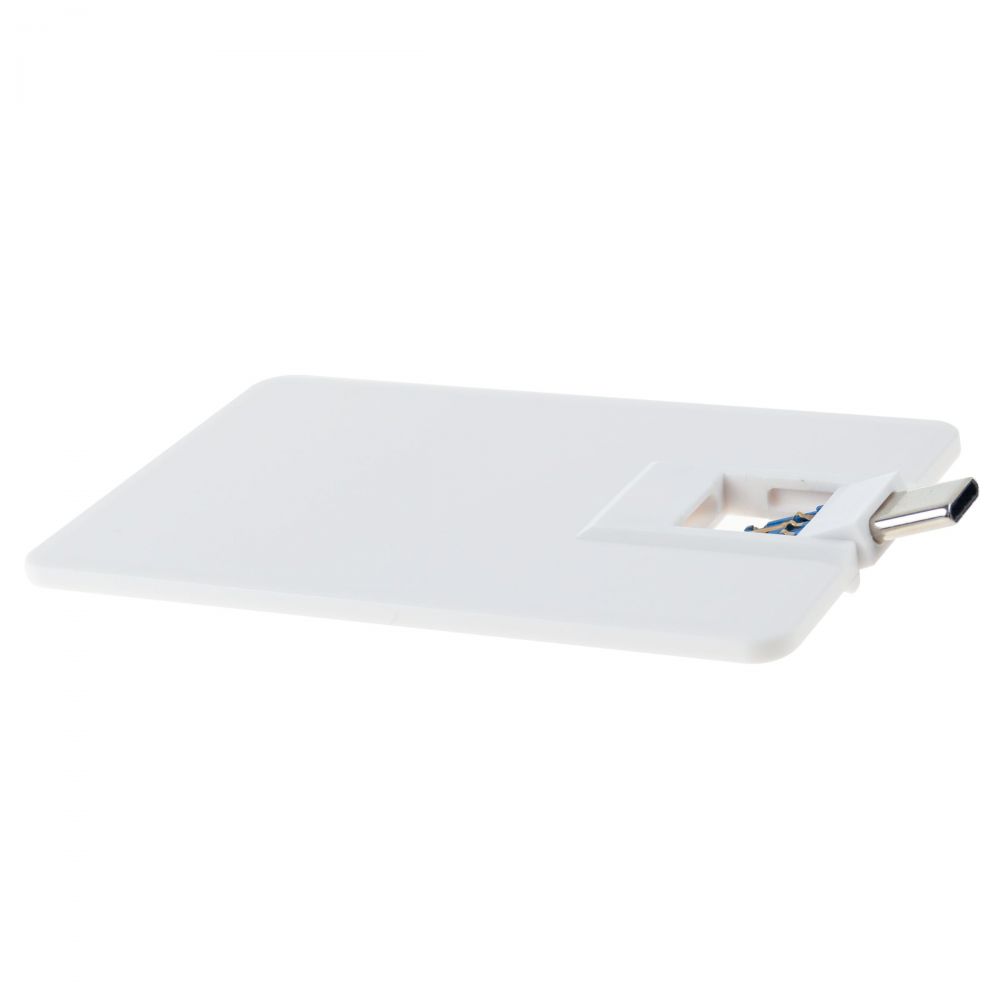
RMCC04 USB-C Flash Drive
Price on request
View product
RMCC03 USB-C Flash Drive
Price on request
View product
RMCC01 USB-C Flash Drive
Price on request
View product
RMCC08 USB-C Flash Drive
Price on request
View product
RMCC07 USB-C Flash Drive
Price on request
View product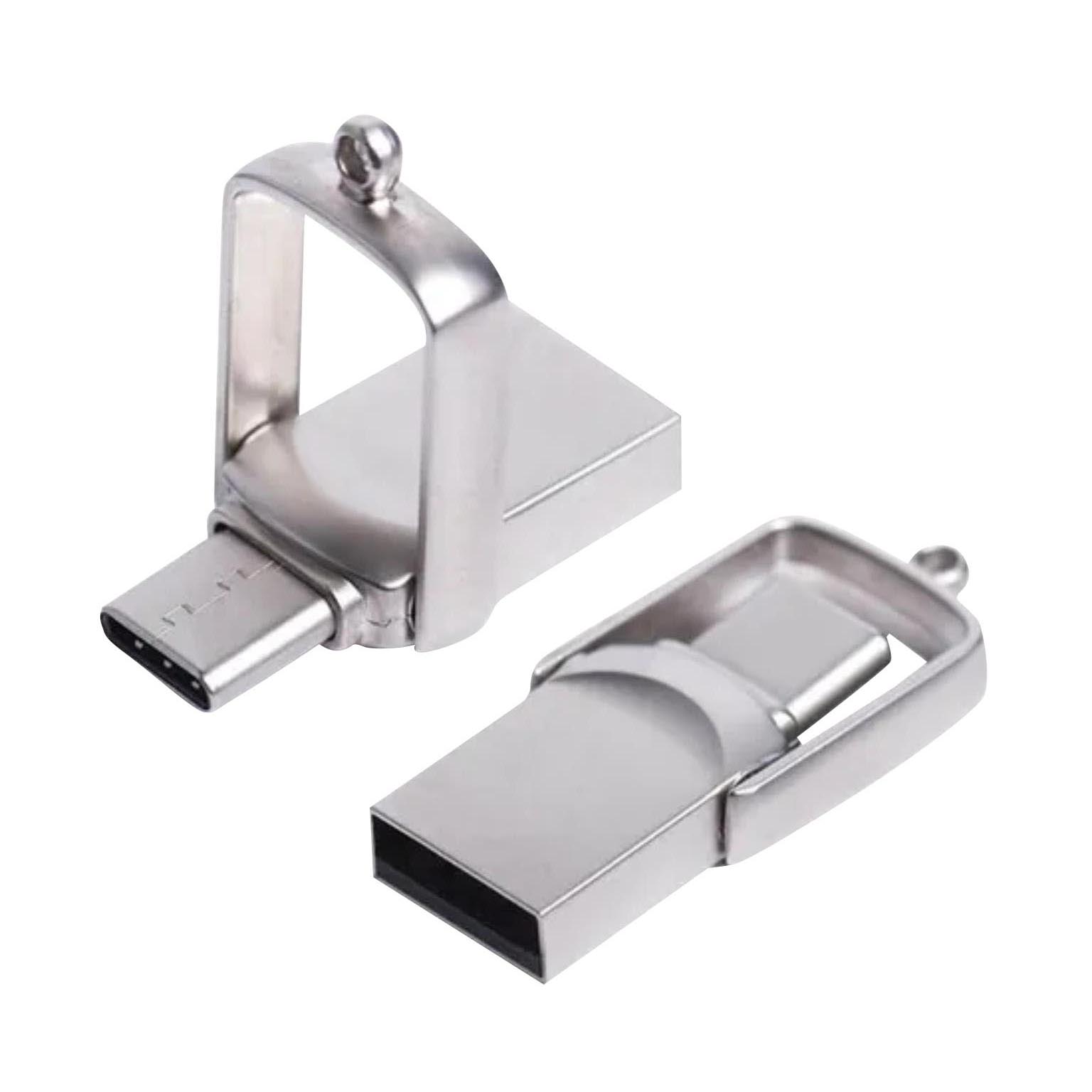
RMCC05 USB-C Flash Drive
Price on request
View product
Frequently Asked Questions About USB4
What is USB4?
USB4 is a USB architecture that uses USB-C for high-speed data transfer, dynamic bandwidth allocation, DisplayPort and PCIe tunneling, and backward compatibility.
What is USB 4.0?
“USB 4.0” is a common search phrase for USB4. The official name is USB4, not USB 4.0.
What is the latest USB version?
USB4 Version 2.0 is the latest USB4 specification, supporting up to 80 Gbps of bidirectional bandwidth and asymmetric configurations.
What is the USB4 release date?
The original USB4 specification arrived in 2019. USB4 Version 2.0 followed in 2022, with later updates.
How fast is USB4?
USB4 implementations may support 20 Gbps or 40 Gbps. USB4 Version 2.0 supports up to 80Gbps bidirectional operation.
Is USB4 the same as USB-C?
No. USB-C is the connector. USB4 is the technology and protocol architecture behind compatible USB-C connections.
Does USB4 support older USB devices?
Yes. USB4 supports backward compatibility with earlier USB generations, although connector adapters may sometimes be required.
Is USB4 faster than Thunderbolt 4?
USB4 Version 2.0 can exceed Thunderbolt 4 peak bandwidth, while Thunderbolt 4 certification requires specific minimum capabilities.
Does USB4 support 240W charging?
Charging comes from USB Power Delivery rather than USB4 itself. Compatible USB-C hardware can support up to 240W through USB PD.
Is a USB4 flash drive worth buying?
It depends on the workload. External storage may be beneficial, but conventional flash drives often offer greater compatibility, capacity, reliability, and lower cost.
Conclusion: The Future of USB Is About Useful Capability
The future of the USB standard lies beyond simply increasing speed. USB4 Version 2.0, USB-C, USB4 speeds, DisplayPort tunneling, PCIe connectivity, backward compatibility, and USB Power Delivery are turning one connector into a broader platform for data, displays, storage, peripherals, and charging.
For businesses, the best choice starts with the user. Consider their devices, files, connector needs, and performance. That reduces overspending and compatibility problems.
RELYmedia helps businesses, marketing teams, HR departments, procurement teams, schools, agencies, and organizations turn technical choices into practical branded technology solutions. Its custom USB range offers a variety of capacities, connectors, styles, and branding options.
The newest standard may look impressive. The right product is the one people can use easily.
Start your next branded technology project
Start your next branded technology project with RELYmedia and choose USB products around real users and business goals.
Frequently asked questions
Is a USB4 the same as USB-C?
No. USB-C describes the physical connector shape, while USB4 describes the architecture and communication capabilities. Every USB4 connection uses USB-C, but not every USB-C port supports USB4. Identical-looking USB-C ports can support very different speeds, charging levels, and display features, so you need to check the device specifications.
Is USB4 the same as Thunderbolt?
USB4 and Thunderbolt share underlying technology, but they are not identical. USB4 allows more implementation flexibility. Thunderbolt 4 requires 40Gbps and defines minimum capabilities, and Thunderbolt certification sets stricter minimums for features such as PCIe performance and display support. Thunderbolt 5 raises bandwidth to 80Gbps and can boost transmit bandwidth up to 120Gbps for display-heavy workloads.
What is USB4 used for?
USB4 is useful when multiple traffic types need to share one connection, such as with docks, monitors, external SSDs, and other peripherals. It can dynamically allocate available bandwidth, and it supports high-speed connectivity that also pairs with USB-C features like USB Power Delivery for charging and DisplayPort or PCIe tunneling for capable displays and accessories.
Is USB 4.0 a thing yet?
Yes, but “USB 4.0” is not the official name. The correct term is USB4, and the latest specification is USB4 Version 2.0. You may also see “USB4.0” or “USB-4” in searches and product listings, and these phrases generally refer to USB4. “USB4.2” is not an official later generation.
What USB4 speeds should you expect from ports and cables?
USB4 speed depends on the specific implementation and the cable and device you connect. Earlier USB4 implementations commonly supported 20Gbps or 40Gbps. USB4 Version 2.0 enables 80Gbps bidirectional operation, and an asymmetric configuration can provide up to 120Gbps in one direction and 40Gbps in the other for display-heavy workloads. Real file-copy speed is often limited by the connected drive.
How does backward compatibility work with USB4?
USB4 maintains backward compatibility with previous USB generations, though different connectors may require adapters. Practical performance is set by the weakest part of the chain: host capability plus cable capability plus device capability equals the real connection performance. For example, an 80Gbps USB4 laptop connected to a 10Gbps drive still runs near the drive’s own limit.
Shop this
Need custom USB-C flash drives? We print them.
Bulk pricing, three free mockups, real quotes back the same business day.
Keep reading
Shop by category
Our Customer Feedback


Mike Larson
 (5)
(5)Unbelievable Turn-around
We are stunned with how quickly we received our order. It turned out perfect, and all of our interactions with staff have been fantastic. Thank you so much!
Jana
(5)Great customer service and on-time delivery with product as advertised!
The product arrived exactly as advertised and on time. This company was very easy to work with, and the price was great!
Sarah
(5)Quick Turn-Around and Immediate Communisaton
I've ordered a couple times from RELY. My initial order was not time sensitive so we had time to get it correct. We went back and forth with proofs until I felt comfortable. When I had a question, the sales team was very responsive. When it came to my re-order, I needed it fast. They responded and got it to me right on time.
Rob
(5)Fabulous experience, great suggestions from the staff!
The sales staff had great suggestions and were very helpful in the process to, in the end, get exactly what was necessary for our use!
Emily
(5)Great service!
Everything went well as anticipated, and as planned. Service was superb & shipment was expedited in a speedy fashion! Thank you for your service!
Freddy
(5)Thumbdrives
2nd time I have ordered from these guys and they have a good product for the price. The delivery time was as said with no troubles. Would recommend and will be reordering again.
Patty
(5)This is a top notch company. Awesome as what they do. Highly recommend.
If you are looking for a company that says what they do and then do what they say - RELYmedia is for you!!! We have done a couple critical orders with RELYmedia and they were ahead of schedule and the items were perfect. We will be utilizing their talents again!!!
Blanca
(5)Very responsive,
All my inquiries were handled in a very timely fashion. My contact was courteous and helpful. Items ordered were received very quickly. Thanks for the superior service!
Andrew
(5)Overall great experience.
They are friendly and knowledgeable. They are well priced, and ship fast.
Trusted By