USB Versions Decoded: All the Specs and Version Numbers
September 28, 2026 · 9 min read
USB looks simple until you compare ports, cables, speeds, and charging labels. Then the names start piling up: USB 2.0, USB 3.2 Gen 2, USB4, USB-C, SuperSpeed USB, and USB Power Delivery.
The easiest way to decode USB is to separate four things: connector shape, USB specification, data speed, and power capability. A USB-C connector can support a wide range of speeds. Likewise, a USB-A port can belong to several USB generations.
This guide explains the main USB types, USB versions, connector sizes, transfer rates, charging standards, and compatibility rules. It also shows how businesses can choose practical, branded USB products without paying for features their audience doesn't need.
💡A connector tells you what fits. The USB spec tells you what the connection can do.
USB Versions vs. USB Types
A USB type usually describes the physical connector. Common examples include USB Type-A, USB Type-B, Mini-USB, Micro-USB, and USB Type-C. A USB version describes the technical standard behind data communication.
That difference explains why USB identification can feel confusing. USB-C is a reversible connector, not a guaranteed speed. USB-A is an older connector design, but it can still support faster USB standards.
The USB Implementers Forum, or USB-IF, now emphasizes consumer-facing speed names such as USB 5Gbps, USB 10Gbps, USB 20Gbps, USB 40Gbps, and USB 80Gbps. These labels make USB version comparisons easier than relying on old naming alone.
USB Speed Chart: Versions, Names, and Rates
| USB standard | Common name | Maximum signaling rate |
|---|---|---|
| USB 1.0/1.1 | Low Speed / Full Speed | 1.5 / 12 Mbps |
| USB 2.0 | Hi-Speed USB | 480 Mbps |
| USB 3.2 Gen 1 | USB 3.0 / 3.1 Gen 1 | 5 Gbps |
| USB 3.2 Gen 2 | USB 3.1 Gen 2 | 10 Gbps |
| USB 3.2 Gen 2x2 | SuperSpeed 20Gbps | 20 Gbps |
| USB4 | USB4 20Gbps / 40Gbps | 20 / 40 Gbps |
| USB4 Version 2 | USB 80Gbps | 80 Gbps |
USB 3.2 officially identifies 5, 10, and 20 Gbps transfer rates. USB4 extends the family to 40 and 80 Gbps performance tiers.
Explore RELYmedia custom USB flash drives when you need branded storage matched to real user needs.
USB Versions and USB Speeds Explained
USB 1.0 and USB 1.1
The original Universal Serial Bus standard simplified computer peripheral connectivity. USB 1.0 supported 1.5 Mbps (Low Speed) and 12 Mbps (Full Speed). USB 1.1 refined that early standard.
These speeds now look tiny. Still, USB 1.x matters when discussing older USB types, legacy connectivity, and the history of device interfaces.
USB 2.0 Specification: Hi-Speed USB
USB 2.0 arrived in 2000 and increased the signaling rate to 480 Mbps. The standard became known as Hi-Speed USB.
USB 2.0 remains common because many devices do not need huge bandwidth. Keyboards, mice, printers, basic flash drives, power banks, and simple computer accessories may work perfectly well with it.
The maximum speed of USB 2.0 does not mean every device reaches 480 Mbps in real use. Controller overhead, storage media, cables, and workload all affect actual data throughput.
USB 3.0, USB 3.1, and USB 3.2 Names
The three USB names cause more confusion than almost any other part of the USB standard.
Here is the practical translation:
- USB 3.0 = USB 3.1 Gen 1 = USB 3.2 Gen 1: 5 Gbps
- USB 3.1 Gen 2 = USB 3.2 Gen 2: 10 Gbps
- USB 3.2 Gen 2x2: 20 Gbps using two lanes
So, when comparing USB 3.0 specifications or newer USB 3.2 specs, focus on the stated speed. That number often tells you more than the generation label.
USB4 and USB4 Version 2
USB4 uses the USB Type-C connector and supports high-bandwidth data, display traffic, and tunneling. The current USB4 specification supports operation up to 80 Gbps with suitable certified cables.
USB4 Version 2 also enables asymmetric operation, providing up to 120 Gbps in one direction for demanding display scenarios. It supports newer signaling technology and expanded tunneling capabilities.
⚠️There is no current USB 5.0 specification. “USB 5Gbps” describes a speed tier. It does not mean version 5.0.
USB Connector Types, Shapes, and Sizes
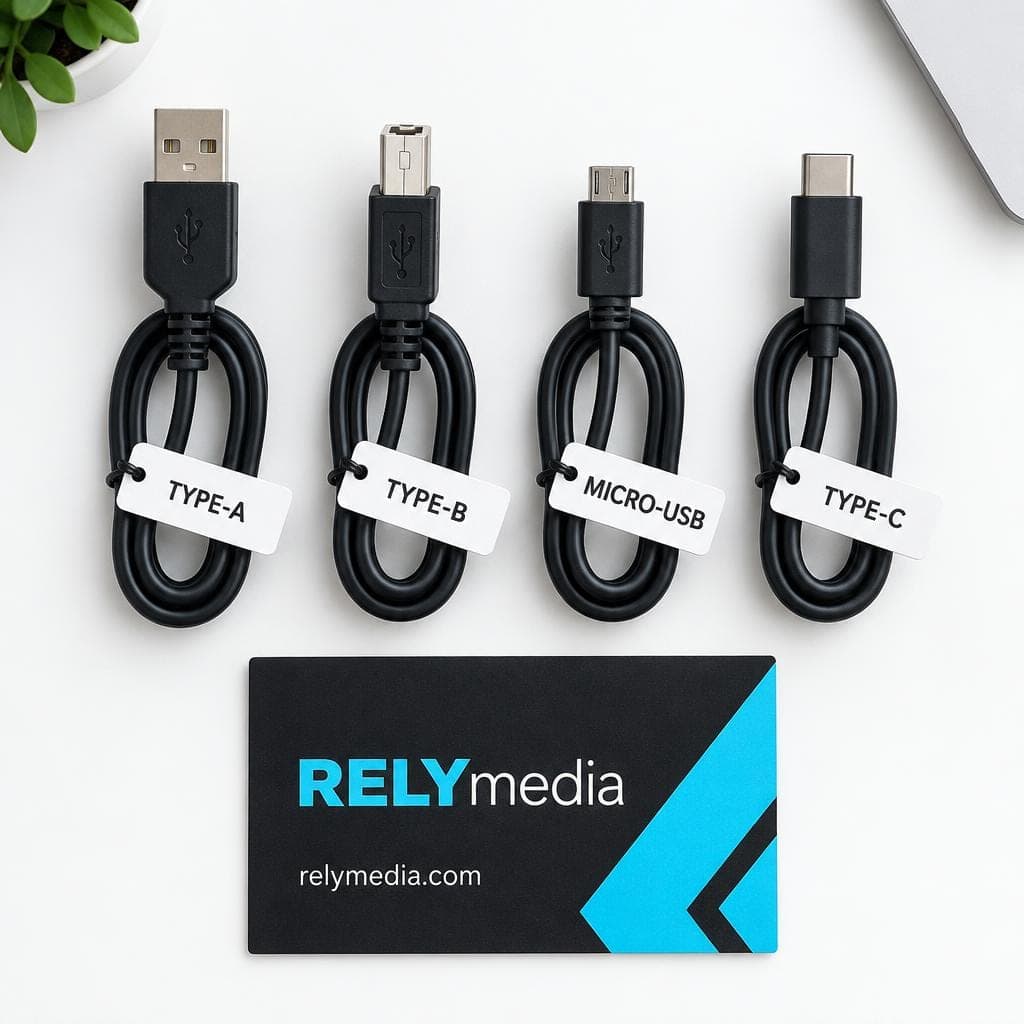
Connector type answers a basic question: what does the USB port look like?
USB Type-A
USB Type-A is the familiar flat, rectangular connector. You will find USB-A ports on desktop computers, many laptops, chargers, hubs, keyboards, and USB flash drives.
A standard USB-A plug is about 12 millimeters wide, though exact port dimensions vary depending on the receptacle design. USB-A can support multiple USB versions, so the shape alone does not indicate speed.
USB Type-B
USB Type-B has a squarer profile. Printers, scanners, audio equipment, and some hubs commonly use it. USB-B cable and port designs also vary across USB generations.
Mini USB and Micro USB
Mini USB appeared on older digital cameras, game controllers, and portable electronics. Mini USB Type-B became far more common than Mini USB Type-A.
Micro USB later became a standard connector for older Android devices, power banks, Raspberry Pi accessories, cameras, and smart home devices. Different types of Micro USB include standard Micro-B and the wider USB 3.x Micro-B design.
USB Type-C
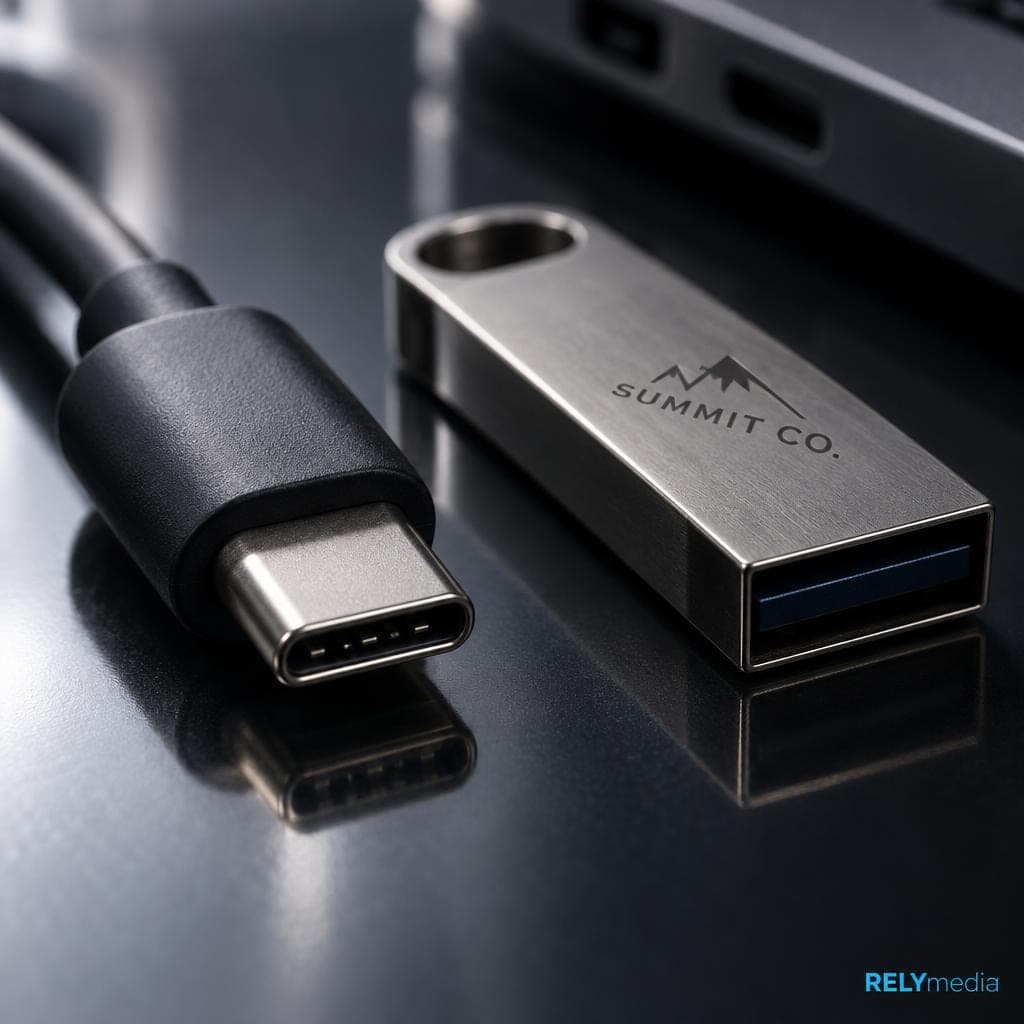
USB-C has a small, rounded, reversible shape. It appears on modern laptops, smartphones, tablets, portable SSDs, docking stations, monitors, and chargers.
The important catch is simple: USB-C describes the connector, not one fixed capability. One USB-C port may offer USB 2.0 data. Another may support USB4, DisplayPort Alt Mode, and high-wattage USB PD.
For procurement, record both the connector type and the supported standard on your specification sheet. That step prevents teams from ordering a cable that looks familiar and fits physically but cannot deliver the required data rate, charging power, or display output.
How Do I Know What USB Port I Have?
Start with the physical USB shape. Then verify the technical specifications.
- USB-A: wide rectangular opening.
- USB-B: square port, often found on printers.
- Mini USB: small legacy connector with a tapered outline.
- Micro USB: thin legacy mobile connector.
- USB-C: a compact rounded rectangle that works either way up.
Do not rely on port color alone. A blue insert often suggests a faster USB port, but manufacturers do not use color consistently.
Next, check the USB ports, logos, and speed markings. Modern certified products may show performance labels such as 5Gbps, 10Gbps, 20Gbps, 40Gbps, or 80Gbps.
When that information is missing, read the computer, laptop, or device specification sheet. This method works better than guessing from appearance.
USB Cables, Cable Standards, and Backward Compatibility
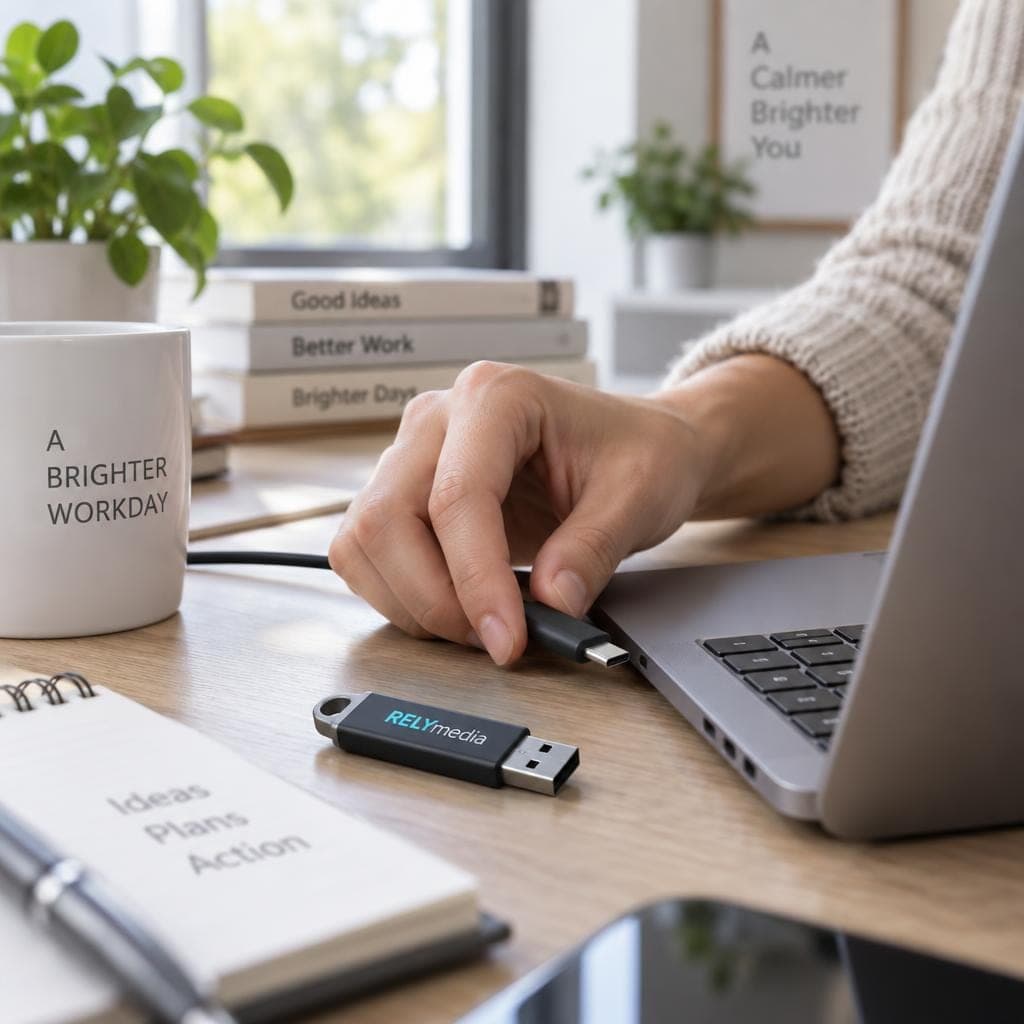
USB cable standards matter as much as the port. A fast drive connected through a slower cable cannot reach its advertised maximum transfer speed.
For example, connect a 10 Gbps external SSD to a 10 Gbps USB port with a USB 2.0 data cable. The cable becomes the bottleneck.
Check four items together:
- USB host or computer port
- USB cable specifications
- USB device specifications
- connector and power compatibility
Does USB 3.0 work with USB 2.0? Usually, yes, as long as the physical connectors remain compatible. However, the connection normally falls back to the slower supported data rate. USB4 also maintains backward compatibility with previous USB versions.
USB-C cables deserve extra attention. Two cables that look identical may support different data speeds, charging wattage, or video features.
Before ordering branded tech in volume, match the connector and cable standard to the devices your recipients actually use.
USB Charging Standards and USB Power Delivery
USB data transfer and USB charging are separate capabilities. A cable can support strong charging power while offering modest data speed.
USB Power Delivery (USB PD) negotiates power over compatible USB-C hardware. USB PD Revision 3.1 expanded supported power delivery to 240W. Higher-power operation can use voltages up to 48V with supported equipment.
USB-IF compliance rules also distinguish USB-C cable power capability with 60W or 240W markings. That helps buyers separate charging wattage from cable speed.
For phones, tablets, laptops, power banks, and charging products, always check:
- required charging voltage
- charging current
- maximum wattage
- charger capability
- cable power rating
- device support
Video Over USB-C, DisplayPort, and Thunderbolt
USB-C may also carry video. A supported USB-C port can use DisplayPort Alt Mode to send a display signal directly to an external monitor.
That feature enables one-cable laptop setups. A compatible connection can handle display traffic, USB data, and power without separate connectors.
USB4 expands this flexibility through protocol tunneling and shared bandwidth. Thunderbolt 3 and Thunderbolt 4 also use USB-C-shaped connectors, but identical shapes do not guarantee Thunderbolt compatibility.
DisplayLink takes another route. It sends compressed video through USB data with supporting software. That can enable external-display connectivity even when native DisplayPort Alt Mode is unavailable.
Building employee or conference kits?
Pair branded flash storage with useful computer, charging, or mobile accessories from RELYmedia.
Why Real USB Data Transfer Speeds Vary
The USB speed printed on packaging is a signaling limit, not a guaranteed file-copy result.
Actual USB performance depends on several parts:
- flash memory
- SSD controller
- USB cable speed
- host controller
- protocol overhead
- file size
- hub or docking station
- destination storage
A basic USB flash drive connected to a 20 Gbps port does not suddenly become a 20 Gbps storage device.
Capacity is separate too. A 128GB USB storage device holds more files than a 32GB model, but that tells you nothing about transfer speed.
Choosing USB Flash Drives for Business
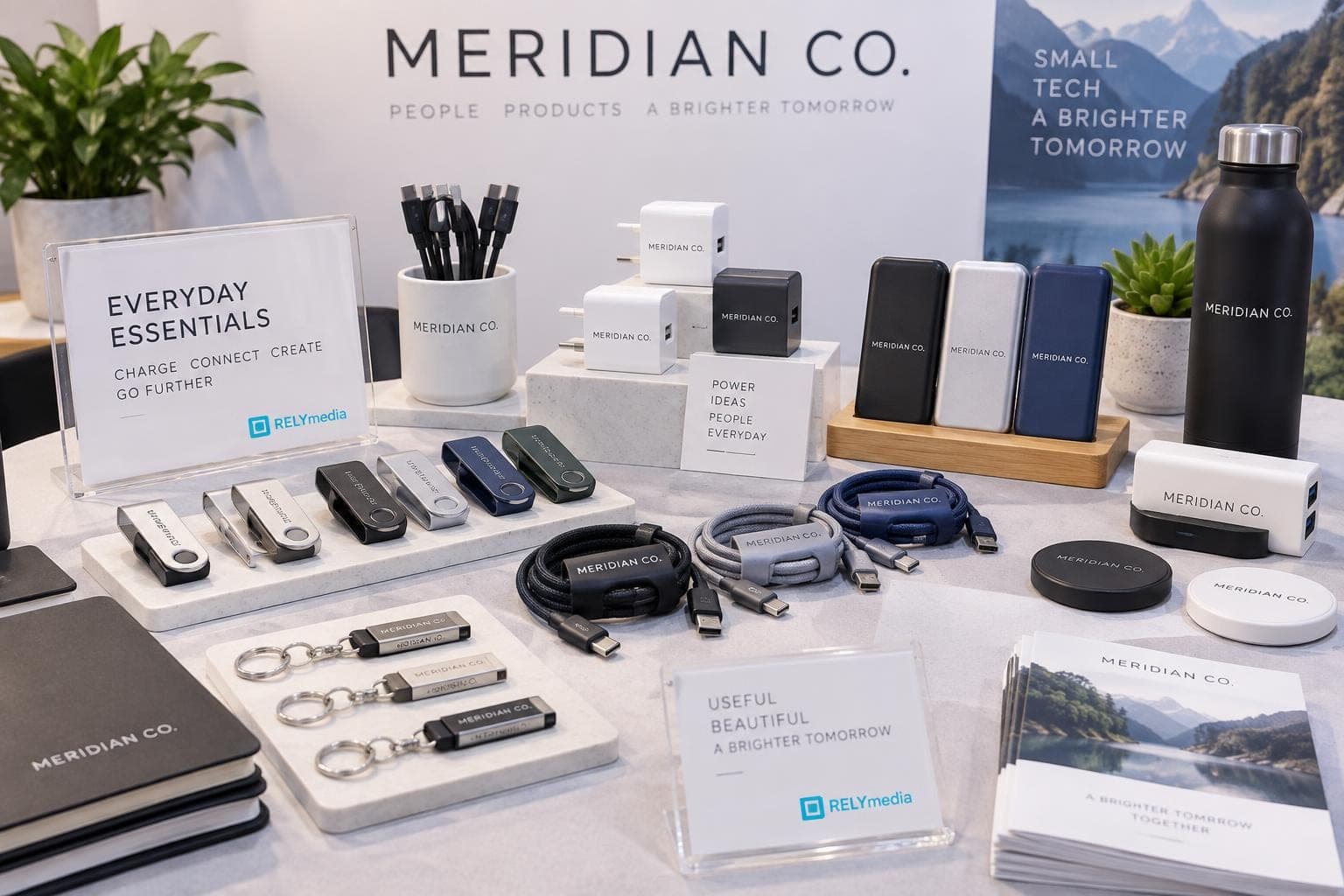
For promotional buying, start with the recipient and use case. Do not simply choose the newest USB generation.
| Business need | Priority |
|---|---|
| PDFs and presentations | capacity, price, compatibility |
| Large photos or videos | faster transfer speed |
| Mixed office devices | USB-A and USB-C support |
| Premium client gifts | design, finish, packaging |
| Events and onboarding | turnaround, data loading, quantity |
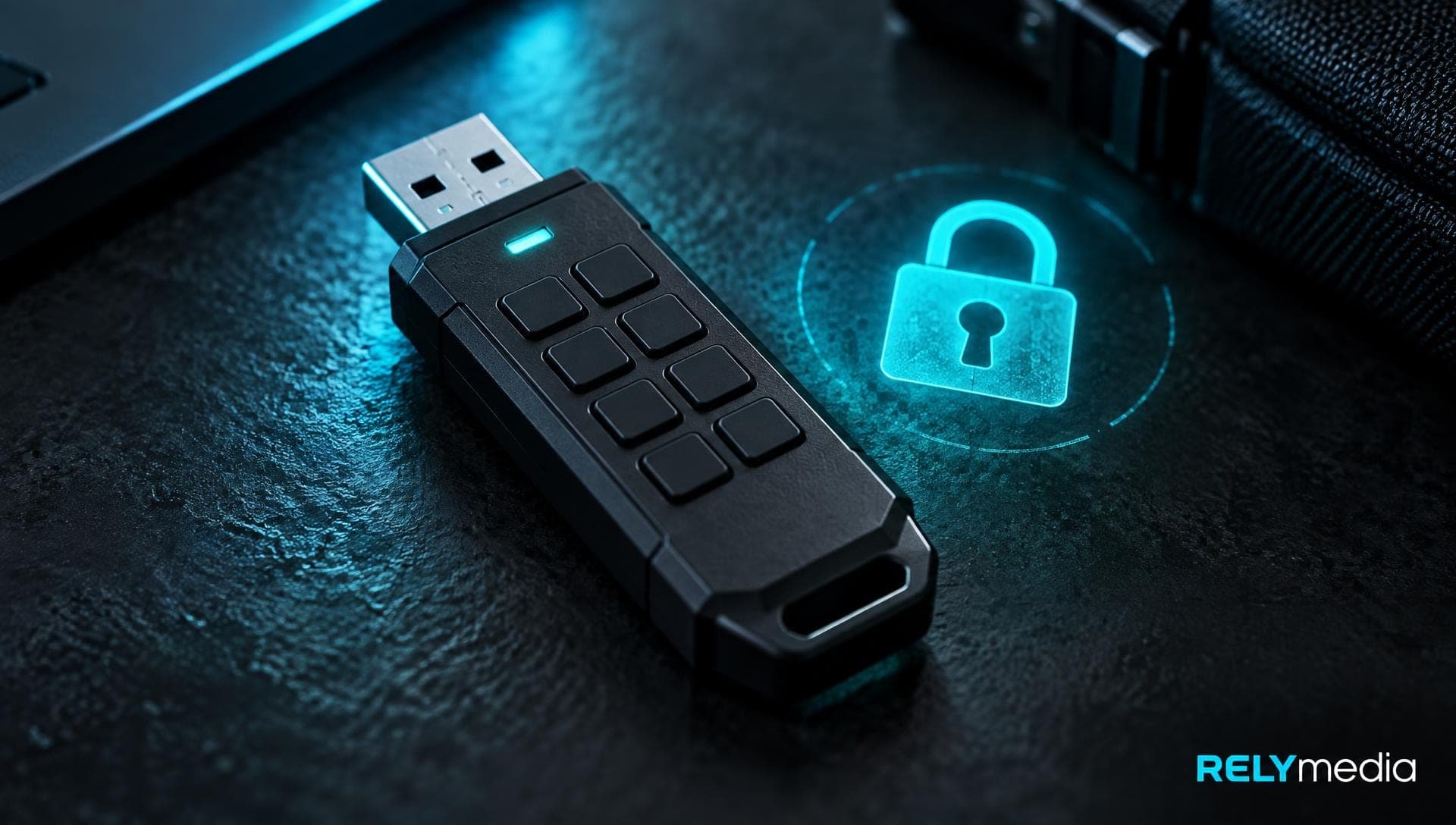
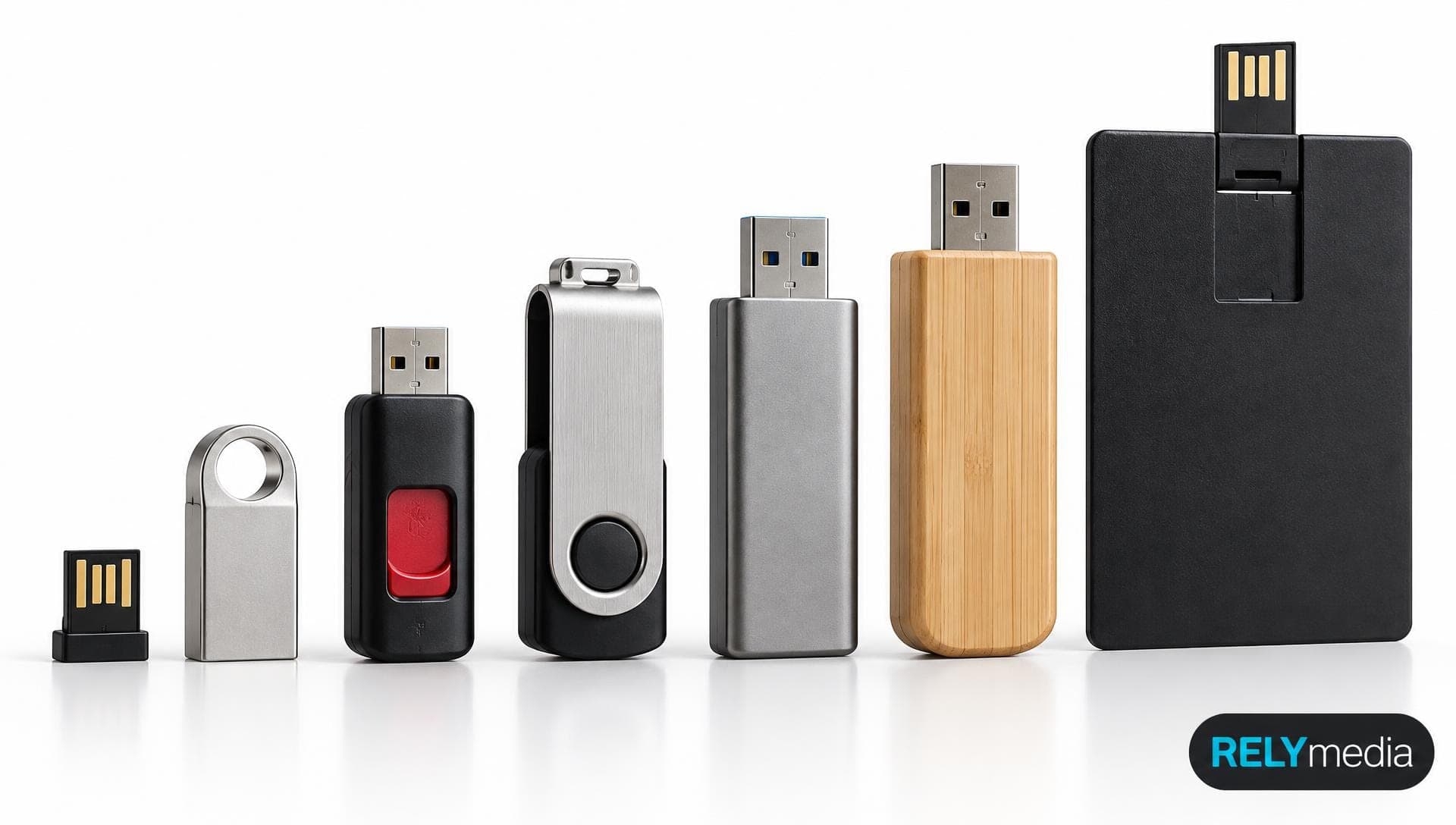
RELYmedia currently offers more than 600 USB flash-drive models and options such as data preloading, password protection, serialization, and secure partitions.
That flexibility matters. A school distributing training files has different requirements than an agency delivering large media assets. Procurement teams should match storage, speed, connector type, imprint, and delivery schedule to the campaign.
Ready to print your team's name on premium apparel?
Fill in your details and a RELYmedia specialist will come back to you with a custom quote — fast turnaround, no obligation.
- ⚡Same-day response on business days
- 🎨Free design assistance included
- 🚚Rush order & fast delivery available
- 💰Price beat guarantee on every order
Shop custom USB flash drives
See all classic usb flash drives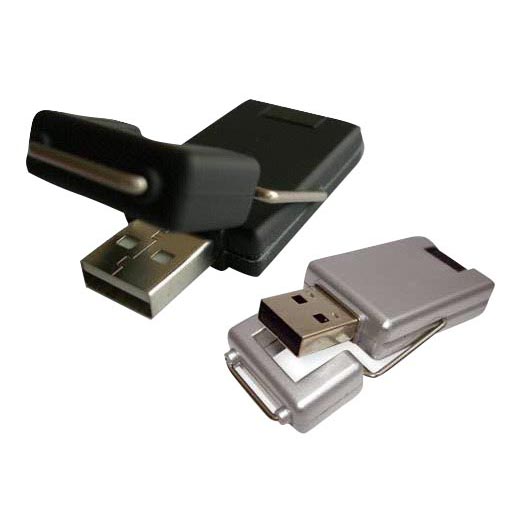
RMC12 Swivel USB Flash Drive
Price on request
View product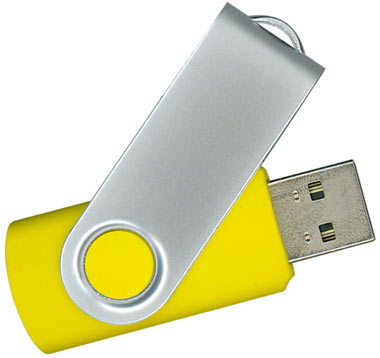
RMC02 Swivel USB Flash Drive
Price on request
View product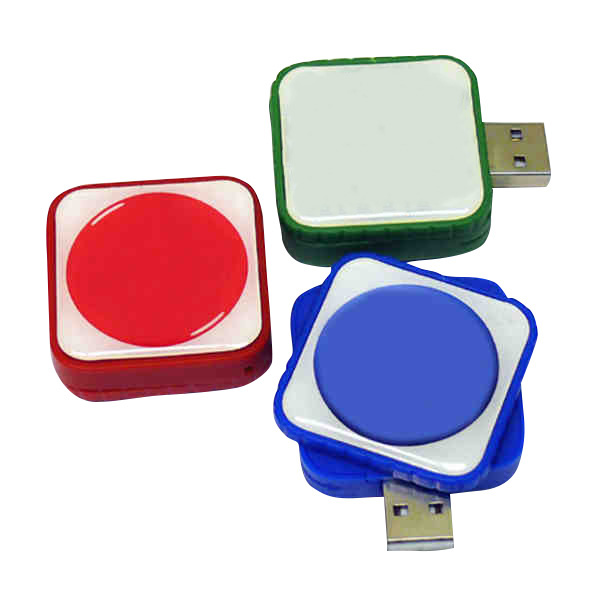
RMC169 USB Flash Drive
Price on request
View product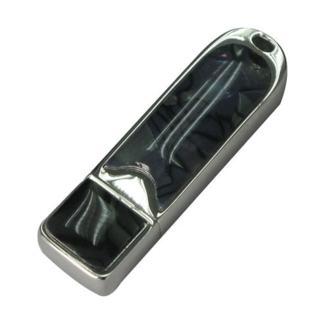
RMC167 USB Flash Drive
Price on request
View product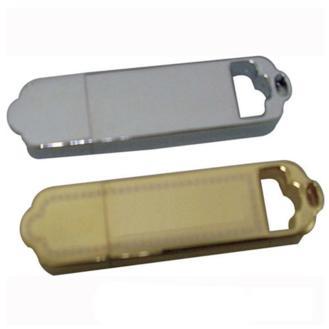
RMC166 USB Flash Drive
Price on request
View product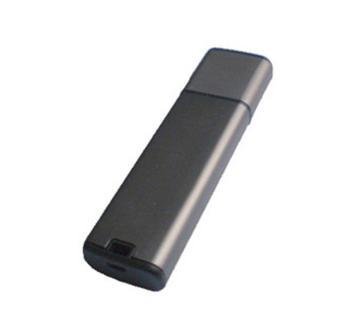
RMC165 USB Flash Drive
Price on request
View product
RMC164 USB Flash Drive
Price on request
View product
RMC163 USB Flash Drive
Price on request
View product
USB FAQs
What does USB stand for?
USB stands for Universal Serial Bus. It is a standard family for connecting devices, transferring data, and supplying power.
How many types of USB are there?
There is no single number. “Types of USB” may refer to connector styles or versions. Common connectors include USB-A, USB-B, Mini-USB, Micro-USB, and USB-C.
What is the latest USB version?
USB4 Version 2 is the latest major USB4 specification. Current USB performance branding reaches USB 80Gbps.
What does a USB 3 port look like?
Appearance alone cannot confirm USB 3.x. A USB-A port may use a blue insert, but color is unreliable. Check its speed logo or device specifications.
Is USB-C faster than USB-A?
Not automatically. USB-C and USB-A describe connector types. Speed depends on the supported USB specification.
Are all USB-C cables the same?
No. USB-C cables vary in data speed, charging power, and video capability.
How much can a USB hold?
Storage capacity depends on the flash drive, not the USB version. Capacity and transfer speed are separate specifications.
Conclusion: Decode USB Before You Buy
USB becomes easier when you separate connector type, USB version, speed, and power. USB-A, USB-B, Mini USB, Micro USB, and USB-C refer to physical connectors. USB 2.0, USB 3.2, and USB4 describe technical generations. Speed labels describe potential bandwidth. USB PD defines supported charging behavior.
For business buyers, the best choice is not always the fastest specification. Choose what fits your recipients' devices, files, budget, and campaign goals.
RELYmedia can connect that technical decision with a useful branded product. Its custom USB flash drives, data services, charging items, and broader Technology & Flash Drives range give businesses practical ways to deliver information while keeping their brand visible.
Ready to choose with confidence?
Explore RELYmedia's custom technology products and request a quote for your next campaign.
Frequently asked questions
Are USB 3.0 and 3.2 the same?
They are different names within the USB 3 family, and the most reliable comparison is the stated speed tier. USB 3.2 officially identifies 5, 10, and 20 Gbps transfer rates, and USB-IF now emphasizes labels like USB 5Gbps, 10Gbps, and 20Gbps. The connector shape (USB-A or USB-C) alone does not tell you which speed you have.
Is USB 4.0 out yet?
Yes, USB4 is a current specification. USB4 uses the USB Type-C connector and supports high-bandwidth data along with display traffic and tunneling. The current USB4 specification supports operation up to 80 Gbps with suitable certified cables, and USB4 Version 2 adds options like asymmetric operation up to 120 Gbps in one direction for demanding display scenarios.
Do USB 2.0 and 3.0 use the same port?
They can, because the connector shape and the USB version are separate. A USB-A port can belong to several USB generations, so a USB-A connector might be wired for USB 2.0 or a faster standard. Compatibility is usually maintained when the physical connectors match, but the connection typically falls back to the slower supported data rate.
Is USB 3.1 or 3.2 better?
The generation name is less useful than the listed speed. When comparing USB 3.0, USB 3.1, and USB 3.2, focus on the stated performance tier, since USB-IF now uses consumer-facing labels like USB 5Gbps, USB 10Gbps, and USB 20Gbps. USB 3.2 officially covers 5, 10, and 20 Gbps rates.
How do I know what USB port version I have?
Start by identifying the connector shape (USB-A, USB-C, and others), then verify the technical specifications. Do not rely on port color alone, since manufacturers do not use color consistently. Check for USB logos and certified speed markings such as 5Gbps, 10Gbps, 20Gbps, 40Gbps, or 80Gbps. If markings are missing, use the device specification sheet.
What is USB Power Delivery (USB PD), and is it the same as a USB version?
USB Power Delivery is a charging standard, not a USB data version. USB data transfer and USB charging are separate capabilities, so a cable can support strong charging while offering modest data speed. USB PD negotiates power over compatible USB-C hardware, and USB PD Revision 3.1 expanded supported power delivery up to 240W. USB-IF markings may indicate 60W or 240W cable power capability.
Shop this
Need branded USB flash drives? We print them.
Bulk pricing, three free mockups, real quotes back the same business day.
Keep reading
Shop by category
Our Customer Feedback


Mike Larson
 (5)
(5)Unbelievable Turn-around
We are stunned with how quickly we received our order. It turned out perfect, and all of our interactions with staff have been fantastic. Thank you so much!
Jana
(5)Great customer service and on-time delivery with product as advertised!
The product arrived exactly as advertised and on time. This company was very easy to work with, and the price was great!
Sarah
(5)Quick Turn-Around and Immediate Communisaton
I've ordered a couple times from RELY. My initial order was not time sensitive so we had time to get it correct. We went back and forth with proofs until I felt comfortable. When I had a question, the sales team was very responsive. When it came to my re-order, I needed it fast. They responded and got it to me right on time.
Rob
(5)Fabulous experience, great suggestions from the staff!
The sales staff had great suggestions and were very helpful in the process to, in the end, get exactly what was necessary for our use!
Emily
(5)Great service!
Everything went well as anticipated, and as planned. Service was superb & shipment was expedited in a speedy fashion! Thank you for your service!
Freddy
(5)Thumbdrives
2nd time I have ordered from these guys and they have a good product for the price. The delivery time was as said with no troubles. Would recommend and will be reordering again.
Patty
(5)This is a top notch company. Awesome as what they do. Highly recommend.
If you are looking for a company that says what they do and then do what they say - RELYmedia is for you!!! We have done a couple critical orders with RELYmedia and they were ahead of schedule and the items were perfect. We will be utilizing their talents again!!!
Blanca
(5)Very responsive,
All my inquiries were handled in a very timely fashion. My contact was courteous and helpful. Items ordered were received very quickly. Thanks for the superior service!
Andrew
(5)Overall great experience.
They are friendly and knowledgeable. They are well priced, and ship fast.
Trusted By