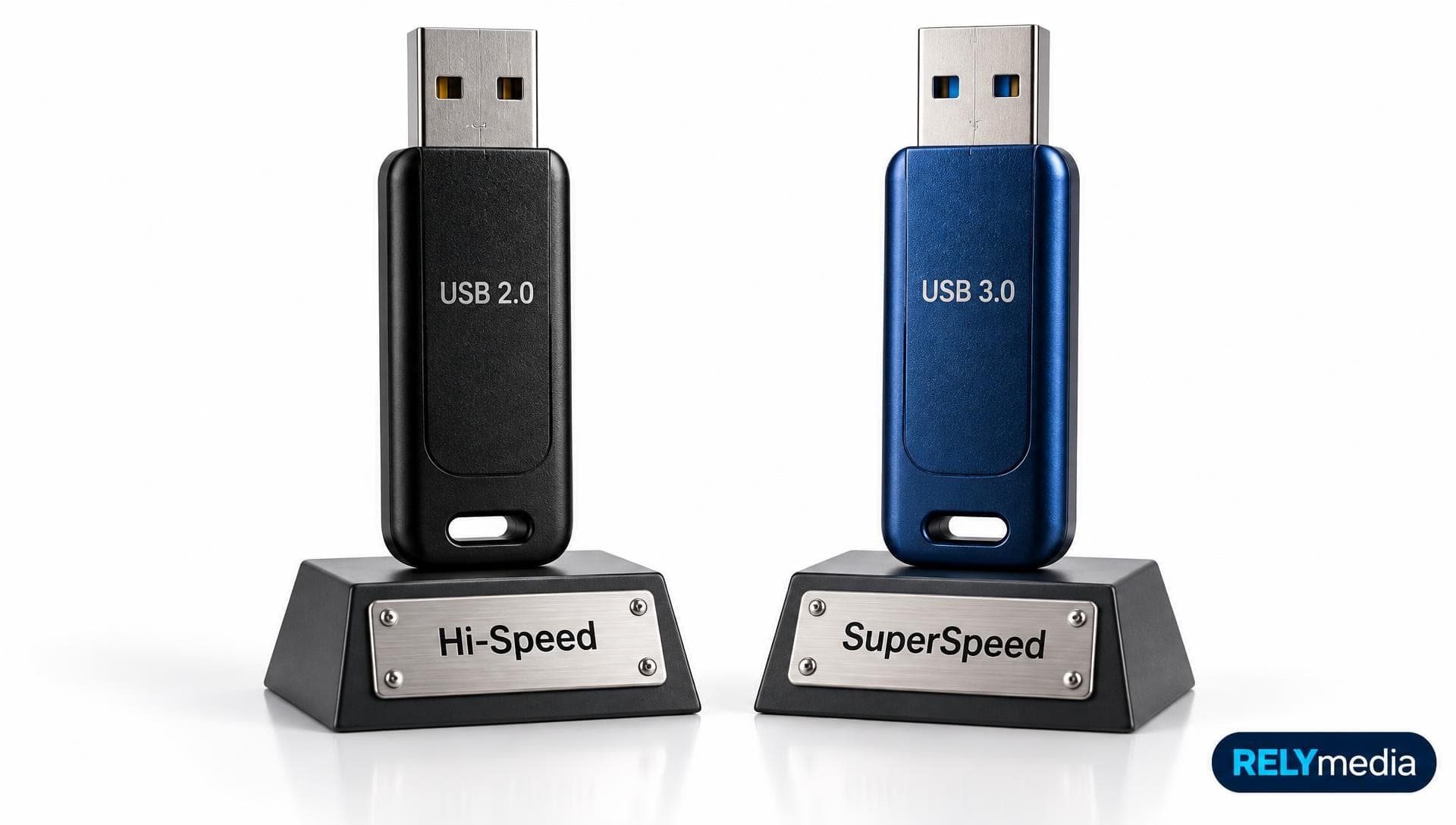
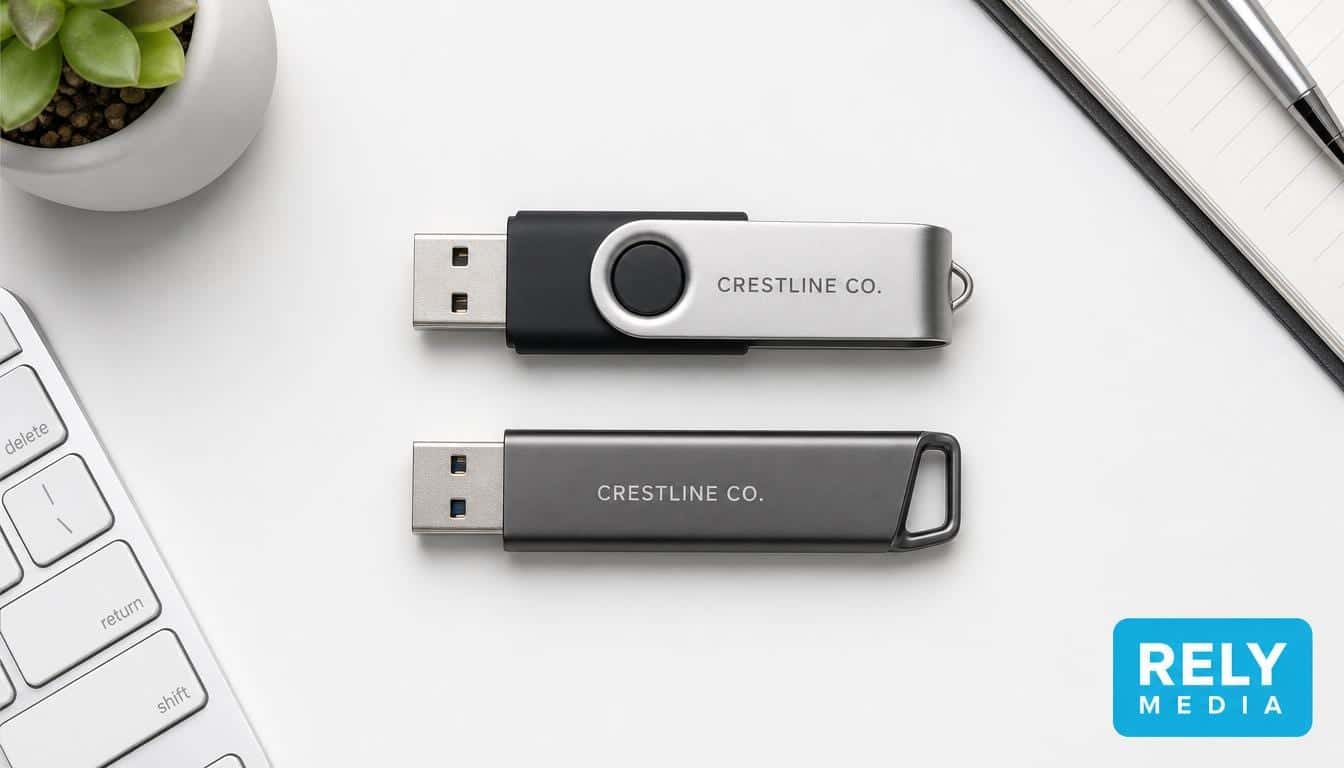
Thumb Drive vs. Flash Drive: What's the Difference?
August 29, 2026 · 13 min read
If you're comparing thumb drives vs. flash drives, here's the short answer: in everyday use, both terms usually describe the same small USB flash drive. You may also hear USB stick, pen drive, jump drive, memory key, or USB drive.
The confusion comes from “flash.” Flash memory is a storage technology. A thumb drive is one device that uses it. SSDs, SD cards, and microSD cards also use NAND flash.
For buyers, capacity, connector, speed, compatibility, durability, security, and cost matter more. This guide explains those factors for everyday and business use.
Explore RELYmedia's Technology & Flash Drives to compare customizable USB storage options.
Thumb Drive vs. Flash Drive: The Quick Answer
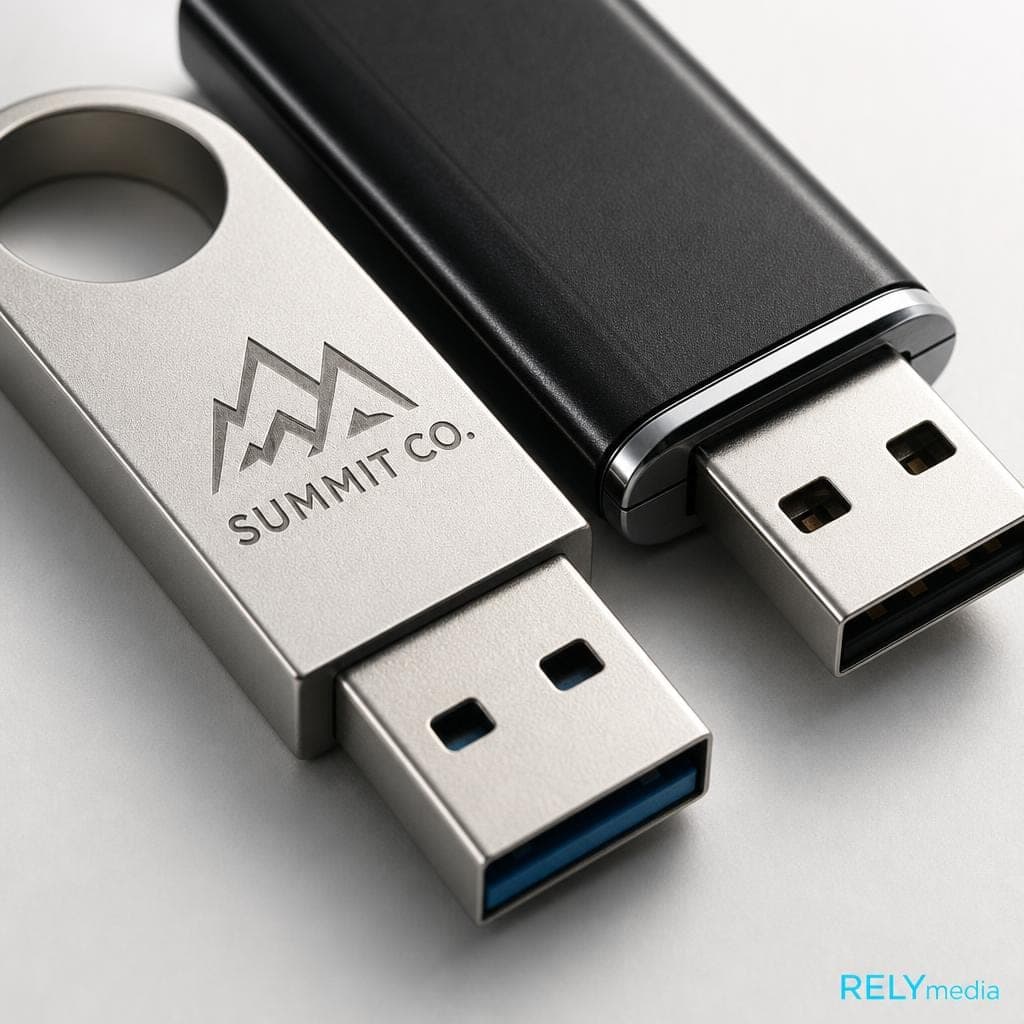
A thumb drive is a compact removable storage device with flash memory and an integrated USB interface. A USB flash drive describes the same basic product in more technical terms.
“Flash drive” sometimes gets used broadly. An SSD can use flash storage, but it isn't a thumb drive. A memory card also uses flash memory, but it has a different interface and form factor.
| Factor | Thumb Drive | USB Flash Drive |
|---|---|---|
| Typical meaning | Portable USB storage | Portable USB storage |
| Memory | NAND flash | NAND flash |
| Connector | USB-A, USB-C, or dual | USB-A, USB-C, or dual |
| Main use | File storage and transfer | File storage and transfer |
| Practical difference | Usually none | Usually none |
So, is a flash drive the same as a thumb drive? Usually, yes, when someone means removable USB storage.
What Is a Thumb Drive?
A thumb drive is a portable data storage device for quick access, file transfer, and easy carrying. It stores digital files in non-volatile flash memory, so data remains saved without continuous power.
Most fit in a pocket, bag, or keychain, making them useful for work, school, travel, and events.
How Does a Thumb Drive Work?
Inside, NAND flash memory stores data while a controller manages reading, writing, wear leveling, and error correction. Kingston notes that USB flash drives, SD cards, and SSDs use NAND controllers for those functions.
Insert the drive into a compatible USB port, and the operating system normally recognizes removable storage. You can open, copy, move, rename, or delete computer files.
Because flash storage has no spinning platters, thumb drives have no mechanical moving parts. That supports a lightweight, portable design.
What Are Thumb Drives Used For?
Common thumb drive uses include:
- Moving files between computers
- Carrying documents, presentations, photos, and video
- Sharing digital content with coworkers or customers
- Keeping a quick or supplementary backup
- Storing portable software and training materials
- Delivering media kits, catalogs, and sales resources
- Distributing branded content at events
For business orders, choose the content first. Large videos, for example, require more storage capacity than PDFs and presentation files.
Compare RELYmedia USB flash drive options by capacity, design, quantity, and branding needs.
What Is a Flash Drive?
A flash drive is a storage device that uses flash memory. In normal consumer language, it usually means a USB flash drive. Technically, flash-based storage covers more products.
NAND flash appears in portable SSDs, internal SSDs, memory cards, smartphones, and other digital storage systems. Those products share technology but differ in performance, interface, size, and purpose.
Thumb Drive, USB Stick, Pen Drive, and Jump Drive
Several names often describe the same general device:
- USB drive: common everyday term
- USB stick: compact USB storage
- Pen drive: another name for a USB flash drive
- Jump drive: widely used synonym
- Memory key: informal portable storage term
- Travel drive: portability-focused name
- Thumb drive: name inspired by its small size
Instead of choosing by label, compare the specifications.
Flash Drive vs. Flash Memory
Simply put, flash memory is a non-volatile storage technology. A flash drive is a physical storage device using that technology.
What Actually Varies Between USB Flash Drives?
Two thumb drives can look alike yet perform differently. These features matter more than the name.
USB-A, USB-C, and Connector Compatibility
USB-A remains common on desktops, laptops, TVs, and business systems. USB-C, or USB Type-C, uses a smaller reversible connector found on many newer computers, tablets, and phones.
Dual USB drives can support mixed devices. However, USB-C describes the connector, not the guaranteed speed.
USB Version, Thumb Drive Speeds, and Transfer Rate
The USB interface affects potential data transfer speed. USB-IF defines 5 Gbps, 10 Gbps, and 20 Gbps transfer rates under USB 3.2. Those figures describe interface signaling, not guaranteed real-world performance.
Actual read speed and write speed depend on the controller, NAND, file size, workload, host device, and interface. For basic document storage, extreme speed may add little value. Large file transfers and multimedia workloads benefit more from high-speed storage.
Storage Capacity: What Size Thumb Drive Do You Need?
Choose drive capacity around your files.
| Storage need | Typical content | Priority |
|---|---|---|
| Light | PDFs and documents | Affordability |
| Moderate | Photos and presentations | Capacity and compatibility |
| Heavy | Video and large folders | Speed and capacity |
| Very heavy | Repeated large workloads | Consider a portable SSD |
Estimate the current content, leave extra room, then compare costs based on the quantity needed.
Request a RELYmedia quote when you know your capacity, quantity, branding, and deadline.
Durability, Reliability, and Storage Lifespan
Flash storage travels well because it has no spinning disk. Still, storage durability varies.
Some models offer rugged casings, metal bodies, water resistance, dust resistance, or connector protection. Don't assume every drive includes them.
NAND flash has a finite number of program/erase cycles. Wear leveling spreads writes across memory cells, helping extend useful life. For critical data, never keep the only copy on one USB drive.
Data Security
Some drives offer password protection, hardware encryption, biometric authentication, or secure erase features. Many basic promotional flash drives don't.
If you handle sensitive data, check the exact security features. Your data protection standards may matter more than maximum capacity.
Types of USB Flash Drives
Different types of USB flash drives solve different needs:
- USB-A drives for many traditional computers
- USB-C drives for compatible modern devices
- Dual-interface drives for mixed hardware
- Swivel drives for cap-free connector protection
- Sliding drives with retractable connectors
- Mini drives for compact storage
- Keychain drives for easy carrying
- Secure drives for stronger data security
- Custom flash drives for storage plus branding
Promotional buyers should also consider imprint area and packaging.
Browse RELYmedia custom technology and flash drives for branded promotional options and bulk purchasing.
Flash Drive vs. SSD, Hard Drive, and Memory Card
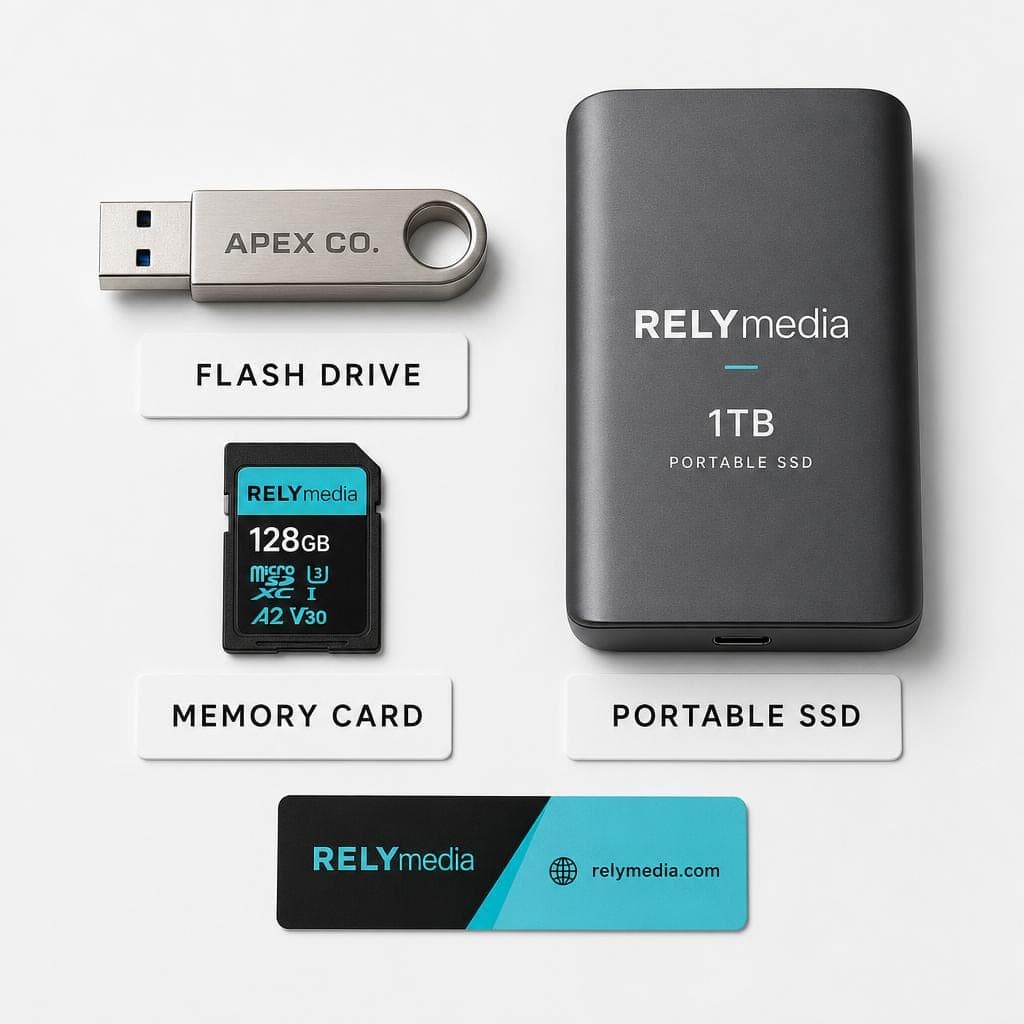
Related storage devices overlap, but they aren't interchangeable.
| Device | Technology | Best fit |
|---|---|---|
| USB flash drive | NAND flash | Portable file transfer |
| Portable SSD | NAND flash | Demanding storage workloads |
| External hard drive | Usually magnetic storage | Large backups and archiving |
| SD or microSD card | NAND flash | Cameras and compatible devices |
Thumb Drive vs. SSD
A thumb drive vs. SSD comparison starts with a similarity: both can use NAND flash. Their goals differ.
Portable SSDs are designed for high-performance storage, sustained transfer speeds, gaming, and large-scale backups. SSD interfaces may include SATA, PCIe, or NVMe.
USB flash drives prioritize portability, convenience, removable storage, and quick sharing. They also work well as promotional products.
Flash Drive vs. External Hard Drive
A flash drive is smaller and easier to carry. An external hard drive is often used for large-scale backups and data archiving.
Traditional HDDs use mechanical components. USB flash storage uses solid-state technology. Choose based on capacity and workload.
Flash Drive vs. SD Card
SD cards, microSD cards, and USB flash drives can all use NAND memory. Their interfaces differ.
A USB drive connects via USB. A memory card needs a compatible slot or reader. Cameras often use memory cards, while USB drives are better suited for general computer file transfer.
How to Choose the Right Thumb Drive or Flash Drive
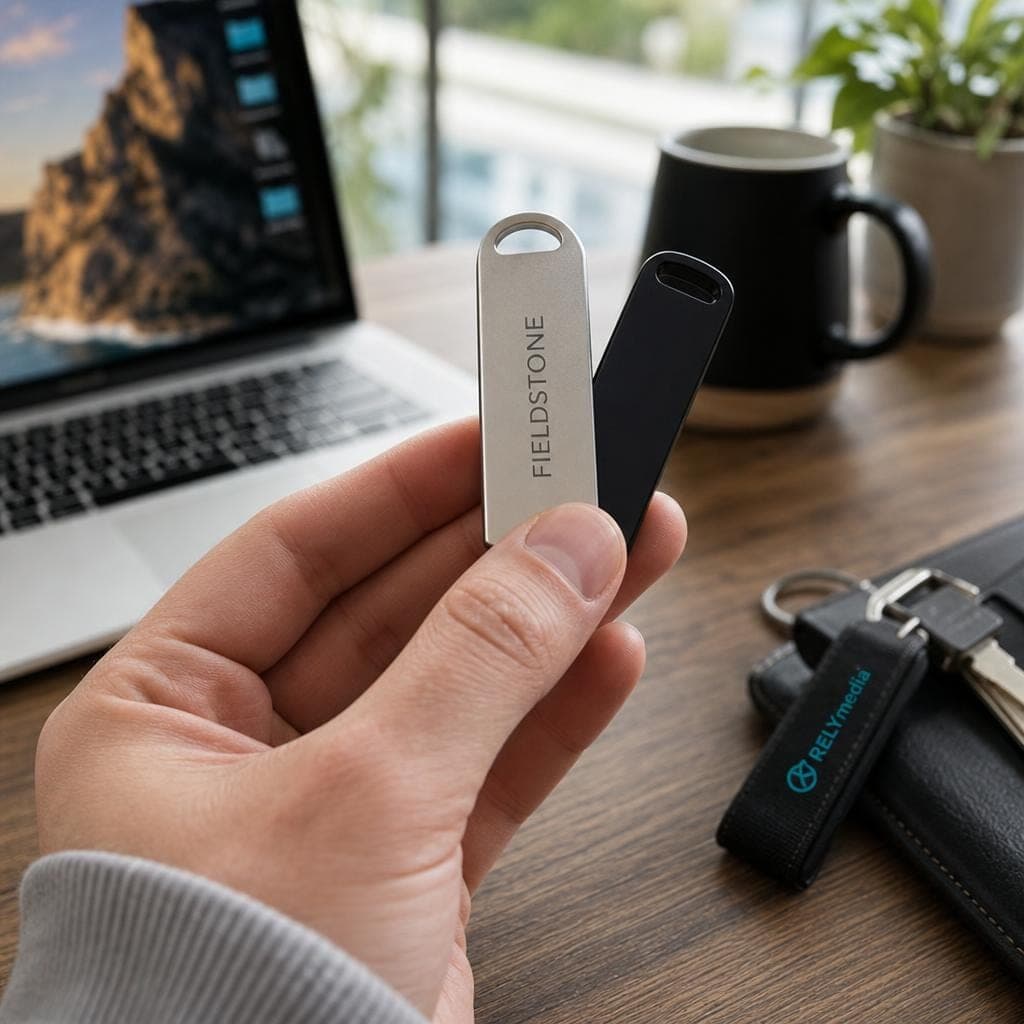
Start with the job, not the catalog.
Match Capacity to Your Files
List the documents, photos, audio, presentations, software, or video you'll store. Add room for updates. This avoids paying for unused capacity or buying too little storage.
Check Device Compatibility
Look at your audience's devices. USB-A may fit one workplace, while USB-C or a dual connector may serve another.
Also consider operating system compatibility and file systems when moving files across Windows, macOS, phones, tablets, or other compatible devices.
Balance Speed, Cost, and Performance
The fastest USB flash drive isn't automatically the best choice. High-speed data transfer matters when dealing with frequent large files. A simpler drive may offer better value for PDFs and presentations.
For bulk orders, match storage performance to the real workload.
Consider Physical Design and Branding
For business orders, ask:
- Will recipients use a keychain?
- Does the connector need protection?
- Is a swivel or sliding mechanism useful?
- How much imprint space does the logo need?
- Will the drive go inside a welcome kit?
- Do you need custom packaging?
- What turnaround time does the event require?
Contact RELYmedia with your audience, quantity, logo, capacity, and delivery date for a focused recommendation.
Custom USB Flash Drives for Businesses and Organizations
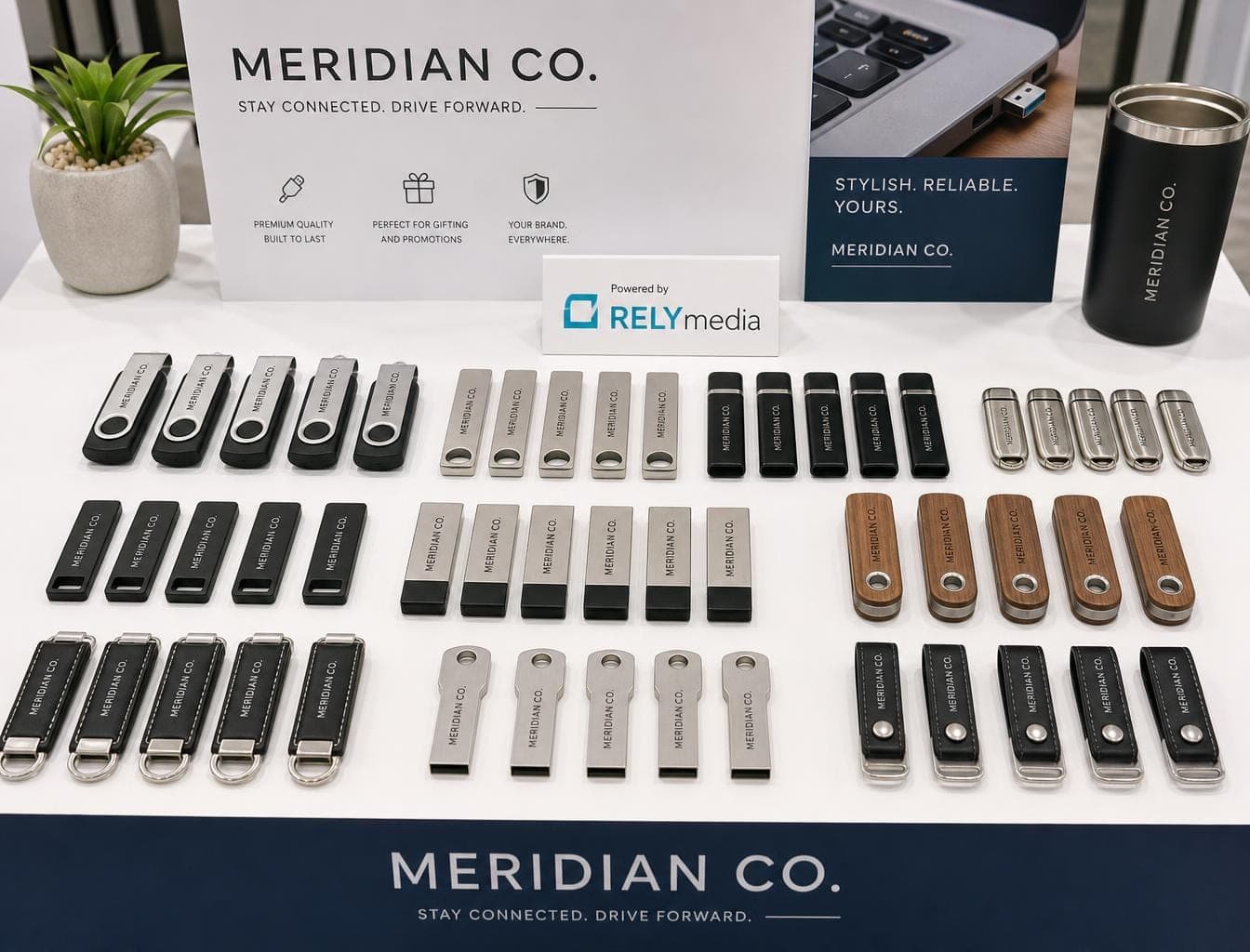
Custom USB drives work best when they solve a real problem. Useful promotional products usually earn more attention than disposable giveaways.
Marketing teams can preload sales presentations or digital catalogs. HR departments can distribute onboarding resources. Schools can share course materials. Agencies can deliver creative assets. Event planners can package schedules and media. Organizations can provide training files.
RELYmedia's Technology & Flash Drives category focuses on customizable promotional technology and bulk business purchasing. Current listings include customizable USB flash drives and branding choices.
Explore RELYmedia for your next order
For your next trade show, employee program, school campaign, client kit, or branded technology order.
Thumb Drives vs. Flash Drives: Which Should You Choose?
You normally don't need to choose between a thumb drive and a USB flash drive. The terms commonly refer to the same category of portable storage.
Choose by use:
- USB-A for compatible traditional systems
- USB-C for compatible newer devices
- Dual-interface drives for mixed hardware
- Higher capacity for larger digital files
- Faster storage for frequent large transfers
- Secure models for sensitive information
- Portable SSDs for sustained high-performance workloads
- Custom USB drives when branding matters
Compare specifications first, then ask RELYmedia which customizable drive fits your campaign and budget.
Ready to print your team's name on premium apparel?
Fill in your details and a RELYmedia specialist will come back to you with a custom quote — fast turnaround, no obligation.
- ⚡Same-day response on business days
- 🎨Free design assistance included
- 🚚Rush order & fast delivery available
- 💰Price beat guarantee on every order
Shop custom USB flash drives
See all classic usb flash drives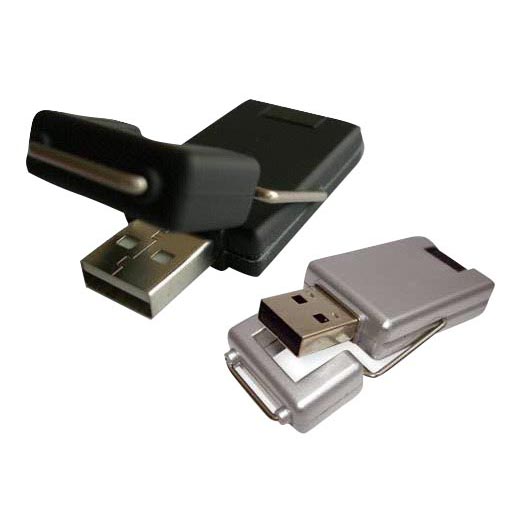
RMC12 Swivel USB Flash Drive
Price on request
View product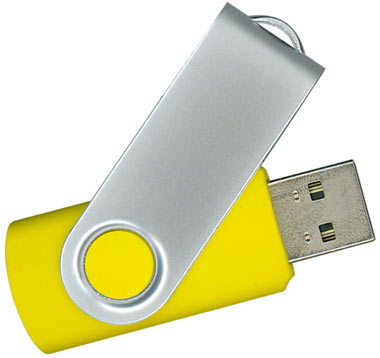
RMC02 Swivel USB Flash Drive
Price on request
View product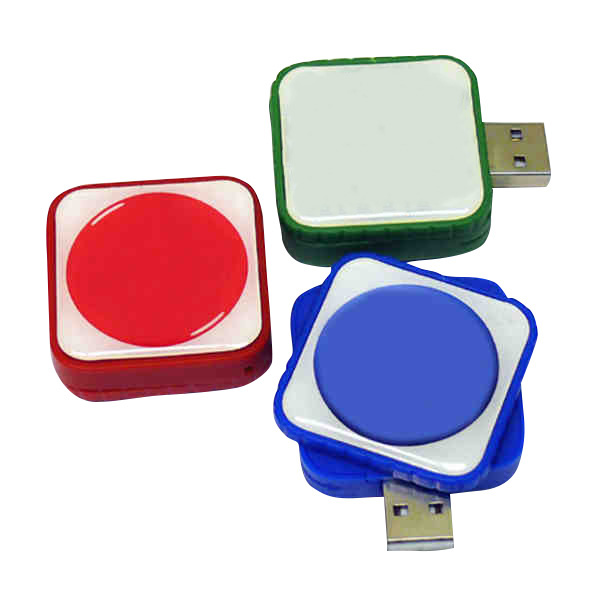
RMC169 USB Flash Drive
Price on request
View product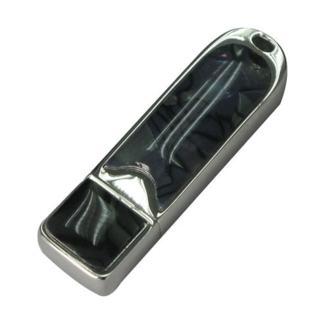
RMC167 USB Flash Drive
Price on request
View product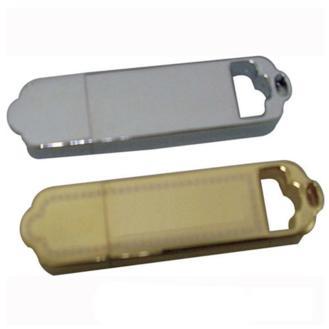
RMC166 USB Flash Drive
Price on request
View product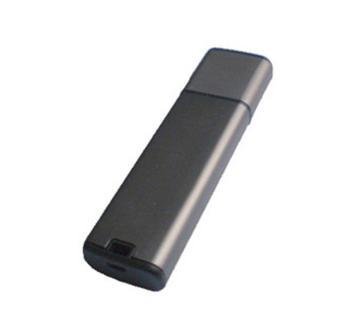
RMC165 USB Flash Drive
Price on request
View product
RMC164 USB Flash Drive
Price on request
View product
RMC163 USB Flash Drive
Price on request
View product
Frequently Asked Questions About Thumb Drives and Flash Drives
Is a thumb drive the same as a flash drive?
Usually, yes. In everyday language, thumb drive, USB stick, pen drive, and USB flash drive often mean the same portable USB storage device.
Is a USB drive the same as a flash drive?
Not always. "USB drive" can broadly describe USB-connected storage. A USB flash drive specifically uses flash memory.
What does a thumb drive do?
It stores and transfers digital files such as documents, photos, presentations, media, software, and backup copies.
Does a thumb drive use NAND flash?
Yes. USB flash drives use NAND flash memory with a controller that manages stored data.
Is an SSD the same as a flash drive?
No. Both can use NAND flash, but SSDs generally target higher performance and heavier storage workloads.
Are thumb drives good for backups?
They can support quick or supplementary backups. Keep important files in multiple locations.
Which Is Faster, a Thumb Drive or SSD?
A portable SSD generally targets higher sustained performance. Actual speed depends on the product, interface, controller, workload, and host device.
What Should Businesses Check Before Ordering Custom USB Drives?
Check capacity, connector, compatibility, physical design, imprint area, branding, packaging, quantity, budget, data needs, and delivery deadlines.
Conclusion
The thumb drives vs. flash drives question is mostly about terminology. In ordinary use, both terms usually describe compact USB storage built with NAND flash memory.
The important differences lie in the specifications. Capacity controls how much data fits. Read speed, write speed, and transfer rate affect file movement. USB-A and USB-C affect compatibility. Durability, security, reliability, storage lifespan, and physical design shape everyday usefulness.
For businesses, audience and purpose matter too. A trade show giveaway, employee kit, school resource pack, or client presentation may require different capacities for branding, packaging, and turnaround times.
RELYmedia connects practical storage with promotional branding. Match the drive to your files, recipients, devices, and campaign.
Start with RELYmedia's Technology & Flash Drives
Compare suitable options, and request a quote for your branded USB project.
Frequently asked questions
What are the disadvantages of using a thumb drive?
Thumb drives have no moving parts, but durability varies by model, so don’t assume rugged casings, water or dust resistance, or connector protection. NAND flash also has a finite number of program/erase cycles, even with wear leveling to help extend useful life. Many basic promotional USB drives also lack advanced security features like hardware encryption or biometric authentication.
What has replaced flash drives?
No single replacement is stated. Several other products use the same NAND flash technology, including portable SSDs, internal SSDs, SD cards, and microSD cards, but they differ in interface, size, and purpose. Portable SSDs target high-performance, sustained transfer speeds and large backups, while USB flash drives prioritize portability, convenience, removable storage, and quick file sharing.
Do people use thumb drives anymore?
Thumb drives are described as useful for quick access, file transfer, and easy carrying, and they commonly fit in a pocket, bag, or keychain. Typical uses include work, school, travel, and events. They’re also used in business settings to distribute materials like onboarding resources, course files, schedules, media, sales presentations, digital catalogs, and creative assets.
How long will data stay on a flash drive?
Data stored on a thumb drive or USB flash drive remains saved without continuous power because it uses non-volatile flash memory. Long-term reliability depends on factors like durability and NAND flash wear, since NAND has a finite number of program/erase cycles and drives can vary in build protection. For critical data, never keep the only copy on one USB drive.
Is a flash drive the same as a thumb drive?
Usually yes, when someone means removable USB storage. A thumb drive is a compact removable storage device with flash memory and an integrated USB interface, and “USB flash drive” describes the same basic product more technically. The confusion is that “flash” can also describe other flash-based products like SSDs and memory cards, which are not thumb drives.
Shop this
Need custom USB flash drives? We print them.
Bulk pricing, three free mockups, real quotes back the same business day.
Keep reading
Difference Between USB 2.0 and USB 3.0: Speed, Power, Compatibility, and Real-World Use
USB 2.0 vs 3.0: What’s the Difference and Which Should You Use?