Difference Between USB 2.0 and USB 3.0: Speed, Power, Compatibility, and Real-World Use
October 19, 2026 · 10 min read
The difference between USB 2.0 and USB 3.0 matters most when you move files, connect external storage, or choose branded flash drives.
USB 2.0 offers a theoretical 480 Mbps data transfer rate. USB 3.0 raises that ceiling to 5 Gbps. USB 3.0 also adds separate data paths for transmitting and receiving data, plus more standard bus power for connected devices.
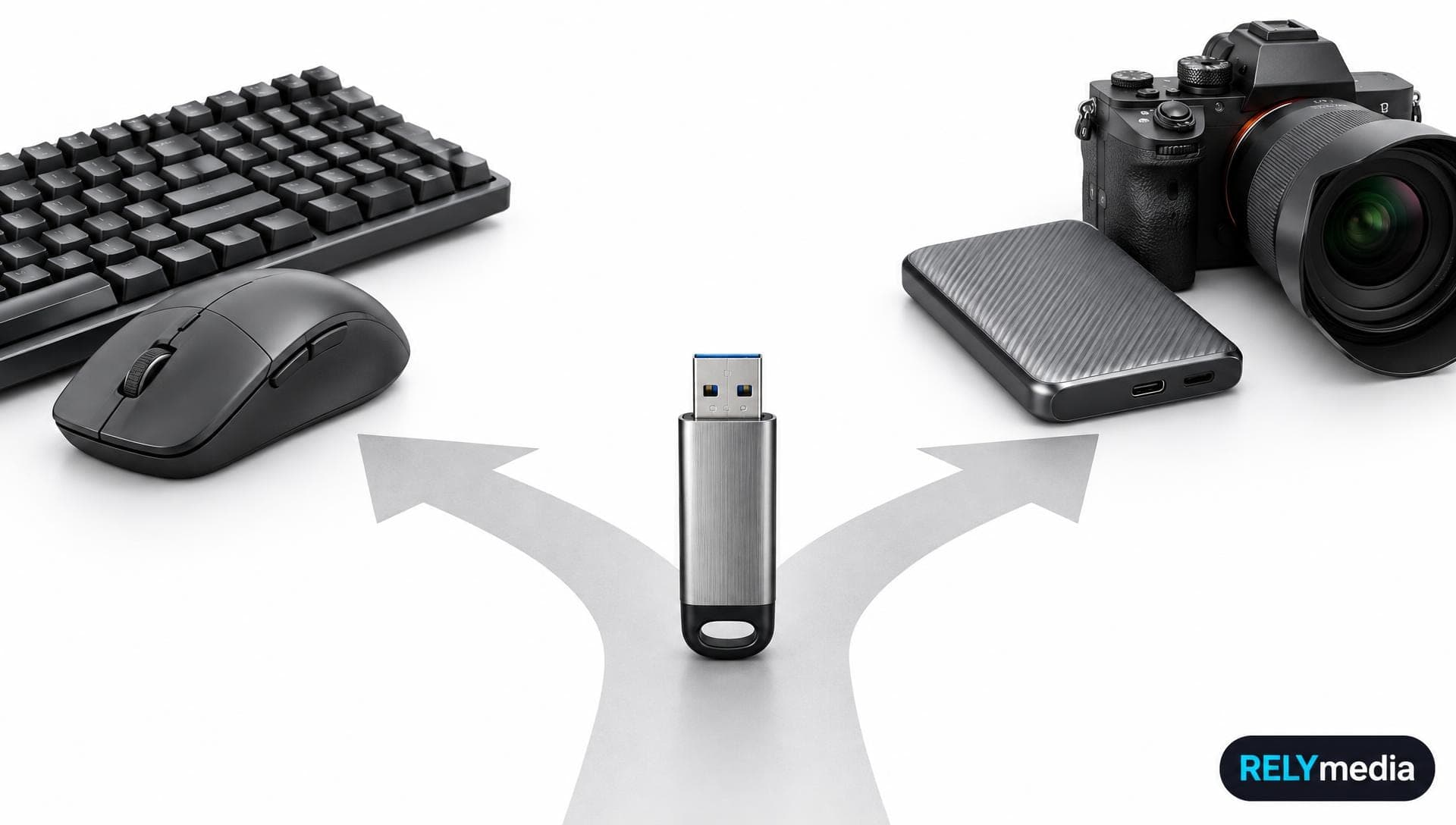
A keyboard gains little from SuperSpeed USB. An SSD, an external hard drive, or a large USB flash drive can be highly beneficial.
💡Quick rule: Your connection runs only as fast as its slowest device, port, cable, or storage controller.
USB 2.0 vs USB 3.0: Key Differences at a Glance
| Feature | USB 2.0 | USB 3.0 |
|---|---|---|
| Common marketing name | High-Speed USB | SuperSpeed USB |
| Maximum signaling rate | 480 Mbps | 5 Gbps |
| Standard high-power current | 500 mA | 900 mA |
| Standard-A connector contacts | 4 | 9 |
| Data operation | Half-duplex | Separate transmit and receive paths |
| Common color convention | Black | Blue |
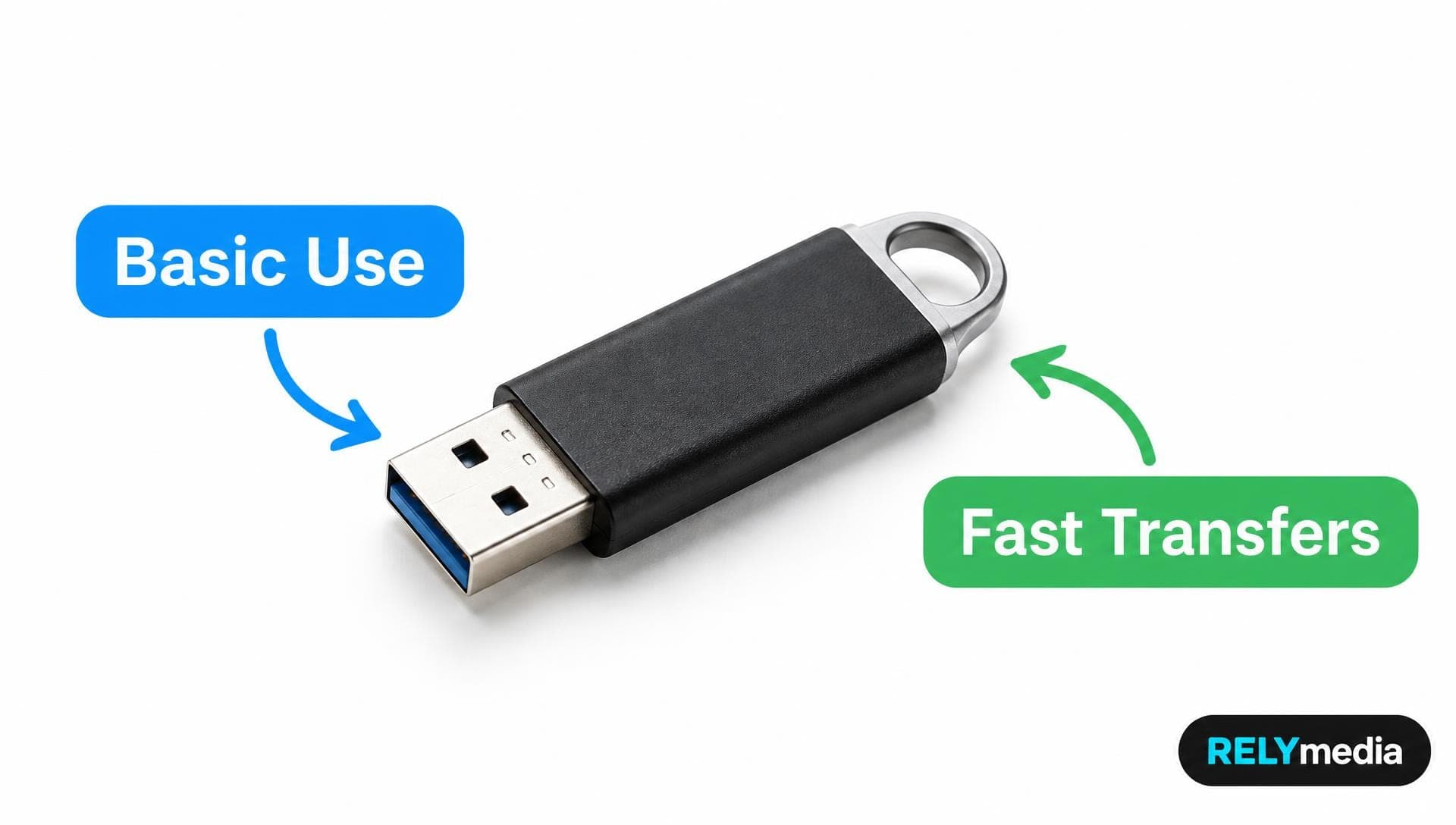
| Best fit | Basic peripherals | Fast storage and data-heavy work |
USB-IF specifies 480 Mbps for USB 2.0 High Speed and 5 Gbps for USB 3.0 SuperSpeed. Older articles sometimes mention 4.8 Gbps, but 5 Gbps is the correct nominal USB 3.0 signaling rate.
What Is USB (Universal Serial Bus)?
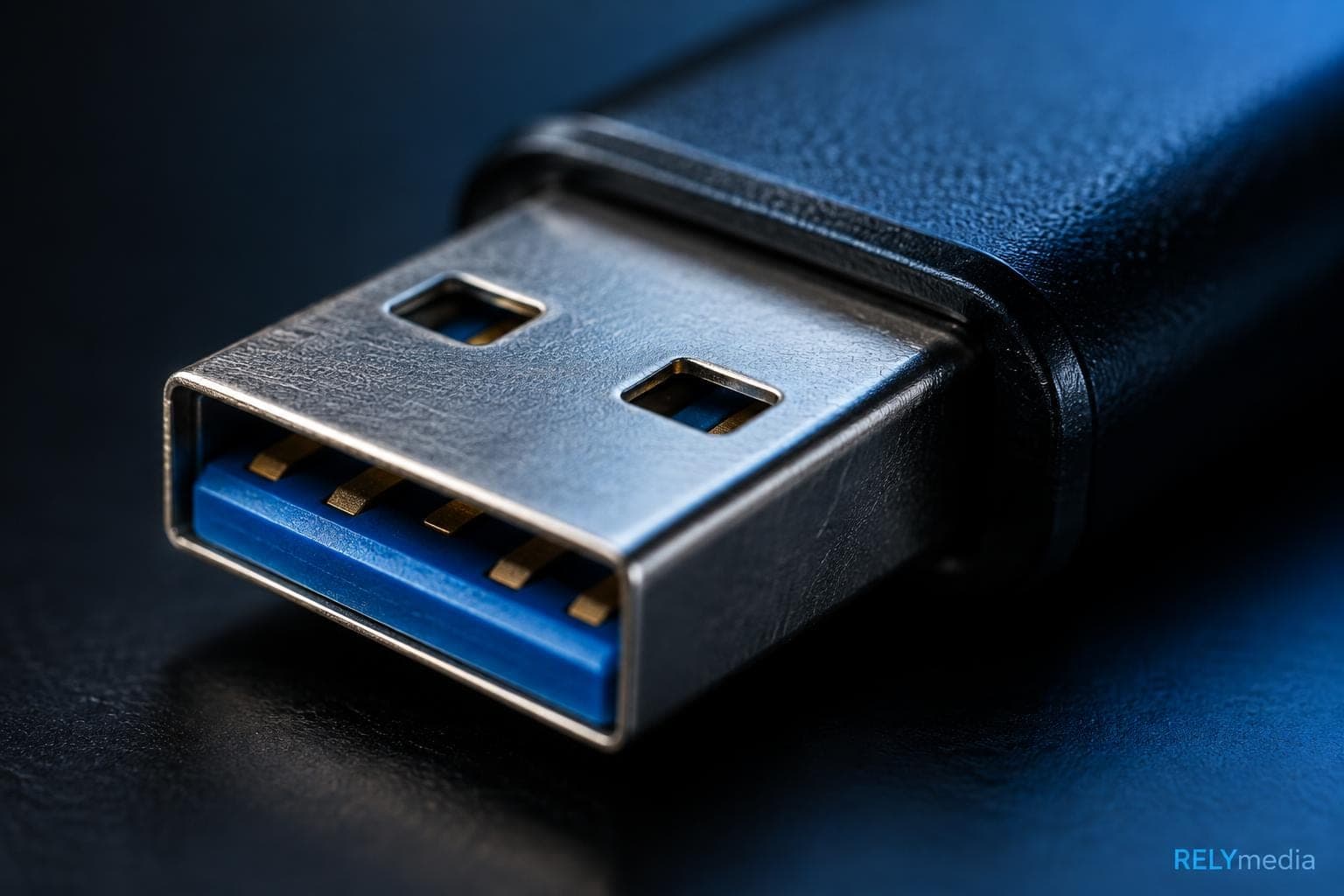
Universal Serial Bus, or USB, is a hardware interface that handles data communication and electrical power between a host and connected USB devices. A host controller inside a computer system or laptop coordinates communication with each USB device.
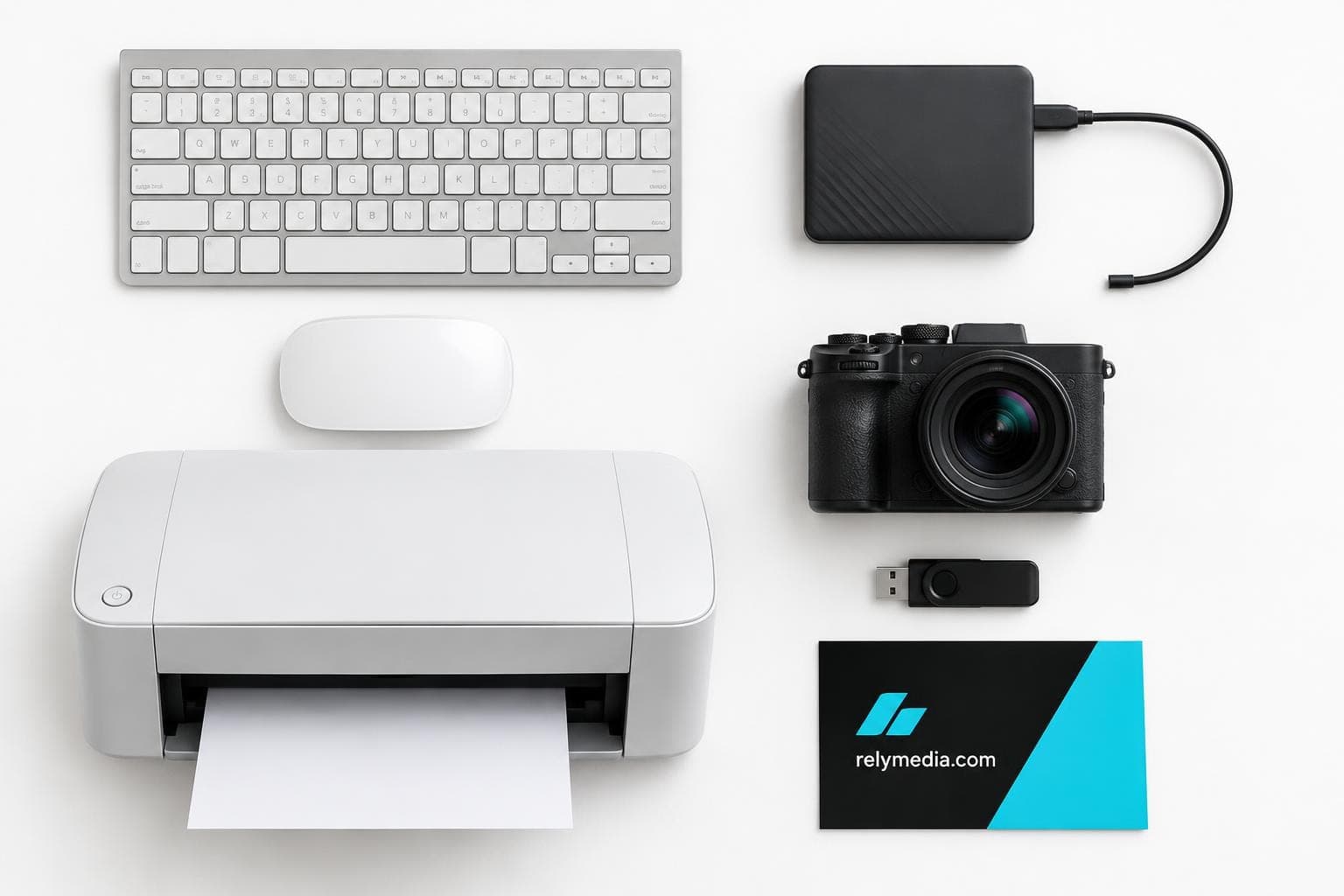
USB technology replaced many serial and parallel ports and supports computer peripherals such as keyboards, mice, printers, cameras, flash drives, and external hard drives.
USB 1.x and USB 1.1 came first. USB 2.0 introduced high-speed operation at 480 Mbps. USB 3.0 brought SuperSpeed USB at 5 Gbps. Later, USB 3.1 Gen 2 increased the transfer rate to 10 Gbps. USB-IF has historically used SuperSpeed+ in its specifications, although consumer naming has changed.
Connector shape is separate from speed. USB Type-A, USB Type-B, and USB Type-C are common USB connector types. USB Type-C is a reversible connector that can still carry USB 2.0 data. It does not automatically mean USB 3.0.
What Is USB 2.0?
USB 2.0 offers wide device compatibility and enough bandwidth for many everyday USB peripherals. Its theoretical USB 2.0 speed is 480 Mbps. Real-world transfer speed is reduced by protocol overhead, storage quality, and host performance.
USB 2.0 Speed, Power Output, and Common Uses
The USB 2.0 data transfer rate works well for low-bandwidth devices. Keyboards, printers, scanners, mice, and many simple media devices rarely need more bandwidth.
A configured high-power USB 2.0 device can draw up to 500 mA at 5 volts from a standard host port. That USB 2.0 power output supports peripherals and basic USB 2.0 charging.
USB 2.0 is still sensible for:
- Keyboards and computer mouse devices
- Printers and scanners
- Small document transfers
- Basic flash drives
- Low-bandwidth peripherals
- Older laptops and computer systems
For long passive cables, a compliant USB 2.0 five-meter cable has traditionally been the maximum reference length for High-Speed operation.
What Is USB 3.0?
USB 3.0 targets high-bandwidth devices. Its 5 Gbps data transmission rate is more than ten times USB 2.0's nominal 480 Mbps rate.
USB 3.0 Speed, Power Output, and High-Speed Devices
The USB 3.0 data transfer rate matters most when storage can keep up. Fast USB flash drives, SSDs, solid-state drives, digital cameras, and external storage devices can make good use of the additional USB 3.0 bandwidth.
USB 3.0 power output reaches 900 mA at 5 volts for a configured high-power SuperSpeed device.
USB 3.0 charging does not automatically equal fast charging. USB Battery Charging, USB Type-C current modes, and USB Power Delivery use separate rules.
USB 2.0 Speed vs USB 3.0 Speed
Speed is the clearest difference between USB 2.0 and USB 3.0. USB 2.0 bandwidth tops out at 480 Mbps. USB 3.0 transfer speed and bandwidth reach 5 Gbps.
Actual data transfer depends on the drive controller, NAND flash, host controller, cable design, operating system, file sizes, and workload.
Here is a useful theoretical comparison:
| File Size | USB 2.0 at 480 Mbps | USB 3.0 at 5 Gbps |
|---|---|---|
| 1 GB | About 17 seconds | About 1.6 seconds |
| 10 GB | About 167 seconds | About 16 seconds |
| 50 GB | About 833 seconds | About 80 seconds |
Real transfers take longer, but the performance gap remains substantial.
Separate interface capacity from storage performance. The advertised transfer rate refers to the USB interface, while the drive’s controller and memory determine the actual data transfer speed. A cheap flash drive may miss the interface ceiling. USB 3.0 transmission speed cannot overcome slow storage. Compare interface specifications with measured read/write performance.
For video, backups, multimedia editing, or data-intensive applications, it saves time.
USB 2.0 vs USB 3.0 Data Paths and Communication
USB 2.0 uses a single differential pair for communication and operates in half-duplex mode. This is one-way communication, or unidirectional data transfer, at a given moment. Data can travel in both directions, but transmitting and receiving cannot occur simultaneously on the same pair.
USB 3.0 adds separate SuperSpeed transmit and receive pairs. These dedicated USB data paths use unidirectional paths to enable simultaneous two-way communication and bidirectional data transfer.
The USB bus also uses readiness signaling and data packets. NRDY packets indicate that an endpoint is not ready. ERDY packets provide host notification when device readiness changes. This asynchronous device notification reduces unnecessary polling and improves bus utilization.
These changes matter most when multimedia devices and storage push more data. Asynchronous notification also helps the host respond efficiently, improving communication without constant polling or wasting available bus bandwidth.
They help explain how USB 3.0 improves physical bus architecture and peripheral communication beyond clock speed alone.
USB 2.0 Cable vs USB 3.0 Cable and USB Connector Design
Internal conductors, shielding, and signal quality are key to USB cable design and affect interface compatibility and device performance.
A Standard-A USB 2.0 connector has four contacts. A Standard-A USB 3.0 connector uses nine contacts, adding connections for SuperSpeed data paths. This explains the shorthandfor USB 2.0( four wire)s and USB 3.0( nine wire)s.
USB Cable Length Limits
For SuperSpeed, there is no equally simple universal USB 3.0 cable length limit. A USB 3.0 three-meter cable is a common practical reference for passive copper connections. USB-IF documentation for original SuperSpeed compliance used three-meter cables as the maximum allowed by that specification.
Black vs Blue USB Connectors
Black and blue are common color conventions for USB 2.0 and USB 3.0 connectors, respectively. Do not rely on color alone.
Check the port label, specifications, and supported data rate instead.
USB 2.0 Compatibility vs USB 3.0 Compatibility

USB backward compatibility lets many USB 2.0 and USB 3.0 devices work across generations. A USB 2.0 device usually works in a USB 3.0 port, while a USB 3.0 device can use a USB 2.0 port when the connectors match.
The connection then operates at the slower supported transfer rate.
A USB 3.0 flash drive in a USB 2.0 port cannot achieve USB 3.0 speed. The older port becomes the bottleneck.
For computer connectivity problems, check USB port compatibility across four things:
- Host USB port
- USB connector type
- USB cable
- USB device capability
USB-IF states that a USB 2.0 Type-C cable cannot carry USB 3.2 signals. A Type-C product can therefore look modern while delivering USB 2.0 transfer speed.
USB 2.0 vs USB 3.0 Power Consumption and Charging
Standard high-power USB 2.0 provides up to 500 mA, while SuperSpeed USB provides up to 900 mA. Higher current can improve a device's charging speed, but it is not the same as fast charging. Modern fast charging may rely on Battery Charging specifications, Type-C current modes, or USB power delivery.
USB 3.0 power consumption is not always higher than that of USB 2.0. Link power management can reduce energy consumption and improve energy efficiency while a connection sits idle.
Never infer charging performance from “USB 3.0” alone.
How to Tell USB 2.0 From USB 3.0
- Check the markings: “SS” traditionally indicates SuperSpeed USB.
- Inspect Standard-A contacts: USB 3.0 has additional contacts.
- Look at color: Blue often indicates USB 3.0, while black often indicates USB 2.0.
- Read device specifications: Confirm the supported transfer capacity and rate.
- Check system information: Your operating system may identify the USB controller.
- Test a fast drive: Sustained performance beyond practical USB 2.0 levels suggests a faster connection.
USB 2.0 vs USB 3.0 for Flash Drives and External Storage

Large workloads expose USB 2.0 limits.
A USB 3.0 flash drive can transfer large files faster when its internal flash memory supports high read and write speeds. A USB SSD or USB external hard drive gains more from faster connectivity when storage performance can keep up.
USB 3.0 is well-suited for digital cameras, media devices, backups, multimedia editing, and other high-bandwidth applications. Some gaming peripherals can benefit from modern interfaces, although many controllers, keyboards, and mice do not need USB 3.0 bandwidth.
RELYmedia currently offers custom USB flash drives in a range of capacities and designs, with options including data preloading, password protection, serialization, secure partitions, and custom icons.
USB 2.0 or USB 3.0: Which One Should You Choose?
Choose USB 2.0 when your priority is simple peripheral connectivity, basic file delivery, broad legacy compatibility, or a workload that cannot use extra bandwidth.
USB 3.0 is better for larger flash drives, external hard drives, SSDs, backups, high-resolution media, and repeated large transfers.
A branded drive carrying a few PDFs may not need extreme performance. A drive loaded with training videos, product demos, photo libraries, or software benefits far more from faster data transfer.
Ready to configure branded USB drives around your audience rather than specifications alone?
Request a RELYmedia quote for capacity, connector, imprint, packaging, and turnaround options.
Ready to print your team's name on premium apparel?
Fill in your details and a RELYmedia specialist will come back to you with a custom quote — fast turnaround, no obligation.
- ⚡Same-day response on business days
- 🎨Free design assistance included
- 🚚Rush order & fast delivery available
- 💰Price beat guarantee on every order
Shop custom USB flash drives
See all classic usb flash drives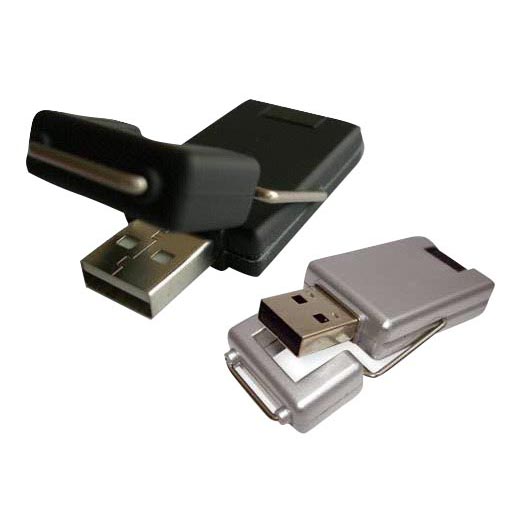
RMC12 Swivel USB Flash Drive
Price on request
View product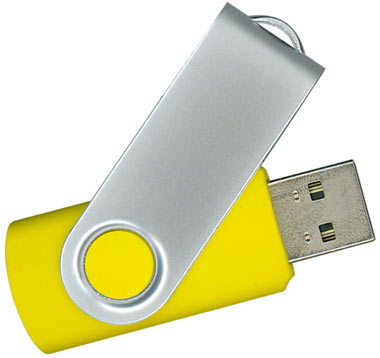
RMC02 Swivel USB Flash Drive
Price on request
View product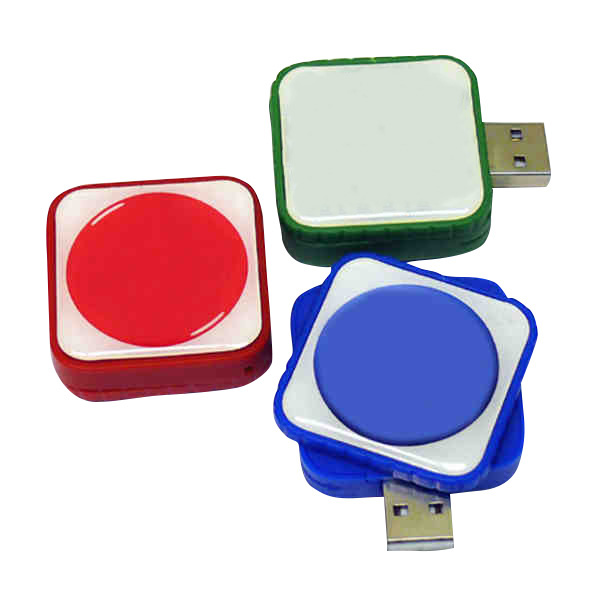
RMC169 USB Flash Drive
Price on request
View product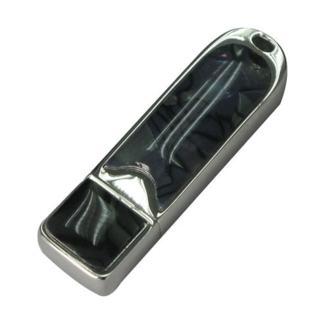
RMC167 USB Flash Drive
Price on request
View product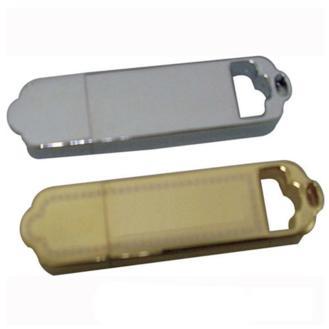
RMC166 USB Flash Drive
Price on request
View product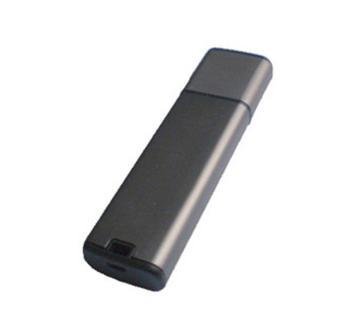
RMC165 USB Flash Drive
Price on request
View product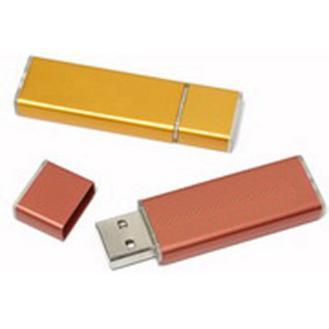
RMC164 USB Flash Drive
Price on request
View product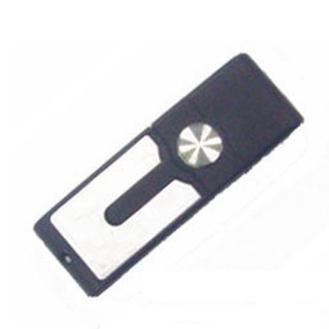
RMC163 USB Flash Drive
Price on request
View product
Frequently Asked Questions About USB 2.0 vs USB 3.0
What Is the Main Difference Between USB 2.0 and USB 3.0?
USB 2.0 supports 480 Mbps, while USB 3.0 supports 5 Gbps. USB 3.0 also adds separate transmit and receive data paths and a higher standard bus current.
Is USB 3.0 Ten Times Faster Than USB 2.0?
Its theoretical signaling rate is more than ten times higher.
Can USB 3.0 Work With USB 2.0?
Usually, when the physical connectors match. The connection falls back to USB 2.0 performance.
Is USB Type-C the Same as USB 3.0?
No. USB Type-C describes a connector. It can support USB 2.0 or faster standards.
Does USB 3.0 Charge Faster?
Not necessarily. USB 3.0 offers more standard bus current, but fast charging depends on additional charging protocols and hardware support.
Is USB 2.0 Still Useful?
Yes. Many USB peripheral devices gain little from higher bandwidth.
Conclusion: Choosing Between USB 2.0 and USB 3.0
The difference between USB 2.0 and USB 3.0 goes beyond one speed number. USB 2.0 provides 480 Mbps signaling, 500 mA of standard high-power current, and reliable compatibility with basic peripherals. USB 3.0 increases the rate to 5 Gbps, raises standard high-power current to 900 mA, and adds independent transmit and receive data paths.
USB 2.0 remains practical for light tasks. USB 3.0 benefits fast storage, large files, and data-heavy workflows.
RELYmedia helps organizations align capacity, connector type, security, customization, and turnaround with real recipient needs.
Make your next USB order useful long after the first handoff.
Contact RELYmedia to build branded flash drives around the compatibility, performance, presentation, and timeline your campaign needs.
Shop this
Need custom USB flash drives? We print them.
Bulk pricing, three free mockups, real quotes back the same business day.