USB Flash Drives: Components, Uses, and Myths Dispelled
October 12, 2026 · 11 min read
USB flash drives look simple. Inside, they combine memory, a controller, a USB interface, and supporting electronics. That mix lets a thumb drive store files, move data, run portable tools, and support branded campaigns.
You may also hear USB drive, jump drive, data stick, memory stick, pen drive, USB stick, flash disk, or USB memory stick. These names usually describe portable storage that uses nonvolatile flash memory.
What Is a USB Flash Drive?
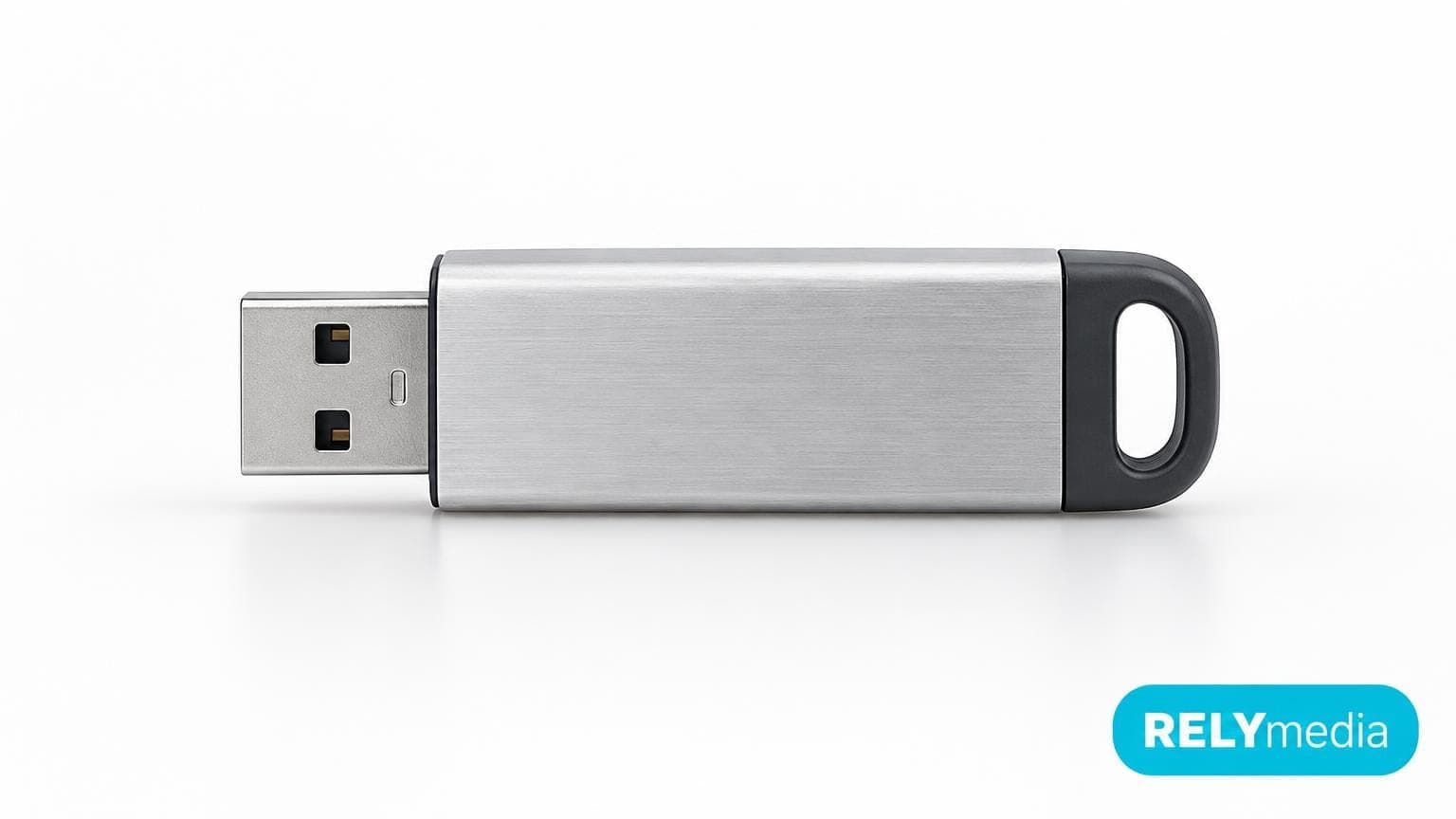
A USB flash drive is a removable digital storage device. It stores data in flash memory and connects through a Universal Serial Bus interface. Unlike RAM, flash memory retains data when power is removed. That makes it useful for portable data storage and offline file access.
Searches for “what is a USB drive,” “what is a thumb drive,” “what is a jump drive, " or “what is a USB memory” point to the same core technology. A thumb drive combines flash storage, a controller, and a USB connector.
What Does a USB Flash Drive Do?
The main function of the USB drive is straightforward. It stores files and moves them between compatible devices. A flash drive can carry:
- Documents and spreadsheets
- Photos and videos
- Music and presentations
- Software installers
- Training materials
- Offline backups
- Marketing files
- Recovery tools
How Do Flash Drives Work?
A flash drive does not simply “hold” files. Several parts work together each time you read or write data.
💡Data path:Computer or phone → USB connector → USB controller → NAND flash memory → stored data
When you plug the drive into a compatible USB port, the host detects it. The mass storage controller manages communication with the memory chip. During a write operation, data is written to NAND flash cells. During a read operation, it retrieves data through the USB interface.
That basic process answers common questions such as “how does a thumb drive work,” “how do USBs work,” and “how does a USB stick work.”
NAND flash has a finite number of program and erase cycles. Controllers help manage that limitation through wear leveling and error correction. Kingston explains that NAND controllers in USB flash drives perform both functions to improve endurance and data reliability.
What Controls USB Flash Drive Speed?
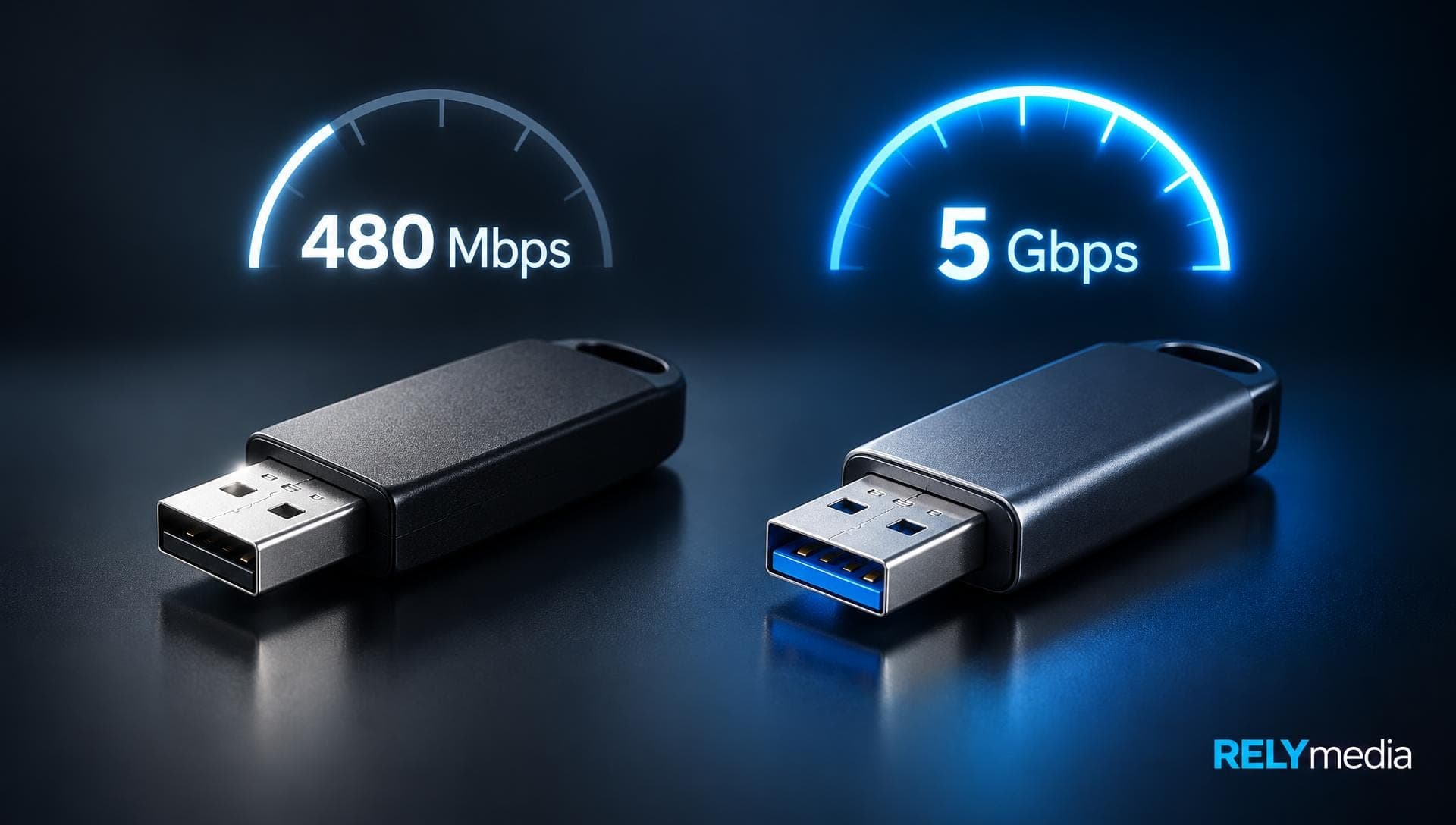
A connector does not set speed by itself. Actual data transfer speed depends on several factors:
- USB interface capability
- Flash memory quality
- Storage controller performance
- Host USB port
- File size
- Workload
- Read versus write operation
USB Type-C is especially easy to misunderstand. It describes a connector system, not a fixed speed. USB-IF states that Type-C supports scalable performance, while USB4 can reach up to 80 Gbps on supported hardware and certified cables.
Inside a Flash Drive: USB Drive Components
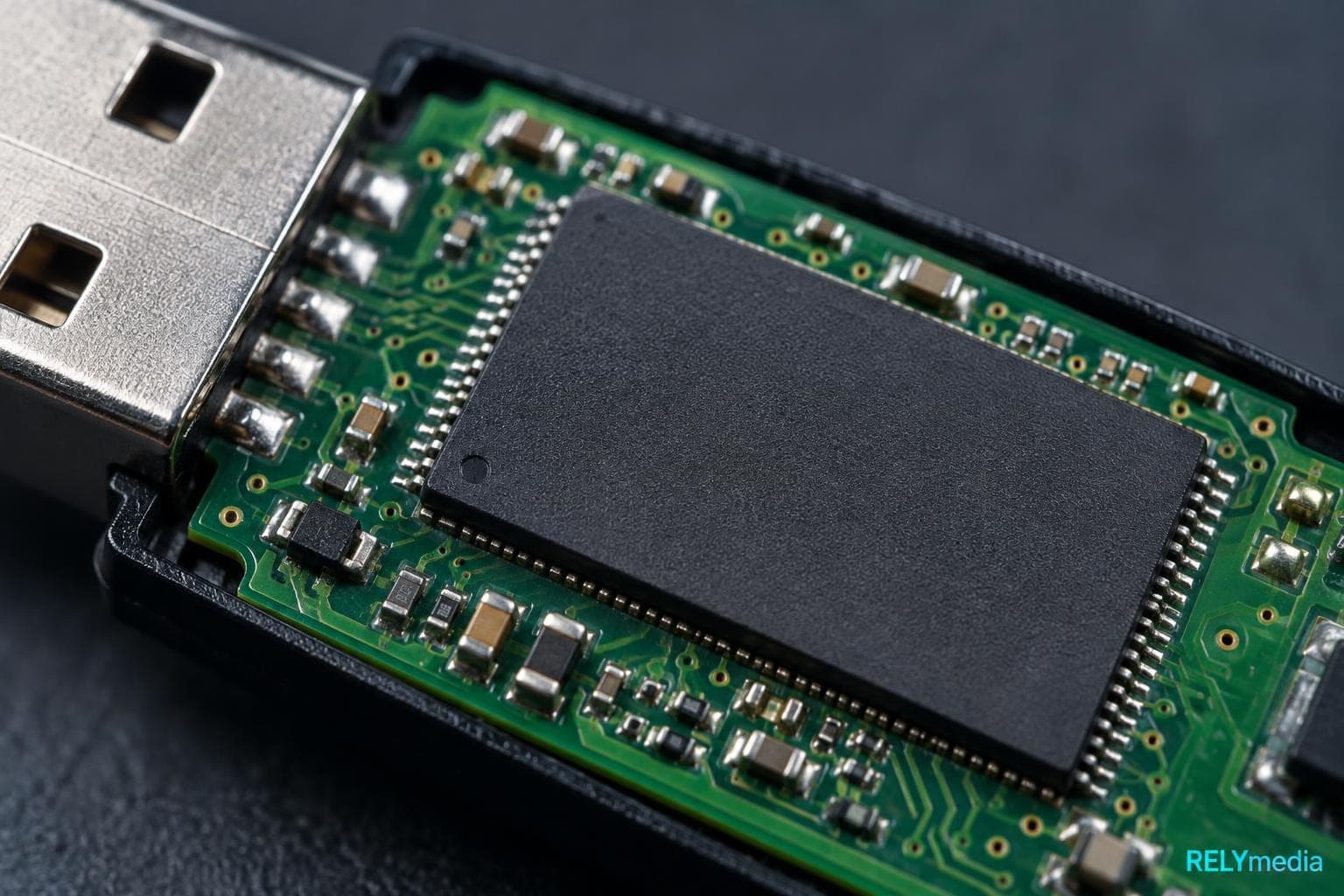
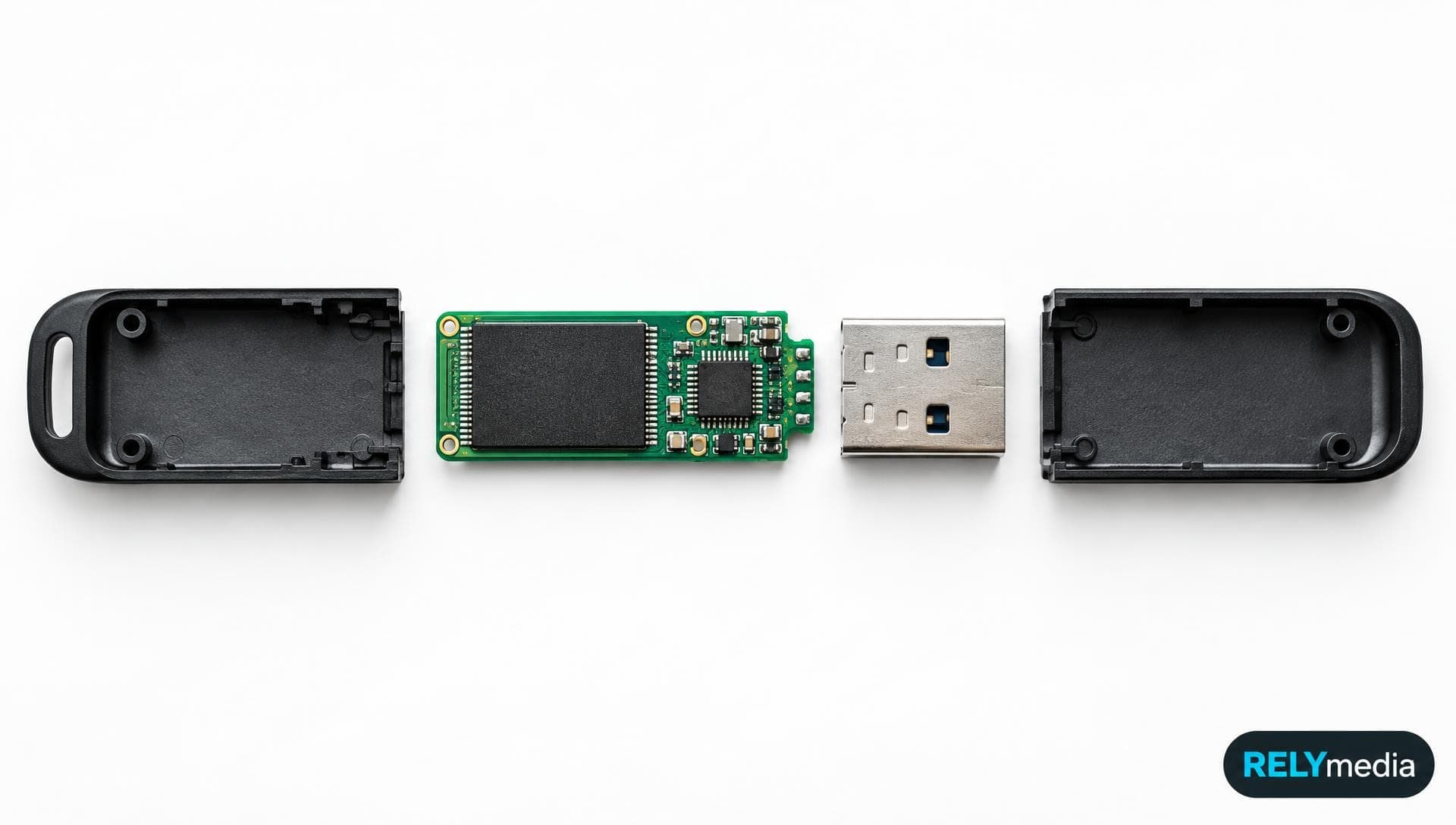
Inside a USB flash drive is a compact storage architecture. Models vary, but most share the same core hardware.
| USB flash drive part | Main job |
|---|---|
| USB connector | Carries power and data |
| Mass storage controller | Manages host and memory communication |
| NAND flash memory chip | Stores user data |
| Printed circuit board | Connects electronic components |
| Crystal oscillator | Provides timing where required |
| LED indicator | Shows activity on some drives |
| Write-protect switch | Blocks writes on select models |
| Test points | Support manufacturing and diagnostics |
These flash drive components explain why two drives with the same capacity can behave differently. One may use a better USB drive chip, controller, or NAND grade.
USB Connector
The connector creates the physical link to the host. Traditional USB-A thumb drives use the familiar rectangular USB-A connector. USB-C drives use the smaller, reversible Type-C connector.
A dual-interface drive includes both. That design can be useful when people move data between older computers and newer USB-C devices.
USB Mass Storage Controller
The controller acts like a traffic manager. It translates host requests, maps logical data to flash locations, manages errors, and controls writes. Better controllers can improve reliability, wear management, and performance.
NAND Flash Memory Chip
The USB flash chip is where user data lives. NAND is nonvolatile memory, so files remain stored without continuous power. Capacity can range from small promotional drives to high-capacity USB storage designed for large media files.
Supporting Hardware
A crystal oscillator can provide a clock signal. The circuit board links components. Some drives include an LED, a write-protection switch, a keypad, or a more robust casing. Industrial products may use advanced error correction or environmental protection.
Types of USB Flash Drives
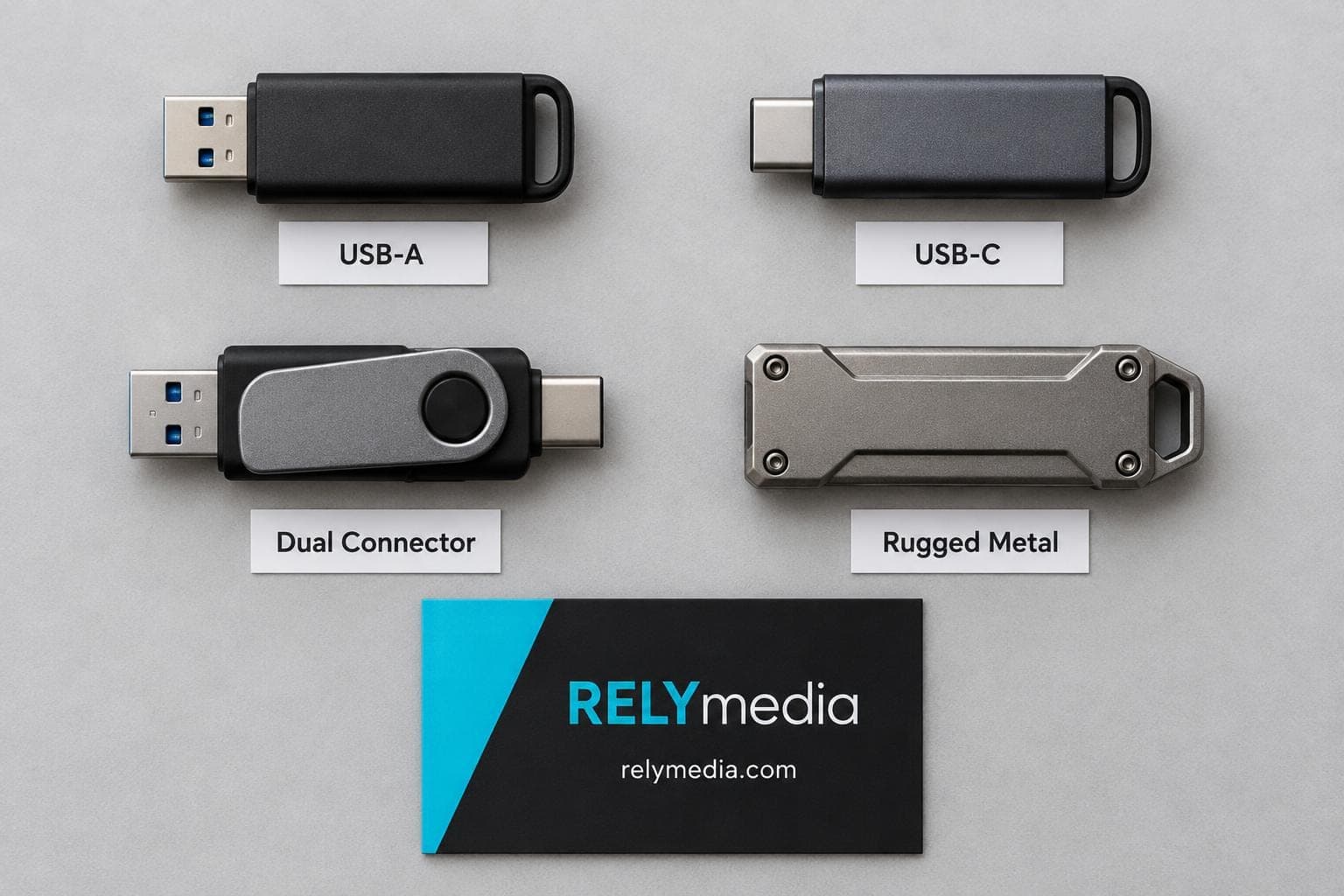
USB drives come in several useful types.
- USB-A flash drives: Common for desktops, laptops, displays, and office equipment.
- USB-C flash drives: Useful with newer laptops, tablets, and compatible phones.
- Dual-interface drives: Connect to both USB-A and USB-C devices.
- Secure flash drives: Add encryption, passwords, or controlled access.
- Rugged USB drives: Use stronger housings for travel or rough environments.
- Industrial flash drives: Focus on endurance, data integrity, and reliability.
- Custom USB flash drives: Add logos, colors, shapes, packaging, or preloaded content.
RELYmedia lists custom USB-A and USB-C models in many capacities and styles, plus branded drives and data services.
What Are USB Flash Drives Used For?

Everyday File Storage and Transfer
People use flash drives for storing documents, photos, videos, and music, as well as for computer-to-computer transfers. A thumb drive also works as portable backup storage when internet access is limited.
For travelers, field teams, schools, and offices, that ne access can be valuable. Cloud storage is useful, but it depends on accounts, connectivity, and service access. A USB stick can work without any of those.
Software, Recovery, and Portable Applications
USB drives can hold software installers, portable applications, recovery tools, firmware updates, and bootable utilities. Portable software lets users carry certain programs without a full local installation.
Secure Data Storage
Secure USB storage can add password protection, hardware encryption, access control, or protected partitions. AES encryption is common in security-focused storage products.
RELYmedia also offers data services including preloading, secure partitions, password protection, AES encryption, custom icons, and serialization.
Industrial and Professional Uses
Industrial USB storage appears in embedded systems, communications equipment, networking equipment, transportation systems, medical equipment, and other controlled environments. These jobs may require higher endurance, stronger data integrity, or rugged construction.
A high-end drive may use an error-correcting code, such as BCH, to detect and correct bit errors. The goal is not flashy speed. It is dependable storage under a defined workload.
Brand Promotion
Custom flash drives can turn practical storage into promotional merchandise. Businesses use branded USB drives for trade shows, conferences, sales presentations, employee onboarding, schools, client gifts, and direct-mail programs.
Build a branded drive people will keep.
RELYmedia can help align storage, design, packaging, and turnaround with your campaign.
USB Flash Drive Security
Removable storage creates convenience and risk. A compromised USB device can transfer malware to another system. Likewise, a clean drive can pick up malicious files from an infected machine.
NIST’s 2025 guidance states that portable storage media remain useful in operational technology environments, but organizations should control how these devices are accessed, stored, and used.
Can a USB Drive Carry Malware?
Yes. USB-borne malware can spread through malicious files, infected systems, or devices designed to behave as something other than ordinary storage.
Stuxnet remains a famous example because removable media helped bridge systems with limited network exposure. It shows why cybersecurity teams treat USB media as an attack vector.
Safer habits include:
- Avoid unknown USB devices.
- Use approved removable media at work.
- Scan drives according to company policy.
- Keep security software updated.
- Encrypt confidential files.
- Restrict USB access on sensitive systems.
- Store authorized drives securely.
Flash Drive Lifespan, Reliability, and Endurance

Flash memory does not last forever. NAND cells have limited write cycles. Reading data causes far less wear than repeatedly erasing and rewriting cells.
Wear leveling spreads writes across available blocks. Error correction helps detect and correct certain data errors. Together, these controller functions support storage reliability and operating life.
Drive lifespan still depends on NAND type, controller design, workload, temperature, manufacturing quality, and physical treatment.
💡Good rule: Never keep the only copy of an important file on one USB drive.
USB Flash Drive Myths Dispelled
USB Myth: Magnets Erase Flash Drives
Normal magnets do not erase NAND flash the way they can affect magnetic media. Flash memory stores information electronically rather than through magnetic recording.
USB Myth: Water Always Destroys a USB Stick
Water exposure does not guarantee immediate failure. Damage often occurs when wet electronics are powered on, when corrosion begins, or when contaminants remain.
Do not plug in a wet drive. Water resistance also depends on the specific product and its rated protection.
USB Myth: Pulling Out a USB Drive Always Breaks It
USB hardware supports hot-plugging. The larger risk comes from removing a drive while data is still being written. That can corrupt files or the file system.
Safe removal remains smart during active transfers.
USB Myth: USB-C Always Means Faster
USB-C describes the physical connector. USB-IF makes clear that Type-C products can support different data-performance levels. A Type-C device can therefore be much slower than another Type-C device.
USB Myth: Every USB 3.x Drive Has the Same Speed
Interface support only tells part of the story. NAND quality, controller design, host capabilities, file type, thermal conditions, and workload affect real read and write speeds.
USB Myth: More Capacity Always Means More Performance
Storage capacity indicates how much data can be stored. It does not guarantee higher data throughput. Comparing real performance specifications when moving large files matters.
USB Myth: Deleted Files Vanish Instantly
Deleting a file does not always make its underlying data unrecoverable at once. NIST’s current media-sanitization guidance focuses on making access to target data infeasible, based on the data's sensitivity and threat level.
USB Myth: Cloud Storage Made Flash Drives Obsolete
Cloud tools are excellent for collaboration and remote access. USB storage still offers offline access, physical distribution, easy handoff, and independence from internet service.
How to Choose the Right USB Flash Drive
Start with the recipient and files.
| Buying factor | What to ask |
|---|---|
| Capacity | How much data must fit? |
| Connector | USB-A, USB-C, or both? |
| Speed | Will users move large files often? |
| Security | Will the drive hold sensitive data? |
| Durability | Will it face travel or rough use? |
| Branding | What imprint, shape, or packaging fits? |
| Preloading | Should files arrive on the drive? |
| Quantity | How many recipients need one? |
For simple PDFs, presentations, and handouts, extreme performance may add little value. Video libraries, design assets, and large datasets can benefit from faster storage.
For promotional buyers, also consider imprint area, custom colors, packaging, lead time, and data preloading. RELYmedia’s current custom USB category includes hundreds of models plus made-to-order options.
Ready to print your team's name on premium apparel?
Fill in your details and a RELYmedia specialist will come back to you with a custom quote — fast turnaround, no obligation.
- ⚡Same-day response on business days
- 🎨Free design assistance included
- 🚚Rush order & fast delivery available
- 💰Price beat guarantee on every order
Shop custom USB flash drives
See all classic usb flash drives
RMC12 Swivel USB Flash Drive
Price on request
View product
RMC02 Swivel USB Flash Drive
Price on request
View product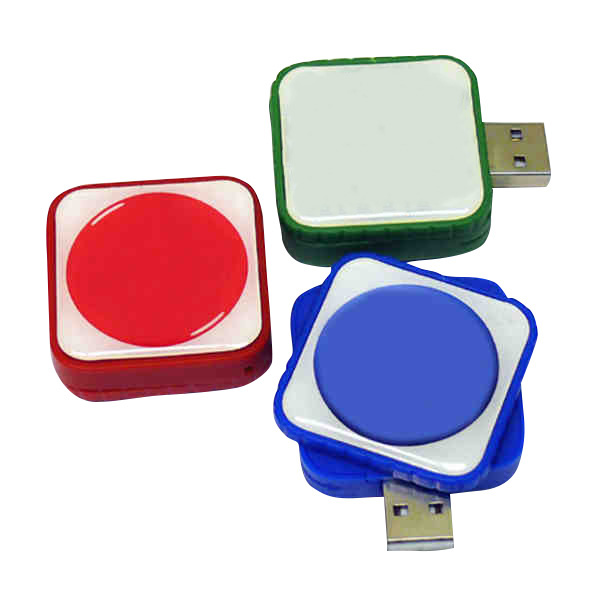
RMC169 USB Flash Drive
Price on request
View product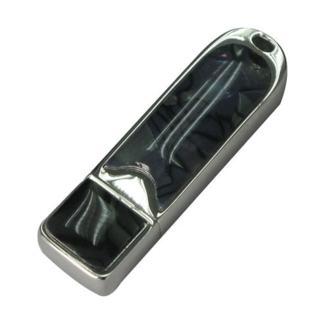
RMC167 USB Flash Drive
Price on request
View product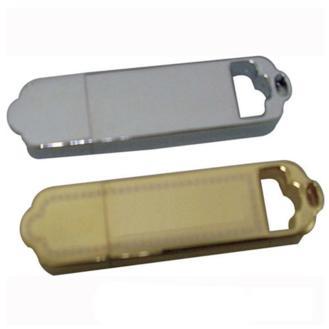
RMC166 USB Flash Drive
Price on request
View product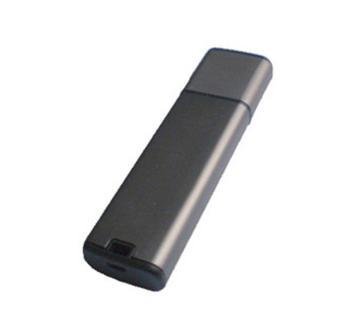
RMC165 USB Flash Drive
Price on request
View product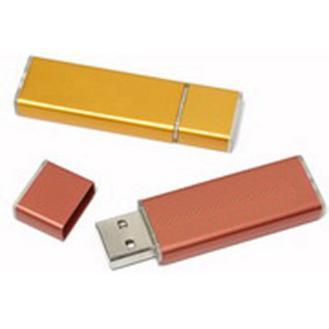
RMC164 USB Flash Drive
Price on request
View product
RMC163 USB Flash Drive
Price on request
View product
Conclusion
USB flash drives remain useful because they solve a clear problem: portable, direct access to digital files. Their small housings contain a USB connector, mass storage controller, NAND flash memory, and supporting electronics that work together every time you save or open data.
Understanding the parts of an SB flash drive helps you assess its speed, reliability, security, and endurance. Knowing the different types of USB memory sticks also makes choosing connectors and capacities easier. Just as important, understanding common USB myths prevents poor buying and handling decisions.
For businesses, flash storage can also become a practical brand experience. RELYmedia connects custom USB drives with branding, data services, capacity choices, USB-A or USB-C options, and campaign needs. Instead of treating the drive as another giveaway, choose one that people can actually use.
Ready to create custom USB flash drives that serve a real purpose?
Explore RELYmedia, compare options, or request a quote for your next branded technology project.
Shop this
Need custom USB flash drives? We print them.
Bulk pricing, three free mockups, real quotes back the same business day.