USB 2.0 vs USB 3.0: Do You Really Need USB 3.0?
October 12, 2026 · 11 min read
USB ports look nearly identical, yet the wrong generation can slow everyday work. The practical question of USB 2.0 vs. USB 3.0 is simple: will your device, files, and workflow actually benefit from the extra bandwidth?
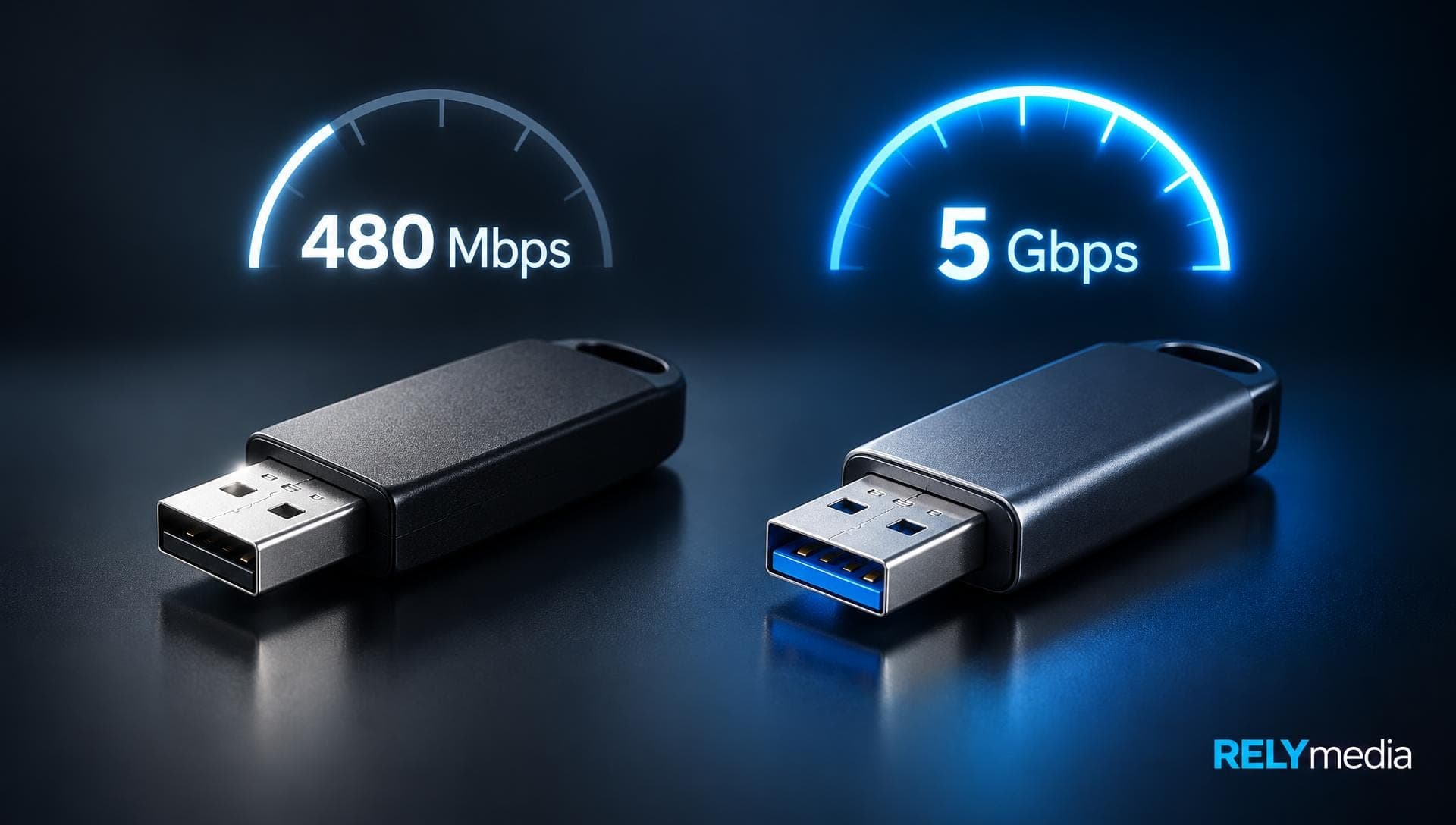
USB 2.0 supports a theoretical maximum signaling rate of 480 Mbps. The 5 Gbps generation, commonly called USB 3.0, falls under the USB 3.2 specification; current USB-IF consumer guidance simply refers to it as USB 5 Gbps. For external storage, large files, high-resolution media, and data-heavy devices, that difference matters. For a keyboard or mouse, it usually does not.
For promotional flash drives, balance usable speed against capacity, compatibility, branding, and budget.
USB 2.0 vs USB 3.0 at a Glance
| Feature | USB 2.0 | USB 3.0 / 5Gbps USB |
|---|---|---|
| Maximum signaling rate | 480 Mbps | 5 Gbps |
| Common legacy label | Hi-Speed USB | SuperSpeed USB |
| Standard configured current | Up to 500 mA | Up to 900 mA |
| Best fit | Basic peripherals, light transfers | Storage, video, heavier transfers |
| Backward compatibility | Broad legacy support | Works with compatible older USB devices |
| Typical bottleneck | Interface sooner | Often storage media or device |
The difference between USB 2.0 and USB 3.0 is bigger than raw speed. USB 3.0 also introduced additional signaling paths and improved power management. Still, advertised bandwidth is a ceiling, not a promise.
What Is USB 2.0?
USB 2.0 is a Universal Serial Bus standard for reliable peripheral connectivity. Its Hi-Speed mode reaches 480 Mbps, which is still sufficient for many everyday devices.
USB 2.0 works well with keyboards, mice, printers, scanners, basic card readers, touch panels, older cameras, simple USB hubs, and low-cost promotional flash drives.
A USB 2.0 pen drive can store PDFs, presentations, forms, or small collections of images. A USB 2.0 card reader also suits occasional transfers. Large videos, backups, and repeated transfers expose its lower bandwidth.
What Is USB 3.0?
USB 3.0 targets faster data movement. Its 5 Gbps signaling rate provides storage- and bandwidth-intensive devices with more headroom.
USB 3.0 commonly serves external SSDs and HDDs, USB 3 portable hard drives, fast flash drives, HD webcams, high-resolution cameras, capture cards, machine vision systems, and large synchronization workloads.
The original 5 Gbps USB 3.0 generation later appeared as USB 3.1 Gen 1 and USB 3.2 Gen 1. When shopping, prioritize the stated data rate. USB-IF now recommends consumer-facing performance names such as USB 5Gbps rather than relying on specification-generation terminology.
USB-C vs USB 3.0 Speed: They Describe Different Things
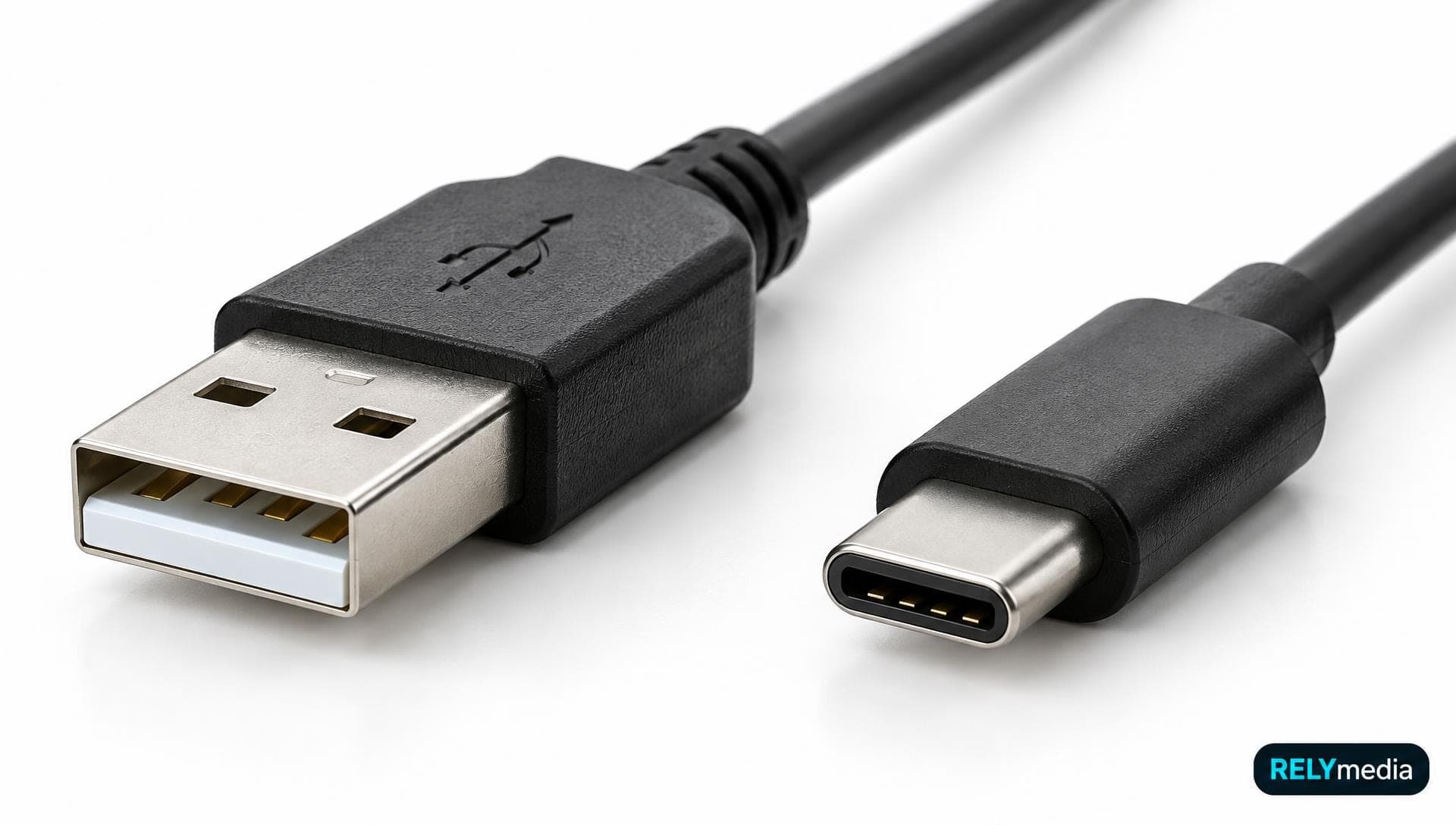
USB-C vs USB 3.0 speed is not a direct comparison. USB-C describes a connector shape; USB 3.0 describes data capability.
A USB-C port can support USB 2.0, USB 3. x (5 Gbps), or faster modes. USB-A also spans several generations. A USB 2-to-USB-C adapter changes the connector, not the underlying speed.
That distinction matters for mixed-device audiences.
For mixed-device campaigns, RELYmedia offers USB-A and USB-C flash-drive options across several data-performance configurations for practical business use.
What’s the Difference Between USB 2.0 and USB 3.0?
USB 2.0 vs USB 3.0 Speed
The headline comparison is 480 Mbps versus 5 Gbps. Yet USB 2 vs 3 speeds in real use depend on the entire data path. A slow flash controller cannot write at 5 Gbps simply because the connector supports it.
Think of bandwidth as a highway: extra lanes cannot make a slow vehicle faster.
USB 3.0 Port vs USB 2.0 Port
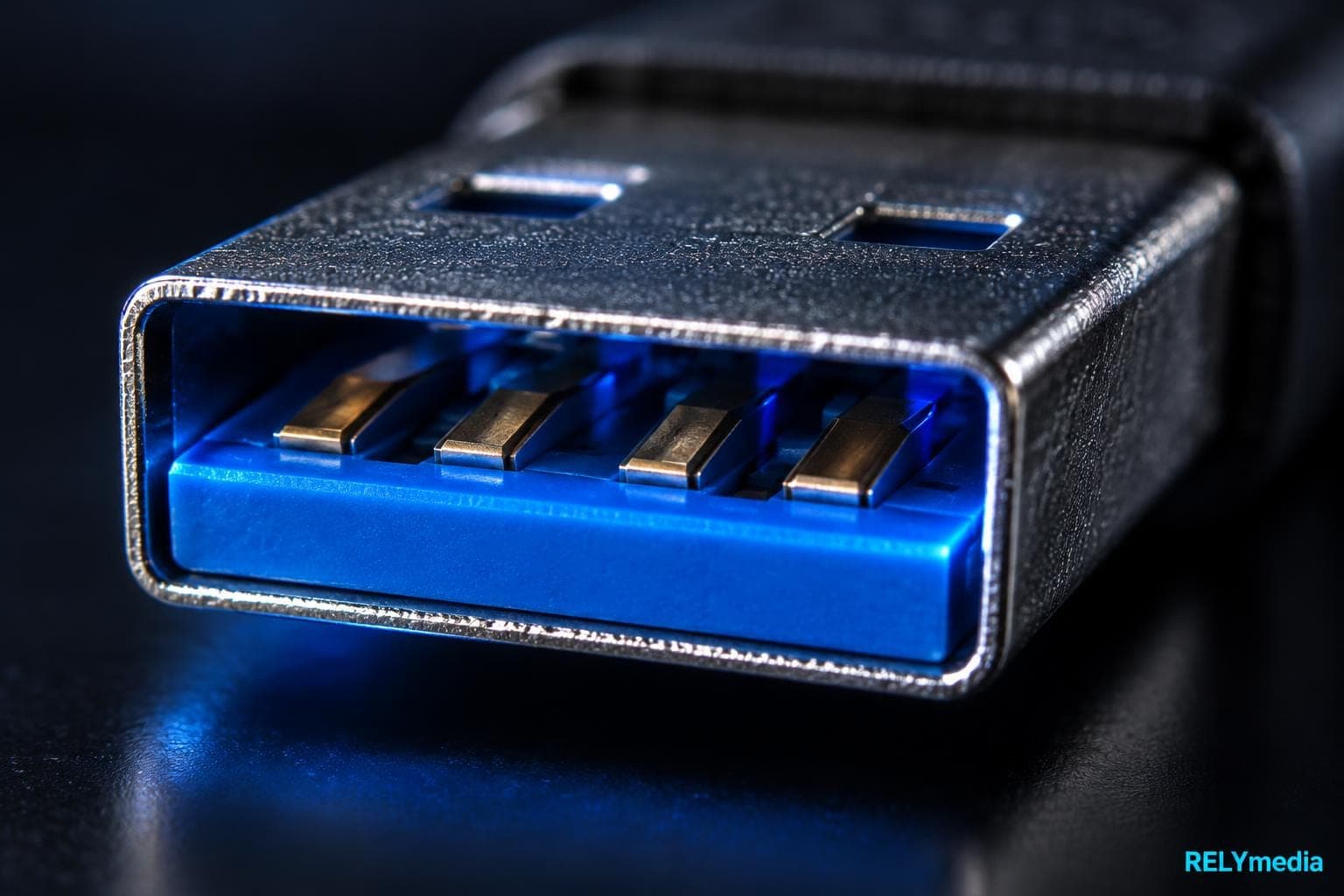
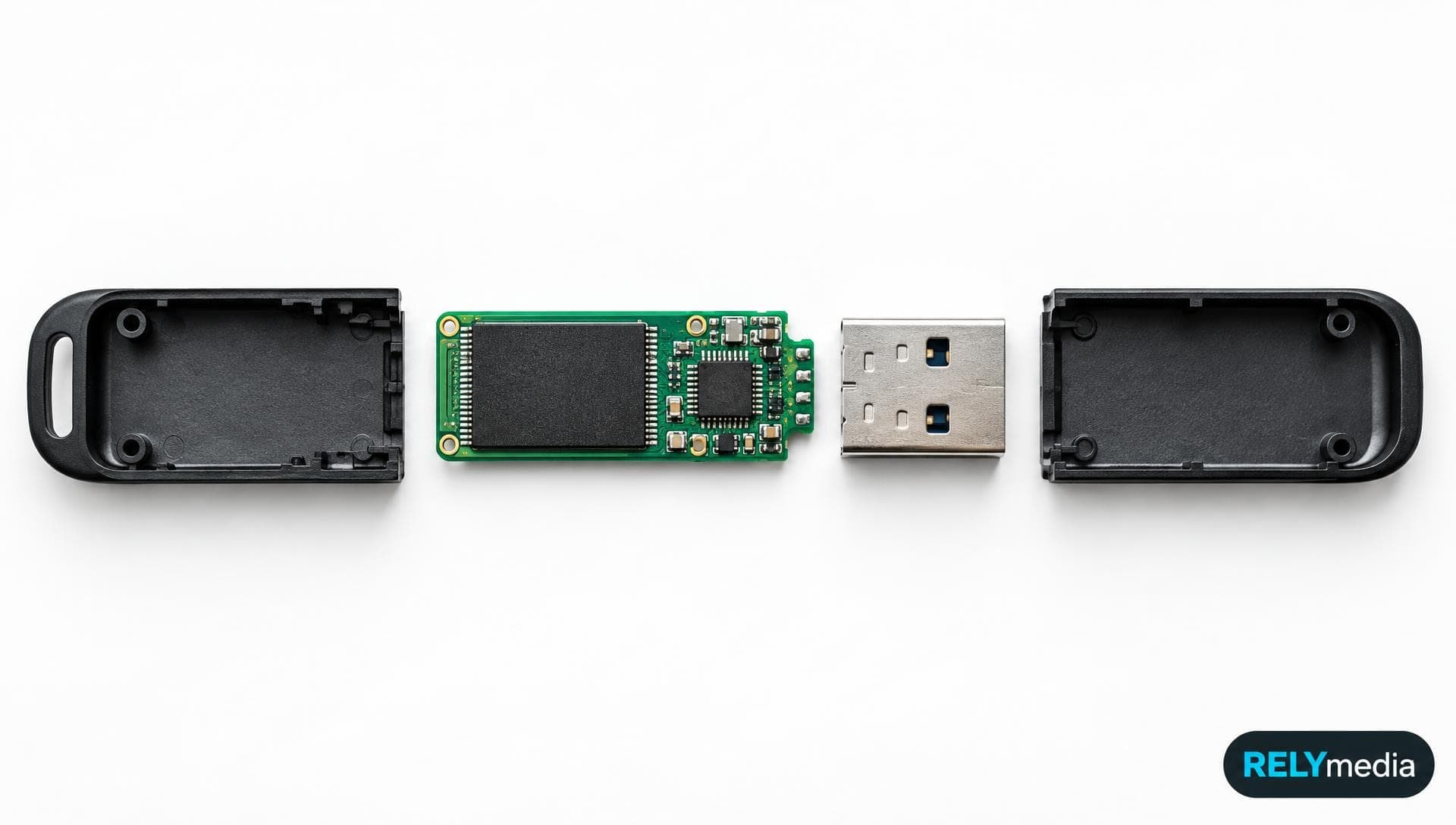
A USB 3.0 Type-A connection includes additional contacts for SuperSpeed signaling. Some manufacturers use blue inserts or an “SS” mark, but color alone is not proof.
For a reliable way to visually distinguish USB 2.0 from 3.0, check specifications, port markings, system information, and connector construction.
USB 2.0 Cable vs USB 3.0 Cable
The cable can limit performance. A USB 3 cable vs. a USB 2 cable comparison involves more than appearance, because USB 3.x requires additional signaling paths.
If any required link in the chain operates only at USB 2.0, the connection cannot deliver USB 3.0 speed.
Power Output and Management
Traditional USB 2.0-configured devices can draw up to 500 mA from a standard downstream port; USB 3.x increases that figure to 900 mA in appropriate configurations. USB Power Delivery and USB-C charging follow additional rules.
USB 2.0 vs USB 3.0: Real-World Performance
Real-world speed falls below the theoretical maximum because the slowest component becomes the gatekeeper.
Common bottlenecks include:
- Flash memory quality
- Read and write performance
- Storage controller
- Host USB controller
- Port generation
- Cable capability
- File size and quantity
- Operating-system overhead
Two USB 3.0 drives with identical capacities can therefore perform very differently.
Large Files Show the Difference Faster
USB 3.0 becomes valuable when sustained throughput matters. Think video libraries, high-resolution photography, product catalogs, software installers, backups, or training packages.
Small Word files and PDFs tell a different story. Their transfers may finish quickly on either standard, making the speed advantage less noticeable.
For example, a conference PDF works comfortably on USB 2.0. Replace it with gigabytes of 4K product video, and USB 3.0 becomes far more valuable.
Why USB 3.0 Does Not Make Every Device Feel Faster
A mouse sends tiny amounts of data. So does a keyboard. Many printers, touchscreens, and control systems also need little bandwidth.
That is why USB 3 vs USB 2 is workload-dependent. High bandwidth helps only when the connected device can use it.
USB 2.0 vs USB 3.0 Flash Drive: Which Is Better?
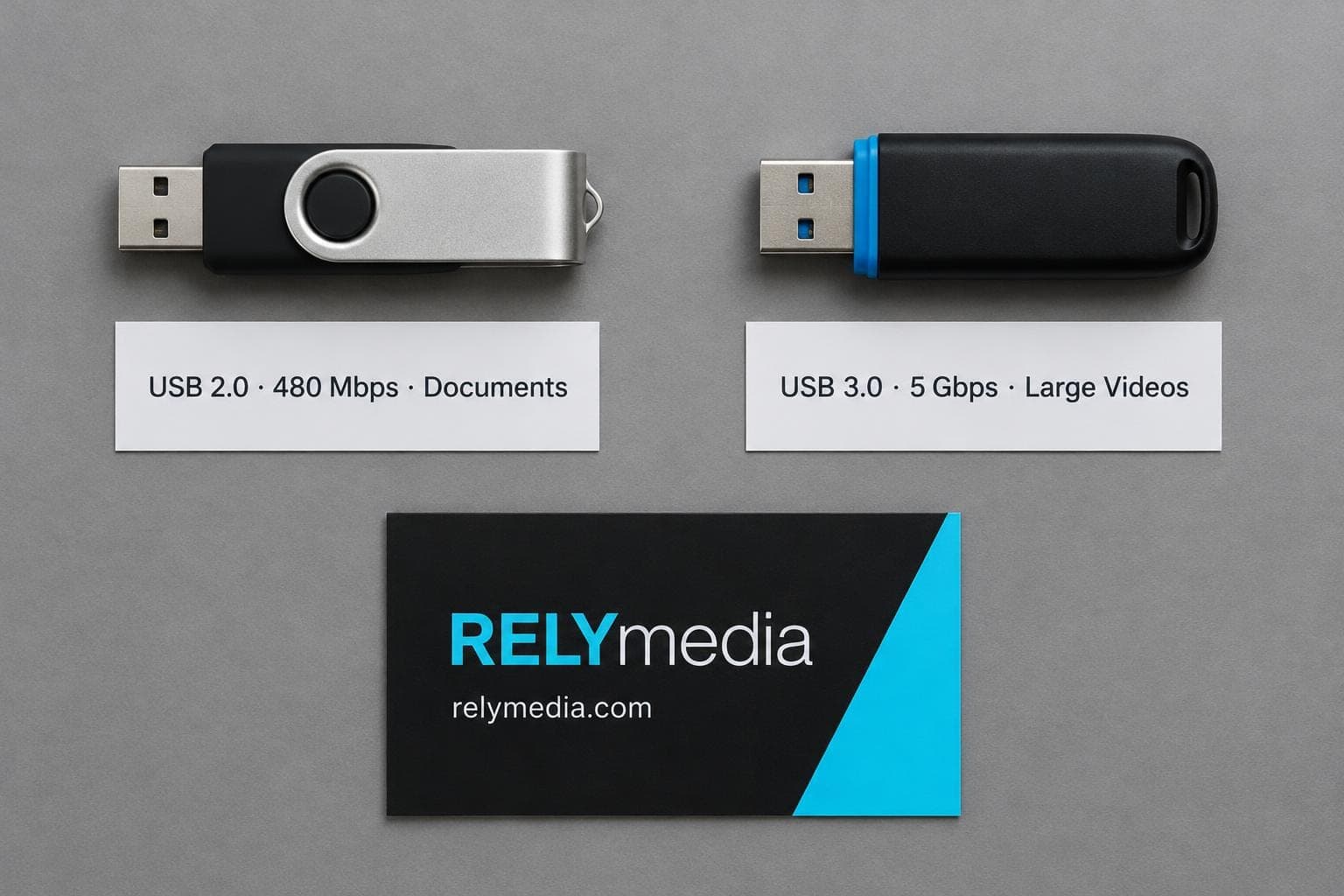
For storage, the interface matters. A USB 2.0 vs 3.0 flash drive comparison should also consider flash memory, controller, capacity, and rated read/write speeds.
When a USB 2.0 Flash Drive Is Enough
USB 2.0 remains practical for PDFs, presentations, small image collections, lightweight giveaways, rarely updated files, and budget-sensitive bulk campaigns. Paying for unused performance adds little value.
When a USB 3.0 Flash Drive Is Worth It
Choose USB 3.0 for large videos, high-resolution photography, training libraries, catalogs, creative assets, software packages, frequent updates, and repeated backups.
The difference between a 2.0 and a 3.0 flash drive becomes more significant as file sizes and transfer frequency increase.
Planning a branded drive campaign?
Ask RELYmedia to compare USB generation, capacity, imprint options, and expected use before ordering.
Capacity Does Not Determine USB Speed
A 16GB USB 3.0 flash drive, a 32 GB USB 3.0 stick, or a 64 GB USB 3.0 drive describes capacity plus interface. Capacity alone does not guarantee transfer performance.
Always check both storage size and performance specifications.
Are USB 2.0 and USB 3.0 Compatible?
Generally, yes, when connectors and device requirements match. USB 3.x supports backward compatibility and operates at the lowest common speed supported by the connected products.
Will USB 3.0 Work on USB 2.0?
Usually, yes. A compatible USB 3.0 device can use a USB 2.0 port, but it operates at USB 2.0 performance. So, will USB 3.0 work on USB 2.0, and can USB 3.0 work with USB 2.0? Generally, yes, but not at USB 3.0 speeds.
Will USB 2.0 Work With USB 3.0?
Usually, yes. A USB 2.0 device connected to a compatible USB 3.x port remains limited to USB 2.0 speeds. Mini USB 2.0, USB-A, Micro-USB, and USB-C are physical formats, not interchangeable plugs.
How to Tell USB 2.0 vs 3.0
If you are wondering how to tell USB 2.0 from 3.0, use the specifications first.
Check:
- Manufacturer documentation
- USB or SuperSpeed markings
- Operating-system hardware details
- Port construction
- Product packaging
- Stated data rate
Blue plastic can indicate USB 3.x, but color is inconsistent.
If a USB 3.0 drive is testing at 2.0, inspect the port, hub, adapter, cable, and host controller. One USB 2.0 component can reduce the negotiated connection.
A USB 3 expansion card or USB 3.0 port hub can add faster ports when the host supports them.
Do You Really Need USB 3.0?

Start with the task.
Use USB 2.0 When You Need
- Basic keyboard or mouse connectivity
- Small, occasional file transfers
- Lightweight promotional content
- Compatibility with older equipment
- Lower-cost storage for simple campaigns
Use USB 3.0 When You Need
- Large file transfers
- External SSD or HDD performance
- High-resolution images or video
- Video capture
- Faster backup workflows
- Frequent flash-drive updates
- Data-intensive applications
| Use Case | Better Fit | Why |
|---|---|---|
| Keyboard or mouse | USB 2.0 | Minimal bandwidth |
| PDFs and documents | Either | Small workload |
| Basic promotional drive | USB 2.0 | Cost may matter more |
| Video media kit | USB 3.0 | Faster large transfers |
| External HDD | USB 3.0 | Higher throughput |
| External SSD | USB 3.0 or faster | Storage benefits from bandwidth |
| High-resolution capture | USB 3.0 | Data-heavy workload |
Choosing USB Flash Drives for Business and Promotional Use
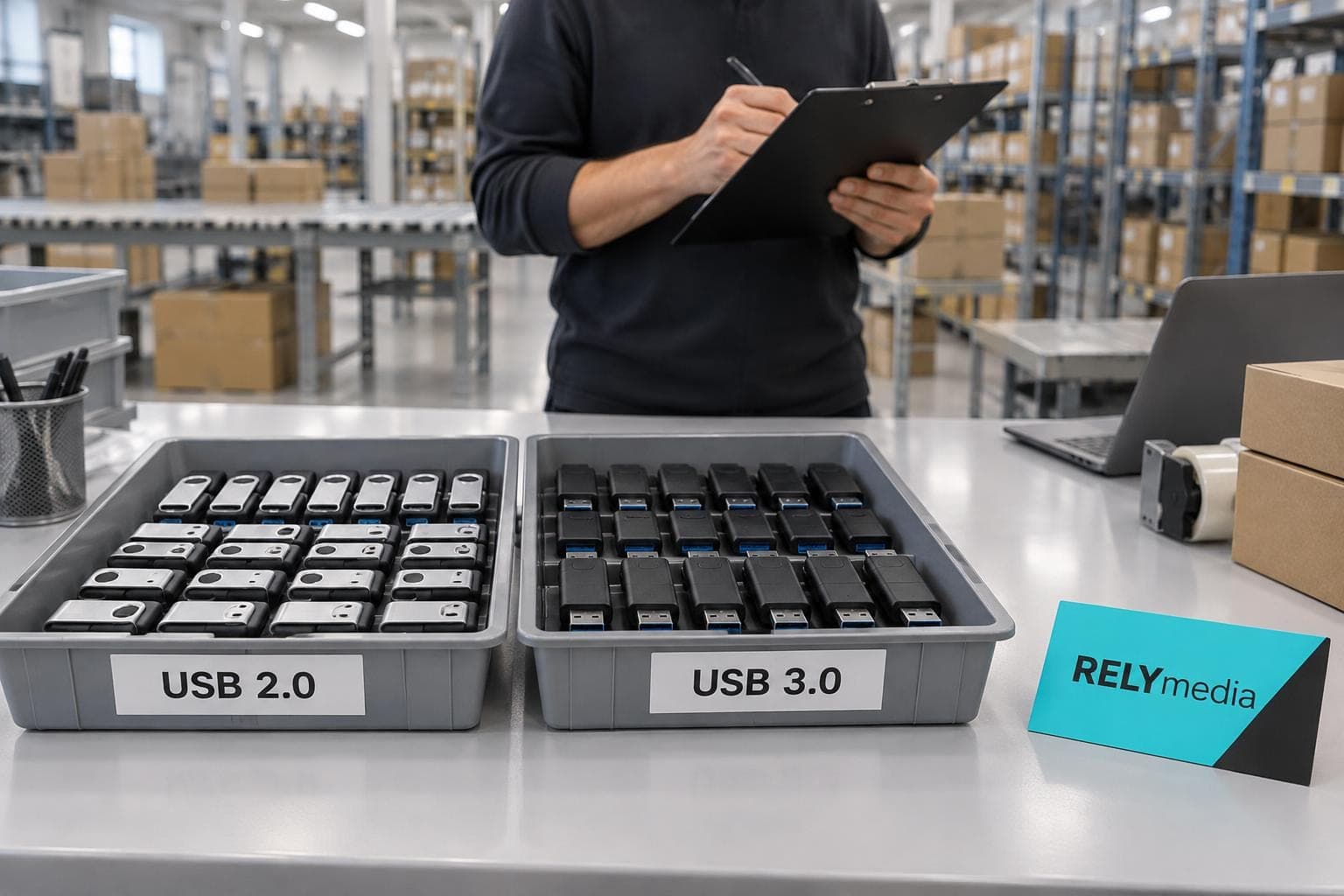
Business buyers should look beyond USB 2.0 versus USB 3.0. A branded drive must fit the recipient and campaign.
Before ordering, ask:
- What files will you preload?
- How much storage do they require?
- Will recipients reuse the drive?
- Does the audience use USB-A or USB-C?
- Does transfer speed affect the experience?
- What imprint area does your logo need?
- Is the delivery date fixed?
RELYmedia lists custom USB flash drives across many capacities and form factors, including USB-A or USB-C configurations and USB 2.0, 3.0, 3.1, or 3.2 options. Available data services include preloading, password protection, serialization, and secure partitions.
Need a made-to-order shape or unusual presentation? Request a custom USB quote from RELYmedia.
Ready to print your team's name on premium apparel?
Fill in your details and a RELYmedia specialist will come back to you with a custom quote — fast turnaround, no obligation.
- ⚡Same-day response on business days
- 🎨Free design assistance included
- 🚚Rush order & fast delivery available
- 💰Price beat guarantee on every order
Shop custom USB flash drives
See all classic usb flash drives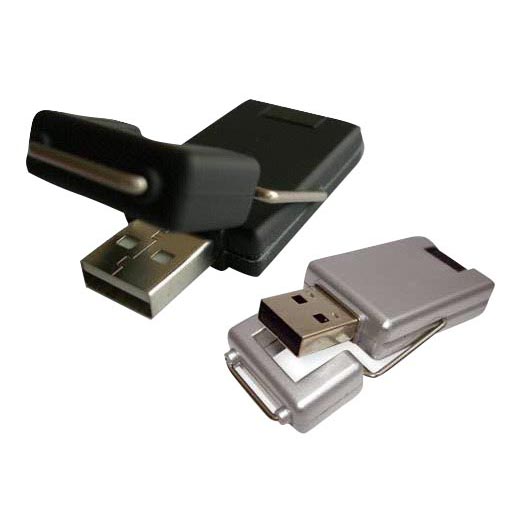
RMC12 Swivel USB Flash Drive
Price on request
View product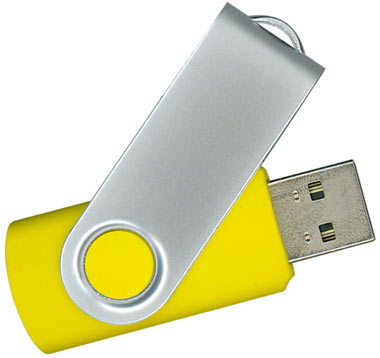
RMC02 Swivel USB Flash Drive
Price on request
View product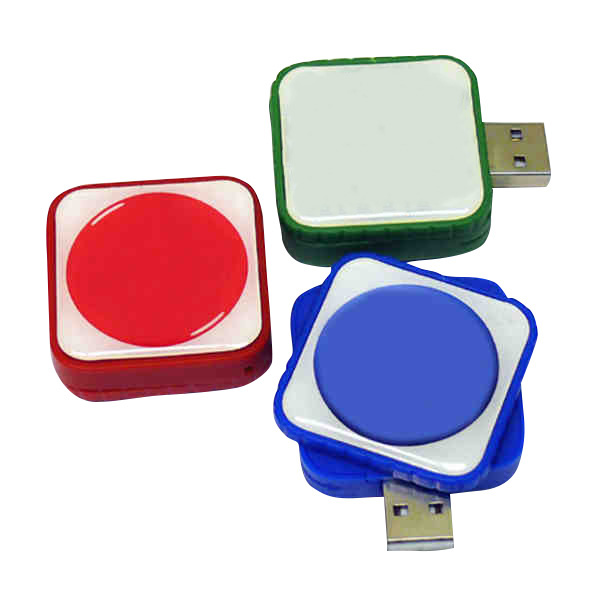
RMC169 USB Flash Drive
Price on request
View product
RMC167 USB Flash Drive
Price on request
View product
RMC166 USB Flash Drive
Price on request
View product
RMC165 USB Flash Drive
Price on request
View product
RMC164 USB Flash Drive
Price on request
View product
RMC163 USB Flash Drive
Price on request
View product
Frequently Asked Questions About USB 2.0 vs USB 3.0
What is the difference between USB 2.0 and USB 3.0?
USB 2.0 offers 480 Mbps signaling, while USB 3.0 offers 5 Gbps and more bandwidth for storage, video, and other data-heavy devices.
Is USB 3.0 really ten times faster than USB 2.0?
Its theoretical rate is more than ten times higher. Actual gains vary because storage, cables, controllers, and host hardware create bottlenecks.
Does USB 3.0 support 2.0 devices?
Generally, yes, when connector and device requirements match. Performance follows their shared capability.
Is USB 3.0 compatible with 2.0 ports?
Yes, in common backward-compatible configurations, but a USB 3.0 flash drive connected to USB 2.0 cannot deliver USB 3.0 transfer performance.
How can you tell a USB 3.0 from a 2.0?
Check product specifications, SuperSpeed markings, system information, and connector design. Treat port color as supporting evidence, not the final answer.
Is a 3.0 vs 2.0 flash drive worth the upgrade?
Choose USB 3.0 when users regularly transfer large files. USB 2.0 remains reasonable for small documents and cost-sensitive giveaways.
Conclusion: USB 2.0 or USB 3.0?
USB 3.0 is better only when the workload can actually use its additional bandwidth.
For keyboards, mice, printers, simple documents, and lightweight promotional files, USB 2.0 remains practical. For external storage, high-resolution media, backups, and frequent large transfers, USB 3.0 delivers a clear advantage.
For branded technology, consider speed alongside capacity, connector type, compatibility, audience, budget, and delivery schedule. RELYmedia can connect those technical choices with customizable flash drives, data-preloading options, and branding suited to business campaigns.
Ready to choose?
Compare RELYmedia USB flash drives or request a quote based on your files, recipients, branding, quantity, and timeline.
Shop this
Need custom USB flash drives? We print them.
Bulk pricing, three free mockups, real quotes back the same business day.