What Is a Flash Drive? How USB Flash Drives Work, What They Do, and How to Choose One
October 12, 2026 · 10 min read
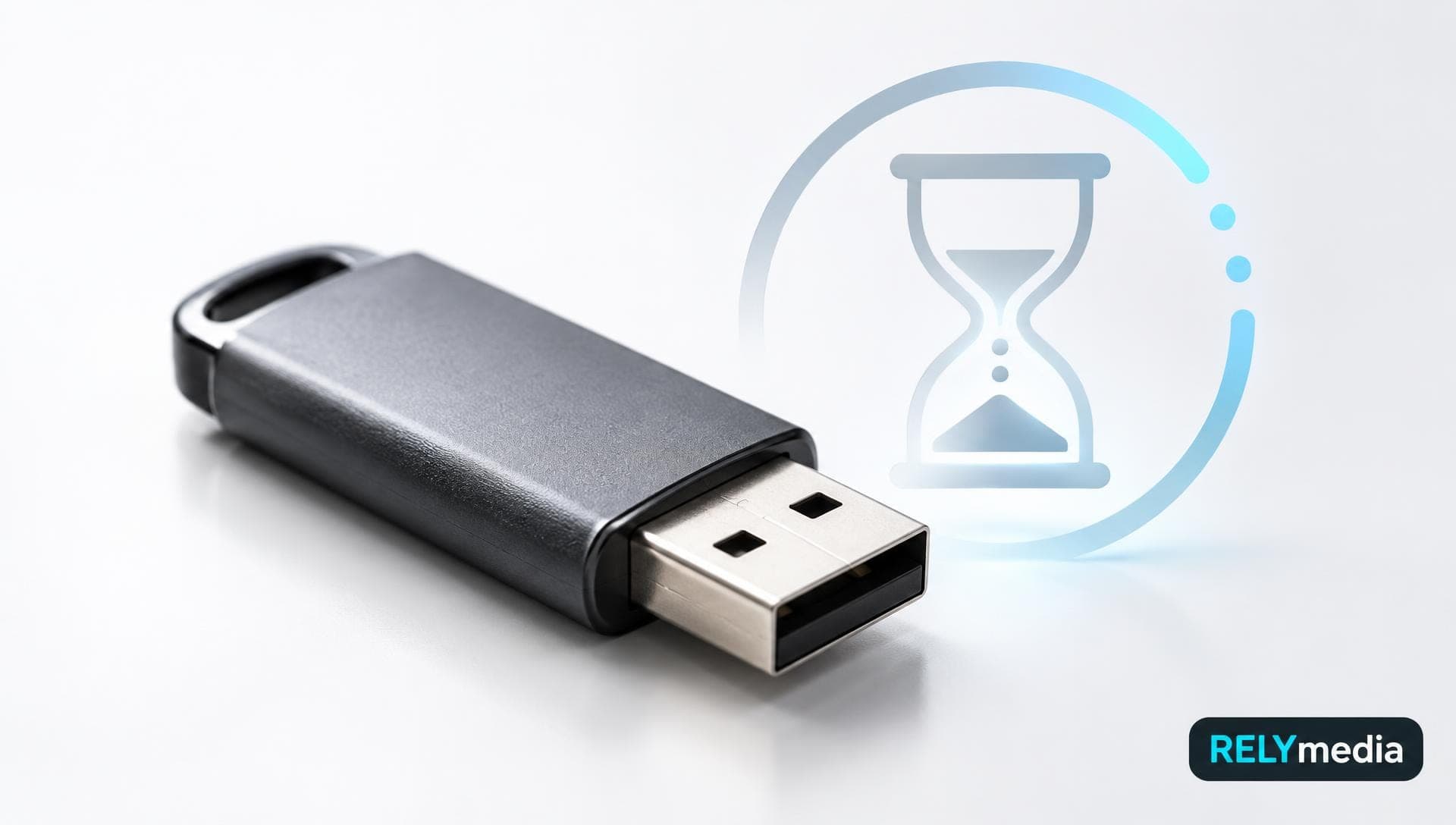
A flash drive is a compact, portable storage device that saves digital data on non-volatile flash memory. Most models connect via a USB port, which is why people also call them USB flash drives, USB drives, thumb drives, pen drives, jump drives, USB sticks, flash disks, or U disks.
You can use one for documents, photos, videos, presentations, backups, software, and other digital files. With no moving parts, it stays compact and handles everyday transport well.
For businesses, custom USB drives can also carry catalogs, training files, onboarding materials, or branded resources. RELYmedia helps organizations turn portable storage into a practical branded tool.
What Is a USB Flash Drive?
A USB flash drive is a removable storage device that uses flash memory instead of spinning disks. It stores data even when you unplug it because flash memory is non-volatile.
You may also see flash drive, flash disk, USB flash drive, USB memory, USB pen drive, computer thumb drive, or USB jump drive. Most describe the same basic device.
A flash drive is not a computer. It works as external storage that a host device can read and write to.
What Is Inside a USB Flash Drive?
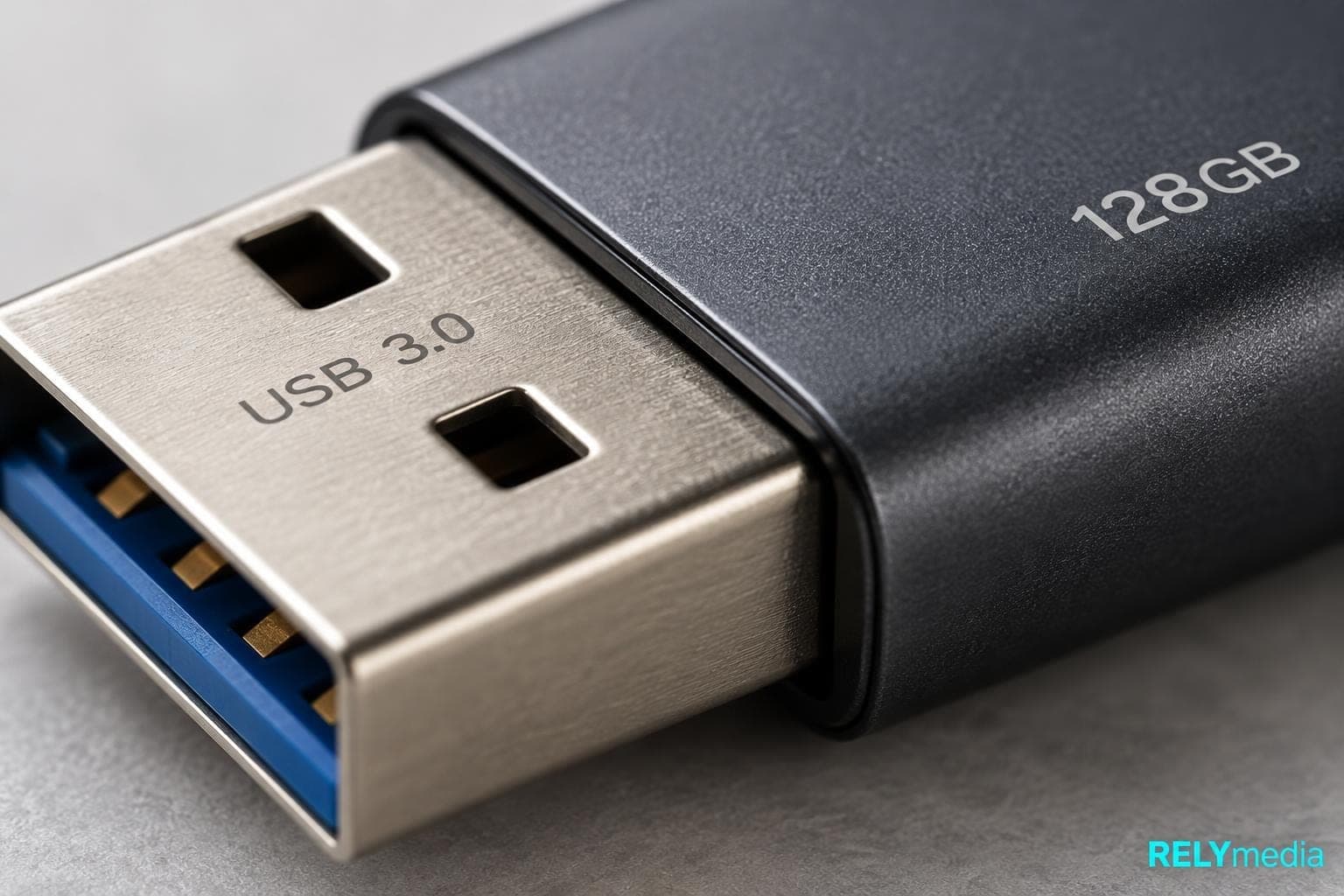
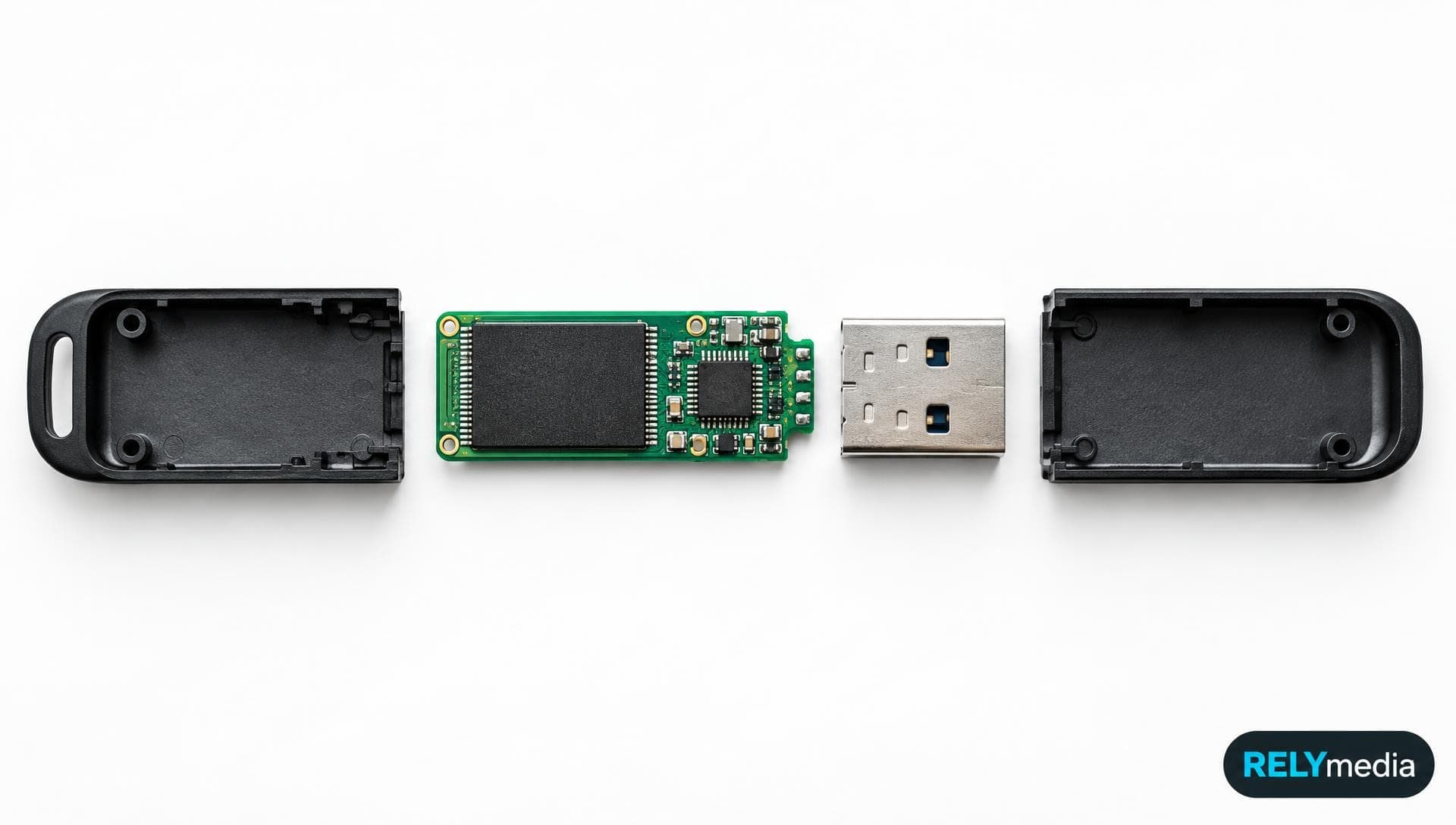
Inside a flash drive, several small components work together:
- NAND flash memory stores digital data.
- A controller manages reading, writing, error correction, and file access.
- A USB connector provides the physical connection to the computer.
- A circuit board links the electronic components.
- A protective shell shields the hardware from everyday contact.
This solid-state design explains why the drive can stay small, lightweight, and reusable.
How Does a Flash Drive Work?
When you insert USB storage into a compatible port, the host device supplies power and identifies the drive. The controller then communicates with the operating system.
Once mounted, the drive appears as removable storage. You can browse, copy, delete, or write files.
Flash memory stores electrical states inside memory cells. Those states remain after you unplug the drive, so no battery is needed.
What Are Flash Drives Used For?
Flash drives make portable file transfer simple, even without internet access.
Common uses of a flash drive include:
- Storing documents and presentations
- Moving files between computers
- Keeping a secondary file backup
- Carrying photos and videos
- Archiving files for temporary storage
- Sharing training or event materials
- Transporting installation or recovery files
- Distributing branded digital content
A USB stick helps when cloud access is restricted or unavailable.
Businesses often use flash drives with their logo at trade shows, conferences, onboarding programs, and sales meetings. RELYmedia can pair branding with preloaded data.
Explore custom USB flash drives
that turn useful storage into everyday brand exposure.
How to Use a Flash Drive on a Computer or Laptop
Using a flash drive is straightforward on Windows or macOS.
Insert the USB Drive
Find a compatible port on your computer, laptop, or other USB-enabled device. A USB-A plug fits one way. USB-C is smaller and reversible.
Never force a connector. If the USB insert does not fit, check the orientation or connector type.
How to Open and Access a Flash Drive
On Windows, open File Explorer and look under “This PC.” The drive may appear as E: or F:. An F drive is simply a letter assigned by Windows. On a Mac, open Finder and select the drive.
How to Put Something on a Flash Drive
To move a file onto the drive:
- Open the USB drive.
- Find the file you want to transfer.
- Drag and drop it onto the drive, or use copy and paste.
- Let the transfer finish before removing the device.
If you are wondering how to download onto a flash drive, choose the USB drive as the download destination when the browser or program allows it.
What Kinds of flash drives are available?
The main types of flash disks differ in connector type, storage capacity, speed, housing, and security.
USB-A Flash Drives
A USB Type-A flash drive uses the familiar rectangular connector found on many desktops, laptops, TVs, and other electronics.
USB-C Flash Drives
A USB Type-C flash drive uses the smaller reversible USB-C connector. Newer laptops, tablets, Android phones, iPhones, and iPads increasingly support USB-C.
Remember, USB-C describes the connector. It does not guarantee a specific transfer speed.
Dual-Connector Flash Drives
Some drives include both USB-A and USB-C. These can simplify computer-to-computer transfer and smartphone connection without carrying an extra adapter.
Custom and Specialty Flash Drives
Promotional drives may use metal, plastic, wood, leather, card-style bodies, swivel designs, or custom-molded shapes. Security-focused models may also support password protection or encryption.
Compare USB-A, USB-C, and custom drive styles before choosing a promotional model.
How Much Can a Flash Drive Hold?
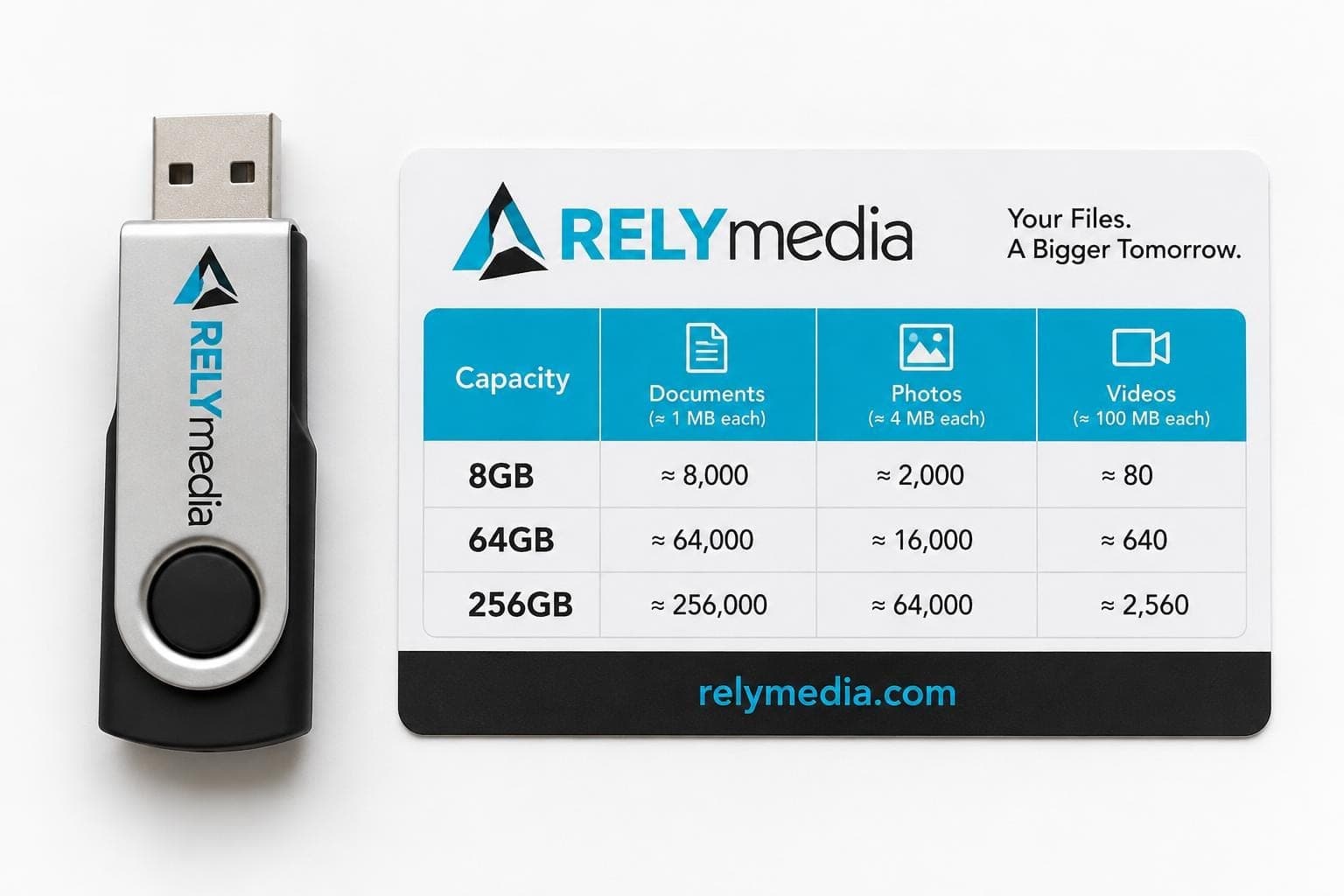
Storage capacity tells you how much data a flash drive can store. Capacity is usually shown in megabytes, gigabytes, or terabytes: MB, GB, and TB.
| Capacity | Good fit for |
|---|---|
| 8 GB | Documents, PDFs, and presentations |
| 32 GB | Office files and moderate photo storage |
| 64 GB | Photos, presentations, and mixed media |
| 128 GB | Video files and larger project folders |
| 256 GB | High-volume media and business files |
| 512 GB+ | Large collections and demanding workloads |
What size flash drive do you need? Start with the file types. Documents use little space. High-resolution photos and videos consume much more.
Usable capacity can be slightly lower after formatting. Older drives offered capacities such as 8 MB, while modern products can reach terabytes. Verify unusually cheap high-capacity products carefully.
Choose capacity based on your actual files, not the largest number on the package.
Flash Drive Speed and USB Standards
The speed of a fast USB flash drive depends on the interface, controller, NAND flash, host device, and workload.
Read speed measures how quickly the drive sends stored data. Write speed measures how quickly data is saved.
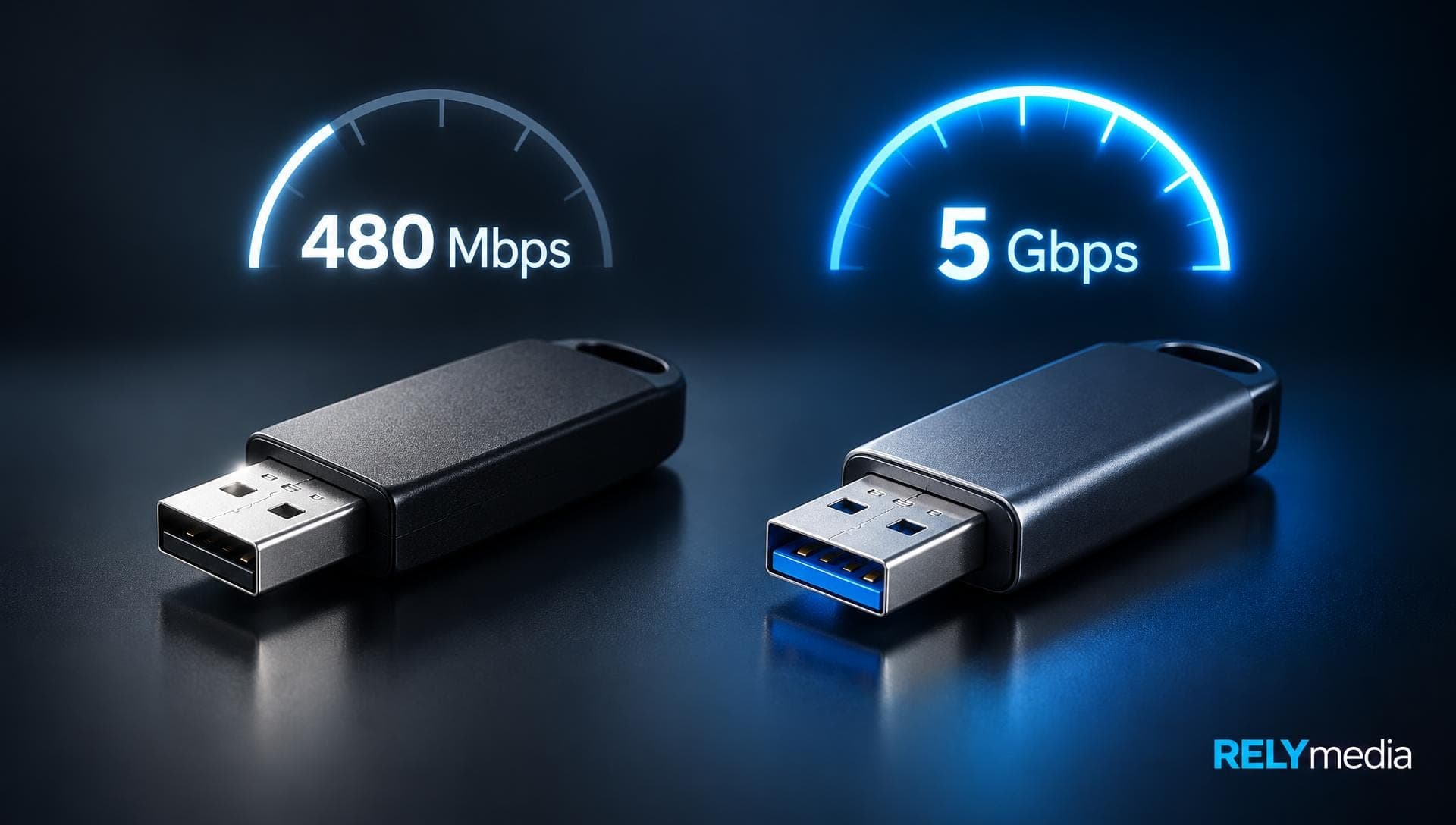
USB 2.0, USB 3.0, and later USB 3.x standards support different potential rates, but the interface rating is only an upper limit. Many small files also transfer more slowly than one large file.
If speed matters, check measured read and write speeds rather than assuming that every USB 3.0 or USB-C model performs equally.
What Is the Best Format for a Flash Drive?
A flash drive file system controls how the device organizes and accesses files.
| File system | Best use | Main limitation |
|---|---|---|
| FAT32 | Broad compatibility | 4 GiB maximum single-file size |
| exFAT | Large files across modern systems | Older devices may lack support |
| NTFS | Windows-focused use | Limited support on some devices |
| APFS | Apple-centered workflows | Not ideal for broad cross-platform sharing |
For large files shared between modern Windows and Mac systems, exFAT is often practical. FAT32 favors older-device compatibility. Formatting usually erases existing files, so back them up first.
Which Devices Can Use a USB Flash Drive?
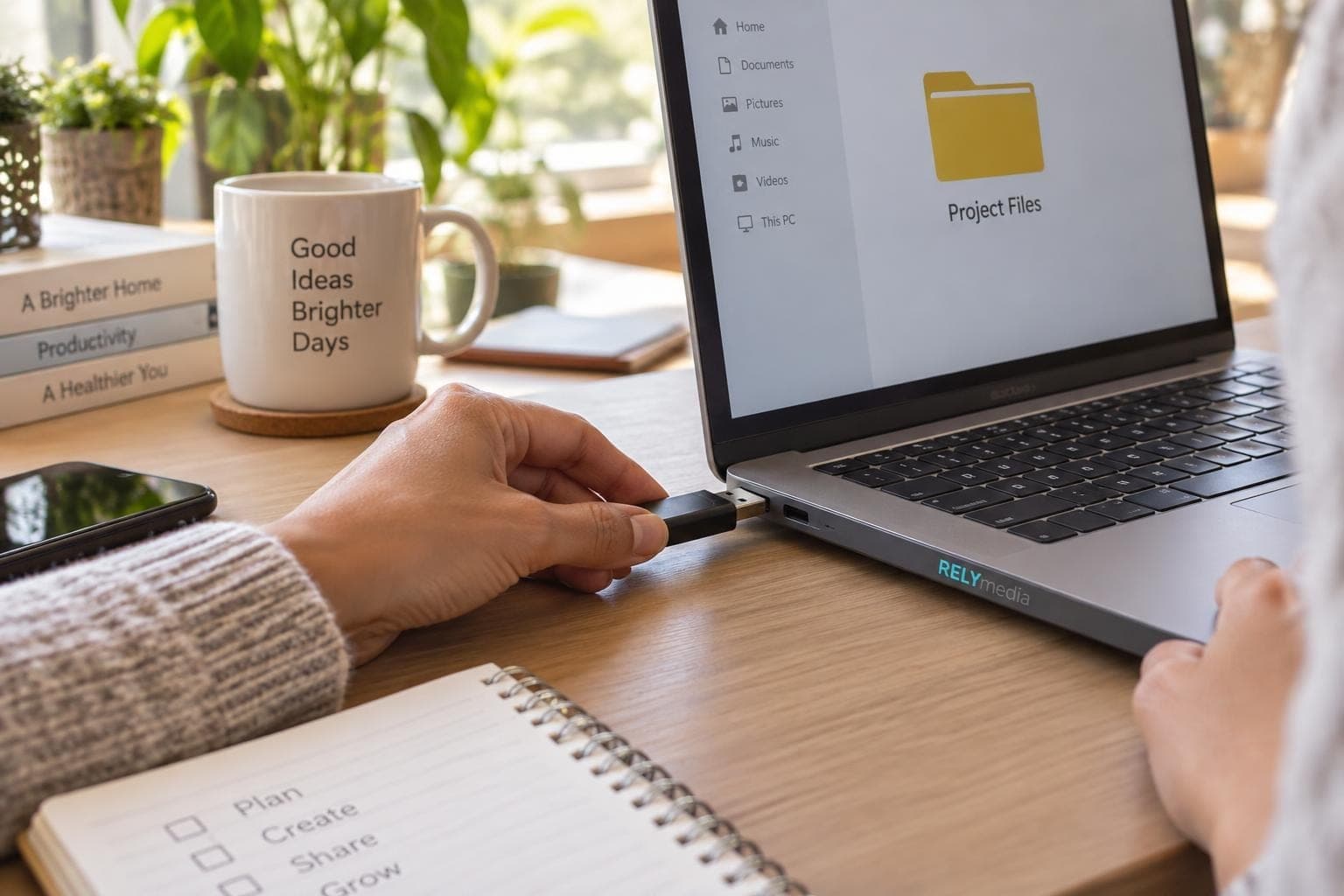
Compatibility depends on the connector, operating system, file system, and power needs.
Common compatible devices include:
- Windows desktops and laptops
- Mac and MacBook computers
- Android phones and tablets
- USB-C iPhones and iPads
- TVs and media players
- Printers
- Game systems
- Other USB-enabled electronics
A phone or tablet may require USB-C, an adapter, or a supported storage format.
Match the connector and file system to the devices your audience already uses.
Flash Drive vs. Thumb Drive, Pen Drive, and Jump Drive
What is the difference between a flash drive and a thumb drive? In normal use, almost none.
A thumb drive, pen drive, jump drive, USB stick, U disk, and USB flash drive usually mean the same portable flash-memory device.
USB means Universal Serial Bus. It is a connection standard, not a storage product.
A solid-state drive, or SSD, also uses flash-based storage, but SSDs are typically designed for higher performance, larger workloads, and different form factors.
Flash Drive vs. Other Storage Devices
| Device | Moving parts | Portability | Typical advantage |
|---|---|---|---|
| Flash drive | No | Excellent | Easy portable file transfer |
| External SSD | No | Very good | Higher performance |
| External HDD | Yes | Good | High capacity per dollar |
| SD card | No | Excellent | Compact camera and device storage |
| Optical disc | No moving parts in the disc | Moderate | Physical distribution and archiving |
Flash drives largely replaced floppy disks and reduced reliance on CDs, DVDs, and Blu-ray Discs for routine transfers. Still, keep important data in at least one additional location.
Flash Drive Pros and Cons
Advantages
- Compact and lightweight
- No moving mechanical parts
- Rewritable and reusable
- Easy to carry
- Simple plug-and-play access
- Available in many capacities
- Useful for offline data transfer
- Easy to customize for business use
Disadvantages
- Small enough to lose easily
- Limited write endurance
- Performance varies by model
- Malware can spread through removable media
- Physical damage can make files inaccessible
- Not ideal as permanent archival storage
Security also matters. Sensitive business files may justify encryption, password protection, restricted partitions, or controlled distribution.
Ask about security and data-service options when your USB project carries sensitive information.
How to Choose the Right Flash Drive

Start with the job rather than the appearance.
Ask these questions before buying:
- How much storage capacity do you need?
- Does the recipient use USB-A, USB-C, or both?
- Will you transfer large files often?
- Which file system works across the intended devices?
- Does the drive need encryption or password protection?
- Will you preload files before distribution?
- Do you need logo printing, engraving, or a custom shape?
- What quantity and turnaround time does the project require?
For a business campaign, those choices affect usability and perceived quality. RELYmedia offers custom flash drives for corporate programs, schools, agencies, trade shows, and other organizations.
Request a RELYmedia quote when capacity, branding, quantity, or deadline needs careful matching.
When Were Flash Drives Invented?
Commercial USB flash drives appeared around 2000. Early models stored only a few megabytes. Their small size, rewritable storage, and USB connectivity quickly made them practical alternatives to floppy disks. Capacity later grew from megabytes to gigabytes and terabytes.
You may still see older firmware terms such as USB FDD or USB HDD. FDD stands for floppy disk drive, while HDD stands for hard disk drive. These labels describe how some firmware treats a USB storage device during startup.
Ready to print your team's name on premium apparel?
Fill in your details and a RELYmedia specialist will come back to you with a custom quote — fast turnaround, no obligation.
- ⚡Same-day response on business days
- 🎨Free design assistance included
- 🚚Rush order & fast delivery available
- 💰Price beat guarantee on every order
Shop custom USB flash drives
See all classic usb flash drives
RMC12 Swivel USB Flash Drive
Price on request
View product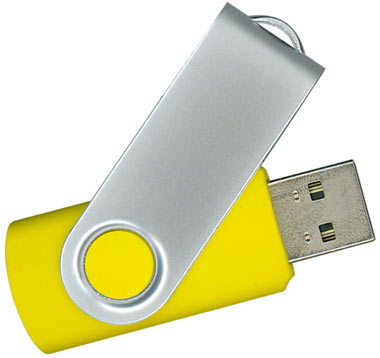
RMC02 Swivel USB Flash Drive
Price on request
View product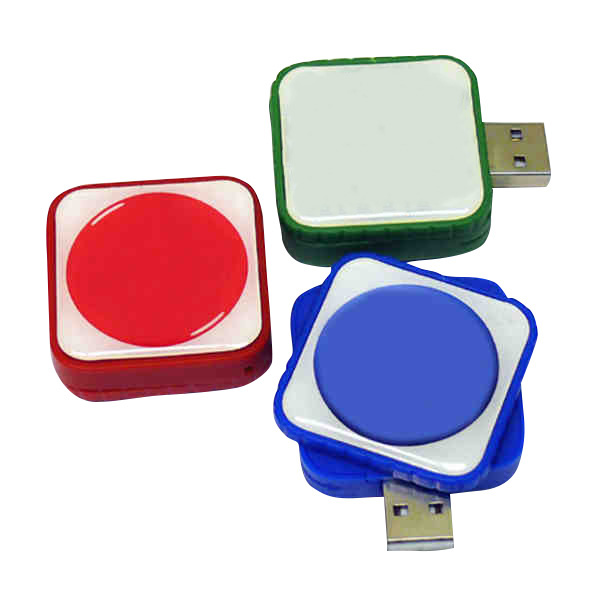
RMC169 USB Flash Drive
Price on request
View product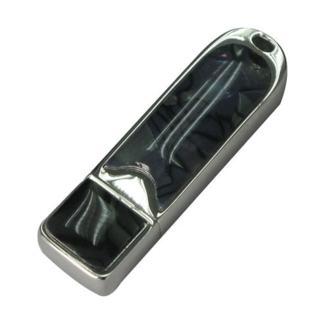
RMC167 USB Flash Drive
Price on request
View product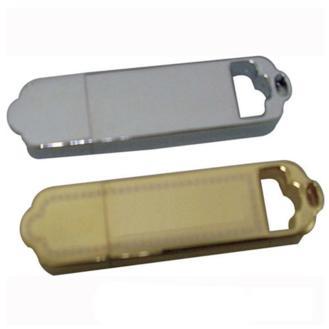
RMC166 USB Flash Drive
Price on request
View product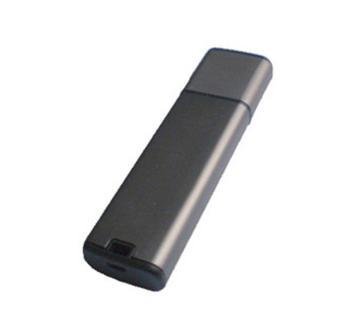
RMC165 USB Flash Drive
Price on request
View product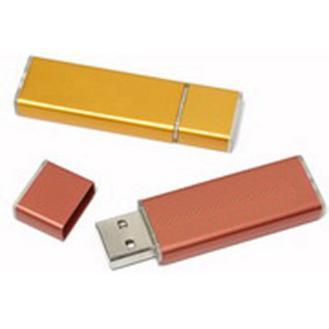
RMC164 USB Flash Drive
Price on request
View product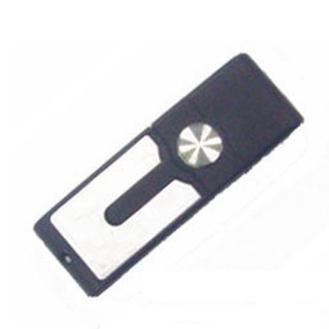
RMC163 USB Flash Drive
Price on request
View product
Frequently Asked Questions About Flash Drives
What Does a Flash Drive Look Like?
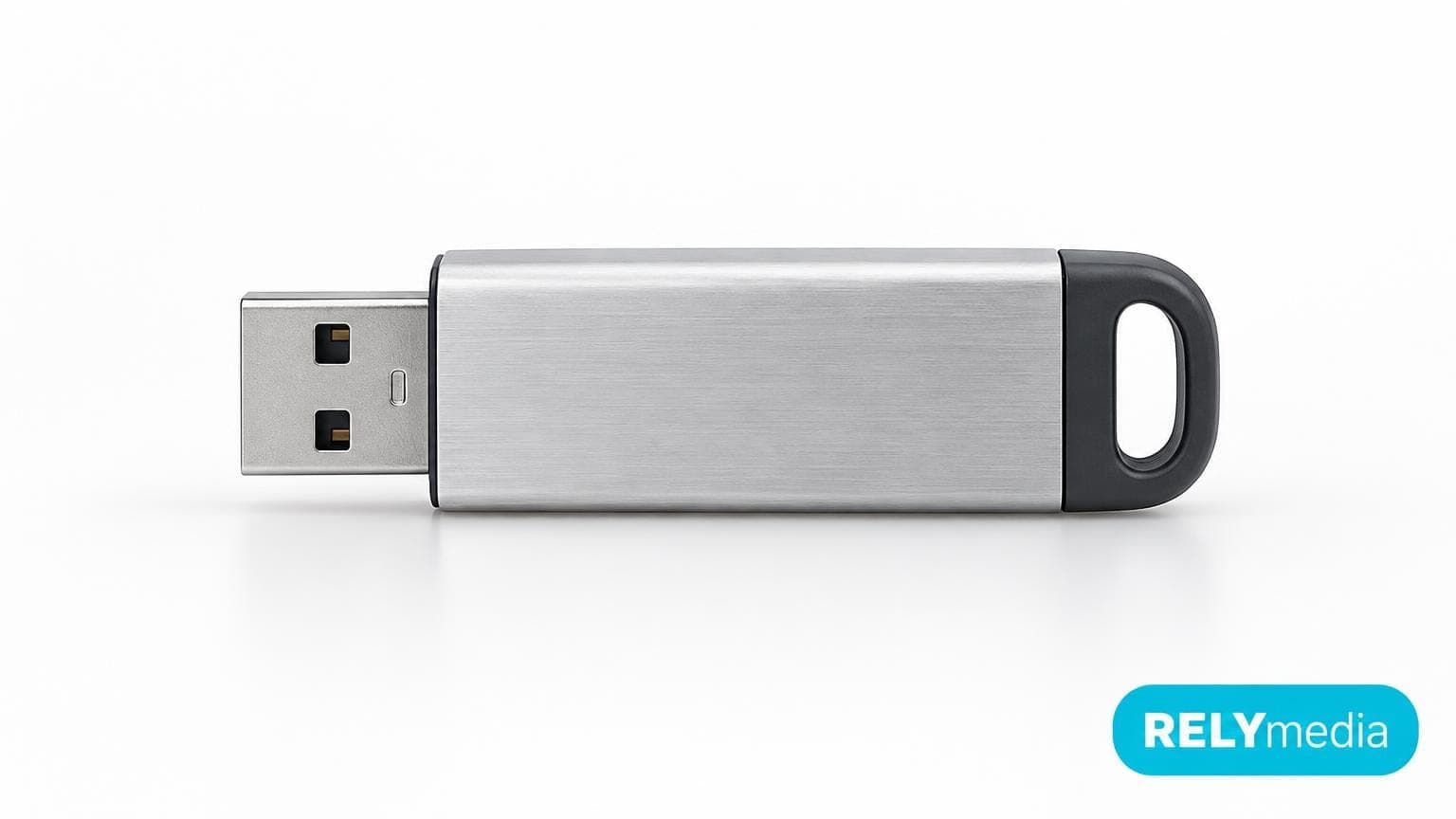
Most flash drives have a small body with a USB-A or USB-C connector. Searches for “flash drive pics,” “flash drive photos,” “image flash drive,” and “flash drive front view” usually show this connector-and-housing design.
What Is a Removable Drive?
A removable drive is storage designed to be connected to and disconnected from a computer or other host device. A USB flash drive is one common example.
What Does a Pen Drive Do?
A pen drive stores, transfers, copies, and retrieves digital files. It performs the same basic function as a thumb drive or USB flash drive.
What Is Flash Storage?
Flash storage uses non-volatile semiconductor memory to hold data without continuous power. USB drives, memory cards, and many SSDs use flash-based storage.
How Long Does a Flash Drive Last?
There is no fixed lifespan. NAND quality, write cycles, heat, and handling all matter. Never use OneDrive as your only permanent archive.
Is a Flash Drive Secure?
It can be. Encryption, password protection, malware scanning, and responsible handling improve security. Physical possession still matters because small removable drives can be lost.
Conclusion: What Is a Flash Drive and When Should You Use One?
A flash drive is a small, solid-state, removable data storage device that usually connects through USB. It stores files, transfers data, supports backups, and distributes information offline for daily use.
Choose one by capacity, connector, speed, compatibility, file system, security, and intended use. Businesses should also consider branding and preloaded content.
RELYmedia helps organizations turn practical USB storage into branded promotional technology through customizable flash drives, multiple connector styles, capacity choices, and data-service options. That makes a flash drive more than a place to keep files. It becomes a useful touchpoint between your brand and the person carrying it.
Explore RELYmedia custom USB flash drives
and build the right storage solution for your next campaign.
Shop this
Need custom USB flash drives? We print them.
Bulk pricing, three free mockups, real quotes back the same business day.