
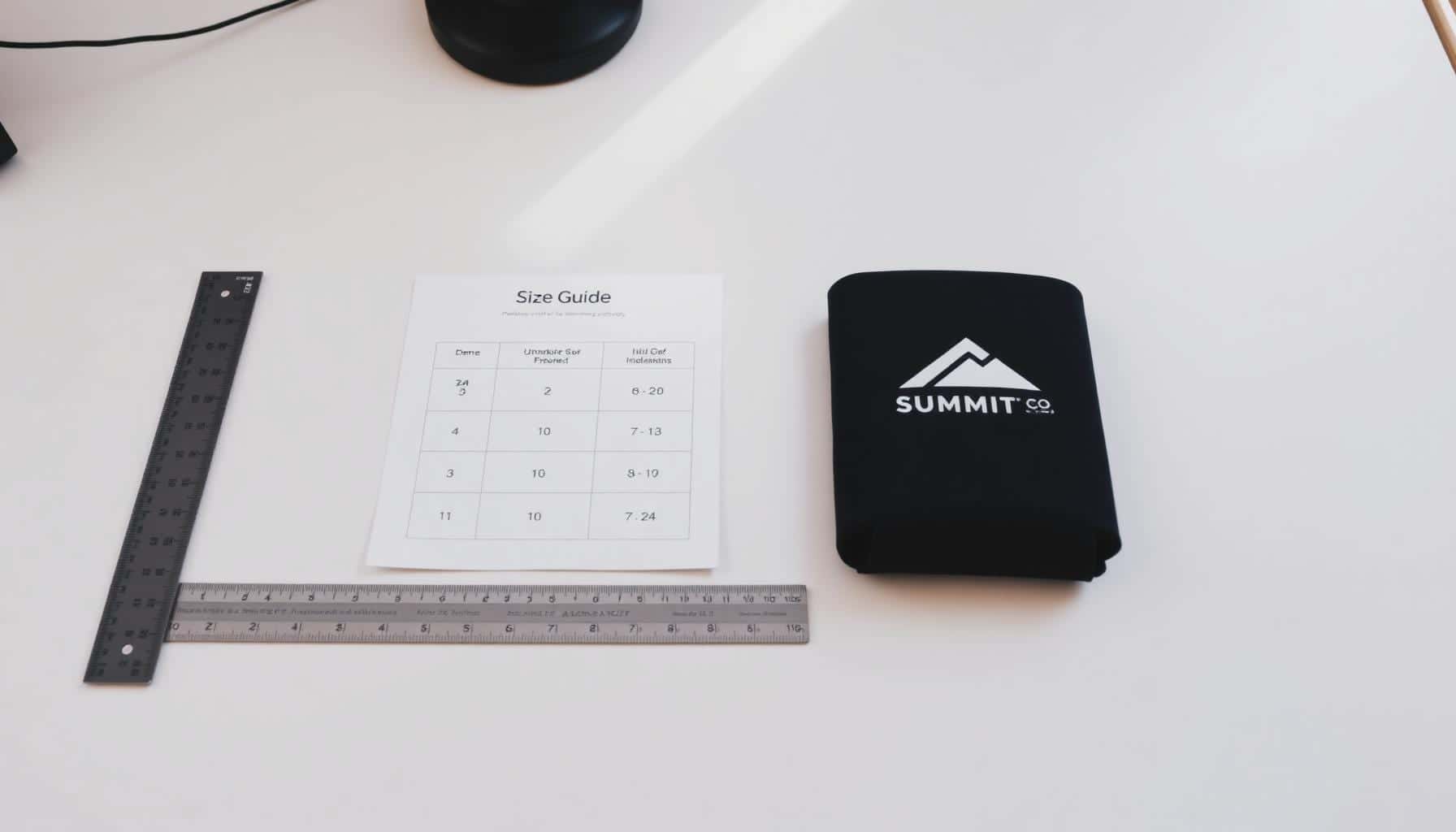
What Size Is the Print on a Custom Koozie? Imprint Areas by Style
July 9, 2026 · 7 min read
The print on a koozie is much smaller than the koozie itself. A can cooler wraps around a curved can, has a seam at the back and often a brand label or zipper, so the area a printer can actually cover is only the flat front panel. On the most common style, a 12 oz collapsible foam can cooler, that panel is about 3" wide by 2.5" tall.
Below are the imprint areas suppliers list for five common styles, the pixel sizes to use for each, and the artwork rules that keep a logo sharp on foam and neoprene.
By the RELYmedia editorial team · Updated November 2, 2026
Koozie Imprint Areas by Style
Every can cooler model has its own imprint area, and suppliers print it on the product page. These are the figures listed for five widely sold styles. Each row names the product it came from, so you can check the same page before you send art.
| Style | Item Size | Max Imprint (W x H) | Notes |
|---|---|---|---|
| Collapsible foam can cooler, 12 oz | 2.75" dia x 3.88" H | 3" x 2.5" | Front |
| Collapsible foam can cooler (flat) | 5" x 4" flat | 3" x 2.5" | One side |
| Neoprene collapsible can cooler | 4.75" x 3.75" flat | 2.625" x 2.5" | Brand label to the right |
| Collapsible slim can cooler | 2.375" dia x 5.75" H | 1.75" x 2.5" | Per side, two sides |
| Neoprene zip-up bottle cooler | 8" x 4" flat | 2.5" x 4" | Front, zipper at back |
Sources, in table order: Collapsible KOOZIE® Can Cooler 12 oz (Quality Logo Products), Collapsible KOOZIE® #3568 (4imprint), Koozie® Neoprene Collapsible Can Cooler #131606 (4imprint), Koozie® Collapsible Slim Can Kooler A10488 (Show Your Logo) and Koozie® Neoprene Zip-Up Bottle Cooler #136706 (4imprint). Specs were read from those pages in November 2026. Suppliers change models, so treat the numbers as typical and confirm the imprint area of the exact item you order.

What the Numbers Tell You
- Standard can coolers: plan for about 3" wide by 2.5" tall. The print is wider than it is tall.
- Neoprene: the area can be a little narrower because a sewn-on brand label takes part of the front.
- Slim cans: the panel is narrow, about 1.75" wide, so tall or stacked logos fit better than wide ones.
- Bottle coolers: the shape flips. A zip-up bottle cooler gives a tall 2.5" x 4" area on the front.
KOOZIE® is a registered trademark of Koozie Group. People use "koozie" for any can cooler, and this guide does too, but the specs above belong to the specific products linked.
Koozie Logo Size and Image Size in Pixels
The imprint area is the most the printer can cover. Your logo should sit inside it with a small margin. For a full color print, build the file at 300 DPI at the final size: multiply each side in inches by 300.
| Style | Max Imprint (W x H) | File Size at 300 DPI |
|---|---|---|
| Collapsible foam can cooler | 3" x 2.5" | 900 x 750 px |
| Neoprene collapsible can cooler | 2.625" x 2.5" | 788 x 750 px |
| Collapsible slim can cooler | 1.75" x 2.5" | 525 x 750 px |
| Neoprene zip-up bottle cooler | 2.5" x 4" | 750 x 1200 px |
- Leave a margin: keep the logo about 0.25" inside the imprint area, away from the seam, top and bottom edges.
- Keep text big enough: on a 2.5" tall area, small taglines and web addresses get hard to read. Test by printing the art at actual size on paper.
- Square logos: size them by the shorter side of the area so they are not squeezed.
- Wide logos: fill the width and let the height follow. Never stretch a logo to fill the box.
For one or two color screen printing, send vector art (.AI, .EPS or a PDF with outlined text). For full color, a 300 DPI raster file at the sizes above works.
Where the Print Goes

Front Panel
The standard placement on every style in the table. Price quotes for can coolers usually include one location; on the products above it is the front or one side.
Second Side
Some models offer a second imprint opposite the first. On the slim can cooler listed above, side two is the same 1.75" x 2.5" as side one. A second side normally costs extra, so ask before you design for it.
Zipper Bottle Coolers
On a zip-up bottle cooler the zipper runs down one side, so the print goes on the opposite face. Keep the art clear of the zipper and the bottom seam.
Wraps and Bottom Prints
Full wrap and bottom imprints exist on some styles, but their sizes change from one model to the next. Ask for the supplier's template for that exact item rather than guessing.
Koozie Printing Methods by Material
| Material | Common Print Method | Good For |
|---|---|---|
| Foam | Screen printing (spot colors) or full color | Large event giveaways |
| Neoprene | Full color or screen printing | Photos and multi-color logos |
| Stainless steel can cooler | Laser engraving | Gifts and long-term use |
Screen Printing
Each ink color is printed through its own screen, so one or two solid colors print crisply and keep the cost down on large runs. Every extra color usually adds a setup charge. Our guide to imprint colors explains how colors are counted and priced.
Full Color Printing
Photos, gradients and many-color logos print in full color, so you do not pay per color. Several of the products in the table quote a full color imprint on one side as standard.
Engraving
Stainless steel can coolers are laser engraved instead of printed. There is no ink color: the mark is the metal itself, or bare metal showing through a powder coat, so pick a design that reads well in one tone.
Choosing Ink Colors
Contrast decides how far away the logo reads. On dark foam, use white or a light ink. On bright or neon coolers, use black or navy.
Browse Custom Koozies and Can Coolers
Foam, neoprene and slim styles, each with its imprint area on the product page.
Sizing a Koozie Design for Cricut, Canva or DTF
If you are decorating blank koozies yourself, the same imprint areas are a good starting point. Blanks differ by brand, so measure yours first: lay the koozie flat with the seam at the back and measure the front panel.

Cricut Vinyl and HTV
- Cut size: start about 0.25" smaller than the front panel on every side. On a standard can cooler with a 3" x 2.5" panel, that is roughly 2.5" x 2".
- Lock the proportions: set the width in Design Space with the lock closed so the design does not stretch.
- Mirror for HTV: iron-on vinyl is cut face down, so turn on Mirror. Adhesive vinyl is not mirrored.
- Go easy on heat: foam and neoprene do not like high heat. Use the lowest temperature your vinyl maker lists and test one blank first.
Canva
Choose Create a design, then Custom size, and enter the pixel size from the table above for your style (for example 900 x 750 px for a standard can cooler). Set the canvas to the print area, not the whole koozie. Download a PNG with a transparent background for DTF or print, or an SVG for cutting (both transparent PNG and SVG need Canva Pro). For a full wrap, ask the printer for their template.
DTF Transfers and Sublimation
Size a DTF transfer to fit inside the flat front panel, the same as a printed logo. A transfer that runs onto the curve or the seam is more likely to lift. Press at the time, temperature and pressure your transfer supplier lists, at the low end for foam, with cardboard or a pressing pillow inside. Sublimation only works on white or light polyester-faced koozies.
For more than a few dozen koozies, professional printing is usually faster and more consistent than pressing them one by one. If you want a price for printed koozies, request a quote below.
Ready to put your logo on Custom koozies?
Fill in your details and a RELYmedia specialist will come back to you with a custom quote. Fast turnaround, no obligation.
- ⚡Same-day response on business days
- 🎨Free design assistance included
- 🚚Rush order & fast delivery available
- 💰Price beat guarantee on every order
Shop custom koozies
See all koozies & can coolers
Koozie Can Cooler
$1.14 - $2.48
View product
Collapsible Koozie Can Coolers
$1.44 - $3.70
View product
Koozie® Collapsible Can Cooler
$0.42
View product
Koozie® Duo Can Cooler
$2.32
View product
Koozie® Leather-Like Can Cooler
$2.10
View product
Koozie® britePix® Slim Can Cooler
$1.08
View product
Koozie® britePix® Holiday Can Cooler
$1.26
View product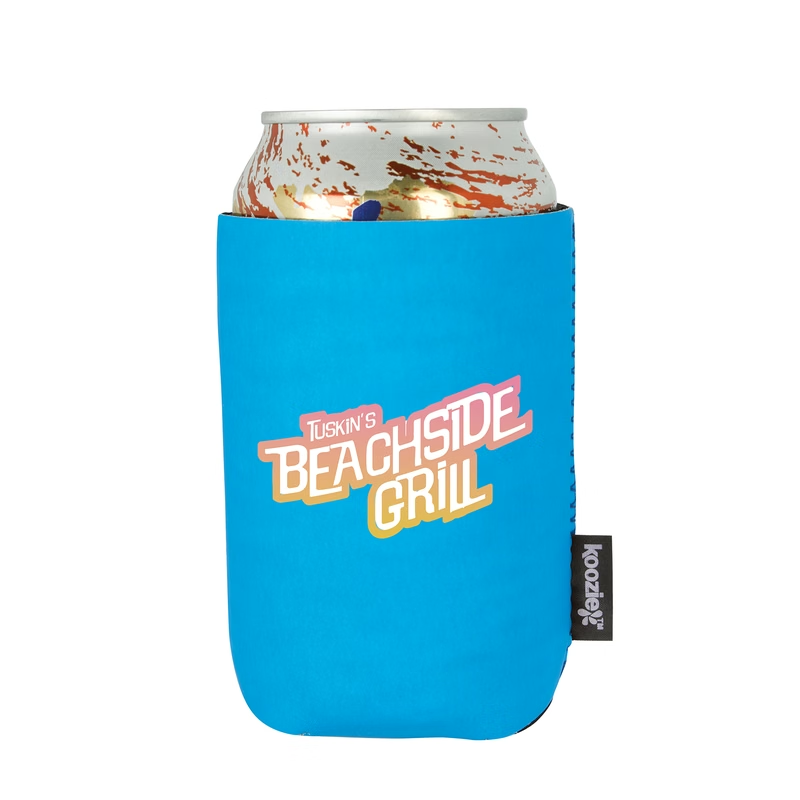
Koozie® Glow-in-the-Dark Can Cooler
$2.85
View product
Frequently asked questions
What is the standard print size on a koozie?
On the most common style, a 12 oz collapsible foam can cooler, suppliers list a maximum imprint of about 3" wide by 2.5" high on one side. Other styles differ, so always check the imprint area on the product page of the exact item you order.
Why is the print so much smaller than the koozie?
Only the flat front panel can be printed cleanly. The seam, the curve around the can, a sewn-on brand label or a zipper all take space, so the imprint area is a fraction of the cooler’s surface.
Can I print on both sides of a can cooler?
Many models offer a second imprint opposite the first, usually the same size. On the slim can cooler in this guide, side two is 1.75" x 2.5", like side one. A second side is normally priced as an extra imprint with its own setup.
What file should I send for a koozie print?
Vector art (.AI, .EPS or a PDF with outlined text) for one or two color screen printing. For full color, a 300 DPI file at the final print size, such as 900 x 750 px for a 3" x 2.5" area.
What size should a Cricut decal or DTF transfer be for a koozie?
Measure the flat front panel of your blank and stay about 0.25" inside it on every side. On a standard can cooler with a 3" x 2.5" panel, that means roughly 2.5" x 2". Mirror iron-on vinyl before cutting and press at the low end of the recommended temperature.
Is Koozie a brand name?
Yes. KOOZIE is a registered trademark of Koozie Group. People use koozie for any can cooler, but only products from Koozie Group carry the brand.
Shop this
Need Custom koozies? We print them.
Bulk pricing, three free mockups, real quotes back the same business day.


