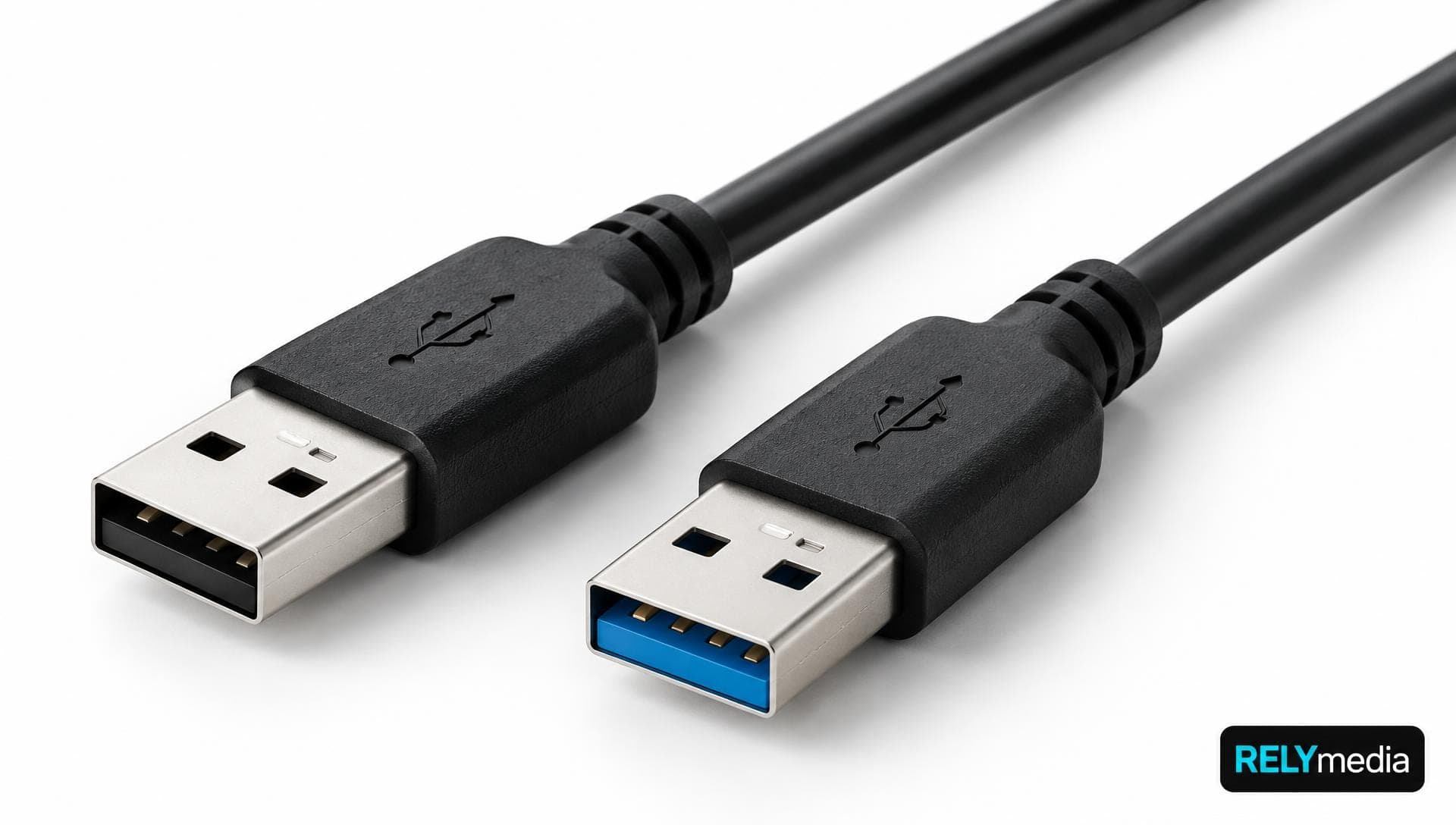
USB 2.0 vs 3.0: What’s the Difference and Which Should You Use?
USB 2.0 suits basic peripherals and low-bandwidth applications. USB 3.0 is better for high-speed data transfer, external storage, and data-heavy devices.
USB drives, power banks, wireless charging and speakers explained for buyers.
USB 2.0 suits basic peripherals and low-bandwidth applications. USB 3.0 is better for high-speed data transfer, external storage, and data-heavy devices.
How long data lasts on a flash drive: the one-year JEDEC floor for worn drives, why lightly used drives last far longer, failure signs, and a refresh routine.
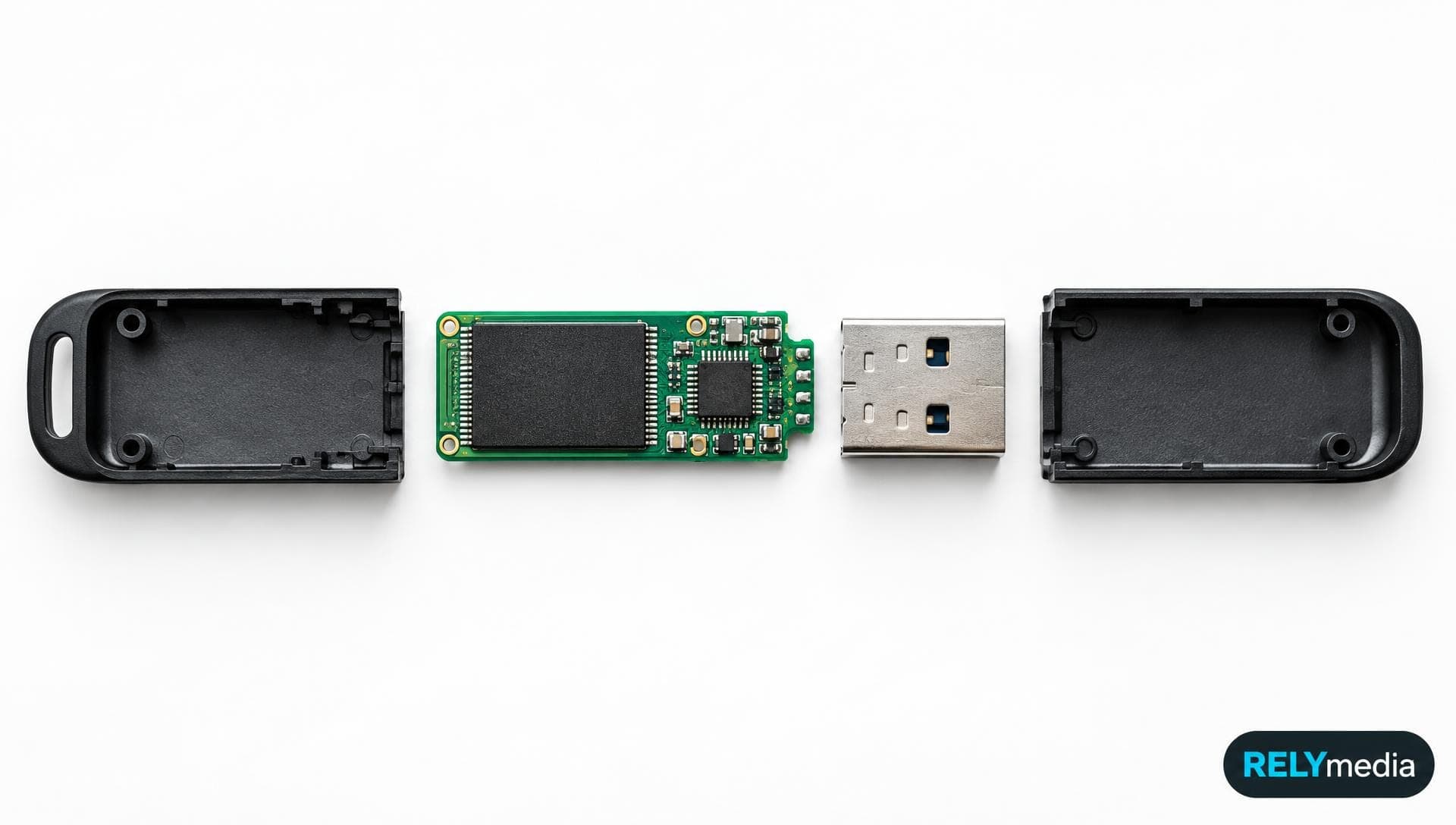
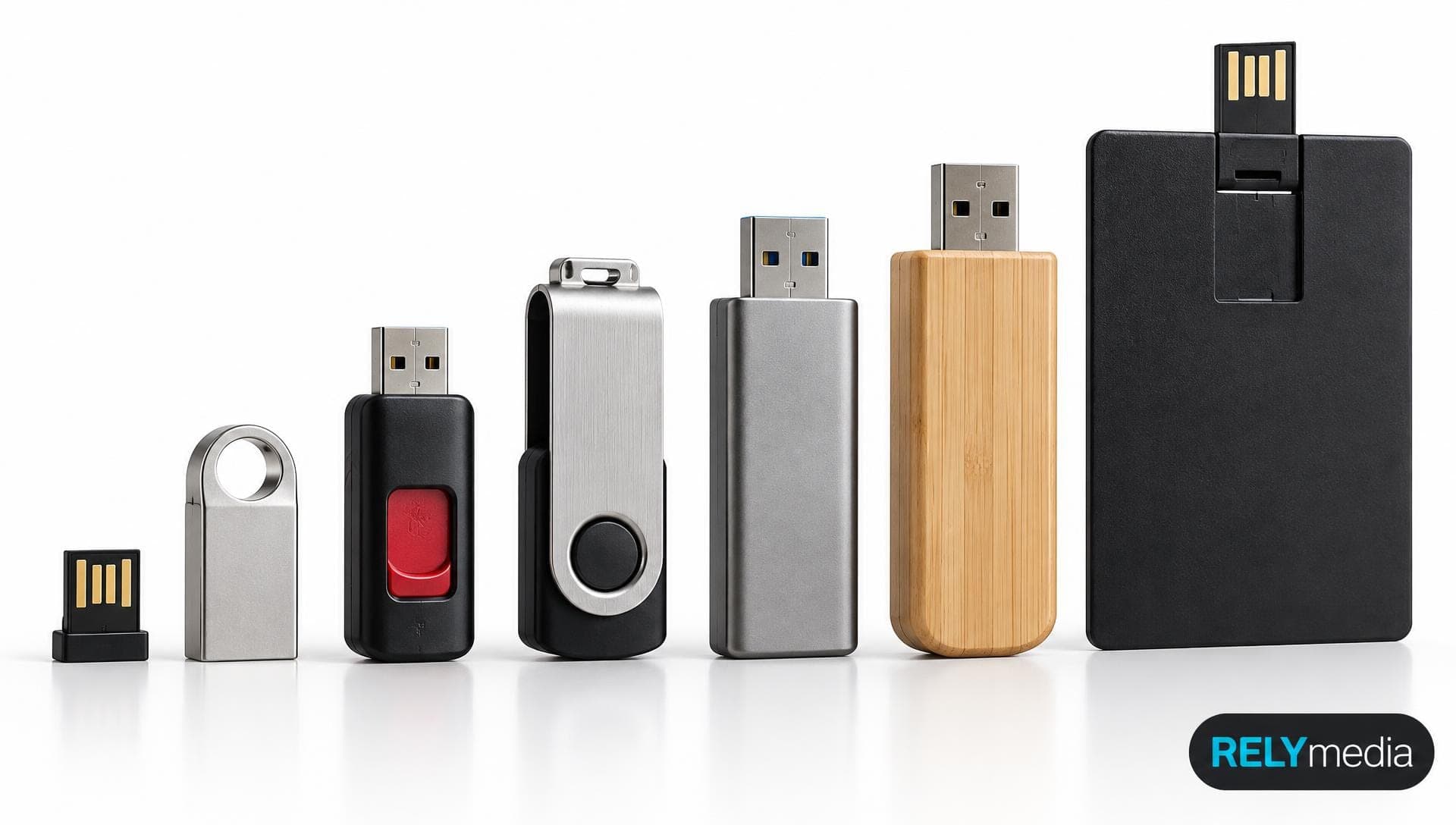
A USB flash drive is a small NAND-flash storage device with a USB connector. What is inside, what it is used for, how much it holds, and the myths.
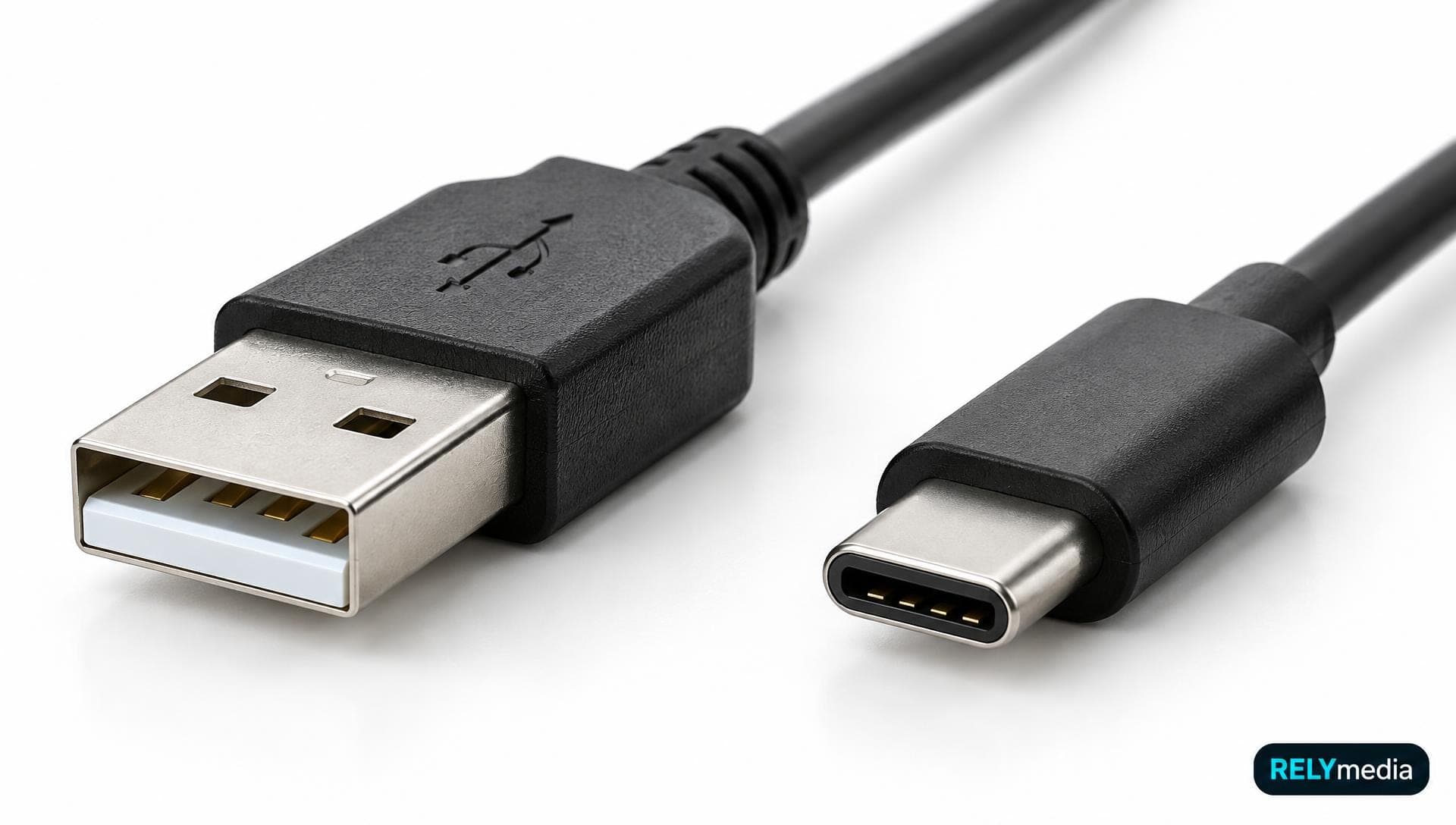
USB-A is the flat rectangular plug, USB-C the small reversible one. How they differ in speed, charging, video and compatibility, and which to buy in 2026.
How to choose a flash drive: capacity, USB type, transfer speed, reliability, and price, matched to how you actually use it.
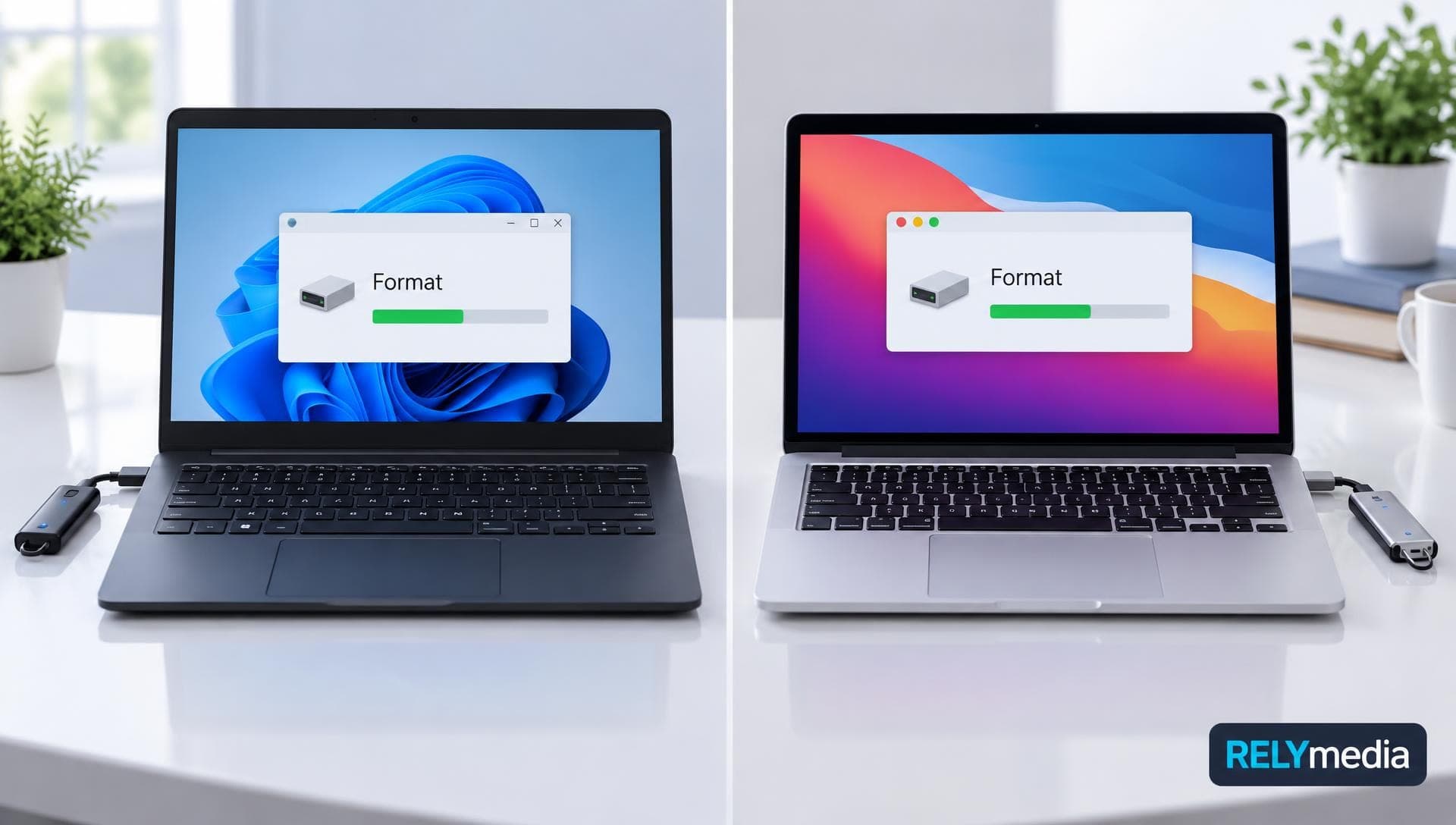
How to format a USB flash drive on Windows 11 and Mac: FAT32 vs exFAT vs NTFS, the 32 GB FAT32 limit, Disk Utility steps, and what to do if it will not format.
How to use a USB flash drive on Windows 11 or 10: plug it in, find it in File Explorer, copy files, eject it, and fix a drive that does not show up.
USB4 explained: 20, 40 and 80 Gbps speeds, how it compares with Thunderbolt 4 and 5, 240 W Power Delivery, and the EU rules pushing every device to USB-C.
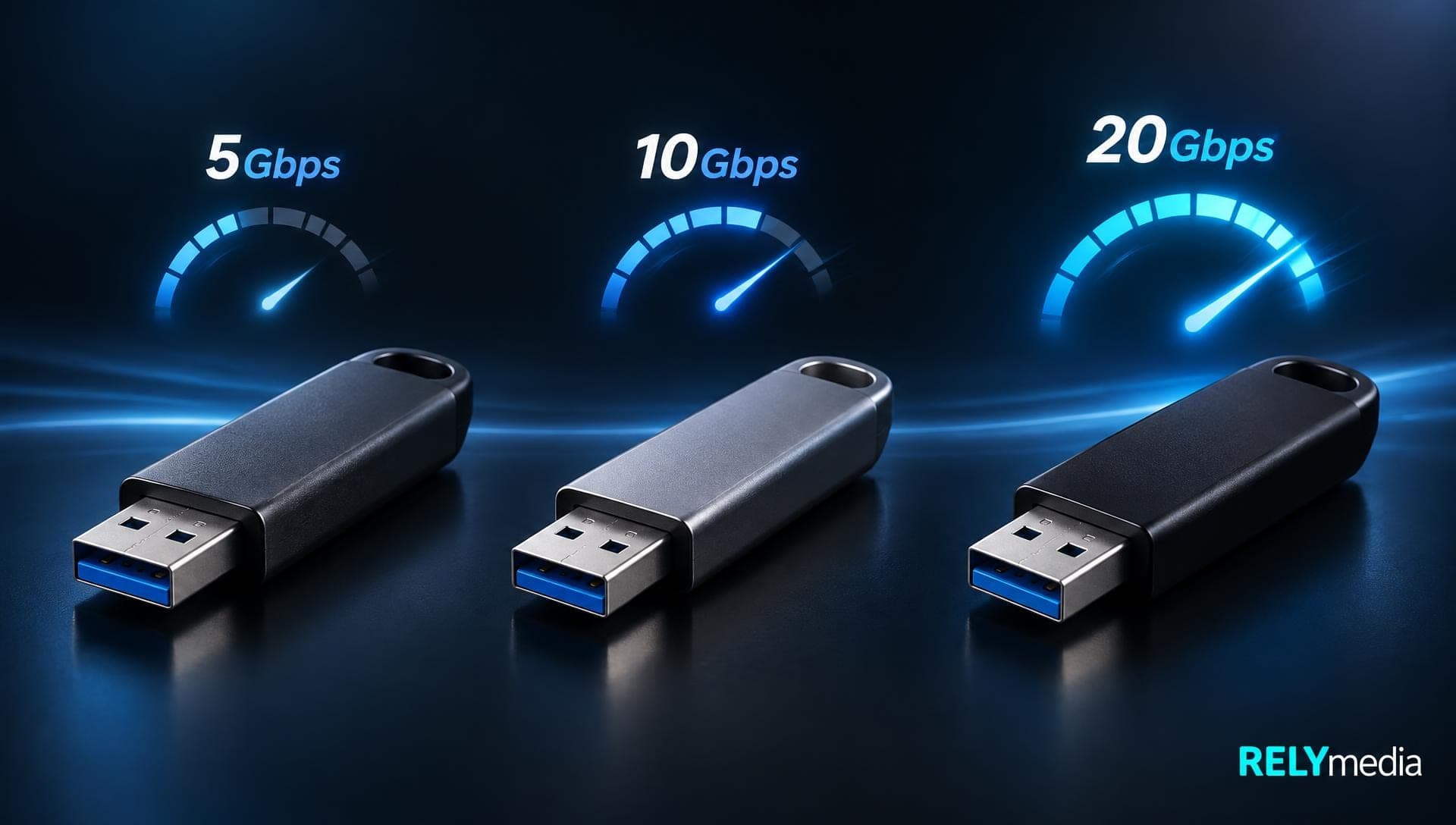
USB 3.0 and USB 3.2 Gen 1 are the same 5 Gbps tier; Gen 2 is 10 Gbps. The full naming map, real MB/s ceilings, and how to check which one your port supports.
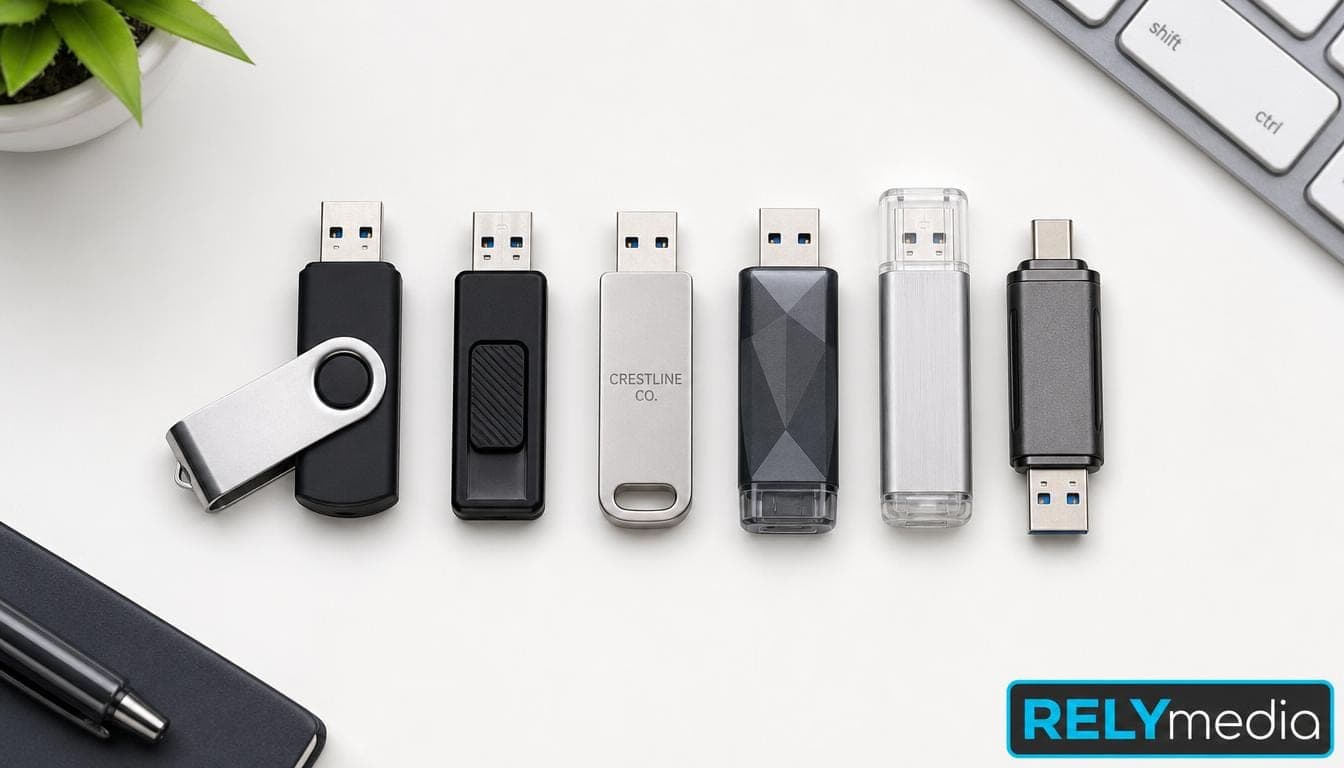
The 7 best USB flash drives of 2026 for speed, USB-C, dual connectors, security and compact use, with rated read speeds, interfaces and capacities per pick.
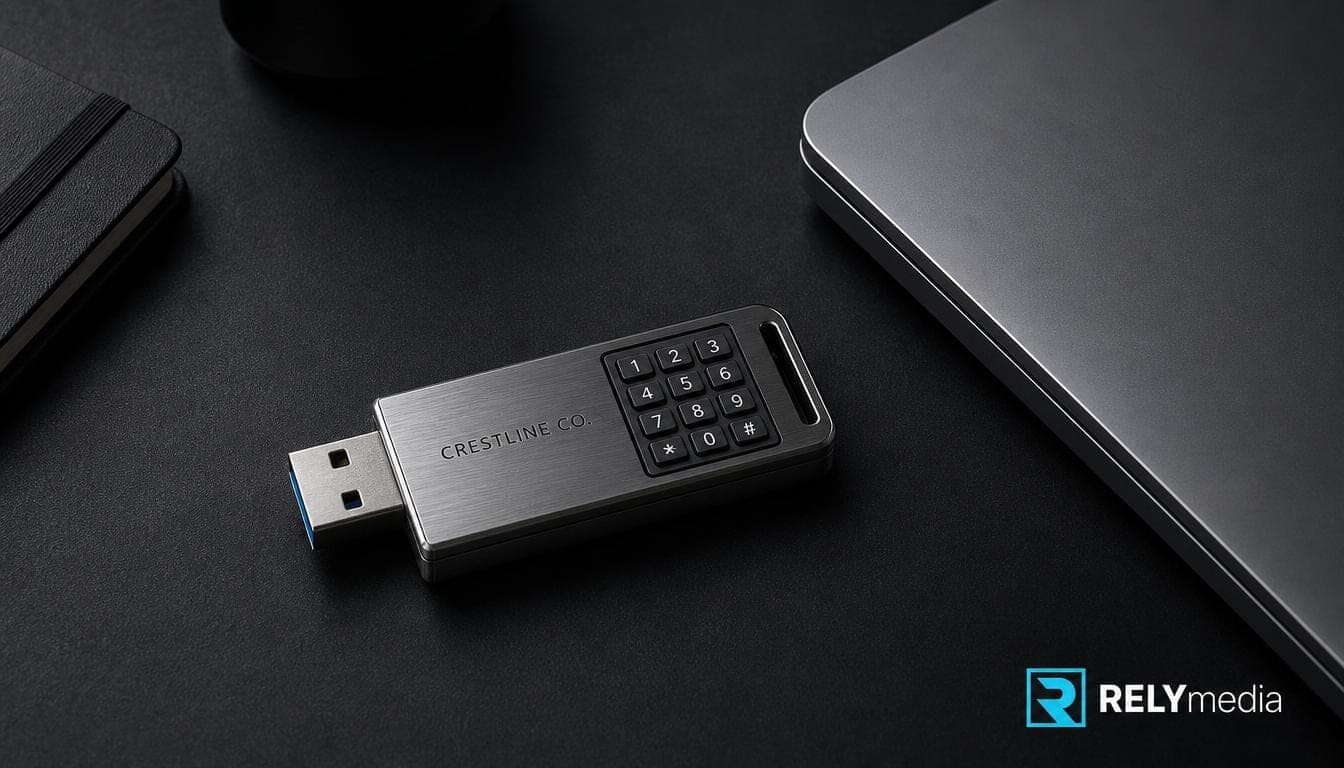
The 9 best encrypted USB and external drives of 2026 with FIPS 140-3 certificate numbers, keypad and smart-card options, and what the FIPS 140-2 change means.