Best Portable Chargers and Power Banks in 2026
A dead battery can turn a normal day into a headache. You may be traveling, commuting, working remotely, or trying to reach someone during an outage.
Branded merchandise, tech giveaways and swag that people keep.
A dead battery can turn a normal day into a headache. You may be traveling, commuting, working remotely, or trying to reach someone during an outage.
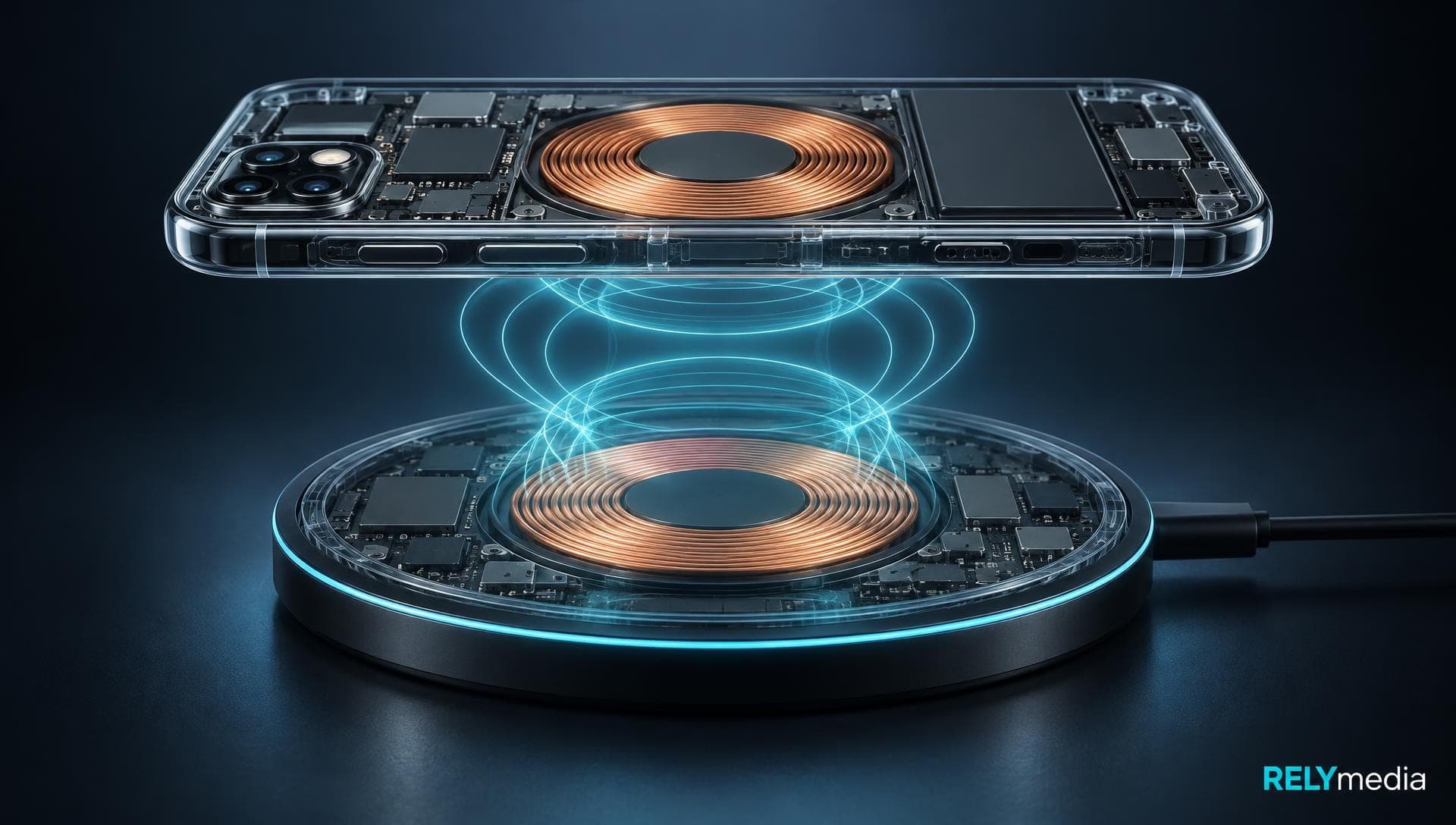
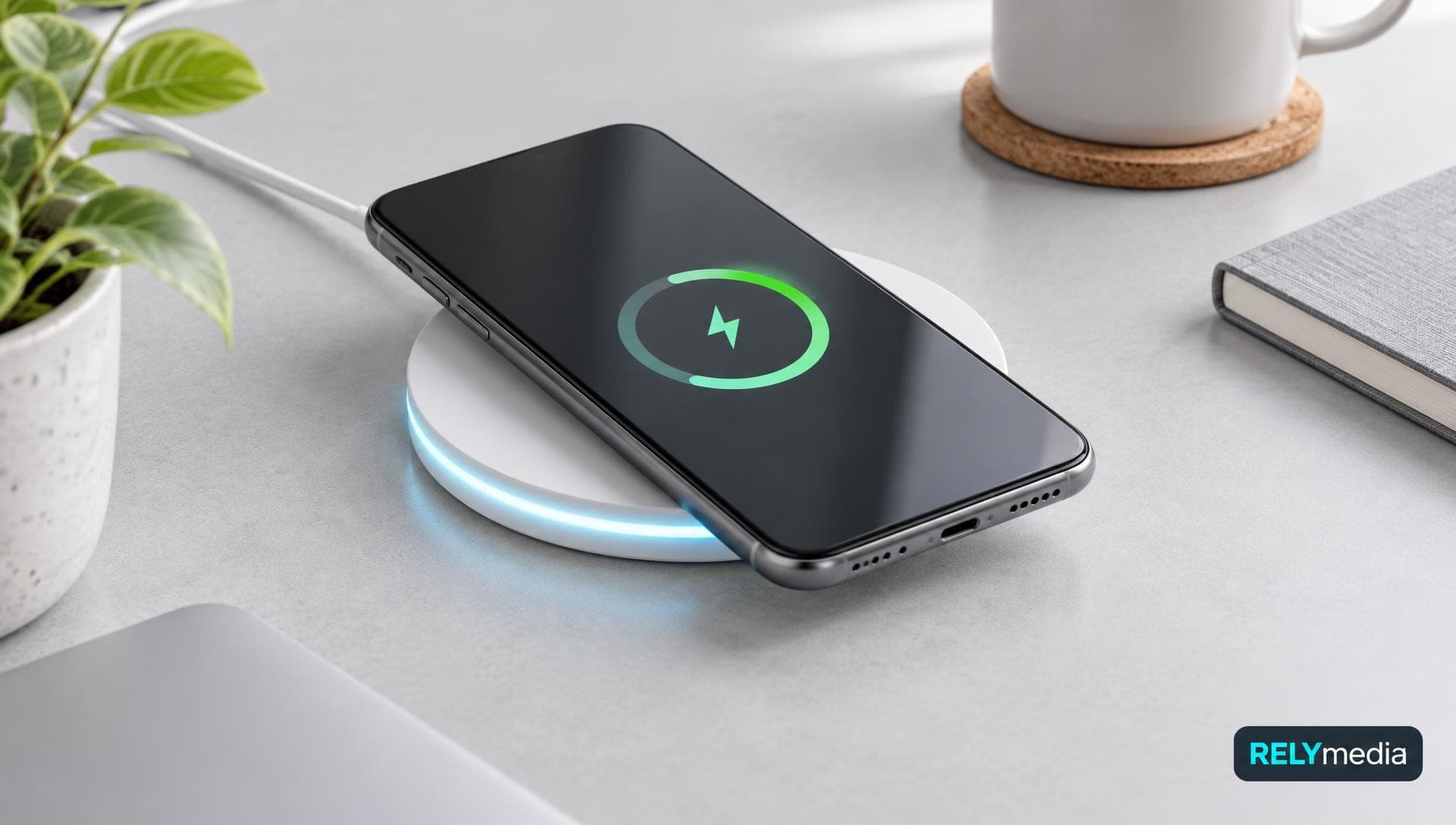
Wireless charging makes powering a smartphone feel almost effortless. Place the phone on a charging pad, and energy begins moving without a cable entering the device.
A reliable power bank provides backup power when no outlet is nearby. Still, choosing a portable charger is not as simple as picking the biggest mAh number.
Set your phone down, watch the battery icon change, and move on. Still, many people ask: Is wireless charging safe?
Wireless charging makes daily life easier. Place your phone on a charging pad, and power starts flowing without plugging in a cable.
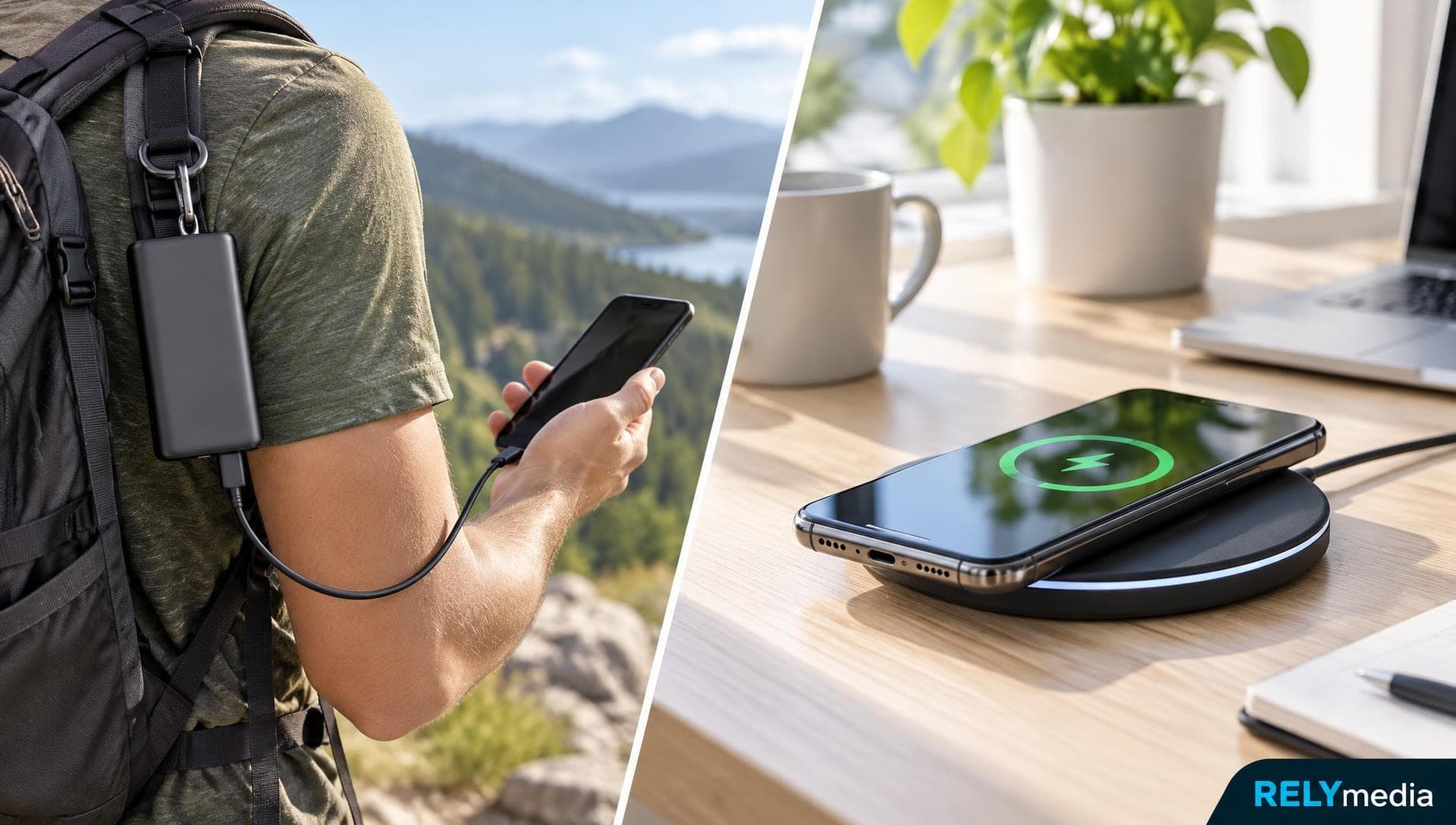
A power bank stores energy for later use, while a wireless charger transfers power from an outlet to a compatible device without plugging a cable into the device. The better choice depends on your charging habits, device compatibility, mobility, and charging speed.
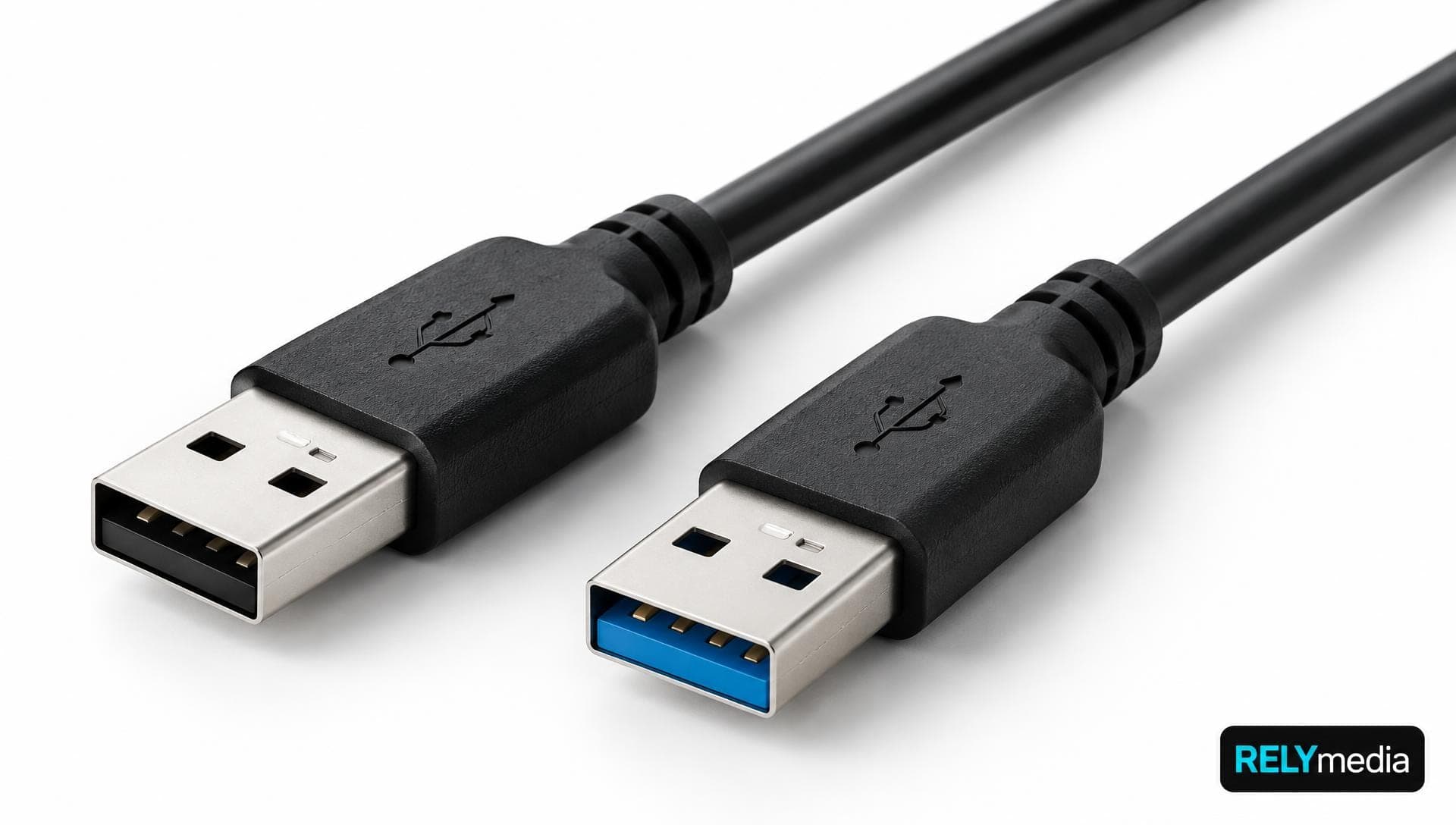
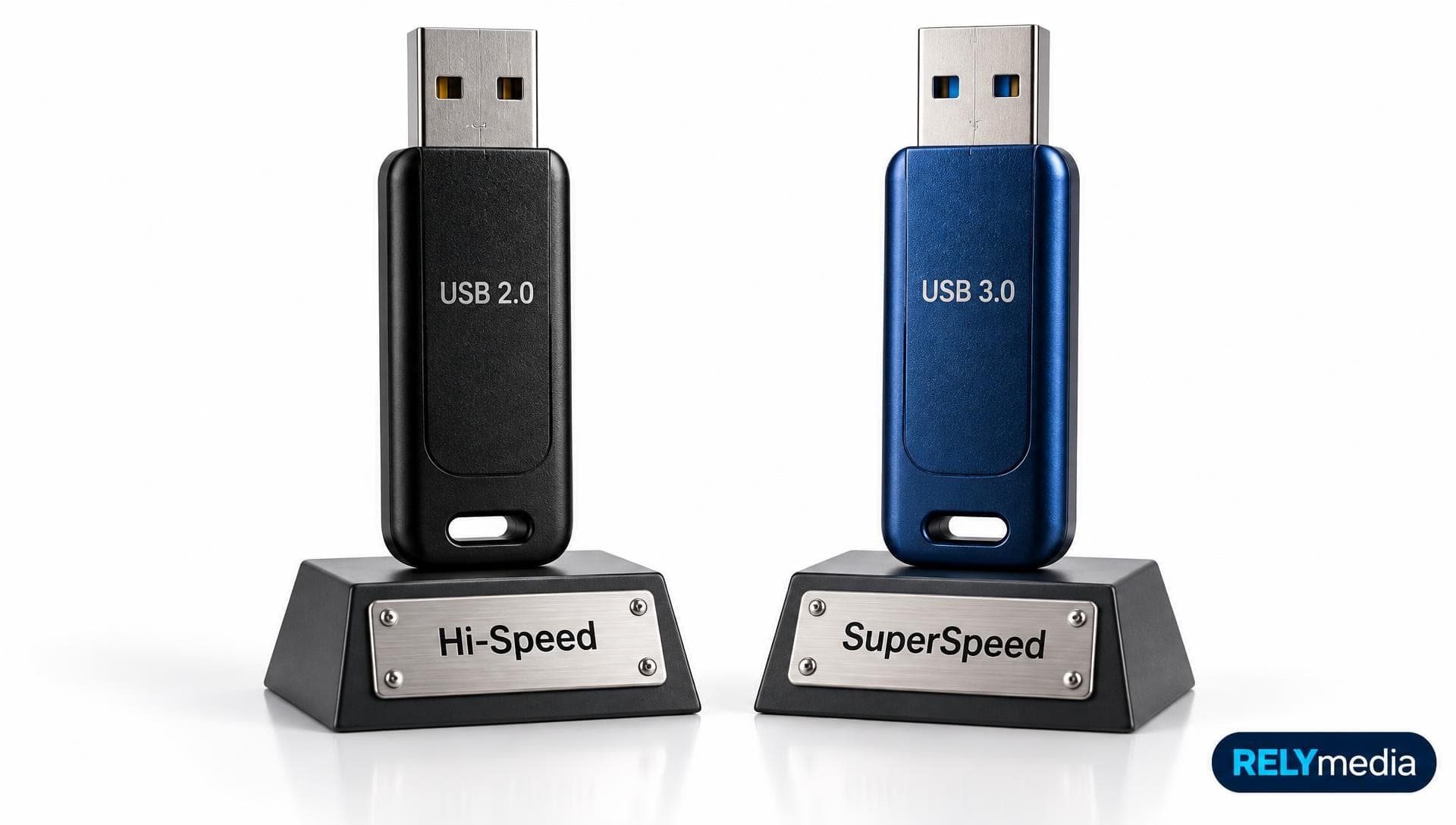
The difference between USB 2.0 and USB 3.0 matters most when you move files, connect external storage, or choose branded flash drives. USB 2.0 offers a theoretical 480 Mbps data transfer rate.
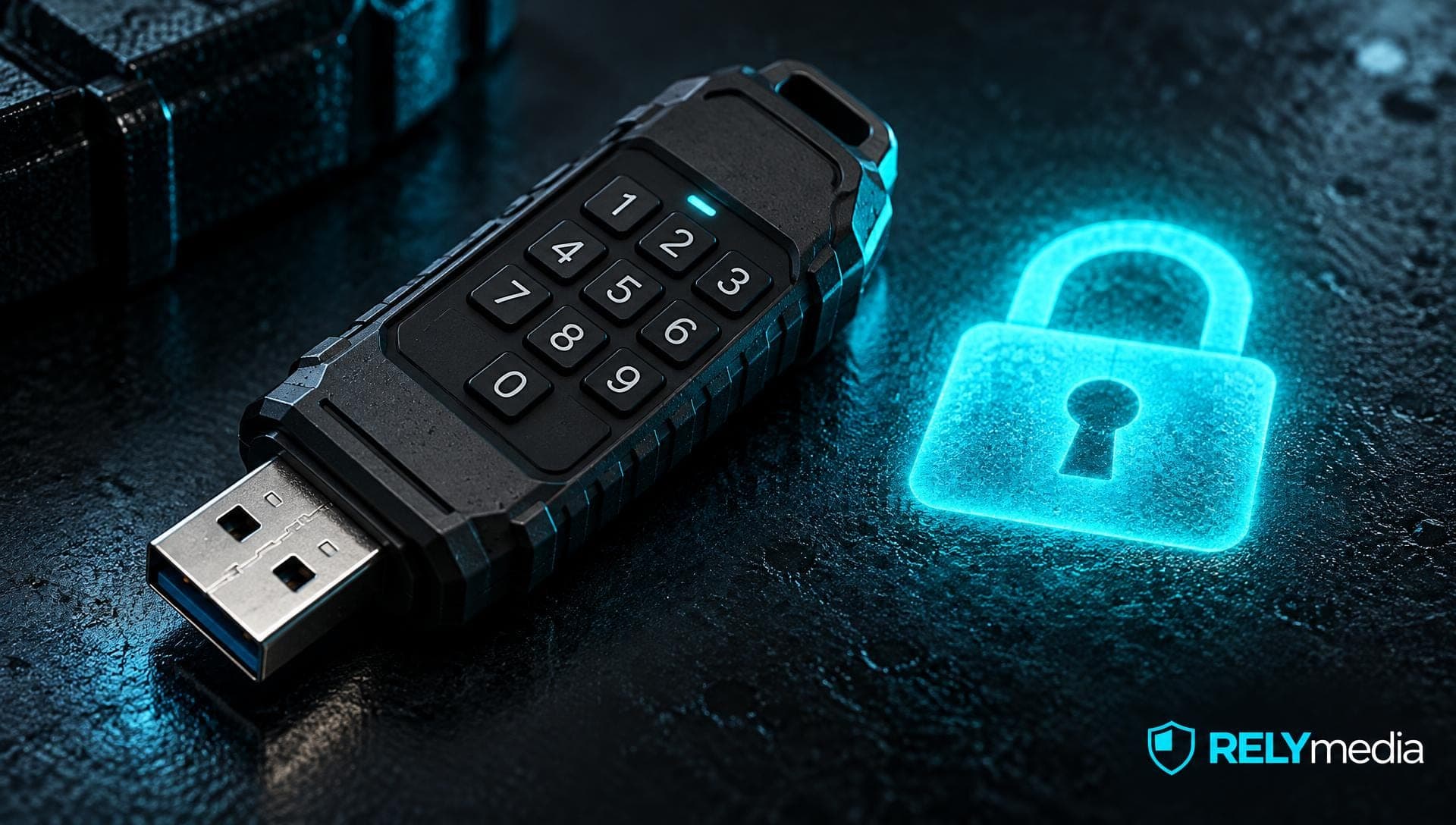
USB drives make file sharing simple, but portability creates risk. A tiny device can hold client files, financial records, employee records, tax documents, passport scans, ID scans, and other sensitive information.
A USB flash drive can last for years, but no single lifespan fits every device. Its useful life depends on memory quality, write activity, heat, handling, and data retention.
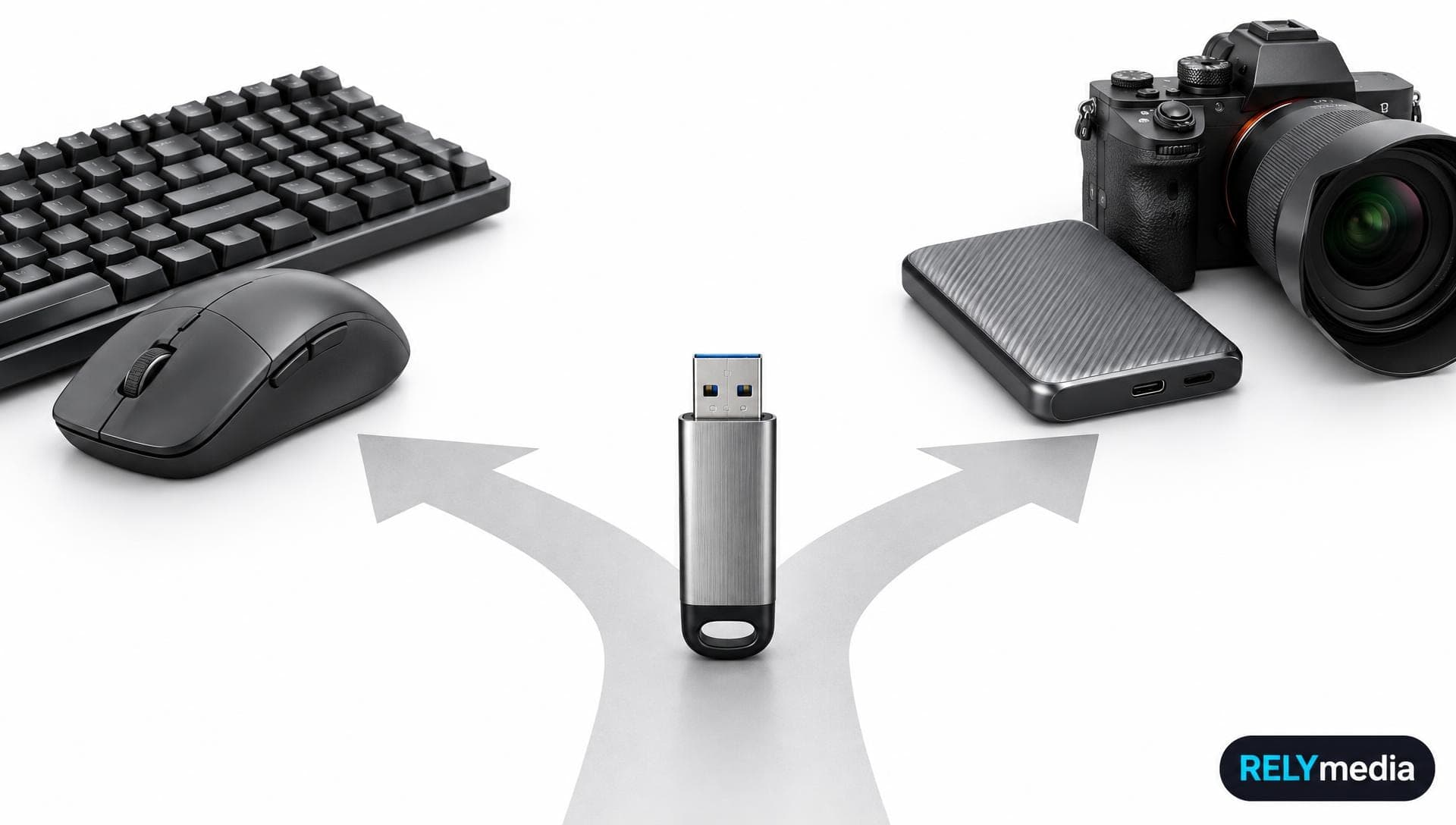
USB ports look simple until speed, charging, cables, and compatibility come into play. A keyboard may work perfectly on an older connection, while an external SSD can feel painfully slow on the same port.
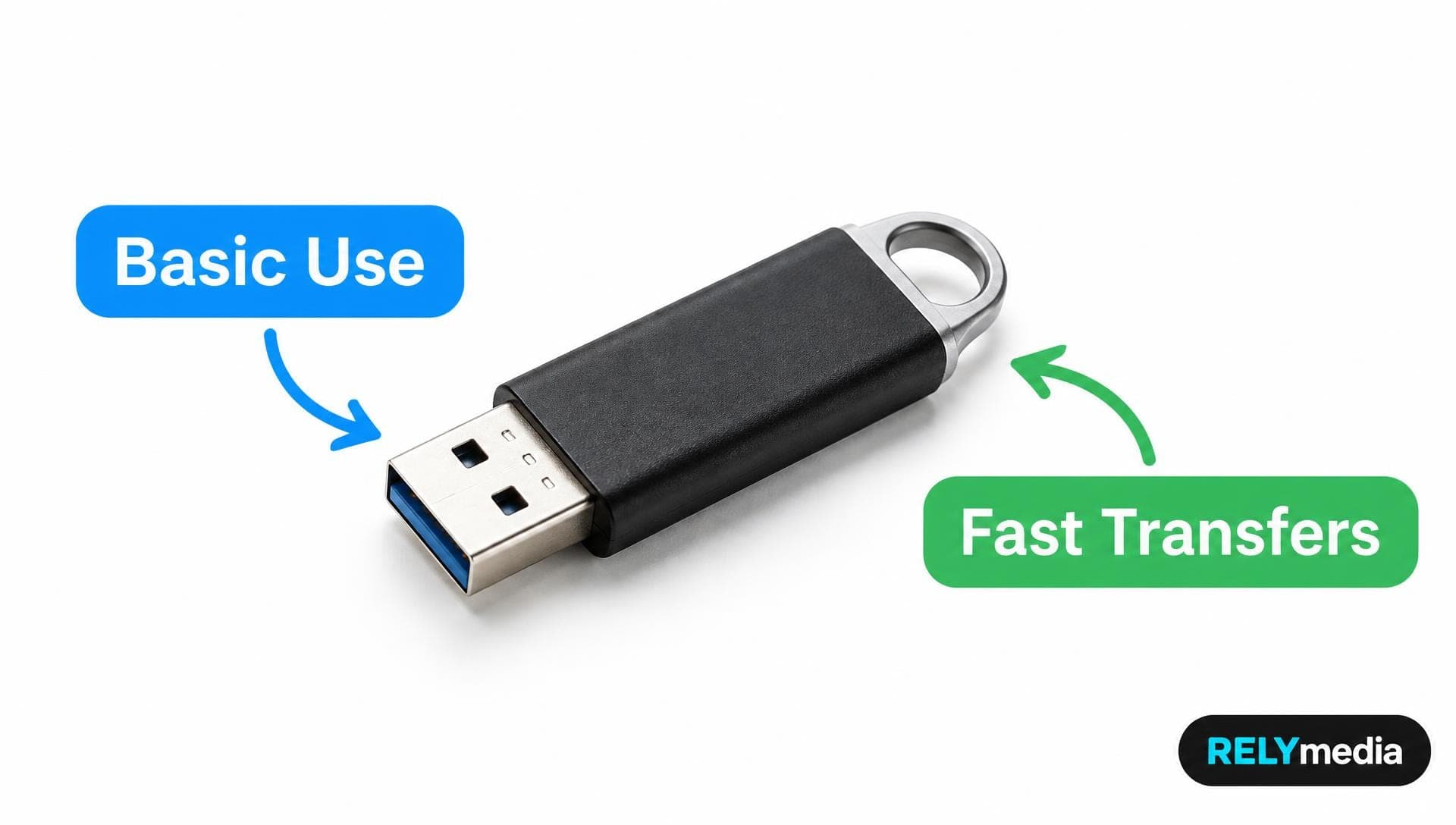
USB 2.0 suits basic peripherals and low-bandwidth applications. USB 3.0 is better for high-speed data transfer, external storage, and data-heavy devices.
The main differences between USB 2.0 and USB 3.0 come down to bandwidth, data signaling, connector design, power, and intended use. USB 2.0 offers a maximum transfer rate of 480Mbps.