USB Flash Drives: Components, Uses, and Myths Dispelled
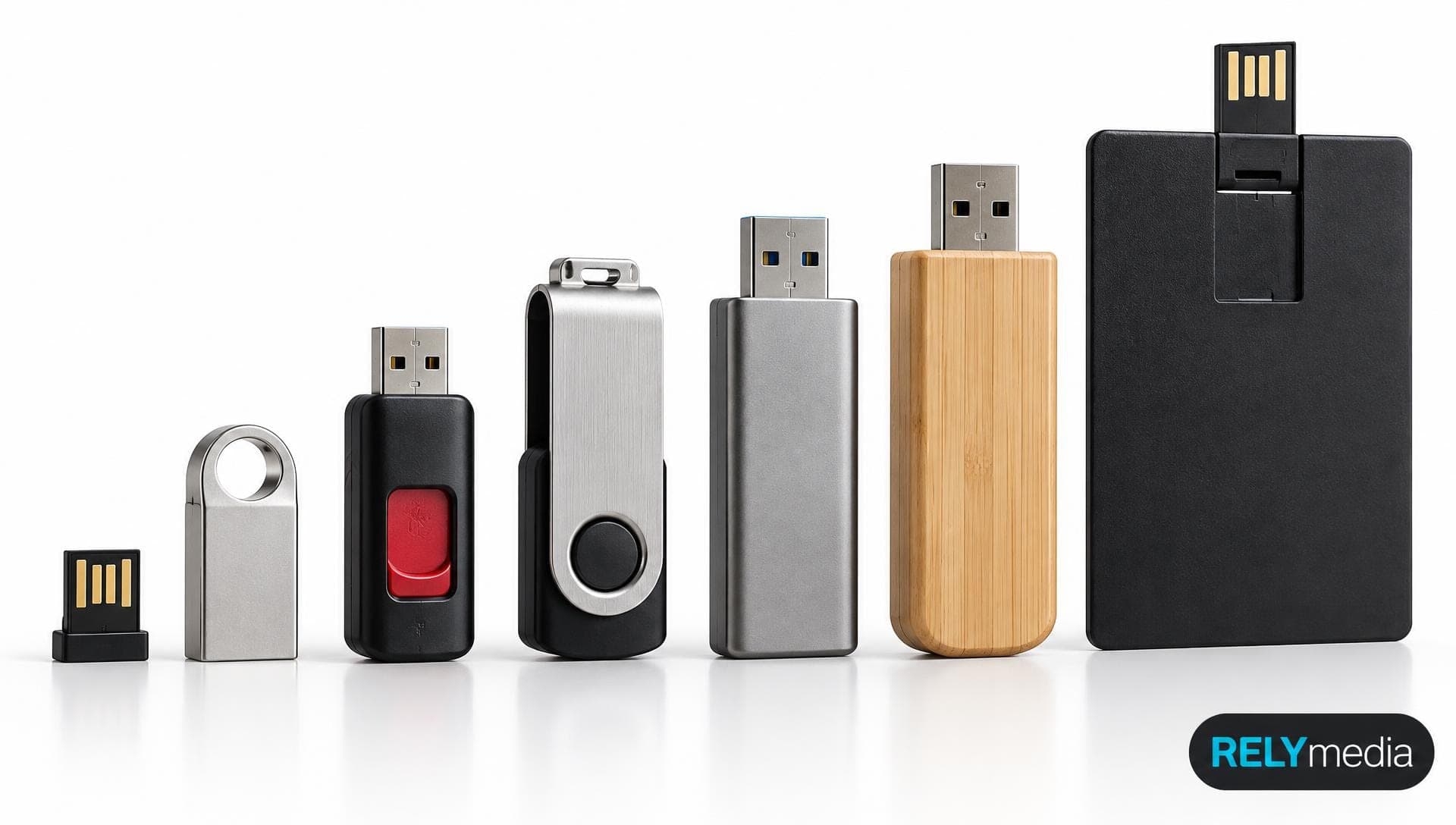
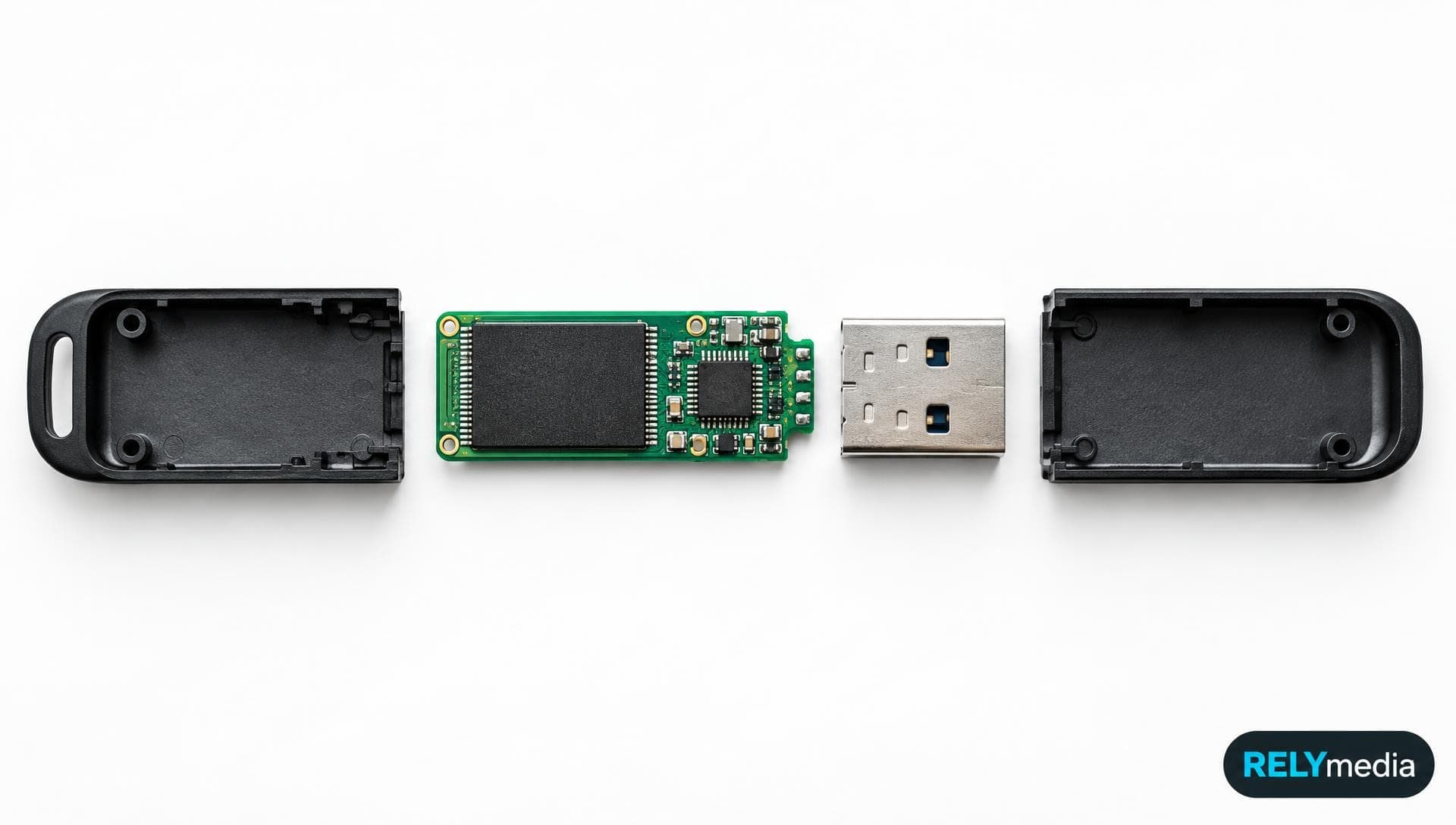
USB flash drives look simple. Inside, they combine memory, a controller, a USB interface, and supporting electronics.
October 12, 2026
Flash DrivesHow It WorksCustom Tech
 110% Price Beat Guarantee Free Shipping, Proofs & Samples 5-Star Service & Quality 24 Hour Delivery Available
USB flash drives look simple. Inside, they combine memory, a controller, a USB interface, and supporting electronics.
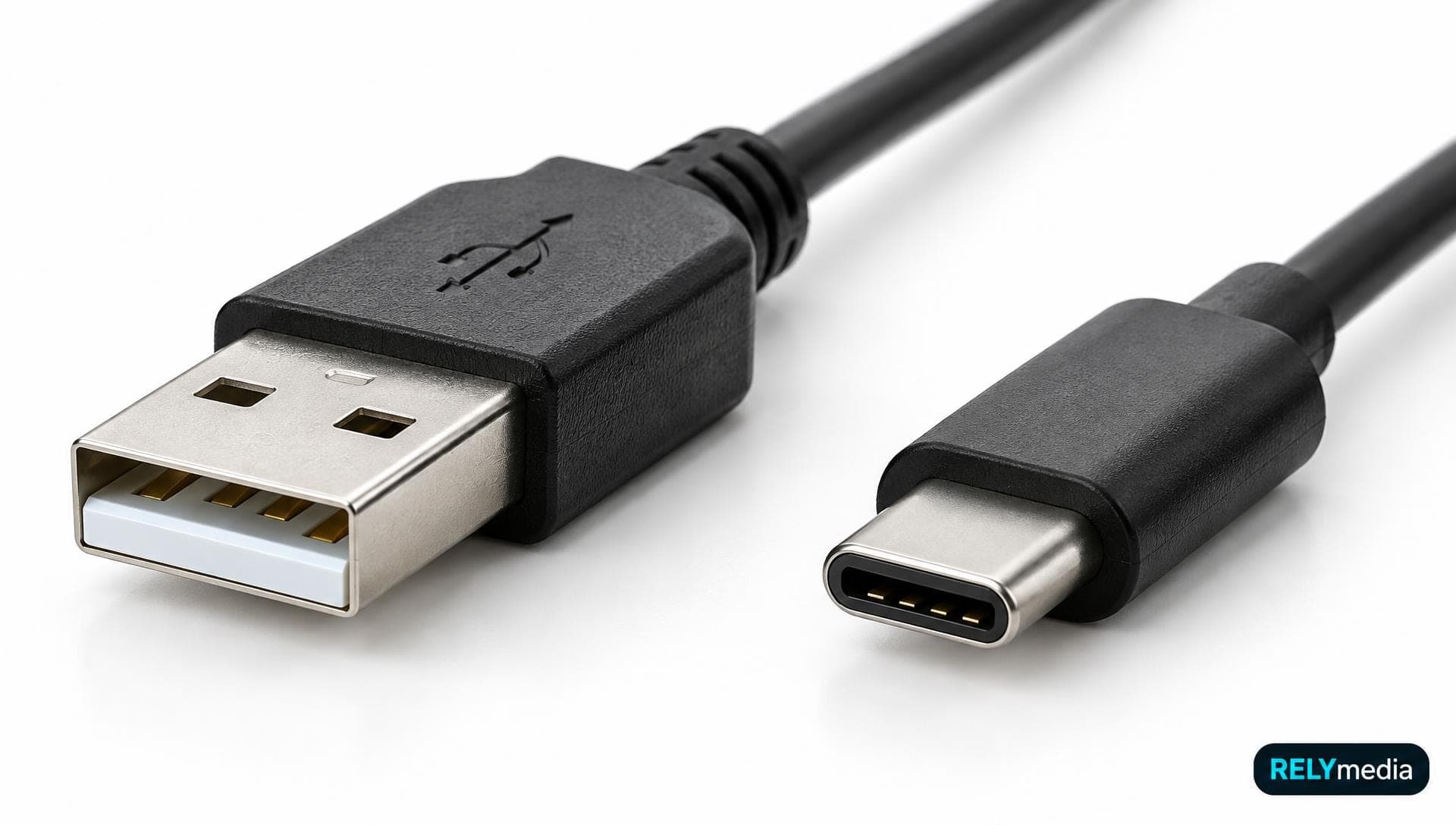
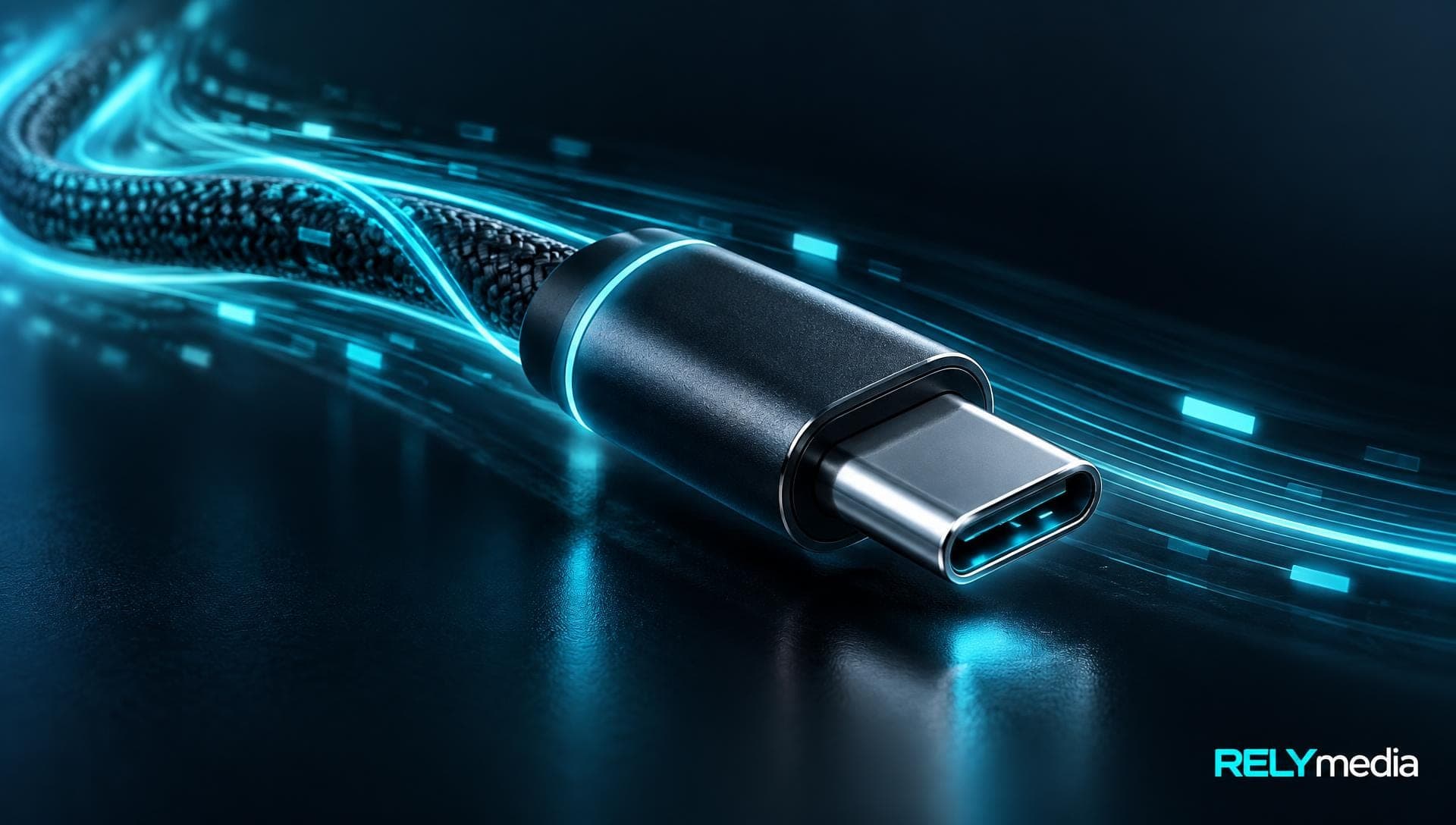
USB ports seem simple until you need the right cable, charger, flash drive, or adapter. Then you meet USB-A, USB-C, USB 3.0, USB4, Thunderbolt, and Power Delivery.
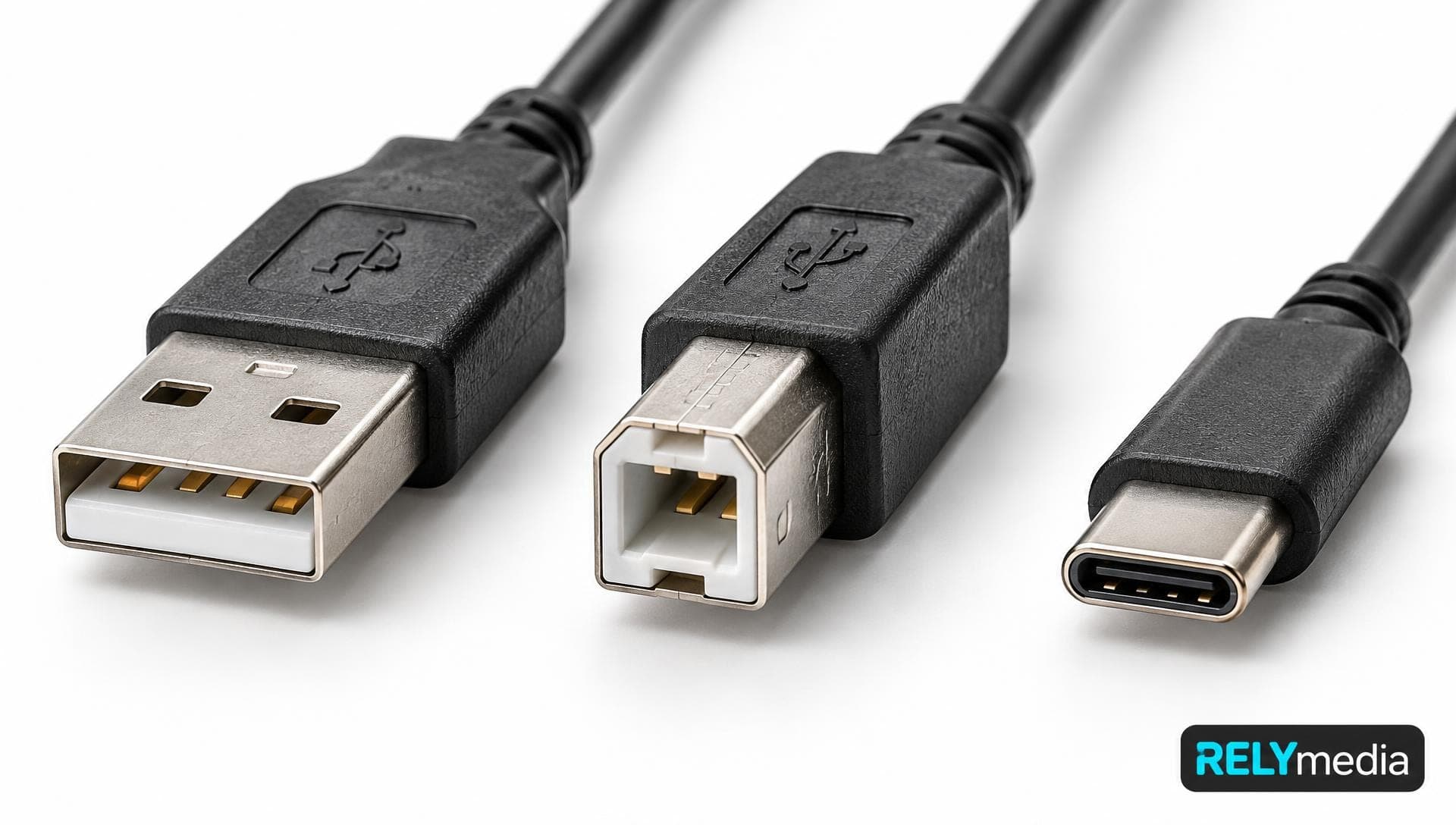
USB ports seem simple until you need the right cable, charger, flash drive, printer, or adapter. Then USB-A, USB-B, USB-C, USB 3.2, and USB4 can get confusing fast.
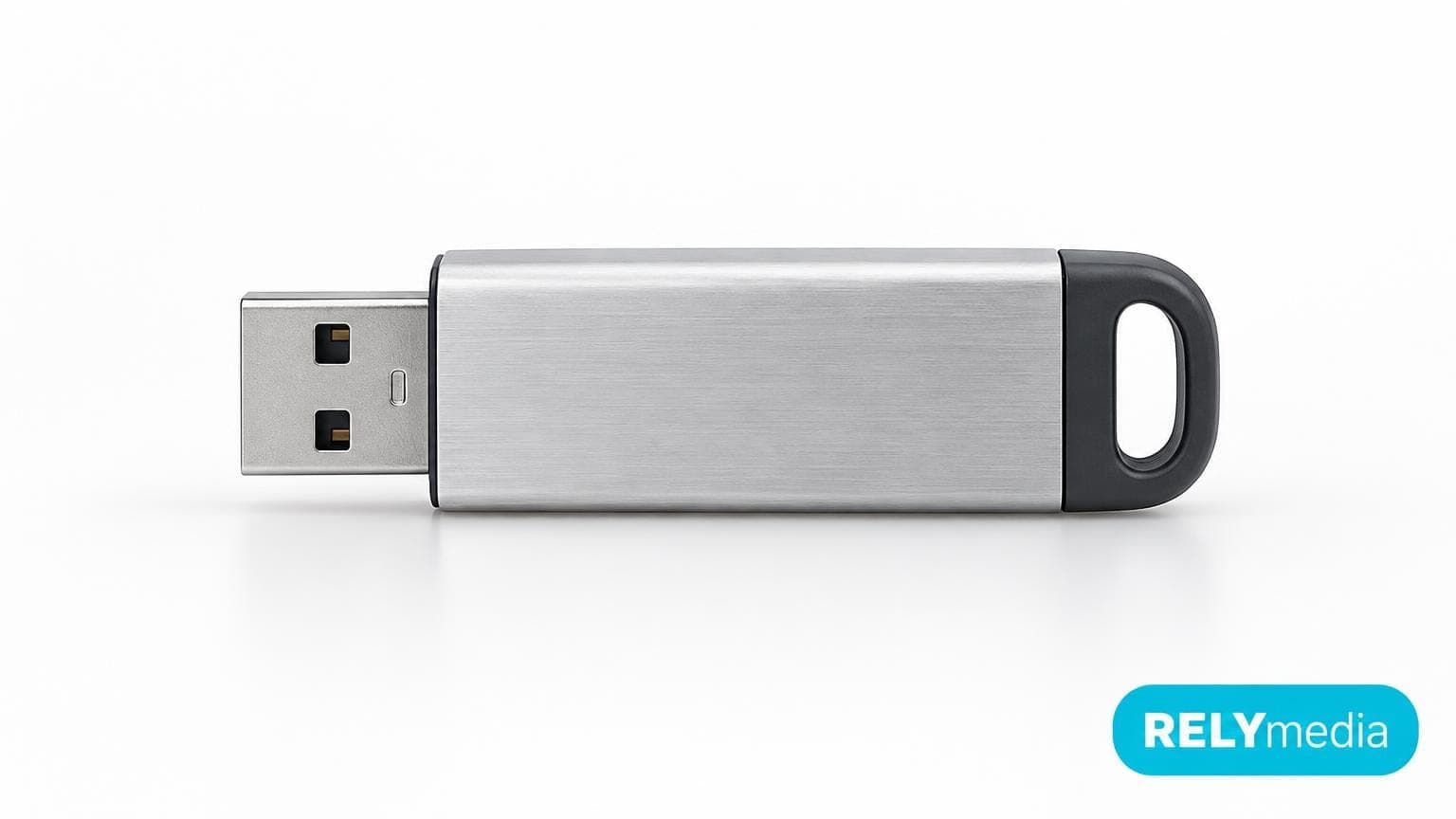
A flash drive is a compact, portable storage device that saves digital data on non-volatile flash memory. You can use one for documents, photos, videos, presentations, backups, software, and other digital files.
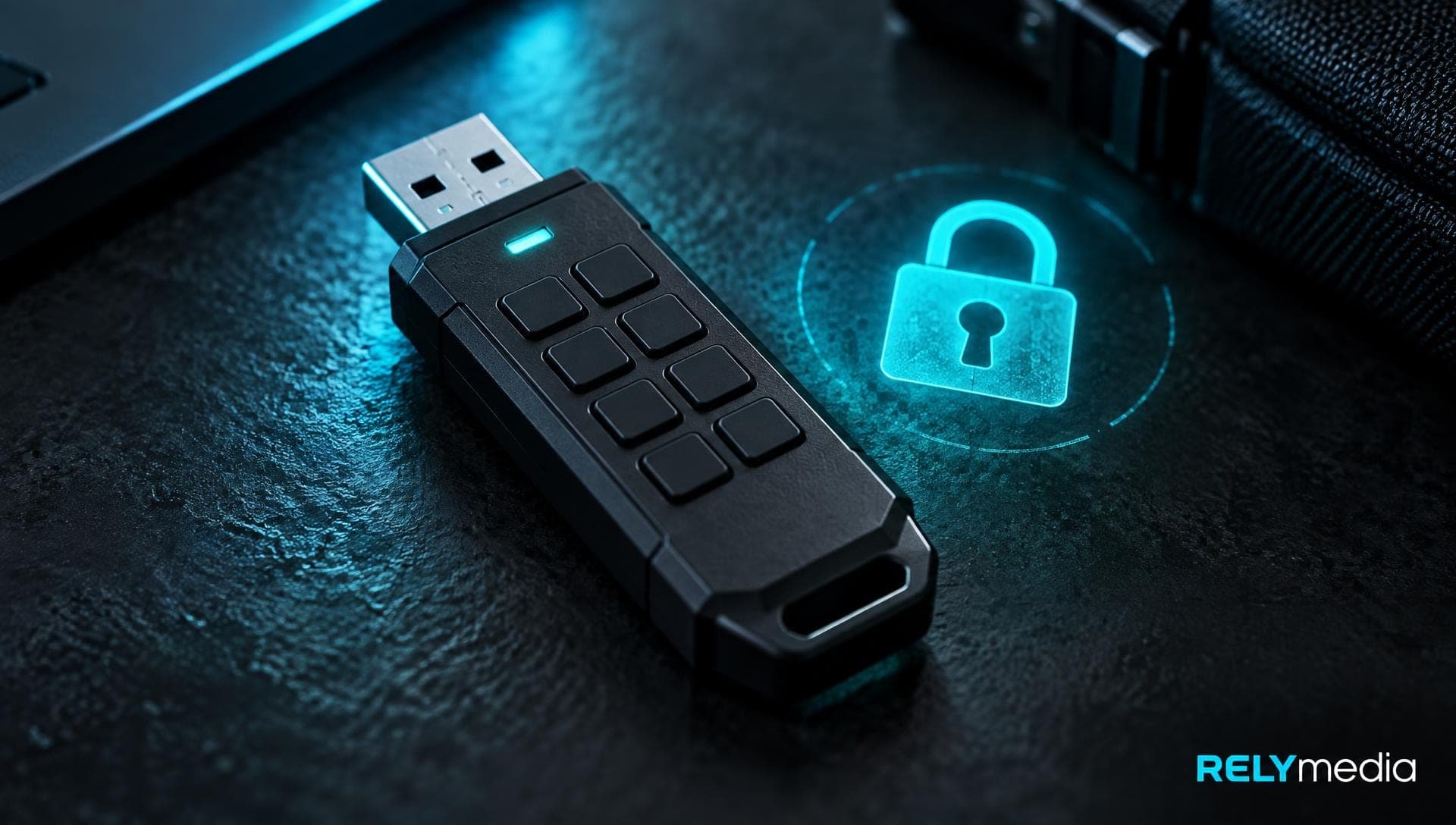
How to choose an encrypted flash drive or secure USB drive for your data: hardware vs software encryption, certifications, and what to buy.
How to choose a flash drive: capacity, USB type, transfer speed, reliability, and price, matched to how you actually use it.
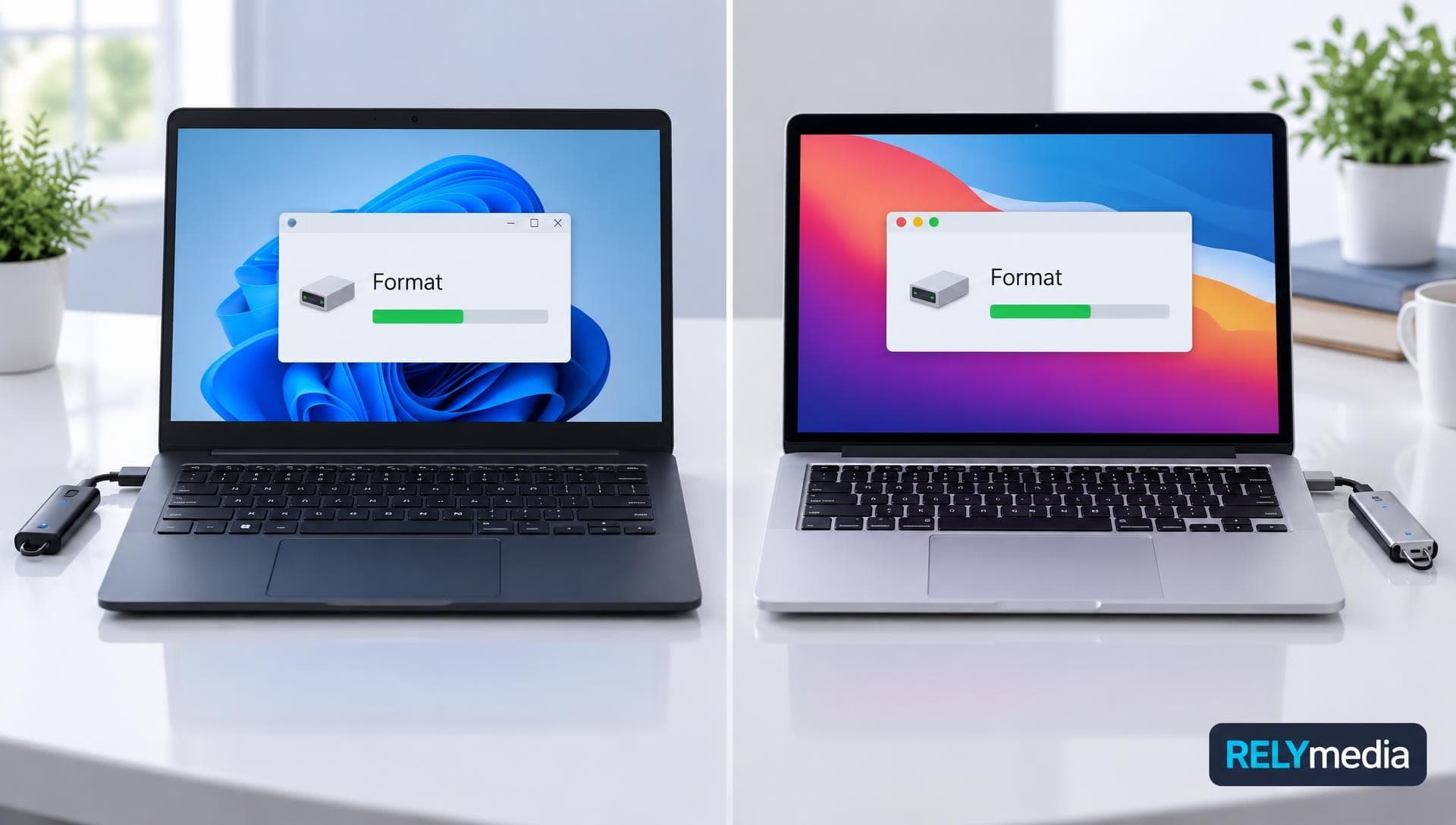
How to format a USB flash drive on Windows and Mac, step by step, including FAT32 vs exFAT vs NTFS and which to choose.
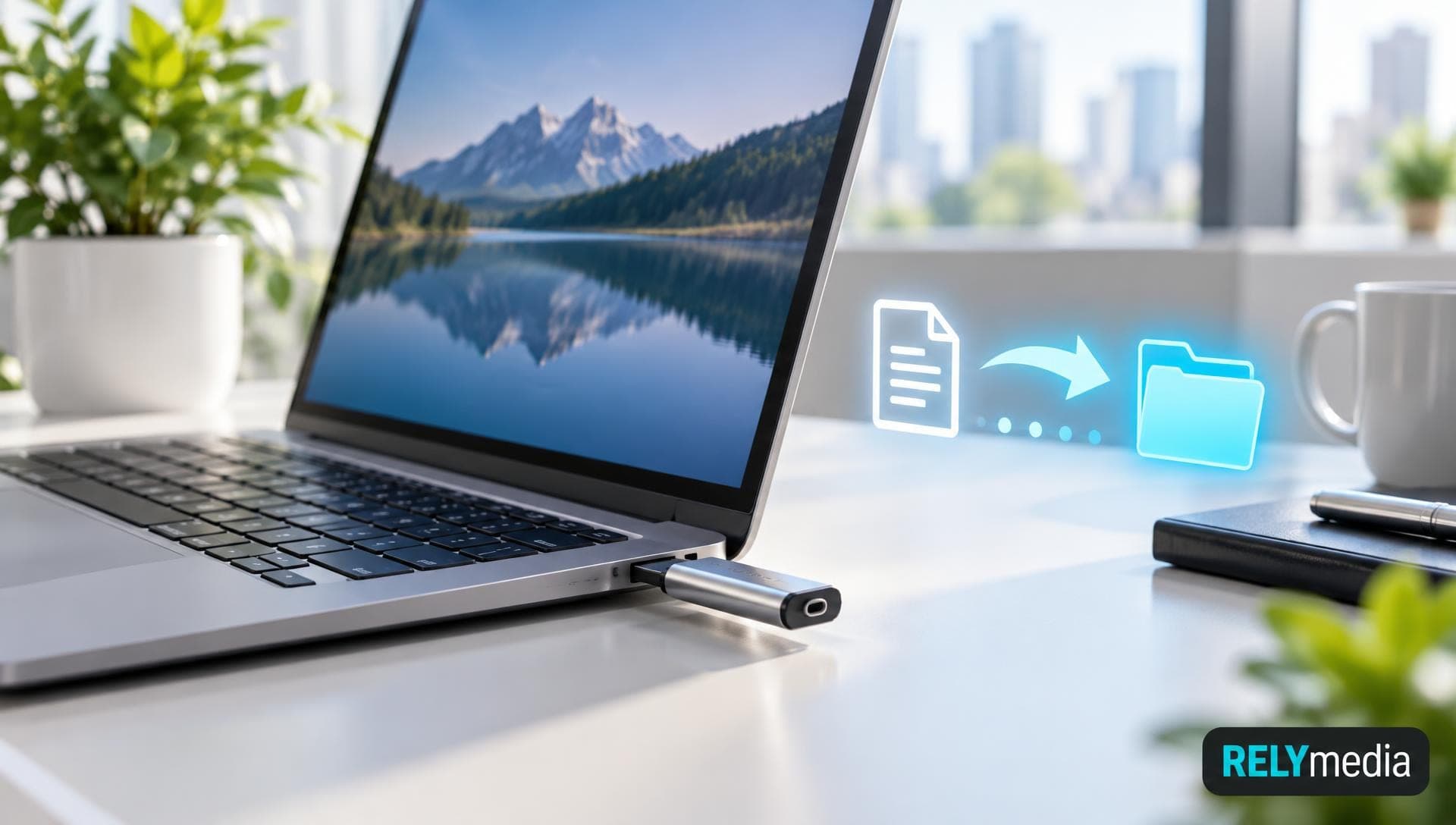
How to use a USB flash drive on a Windows PC: plug in, open, copy files, and eject safely, plus fixes when the drive does not show up.
USB4 explained: speeds, power delivery, Thunderbolt compatibility, and what the next USB standard means for cables and devices.
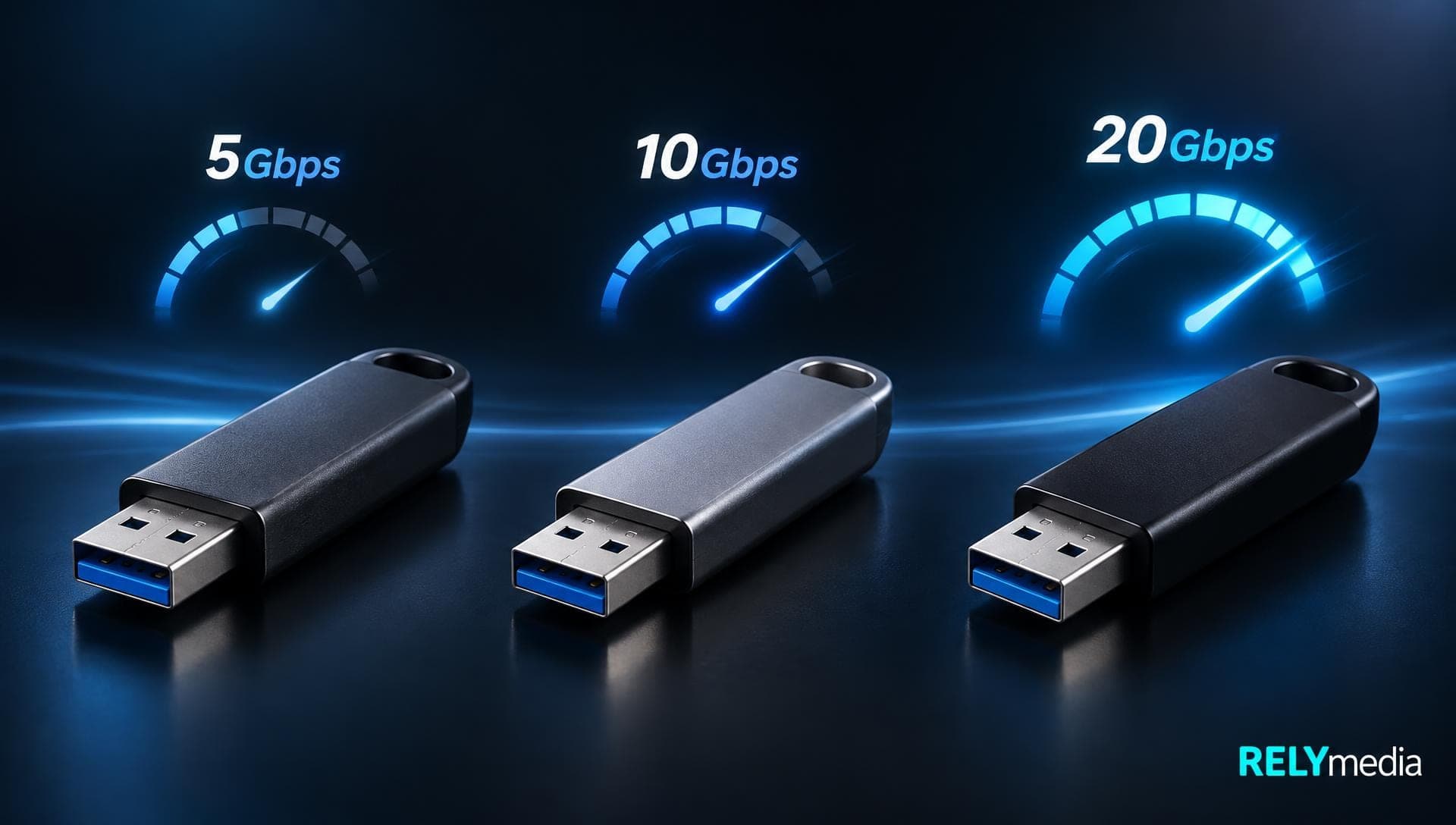
USB 3.0 vs USB 3.2 Gen 1 vs Gen 2 explained: the speeds, the renaming, and how to tell which one your port, cable, or drive is.
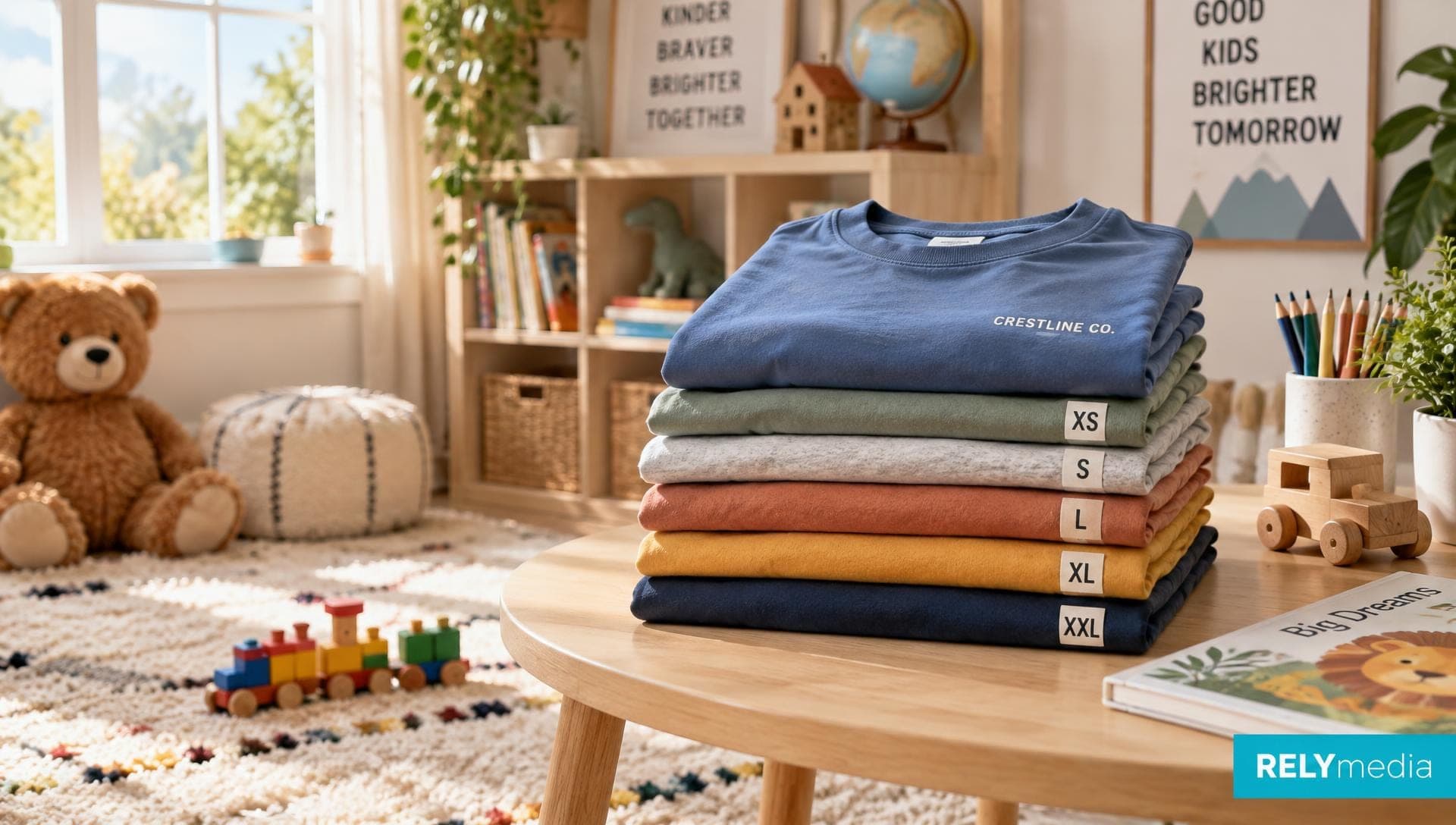
Youth t-shirt size chart and kids apparel size guide: measurements by age and size, toddler vs youth, and how to order for groups.
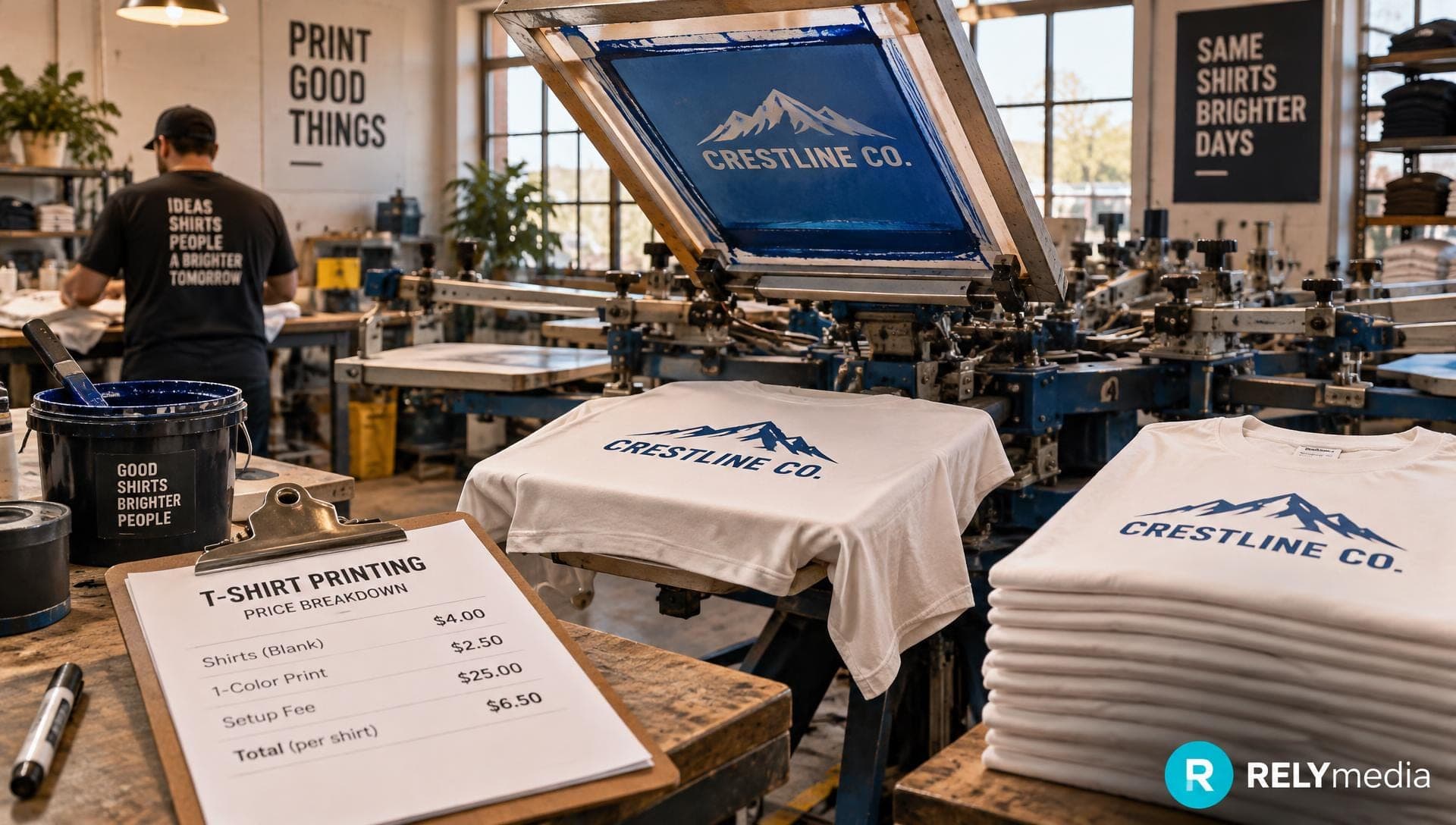
How much custom t-shirts cost per shirt by quantity, print method, and blank, with real price ranges and where the savings come from.